

- Build in the crate
- 0.2.3.1 Native
- Made by the team at
- Road to Vostok Ltd.
- Menu languages offered
- English
- How you pay for it
- Not required
- CPU it runs on
- Apple Silicon, Intel 64-bit
- Played on
- macOS Golden Gate, Mac mini 2024 M4
- Dropped on
- 07.04.2026
- Spoken voice in
- Music only
Screenshots
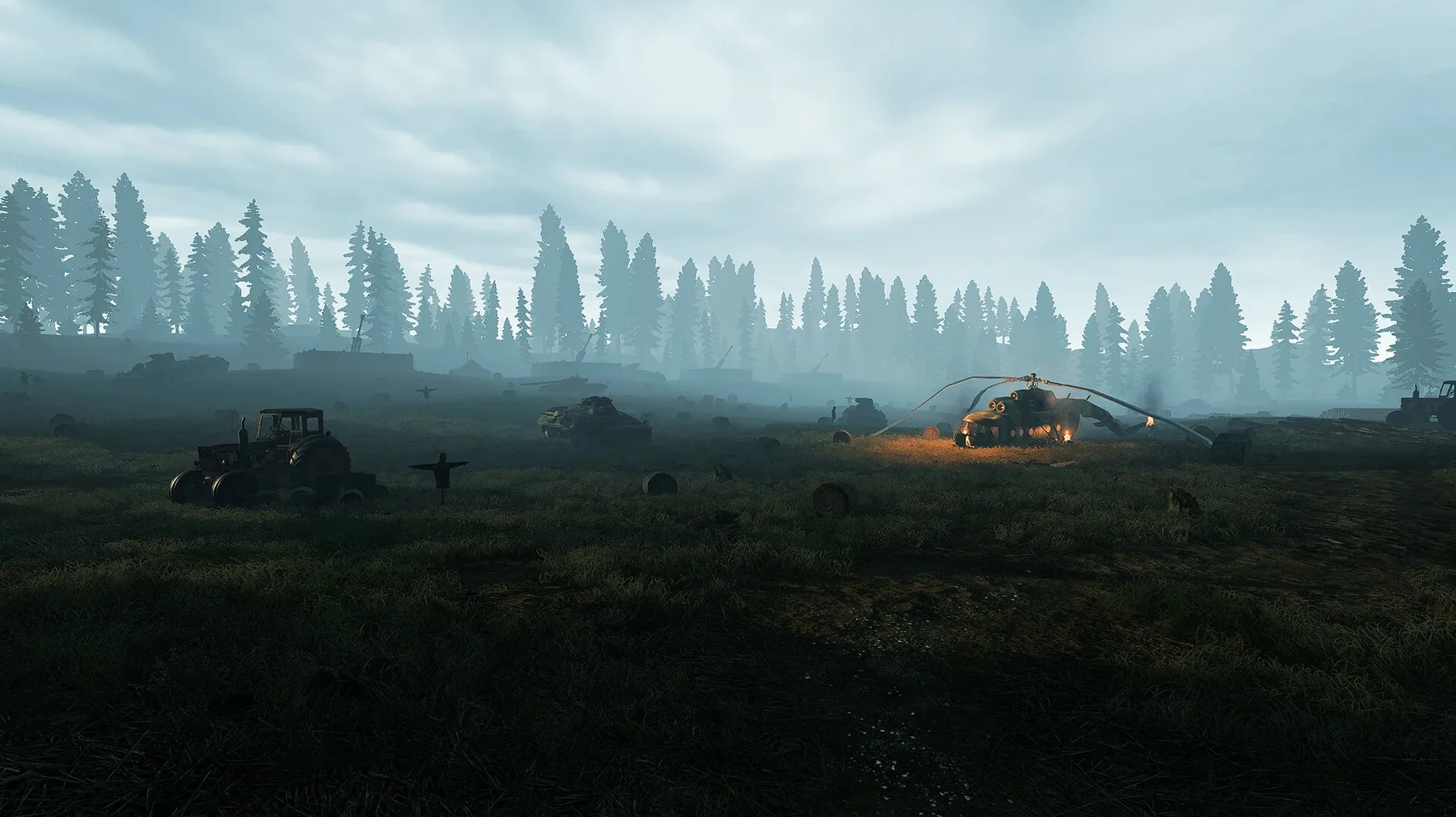
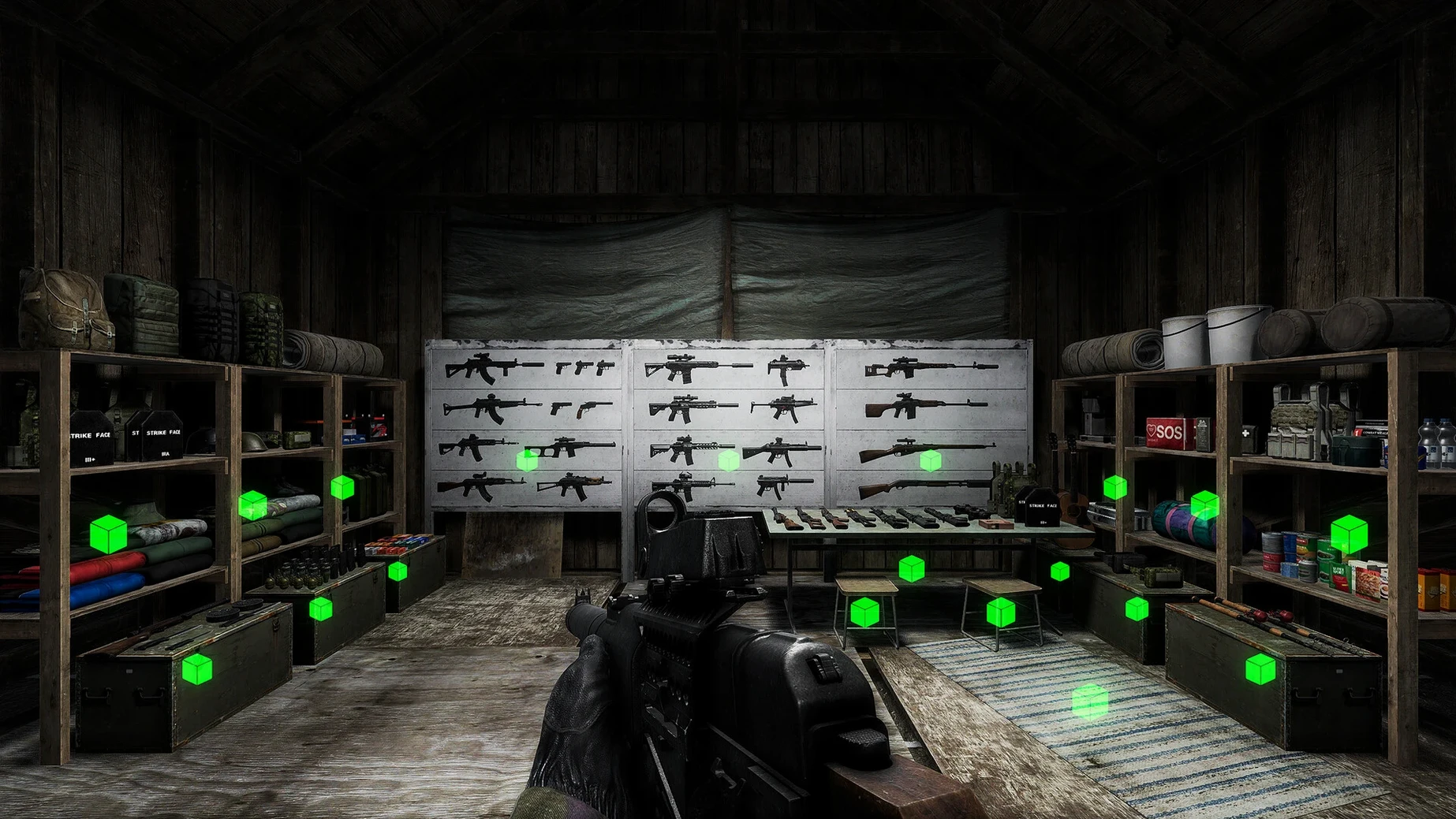
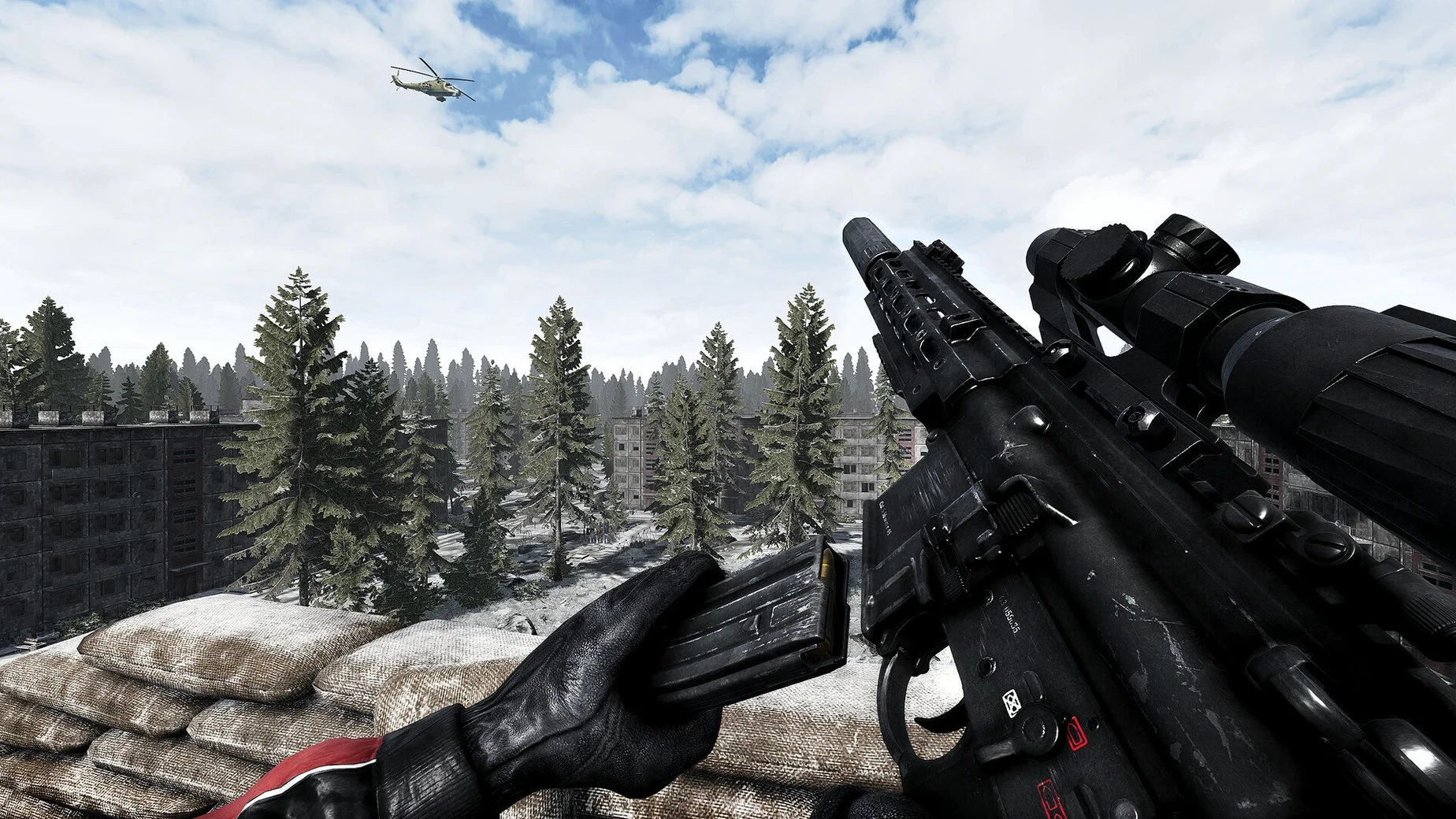
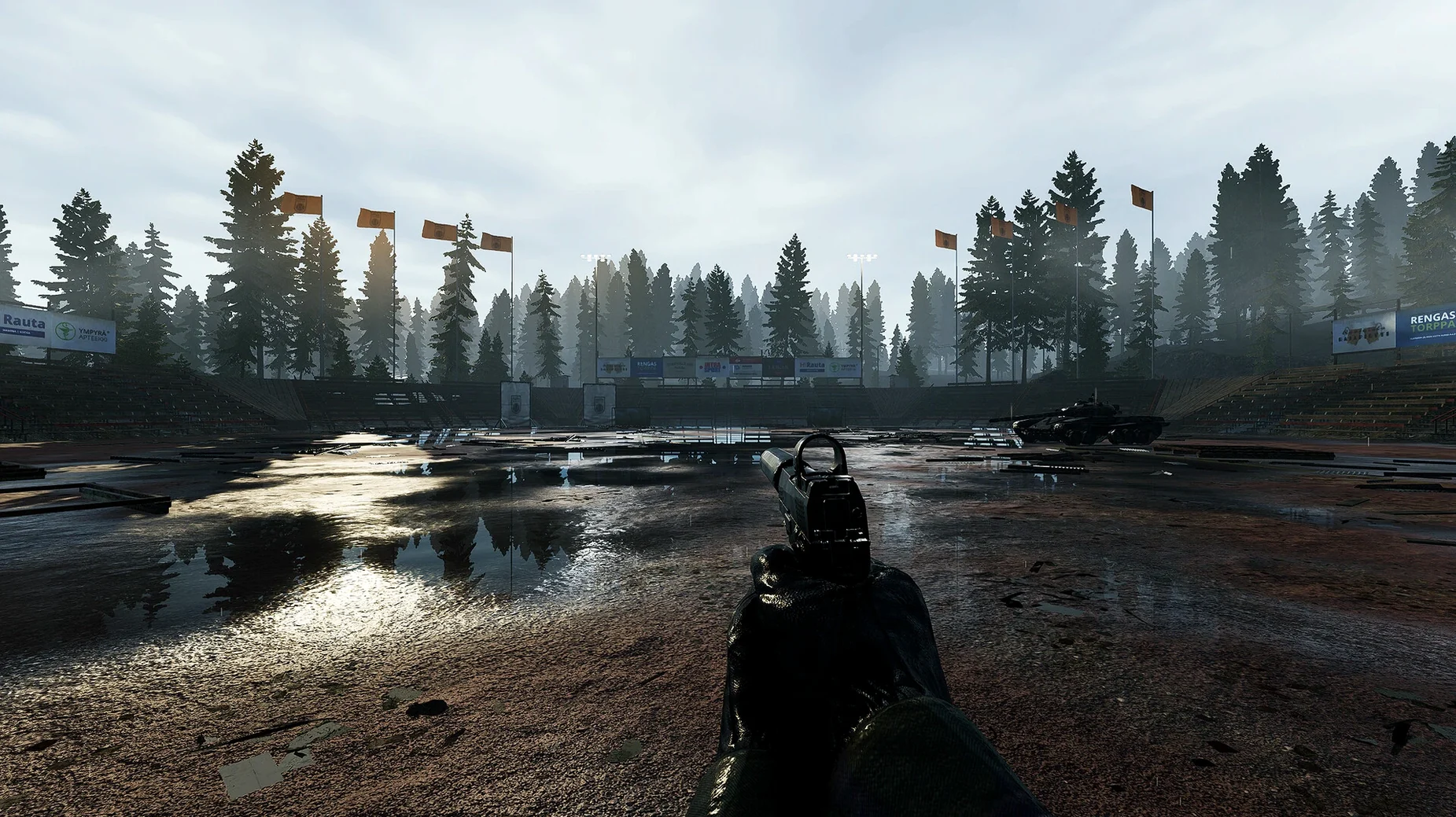
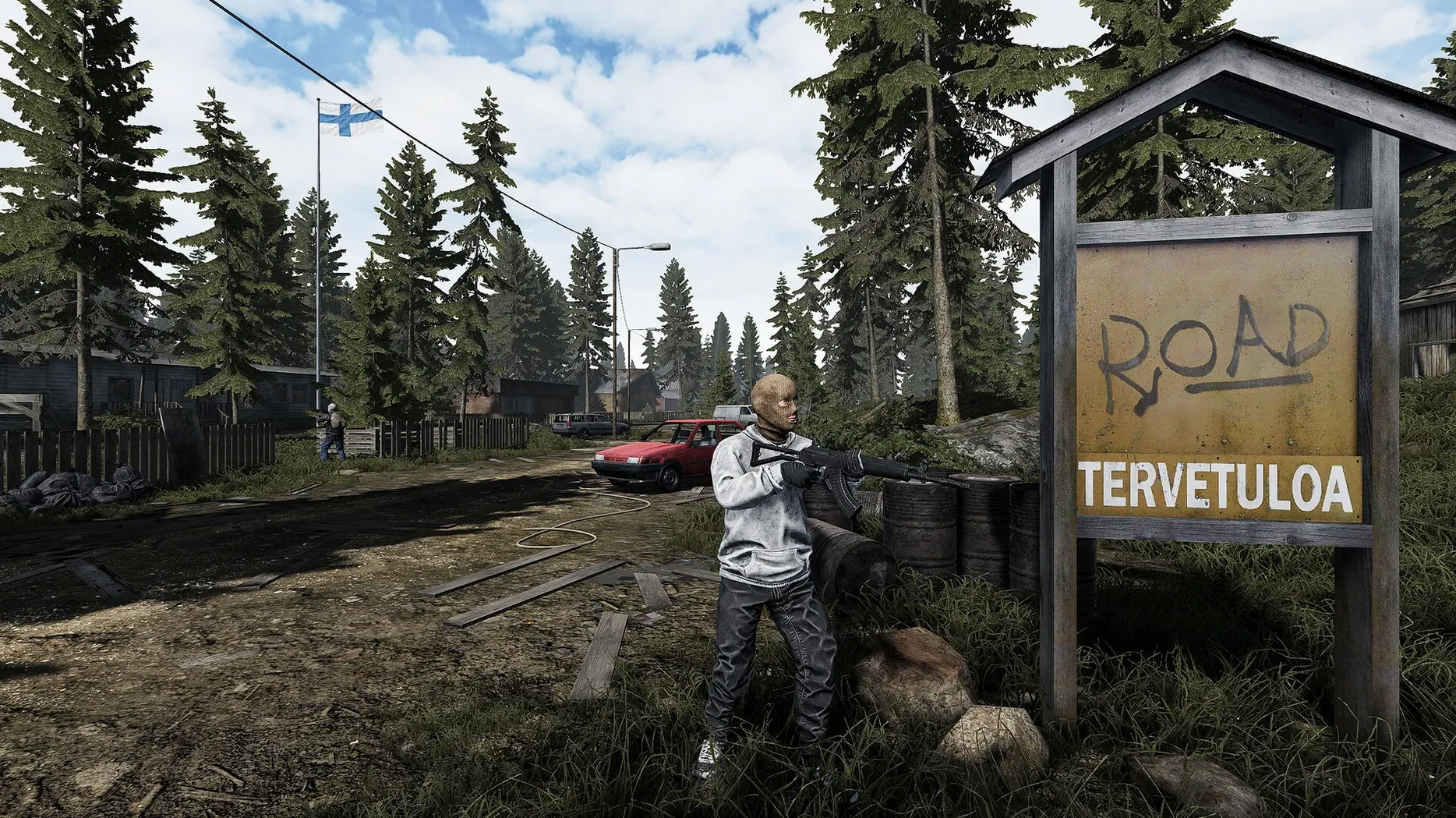
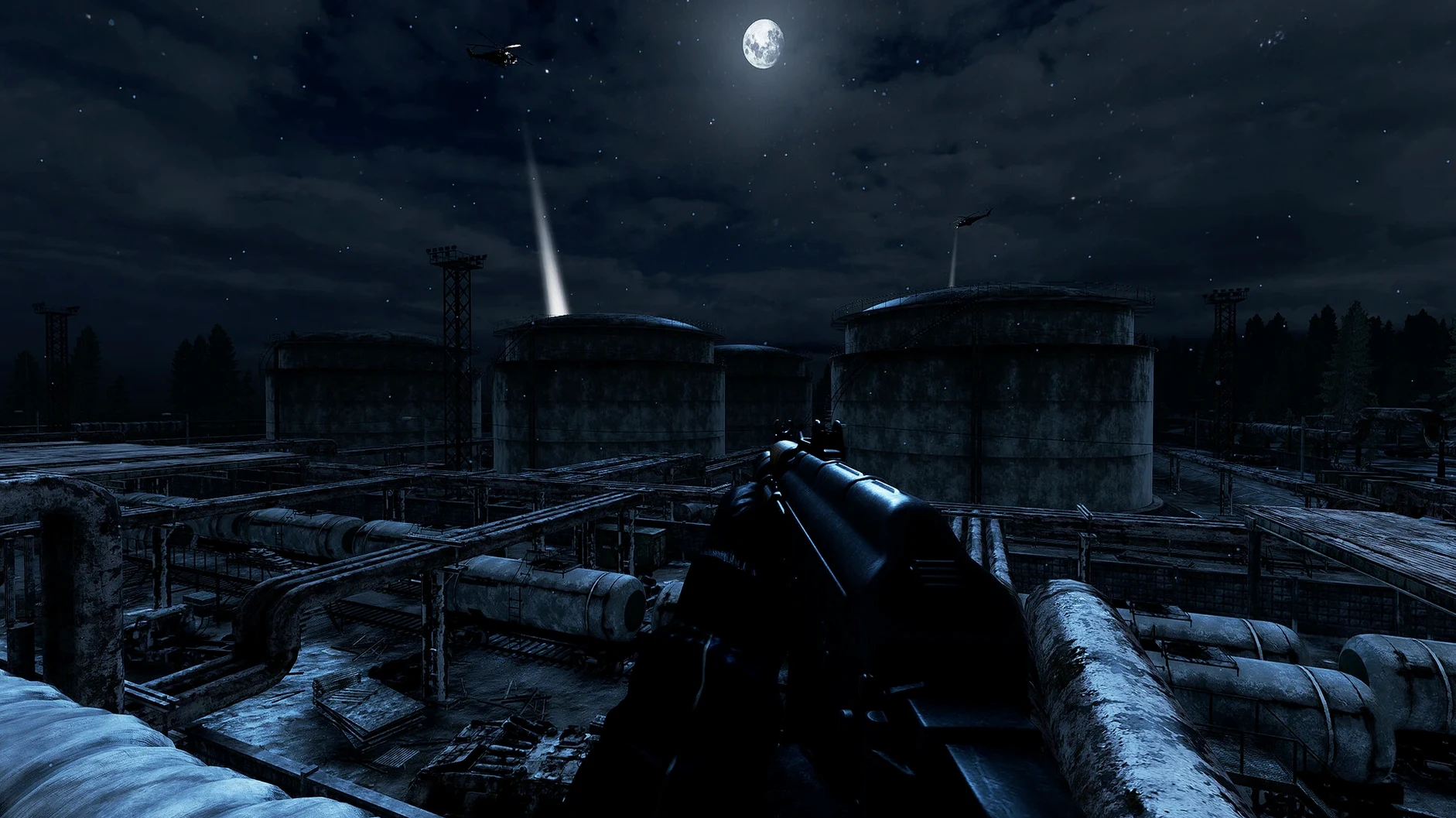
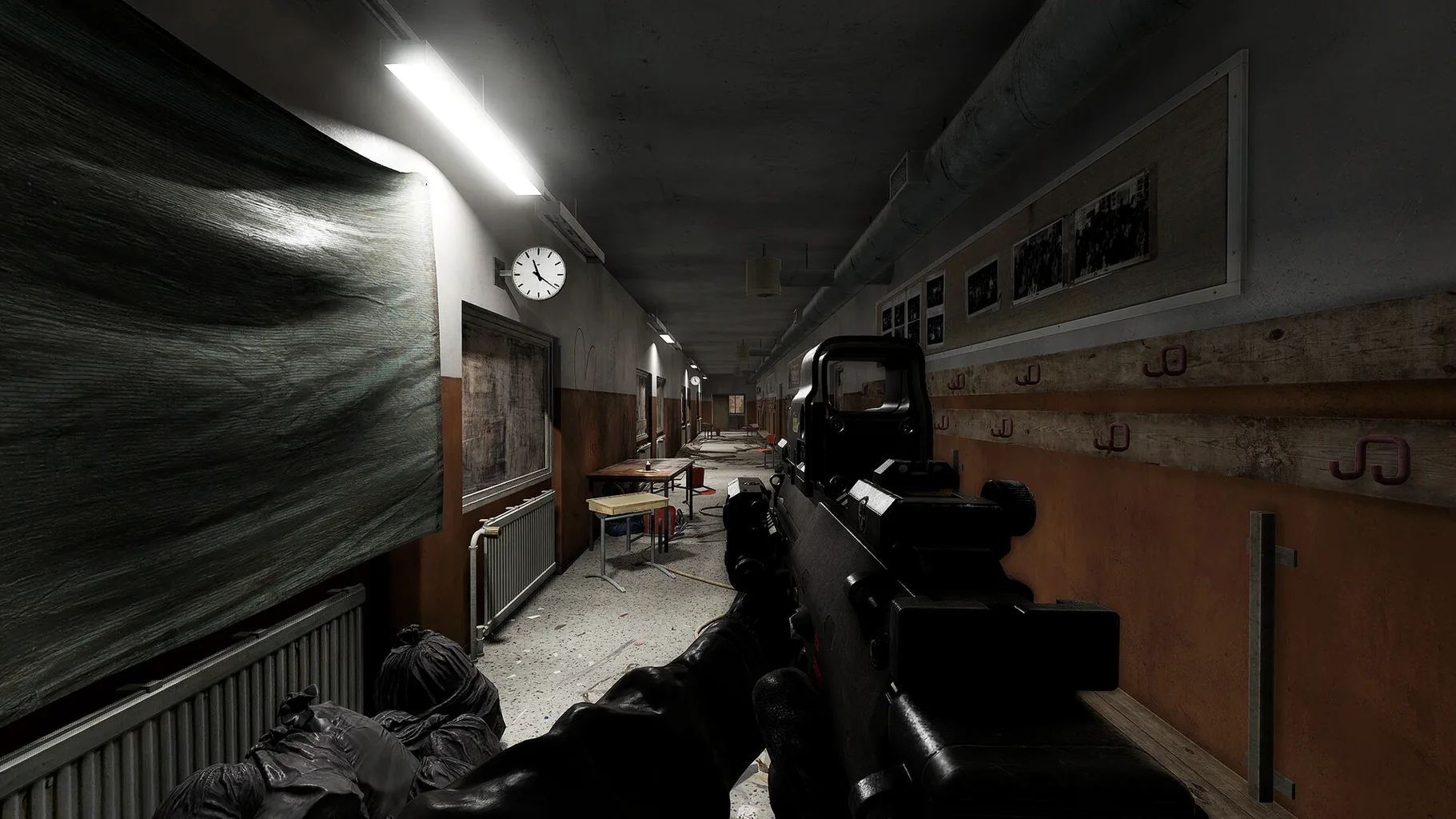
Most survival games let you reload a save and pretend the death never happened. Road to Vostok doesn't. This hardcore single-player FPS drops you into a permadeath zone between Finland and Russia where one mistake means starting over. It sits on your Mac alongside your everyday tools — email, browser, notes — as a brutal alternative to the safe, polished games you already own.
- Hardcore single-player survival FPS with permadeath — no respawns, no second chances
- Set in a post-apocalyptic border zone between Finland and Russia
- Current version 0.1.1.3, released 7 April 2026
- Runs on both Intel and Apple Silicon Macs (tested on macOS Tahoe with a Mac mini M4)
- English interface language only
- Simple install: mount the disk image, drag the app into Applications, launch from Launchpad
Road to Vostok isn't a game you play to unwind. It's a game you play to test your patience and your nerve. If that sounds like your kind of challenge, you know where to put the app.
Less punishing settings before entering the border zone
Before you set foot in the border zone, take a moment to adjust the game's settings. The defaults work, but a few tweaks make the experience less punishing in the ways that matter most to you. Head into the options menu and look for the sensitivity slider — dial it down if you want more deliberate aiming, or up if you prefer quick reactions. The audio mix matters too: footsteps and distant gunshots can tell you where danger is before you see it, so keep the sound effects volume high and the music low unless you want atmosphere over awareness.
Hidden inventory examine for spotting wear and loot details
Road to Vostok hides some useful touches in plain sight. The inventory screen lets you examine items closely — useful for spotting wear on gear or checking what a piece of loot actually does before you carry it around. Your map won't show your exact location, but landmarks and the position of the sun help you navigate without it. The game also saves your progress only when you rest at specific spots, so don't expect autosaves to bail you out after a bad fight. Plan your route, check your supplies, and treat every encounter like it could be your last.
Quick settings worth changing first
A couple of settings don't get the attention they deserve. The field of view slider is one — a wider view helps you spot movement at the edges of the screen, especially in the forested areas of the border zone. If you're playing on a smaller MacBook screen, try a slightly narrower FoV to keep important details in your central vision. The brightness calibration also matters more than usual here. The zone has dark interiors and bright snowy exteriors, so set the brightness so you can still see texture in shadows without washing out the daylight scenes. A minute spent on these two sliders saves you from squinting later.
Small conveniences the game doesn't tell you about
The game's interface stays minimal on purpose, but a few things are easy to overlook. Your character's breathing changes pace when you're low on stamina — listen for it rather than watching the stamina bar. Items on the ground have subtle highlights when you're close enough to interact, so sweep your view slowly in buildings instead of running through rooms. The compass at the top of the screen updates only when you stop moving, so pause briefly to get your bearings before heading into unknown territory.
Another detail: the condition of your gear shows up as a small percentage when you hover over it in the inventory. These small cues build up into a survival instinct that the game expects you to develop. Road to Vostok Mac download opens when you run the disk image on your desktop.
Native build 0.2.3.1 has landed — a fresh drop that runs directly on Apple Silicon and Intel Macs without any translation layers in between.
- Mac with Apple Silicon or Intel 64‑bit processor
Kit check at a glance
| Chip | Apple Silicon, Intel 64-bit |
| Download | 3.2 GB |
| Older pressings | 1 in the crate |






Chat from the booth
Sign in or grab a free account to leave a comment.
Nobody has said a word in the booth yet. If you played a set with this build, tell the next person how it went.