
- Build in the crate
- 0.3.9 [Wineskin]
- Made by the team at
- Ryskeliini, bulletdesigner, ohartenstein23
- Menu languages offered
- Russian
- How you pay for it
- Not required
- CPU it runs on
- Apple Silicon
- Played on
- macOS Sequoia, Mac mini 2024 M4
- Dropped on
- 15.11.2016
- Spoken voice in
- Music only
Screenshots
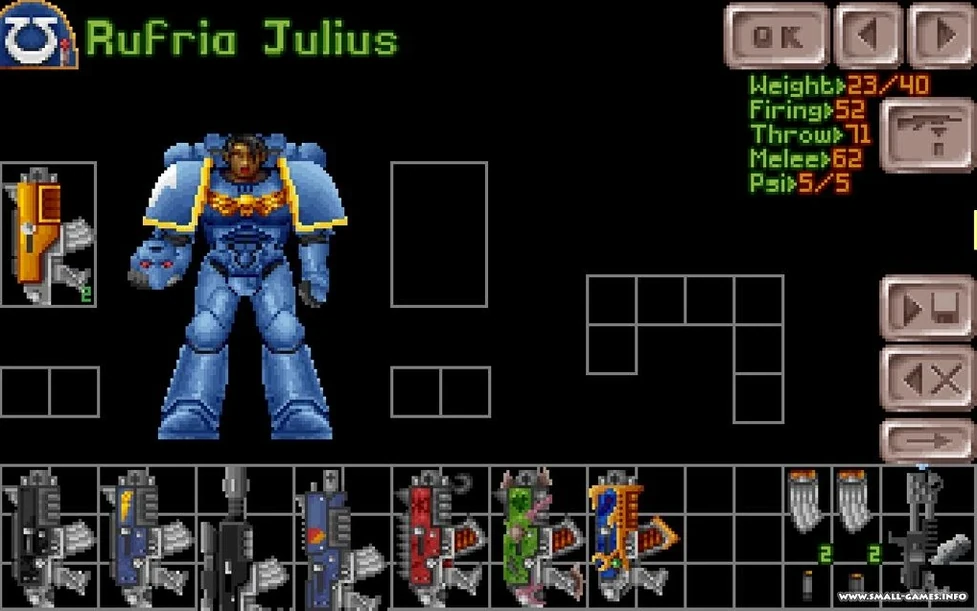
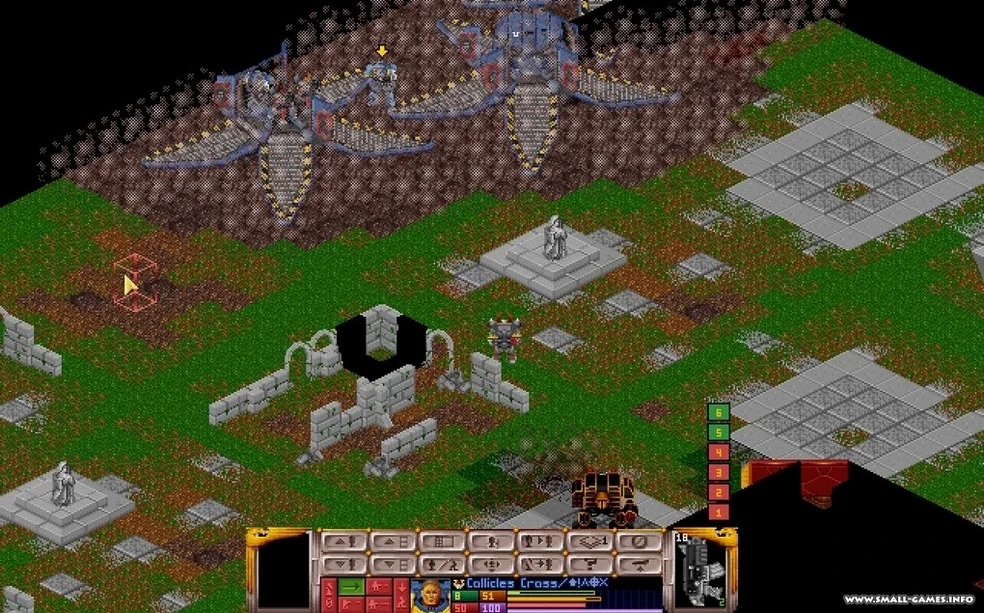
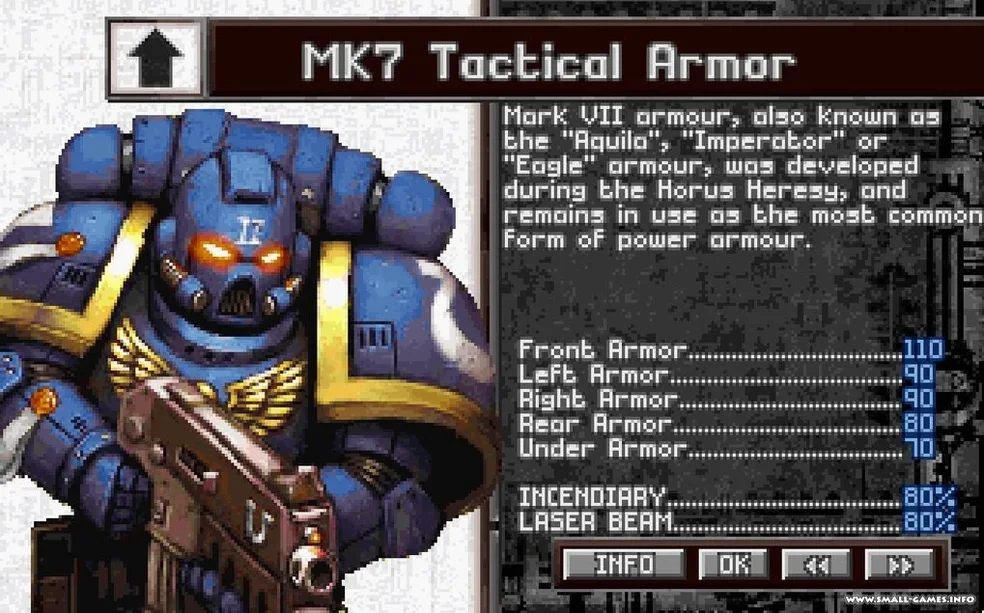
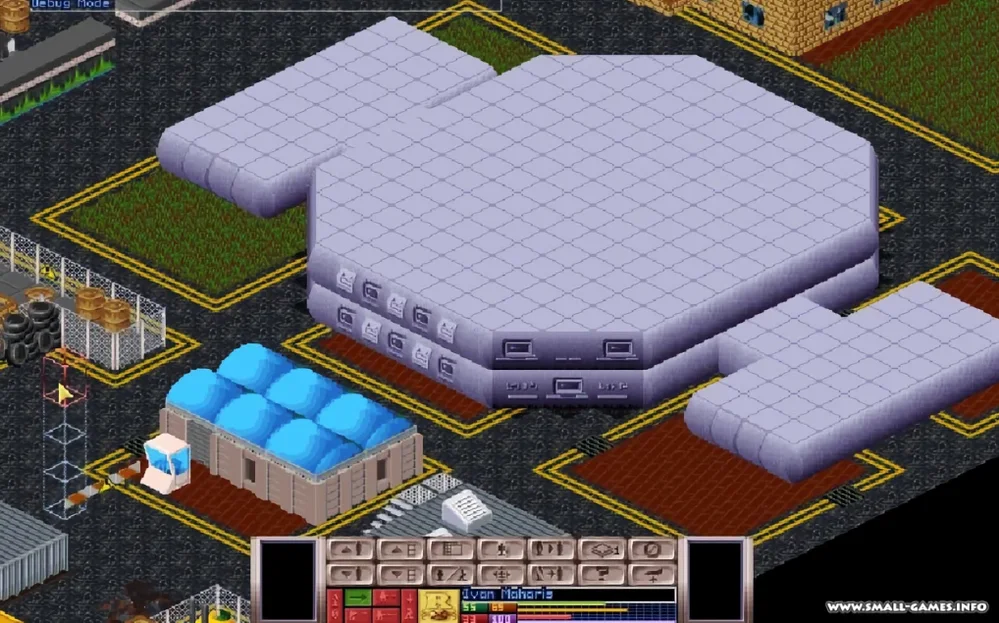
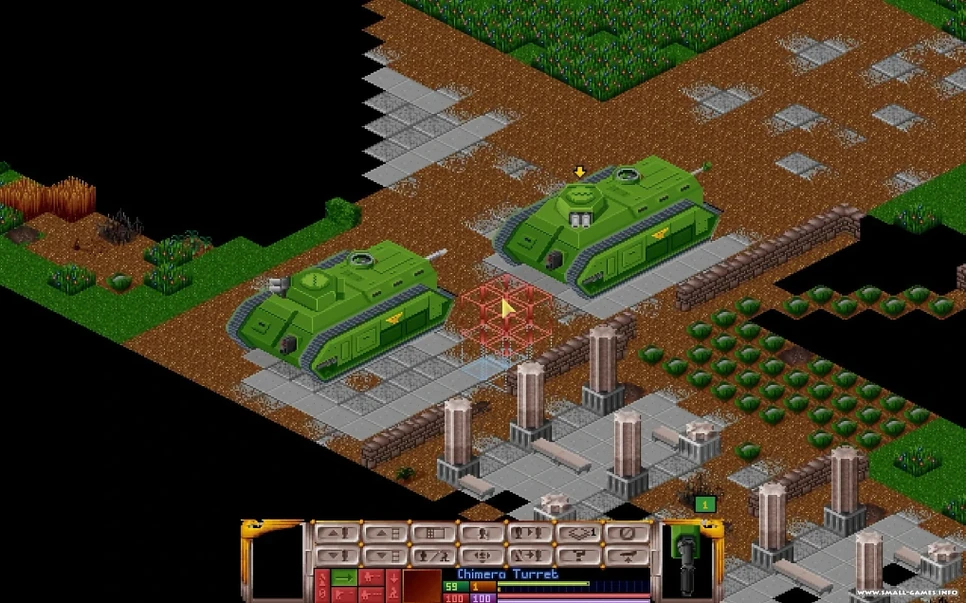
OpenXcom 40k Mod is a standalone modification for OpenXcom, the open-source clone of the classic X-COM: UFO Defense, that drops you into the Warhammer 40,000 universe. It keeps the turn-based tactics and base management the original is known for, then rebuilds them around Humanity, Chaos, Orks, and other enemies from the 40K setting.
- Built as a total conversion: research, base management, and battles all reworked for Warhammer 40K.
- Based on an early Space Marines mod by Ryskeliini, expanded by bulletdesigner and ohartenstein23.
- Apple Silicon build (ARM) — tested on macOS Sequoia with a Mac mini 2024 M4.
- Interface language is Russian.
- Standalone modification, so you don't need the original X-COM files.
If you like X-COM's slow-burn strategy and want it with bolters and Chaos cultists, this mod is worth a look. It's not a casual reskin — the setting changes how you approach everything.
Default settings to adjust for a smoother start
When you first launch OpenXcom 40k Mod, the default options are fine for getting started, but a few tweaks make the experience smoother. Open the options menu from the main screen and look for the following:
- Language — the interface is Russian by default. If you do not read Cyrillic, you can switch to English in the language settings. The option is there, just scroll through the list.
- Battle speed — turn animations can feel slow after a few missions. Increase the animation speed slider under the battle options to keep the pace up.
- Geoscape speed — the map moves at a steady crawl. Bump the geoscape speed up a notch or two so you spend less time watching the clock tick.
- Autosave frequency — set it to every turn or every battle. The mod can throw surprises at you, and losing progress to a single misclick hurts less with frequent saves.
These are small changes, but they save you from menu-fiddling mid-campaign.
Fixes for frequent setup problems
Game crashes or shows an error at launch
The disk image includes a Fix file. Run it before launching the app for the first time. If you already skipped that step, mount the disk image again, run the Fix, and try launching from Launchpad again.
Error message when quitting the game
This happens. The game saves your progress before that point, so the error is harmless. Ignore it and move on.
Mod does not show up in OpenXcom
Remember this is a standalone modification — you do not add it to an existing OpenXcom install. Drag the app from the disk image into Applications and launch it directly. It contains everything it needs.
Text is garbled or missing
Some fonts may not render correctly if your system locale is set to a non-Cyrillic region. Switch the language to English in the options menu, or adjust your system's region settings to include Russian language support. The mod works either way once the fonts load properly.
Standalone play with no original games needed
Do I need to own Warhammer 40,000 or X-COM to play this?
No. The mod is a standalone modification. It does not require original X-COM files or any Warhammer 40K game. Everything is included in the download.
Can I play as the Orks or Chaos?
Not directly. You command Imperial forces — Space Marines, the Imperial Guard, and Sisters of Battle if you use the ROSIGMA submod. Orks and Chaos are enemies you fight, not factions you control.
Does the mod work on Intel Macs?
The build is for Apple Silicon (ARM). If you have an Intel Mac, you would need to compile from source or find an Intel build elsewhere.
Is the mod finished?
Version 0.3.9 is the current release. It is playable and content-rich, but still in active development. Expect updates from the community on the OpenXcom forums.
What if I want more factions or units?
Look into the ROSIGMA submod. It adds Sisters of Battle and expands unit options. The mod supports submods, so you can layer extras on top without breaking the core conversion.
- macOS (version not specified)
- Apple Silicon (ARM build)
Kit check at a glance
| Chip | Apple Silicon |
| Download | 1.9 GB |







Chat from the booth
Sign in or grab a free account to leave a comment.
Nobody has said a word in the booth yet. If you played a set with this build, tell the next person how it went.