

- Build in the crate
- 1.7.7 Native
- Made by the team at
- LuGus Studios
- Menu languages offered
- English, Ukrainian, French
- How you pay for it
- Not required
- CPU it runs on
- Apple Silicon, Intel 64-bit
- Played on
- macOS Tahoe, Mac mini 2024 M4
- Dropped on
- 13.09.2018
- Spoken voice in
- English
Screenshots
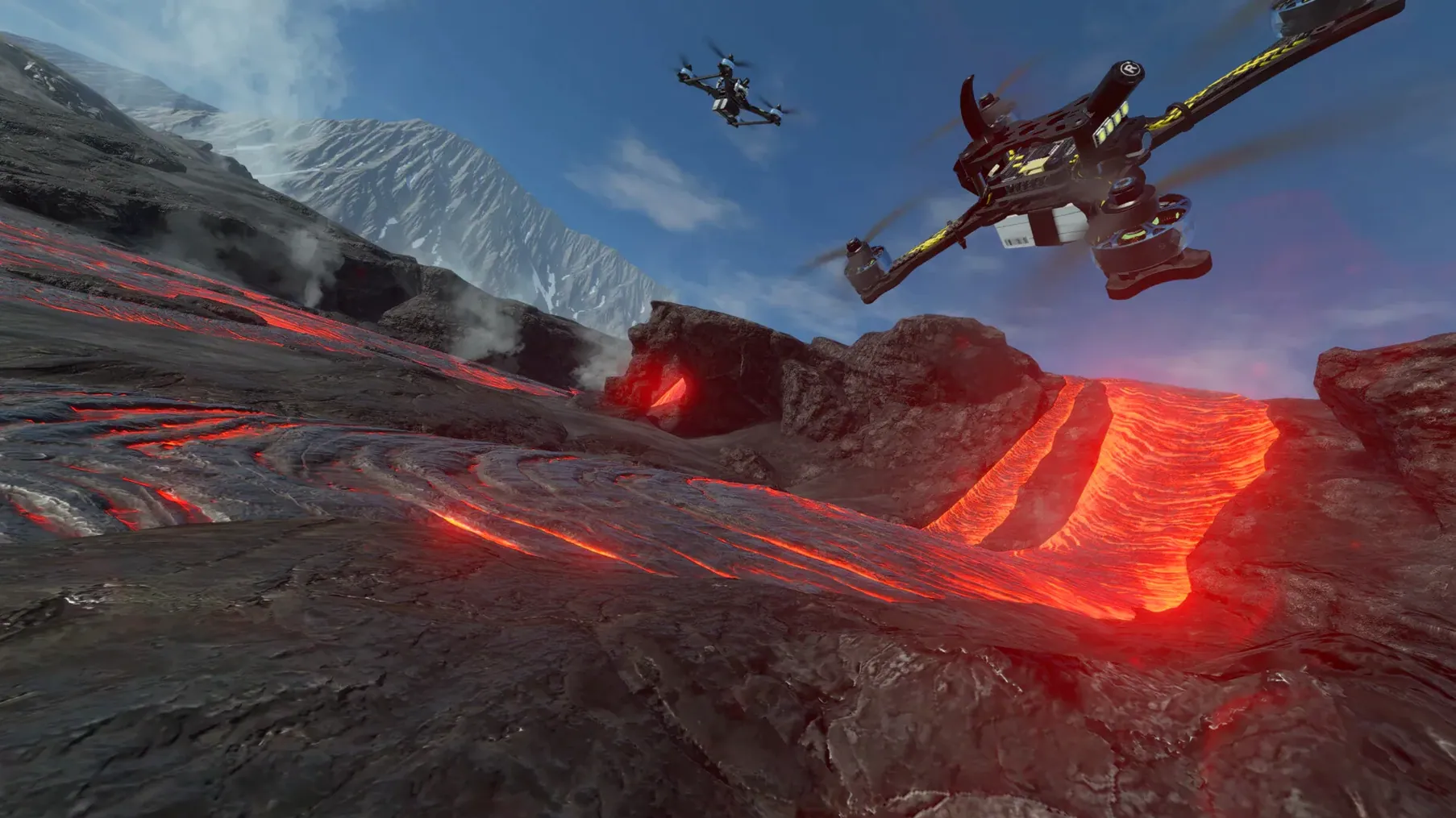
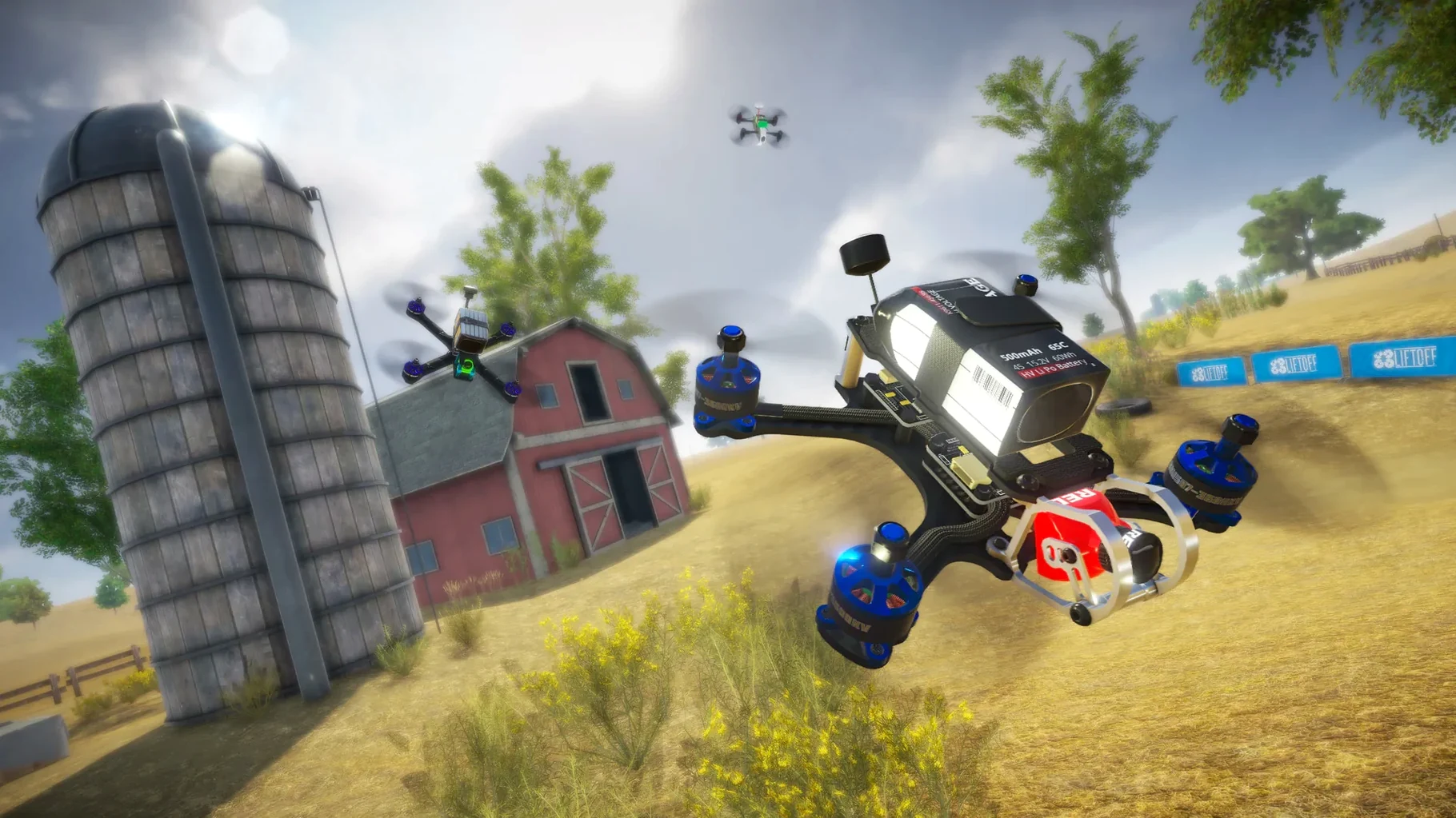
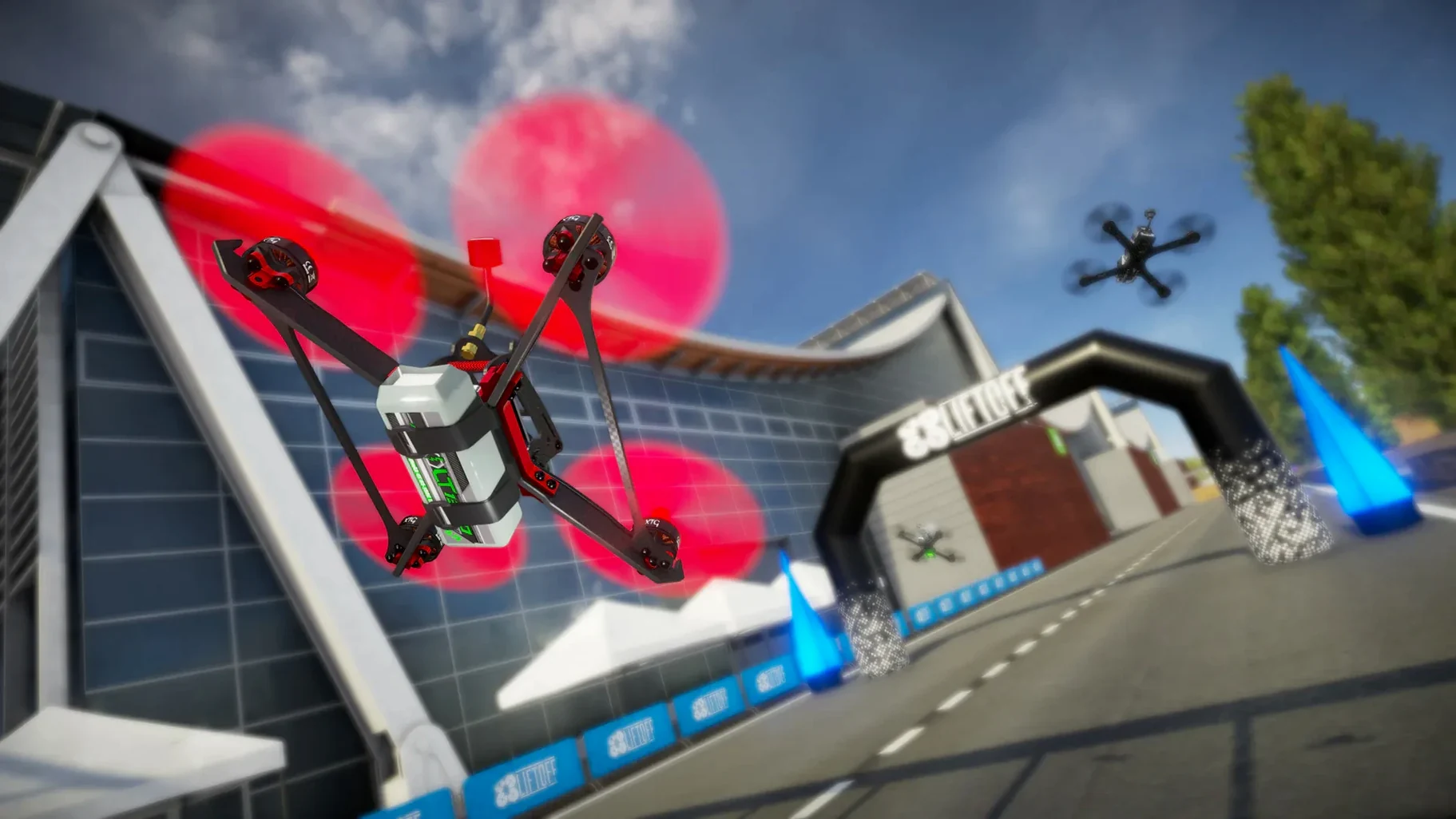
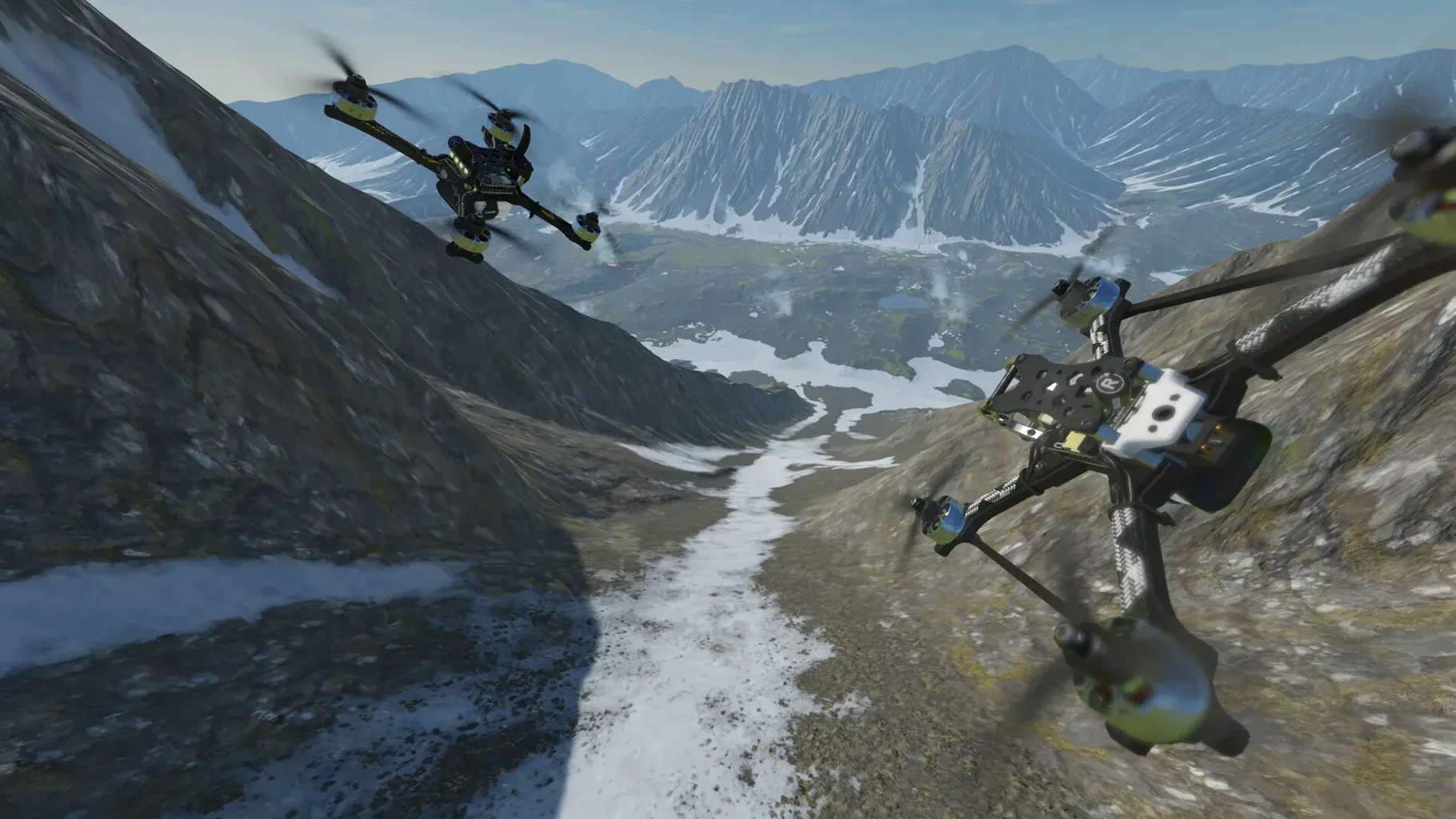
You pick up speed through a warehouse, the rotor blur washing out the concrete pillars. That is the feel Liftoff aims for, and it gets close. The game uses realistic drone physics, so a hard bank or a quick throttle punch behaves like it would on a real quad. You can tweak parts, swap frames, and adjust rates until the thing flies how you like it.
Good for
- Building and flying custom drones with a range of frames, motors, and props.
- Creating your own tracks with the built-in editor, then racing them or sharing them.
- Practising lines and muscle memory before you go out to fly for real.
- Using FPV goggles for a more immersive session, if you have a set that works with the game.
Keep in mind
- You need a gamepad or a dedicated R/C controller – keyboard and mouse won’t cut it.
- Integrated Intel HD graphics are not recommended; the Mac version uses Metal, so a dedicated GPU or Apple Silicon is the way to go.
- A single-screen setup is advised by the support page.
- It works on Intel and Apple Silicon Macs running macOS Sierra or later, with 8 GB RAM and 15 GB free space.
Common snags and how to sort them out
The controller not binding is probably the most frequent wall. Liftoff expects a gamepad or R/C controller, but sometimes macOS grabs the input first. If the sticks do nothing in the menus, check that the controller is recognised in the system’s game controller settings before you launch the app. Restarting the game after that usually fixes it.
The game uses Metal, so it leans on the GPU. If you have a dedicated NVIDIA or AMD card with 4 GB VRAM or more and it still chugs, make sure macOS is using the discrete graphics for Liftoff, not the integrated chip. You can set that in the system’s graphics preferences.
On Apple Silicon machines the game should run without much fuss, but some users report a black screen on first launch. That is often a fullscreen issue. Switching the display mode to windowed in the in-game settings and back to fullscreen can kick it into life.
Mistakes beginners make with it
Newcomers often skip the calibration step. A real quad needs its accelerometer levelled, and Liftoff mimics that process. If the drone drifts hard to one side during a flight, you probably missed the calibration prompt on the first screen. Run through that once and the drift disappears.
Another one: flying with default rates and wondering why it feels sluggish or too twitchy. The game lets you adjust rates, expo, and super rates in the tuning menu. Beginners tend to leave it alone, but a few minutes spent dialling in the response curve makes a big difference. Start with a lower expo setting and work up.
Lastly, people treat the track editor like an afterthought and then complain that the pre-made tracks get stale. The editor is simple enough to throw together a quick course in a few minutes. Use it. A fresh layout every session keeps the practice useful.
- Added Turkish as an official language.
- macOS Sierra or later
- Intel or Apple Silicon
- 8 GB RAM
- Intel Macs: Intel 8th gen 2.4 GHz or faster, dedicated NVIDIA or AMD GPU with 4 GB VRAM or more
- Apple Silicon: M1 or later
- 15 GB available space
- Broadband Internet connection
Kit check at a glance
| Chip | Apple Silicon, Intel 64-bit |
| Download | 20 GB |







Chat from the booth
Sign in or grab a free account to leave a comment.
Nobody has said a word in the booth yet. If you played a set with this build, tell the next person how it went.