

- Build in the crate
- 1.13.11
- Made by the team at
- Paradox Development Studio
- Menu languages offered
- Russian, English, German, Spanish, Chinese (Simplified), Korean, Polish, Portuguese, Turkish, French, Japanese
- How you pay for it
- Not required
- CPU it runs on
- Apple Silicon, Intel 64-bit
- Played on
- macOS Tahoe, Mac mini 2024 M4
- Dropped on
- 25.10.2022
- Spoken voice in
- Music only
Screenshots
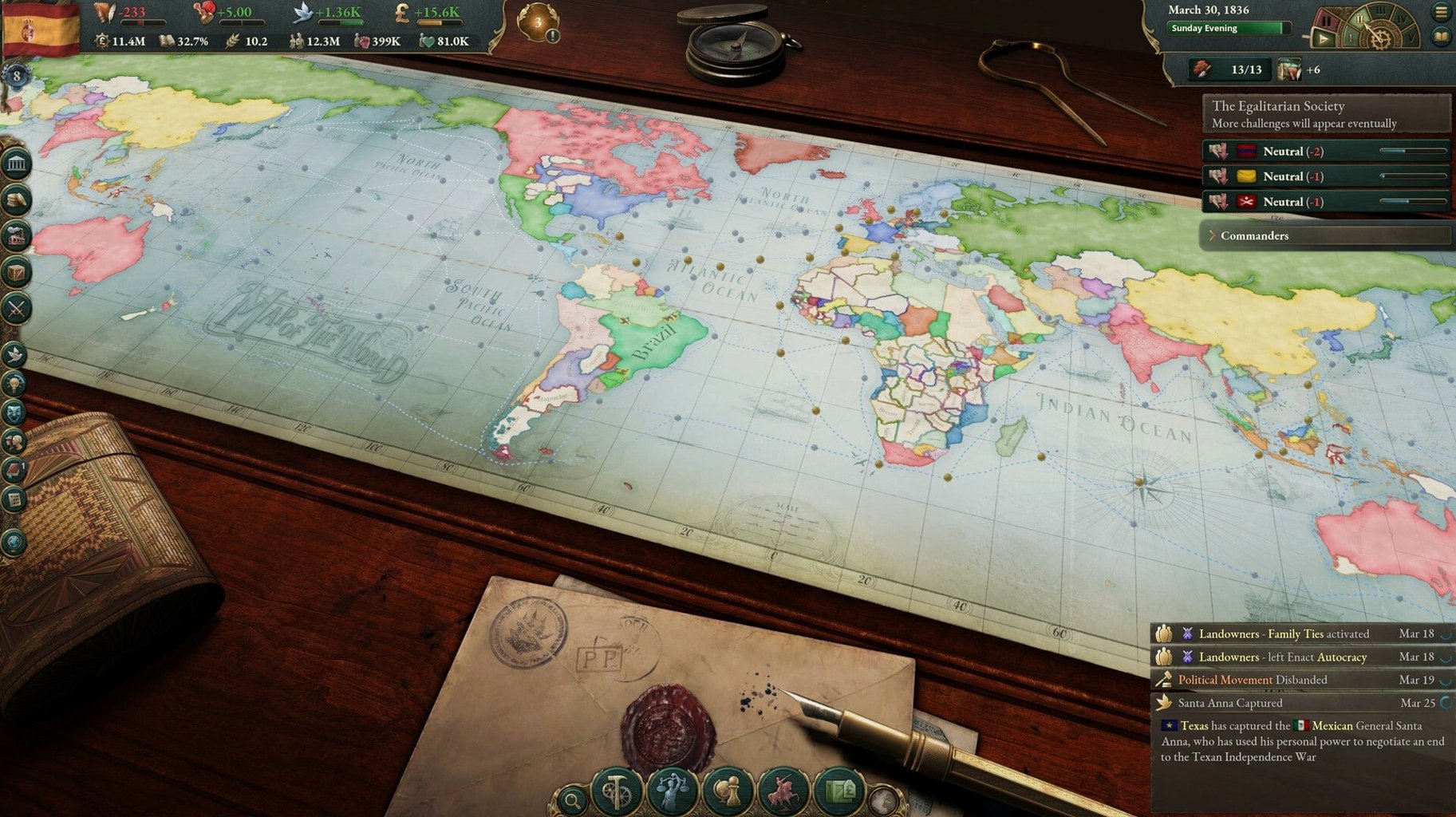
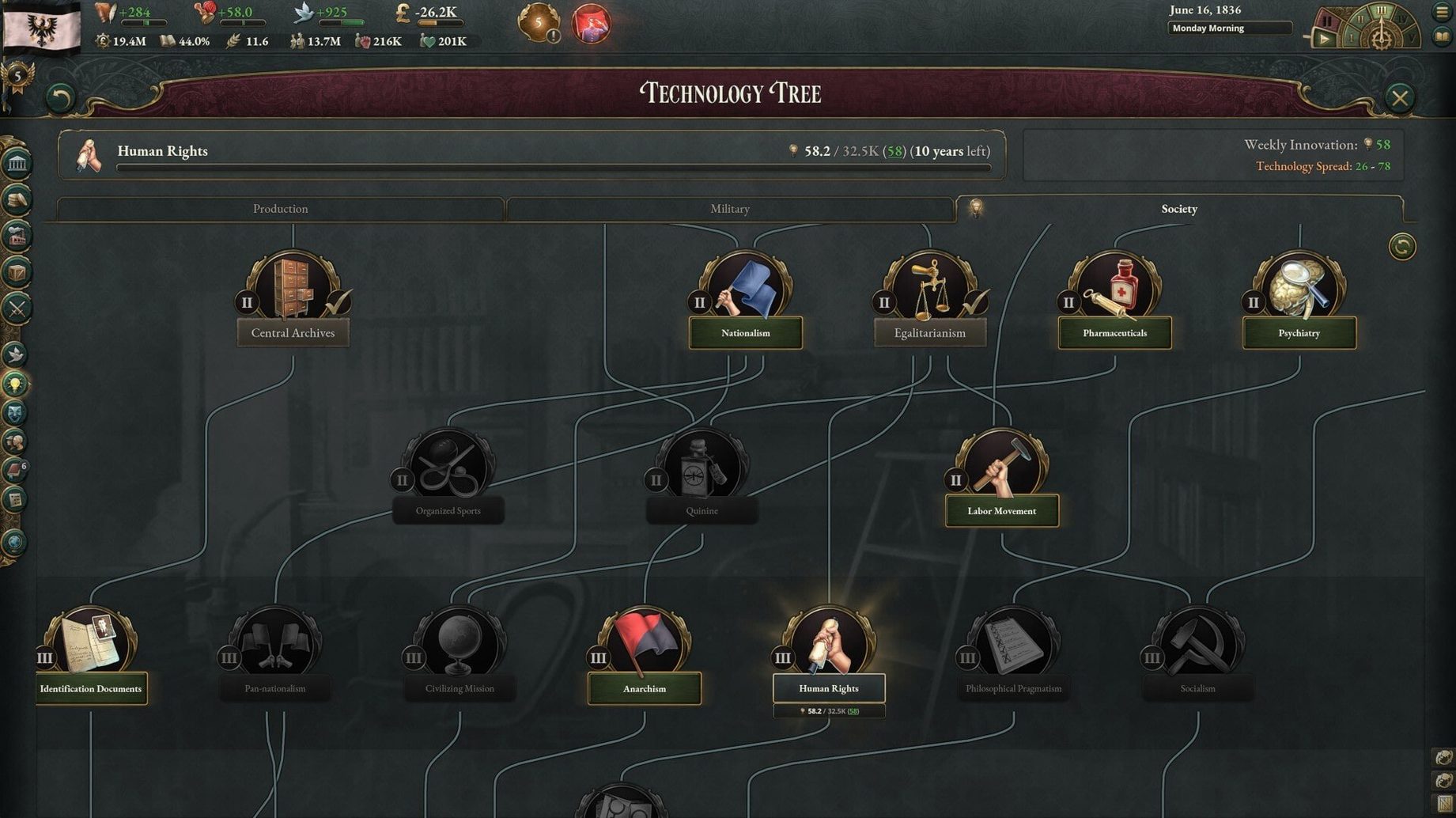
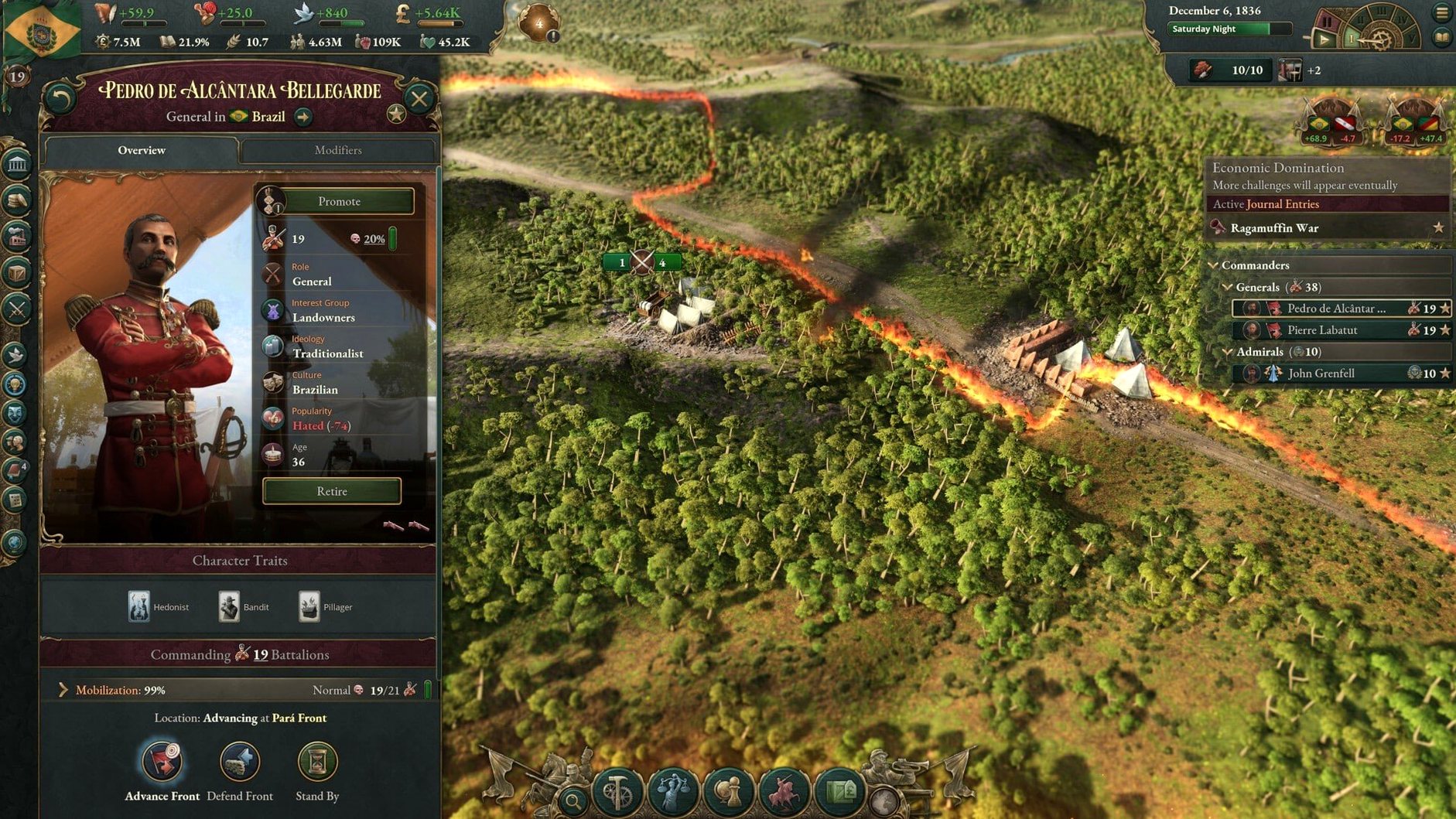
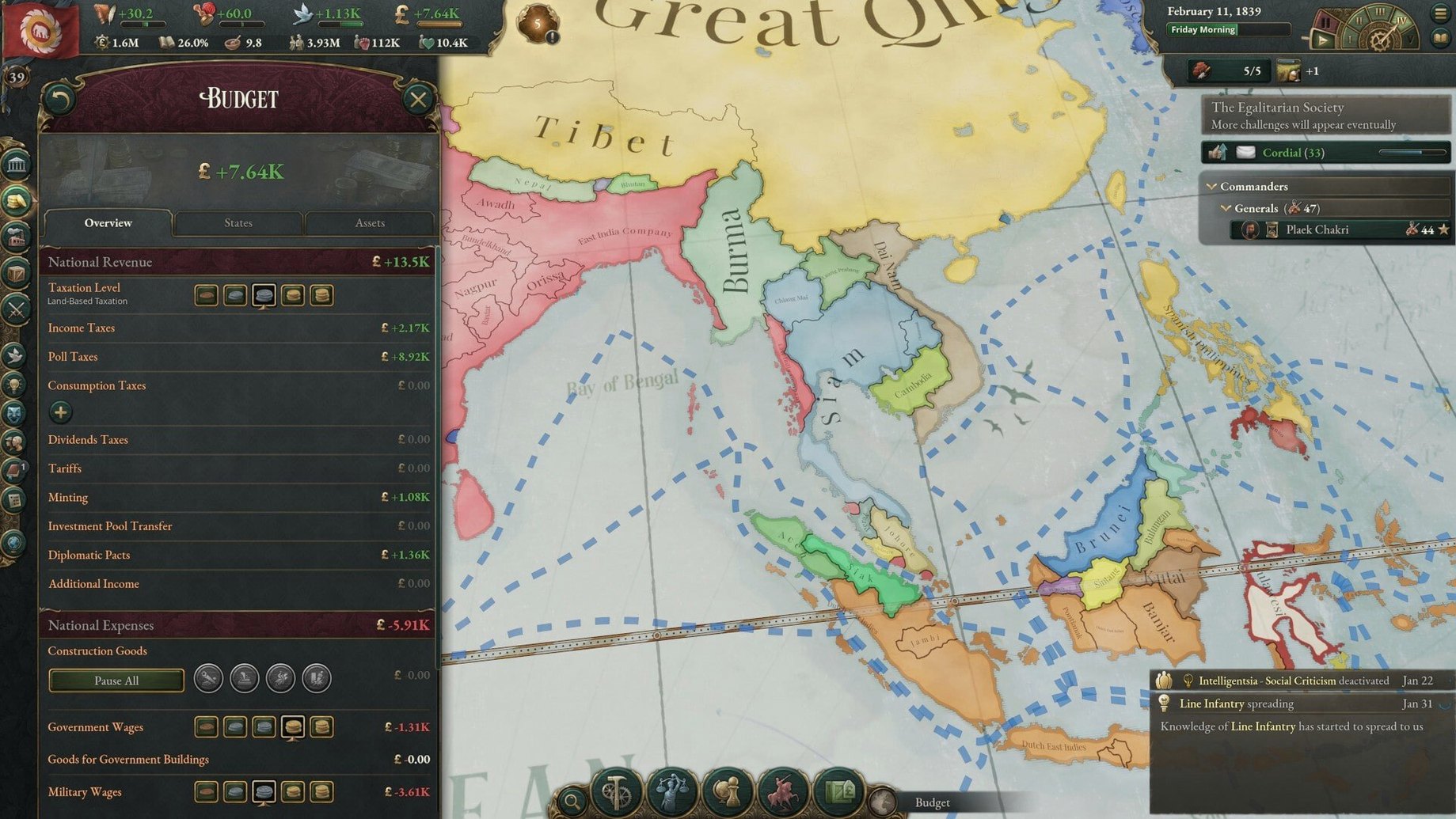
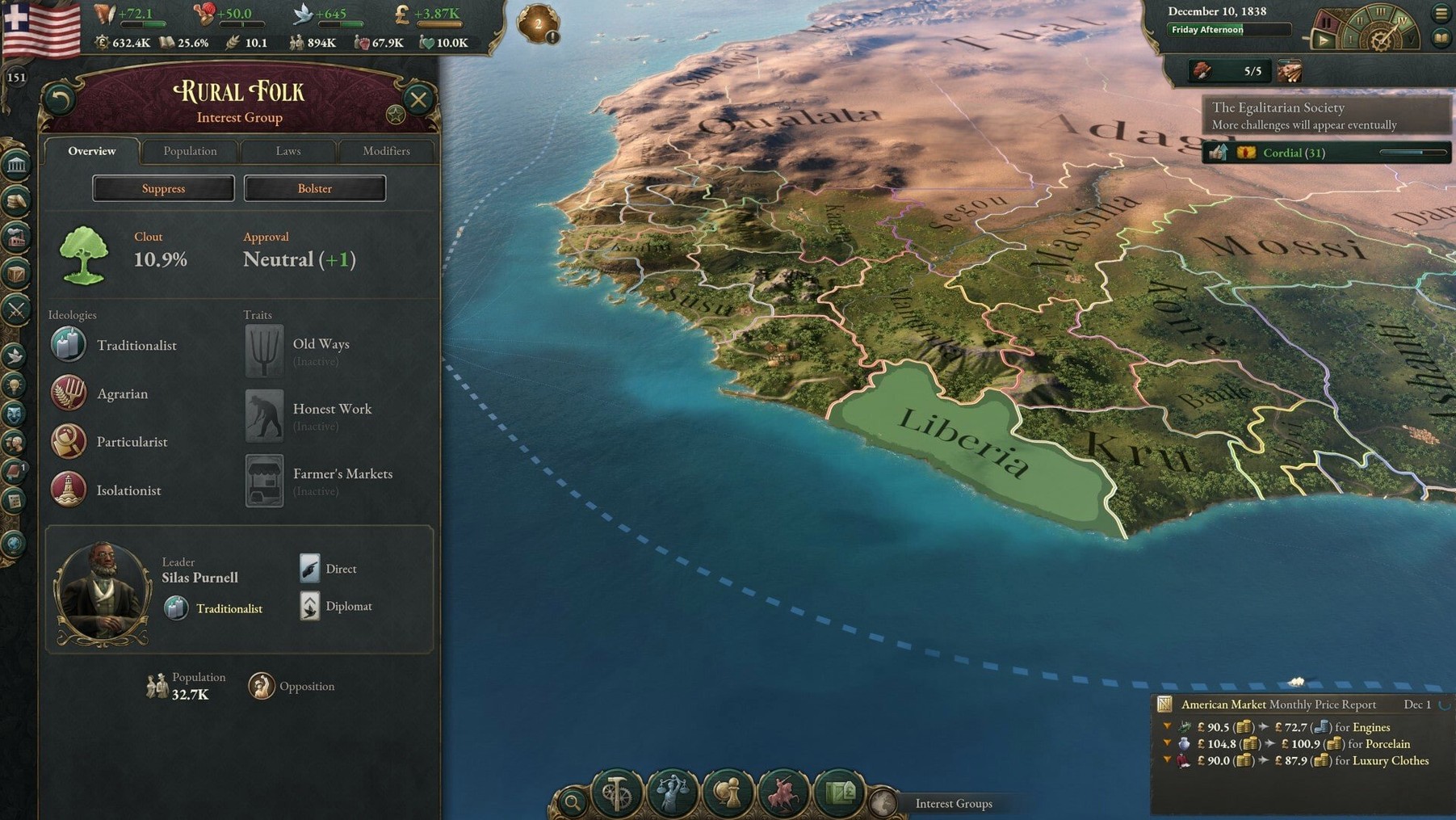
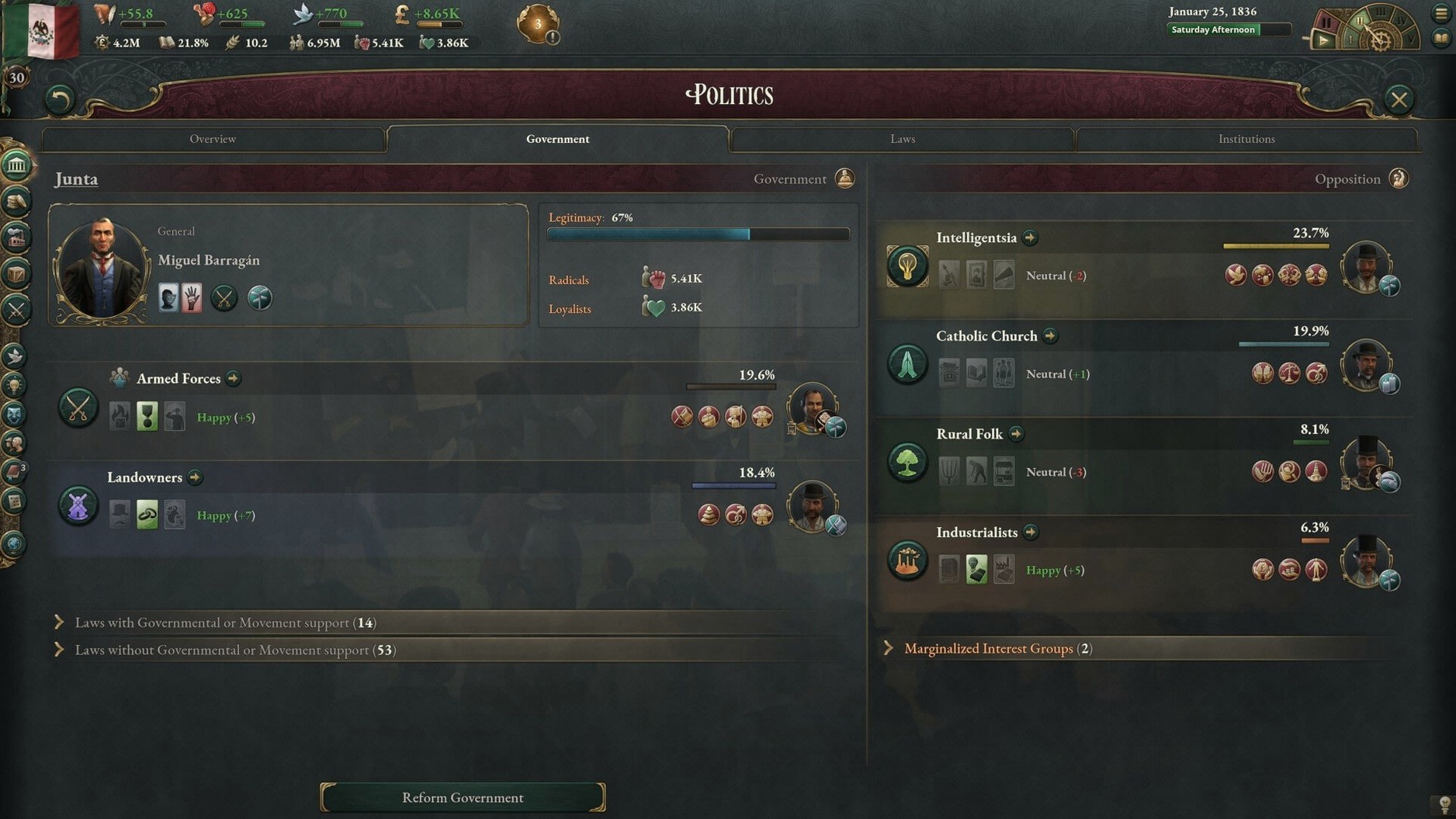
Victoria is a grand strategy game about politics, society, economy, and diplomacy, covering the hundred years from 1836 to 1936. You control a nation through industrialization, reform, and global conflict, where every decision shapes your country's path.
This one's for you if:
- You enjoy deep political simulation — reshaping government and constitution to steer society.
- You like managing complex economies and population groups with their own views and problems.
- You appreciate diplomatic depth: alliances, intimidation, deception, negotiation.
- You're patient with slow-burning strategy that rewards long-term planning over quick wins.
- You want to play as dozens of different countries, each with its own challenges.
- You're fine with a steep learning curve and lots of menus.
If you prefer fast action or straightforward conquest, this might not grab you. But for those who love intricate systems and historical what-ifs, Victoria on macOS is a deep, rewarding sandbox.
adjust before your first campaign
Before you start your first campaign, a few adjustments can save you from digging through menus later. The game's default settings are fine for a quick look, but Victoria rewards a bit of setup.
Open the options menu and check the autosave interval. The default is yearly, which feels like a long stretch when a single war or diplomatic play can unravel hours of work. I set it to quarterly or monthly, especially early on when I'm still learning the ropes. The trade-off is a few extra seconds on save, but the peace of mind is worth it.
Next, look at the message settings. Victoria throws a lot of notifications at you — pop-ups about diplomatic offers, construction completions, and political events. You can filter these by importance. I turn off minor economic updates (like "a factory has changed its production method") and keep only major diplomatic and political alerts visible. This keeps the screen cleaner and helps you focus on what matters.
If you're playing on a smaller screen, the UI scaling option is a lifesaver. The game has dense panels and tooltips, and bumping the scale up a notch makes everything readable without squinting. On the Mac mini I tested it on, it made a noticeable difference.
Finally, consider the speed controls. Victoria runs at five speeds, and most players live at speed three or four during peacetime. But the default pause-on-event setting can be too aggressive. I disable auto-pause for most event types and only keep it on for major diplomatic plays and wars. Gives you more control over the rhythm.
questions before installing
runs on intel and apple silicon
Yes. The build supports both ARM (Apple Silicon) and 64-bit x86 architectures, so Intel Macs are covered. The version I worked with ran fine on a Mac mini 2024 M4, but the same build should work on older Intel machines too. No activation required, so you can jump straight in after copying the app.
no other paradox games needed
Not at all. Victoria is a standalone title. If you've played other grand strategy games from Paradox (like Europa Universalis or Crusader Kings), you'll recognise some design DNA — but the focus here is unique. The 19th-century setting, population group mechanics, and economic simulation are its own thing. Newcomers are welcome, though the learning curve is real.
campaign length depends on country
That depends on your pace and the country you pick. Smaller nations with fewer decisions can be quicker; playing as a major power like Britain or Prussia will stretch that time considerably. Most players don't finish every campaign — the fun is in the journey, not the end date.
can i pause and save mid-game?
Yes. Victoria is a real-time strategy game with pause, so you can stop at any moment to review your situation, issue orders, or just catch your breath. Saving is instant and can be done from the menu. There's no ironman mode forced on you, so you can reload if something goes sideways.
11 interface languages available
The interface supports Russian, English, German, Spanish, Simplified Chinese, Korean, Polish, Portuguese, Turkish, French, and Japanese. Audio is music only — no voice acting to worry about.
industrialise a small nation: Sweden in 1836
Let's say you want to build an industrial base as a smaller country — Sweden in 1836, for example. Here's how I approach it from the first click.
First, pause and survey. Open the population tab and look at your pops' literacy and political views. High literacy speeds up technology research and makes your workforce more productive. Sweden starts with decent literacy, which is a solid foundation. Note which interest groups are powerful — you'll need their support for reforms.
Second, set your research focus. Head to the technology screen and pick something that boosts your economy early. I usually go for Mechanical Production or Railway tech first. These unlock better production methods for your existing industries and improve infrastructure, which helps trade and movement.
Raise tariffs carefully to generate income without hurting your people too much. Keep a small surplus for emergencies, but don't hoard cash; you want it circulating.
Fourth, build your first factories. Use the construction menu to start with a few basic industries: a textile mill (requires cotton, which you might need to import) and a tooling workshop. Tools are used by almost every other industry, so they're a safe bet. Queue up a railway line in your most populous state to connect it to the market.
Fifth, manage your pops. As factories come online, pops will migrate to jobs. You can encourage this by passing labour reforms — shorter workdays or safety regulations — which improve their standard of living. Check the political movements tab to see if any groups are pushing for change. If the Trade Unions are getting strong, consider granting them more rights to avoid unrest.
Sixth, trade wisely. Open the trade screen and set up import routes for raw materials you lack (cotton, iron, sulphur). Export any surplus goods — timber, grain — to fund your imports. Keep an eye on the balance; running a trade deficit for too long hurts your treasury.
Finally, grow slowly. Don't rush to build everything at once. Let your population grow, let your literacy climb, and let your technology
- Fixed a crash at the turn of the month when sway offers were pending in a diplomatic play.
- Adjusted Banana Plantation output values.
- Tweaked the outcome options for the A Doctrine of Iron and Steel event.
- macOS: check official requirements
- Architecture: Apple Silicon or Intel
Kit check at a glance
| Chip | Apple Silicon, Intel 64-bit |
| Download | 9 GB |







Chat from the booth
Sign in or grab a free account to leave a comment.
Nobody has said a word in the booth yet. If you played a set with this build, tell the next person how it went.