

- Build in the crate
- 26.3.2.2329565
- Made by the team at
- Sports Interactive
- Menu languages offered
- Russian, English, German, Greek, Danish, Spanish, Italian, Chinese (Simplified), Korean, Dutch, Norwegian, Polish, Portuguese, Thai, French, Swedish, Japanese
- How you pay for it
- Not required
- CPU it runs on
- Apple Silicon, Intel 64-bit
- Played on
- macOS Tahoe, Mac mini 2024 M4
- Dropped on
- 4.11.2025
- Spoken voice in
- Music only
Screenshots

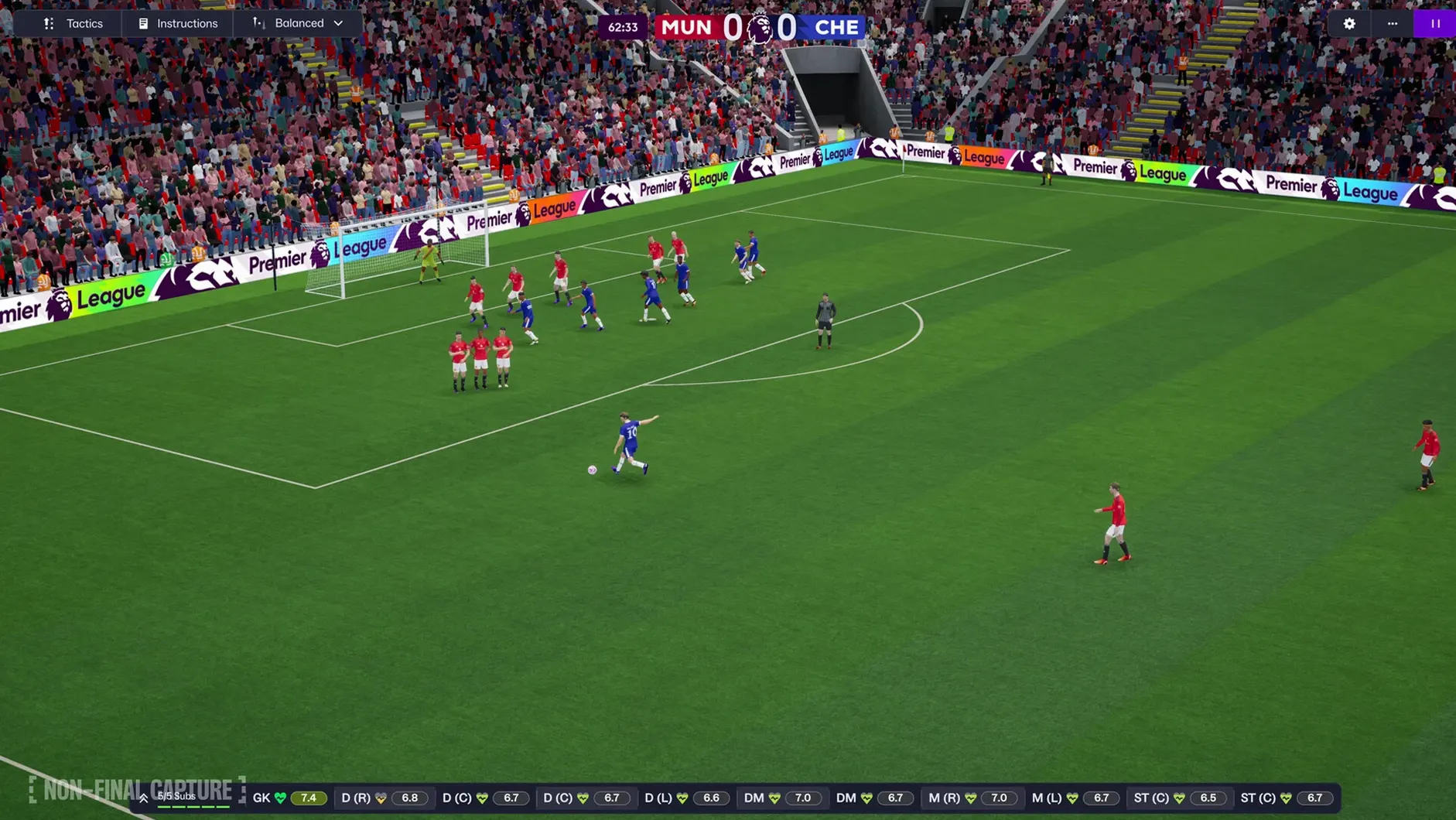
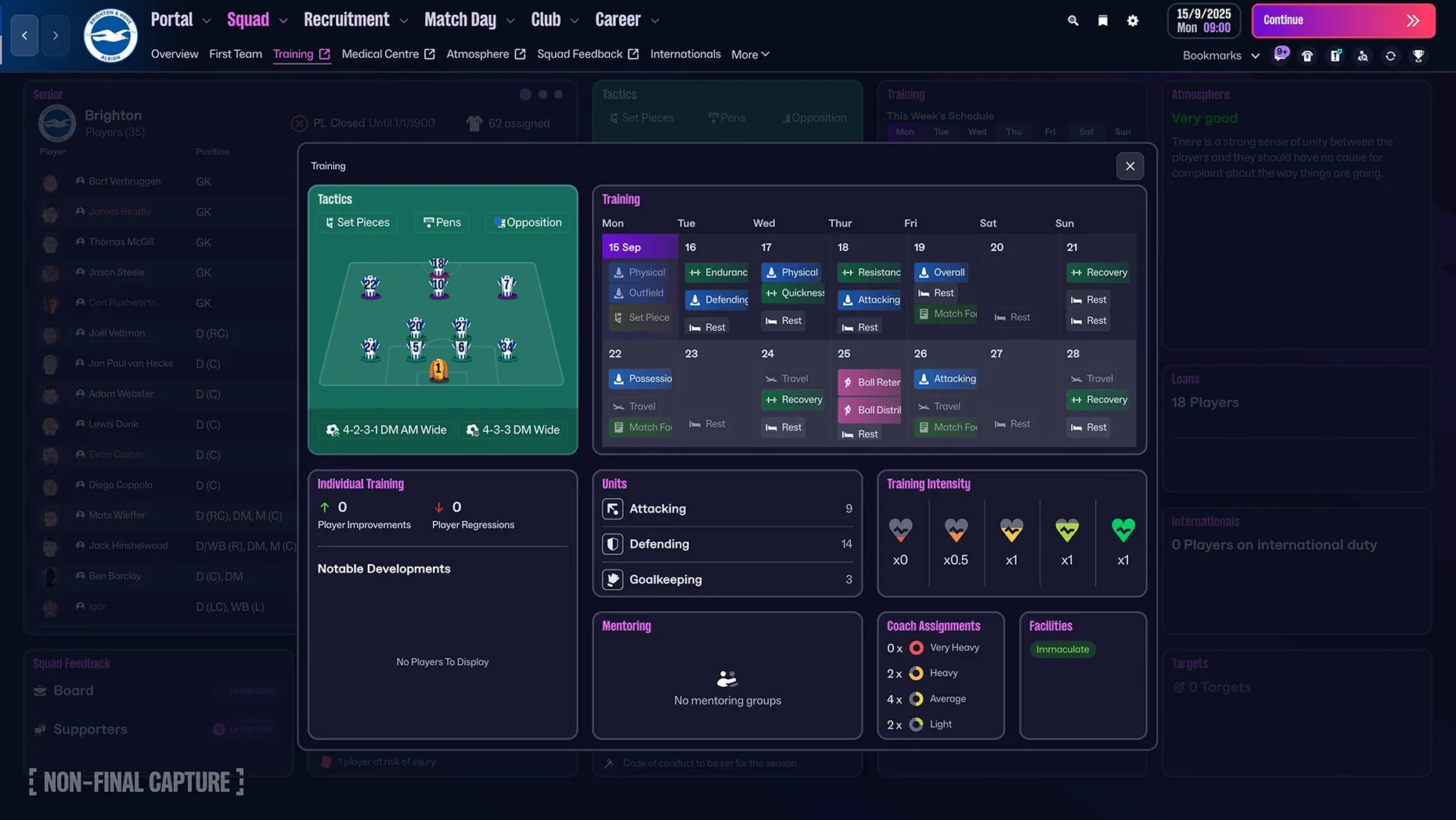
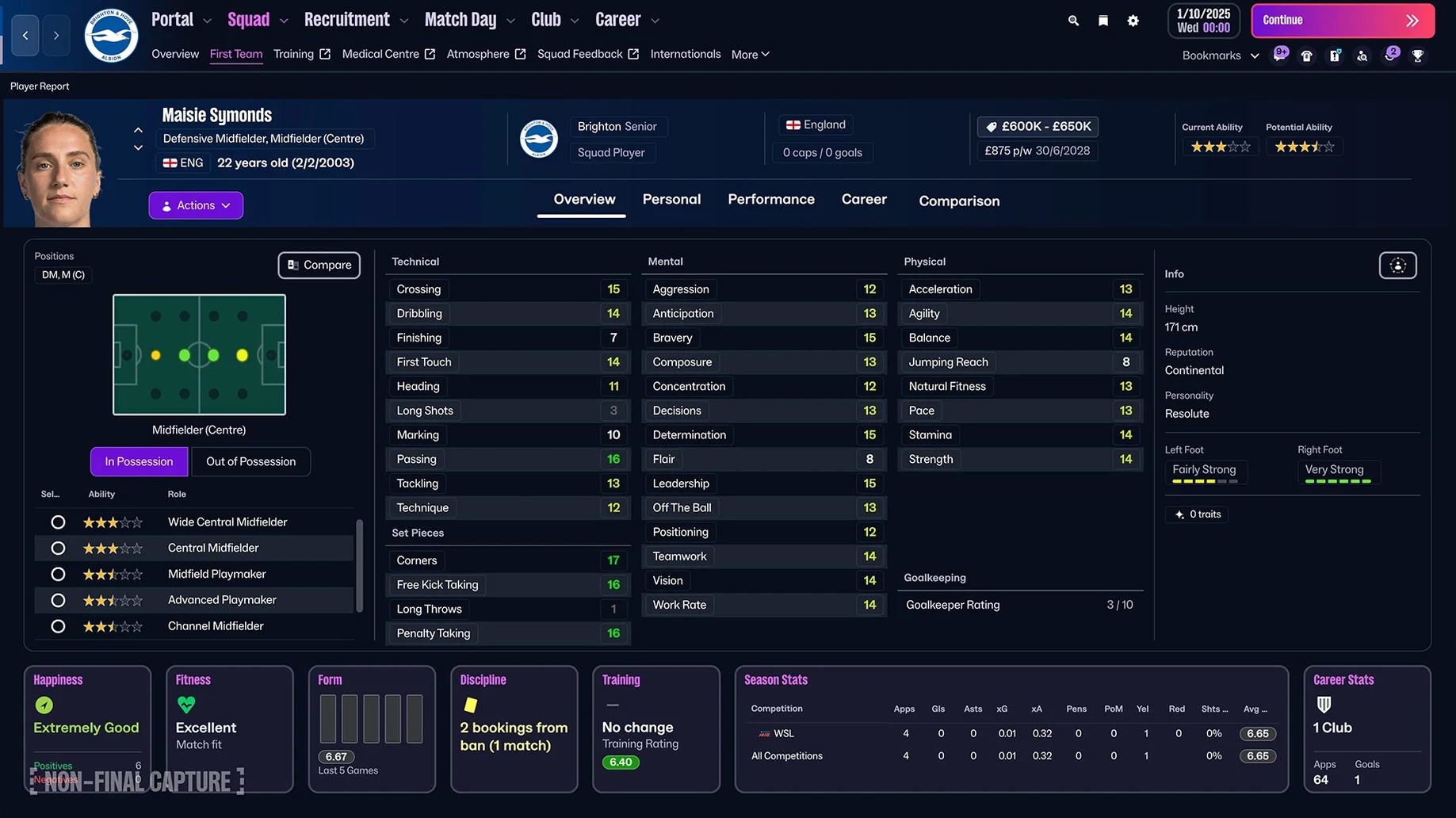
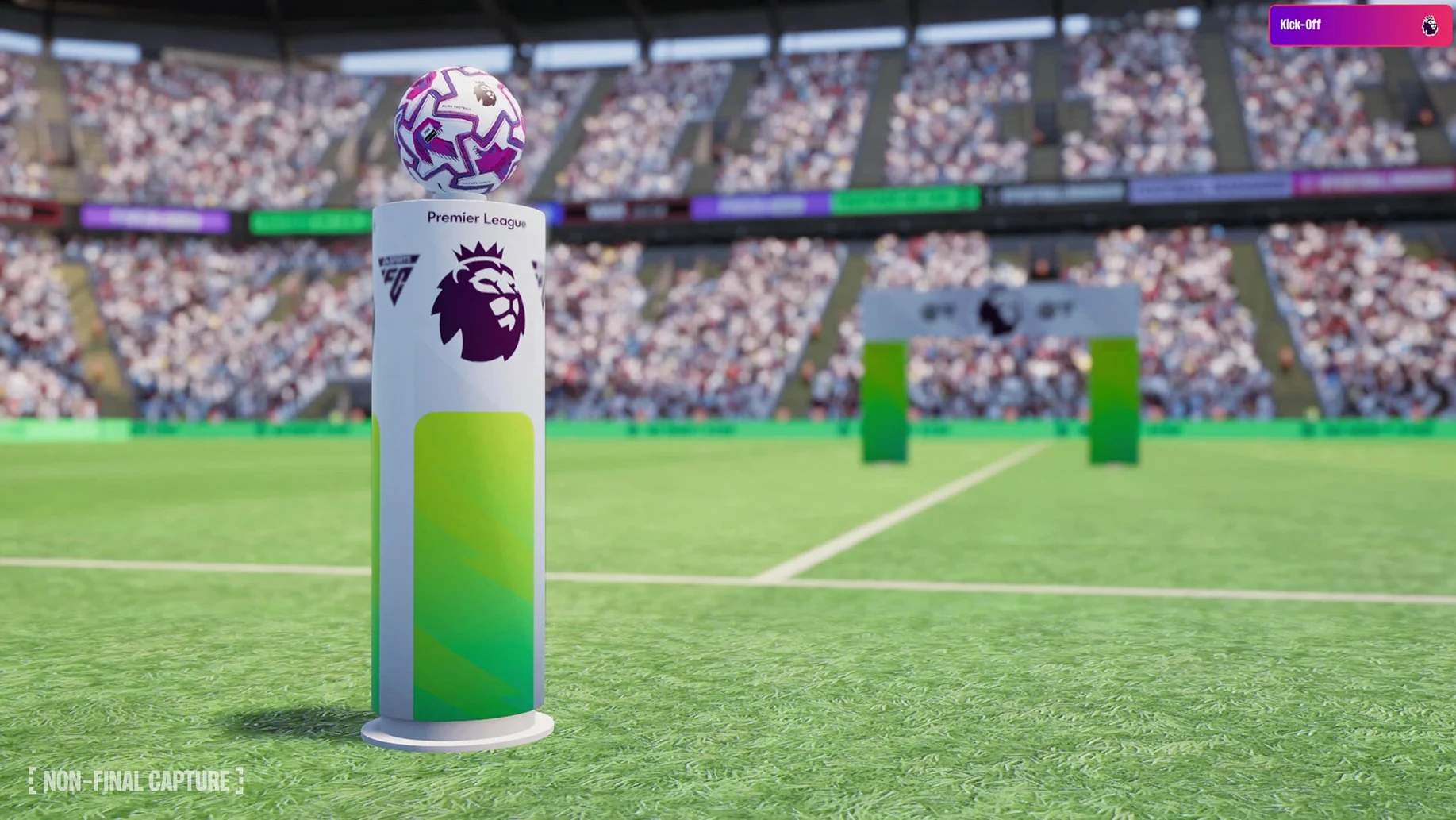
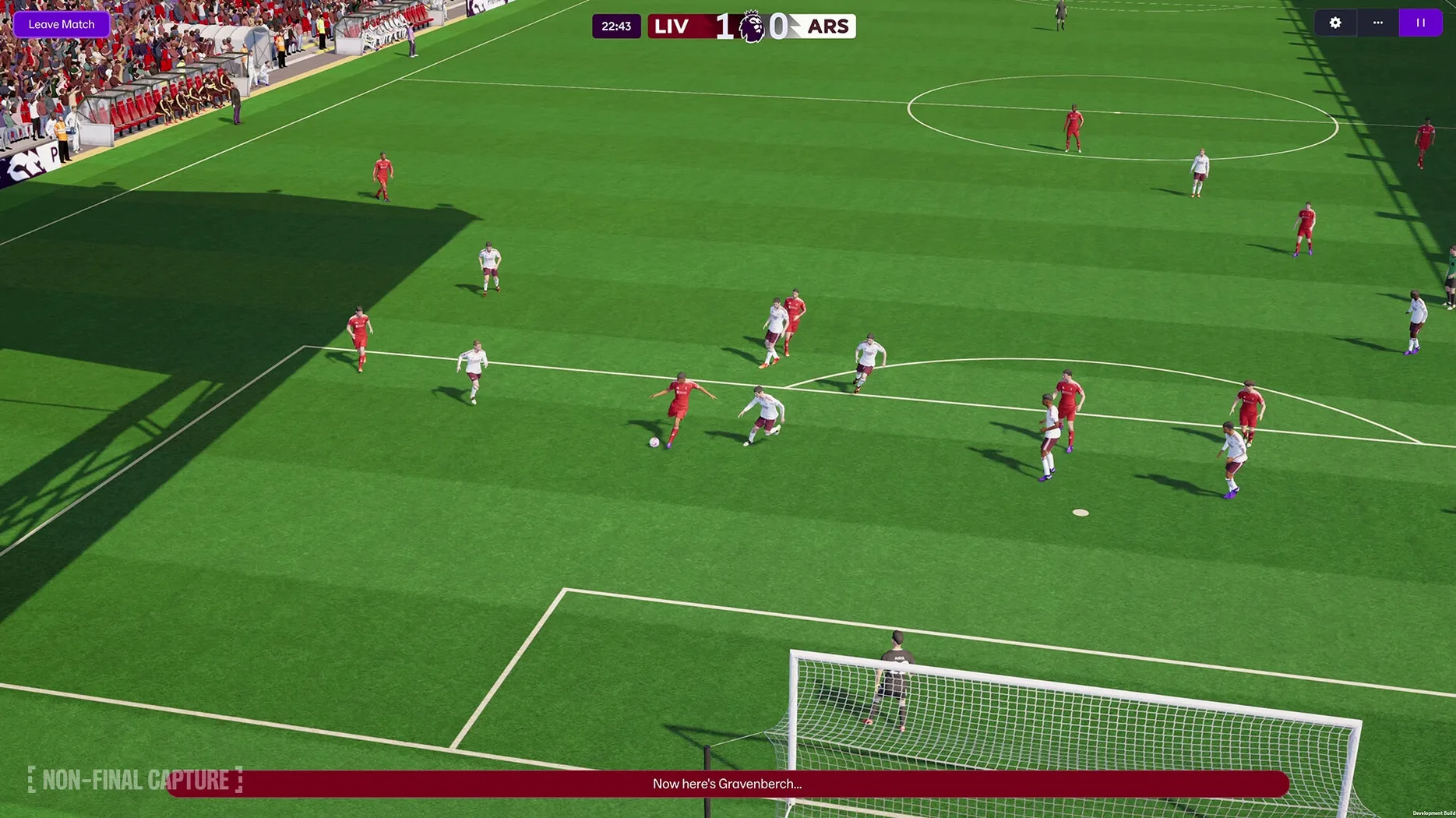
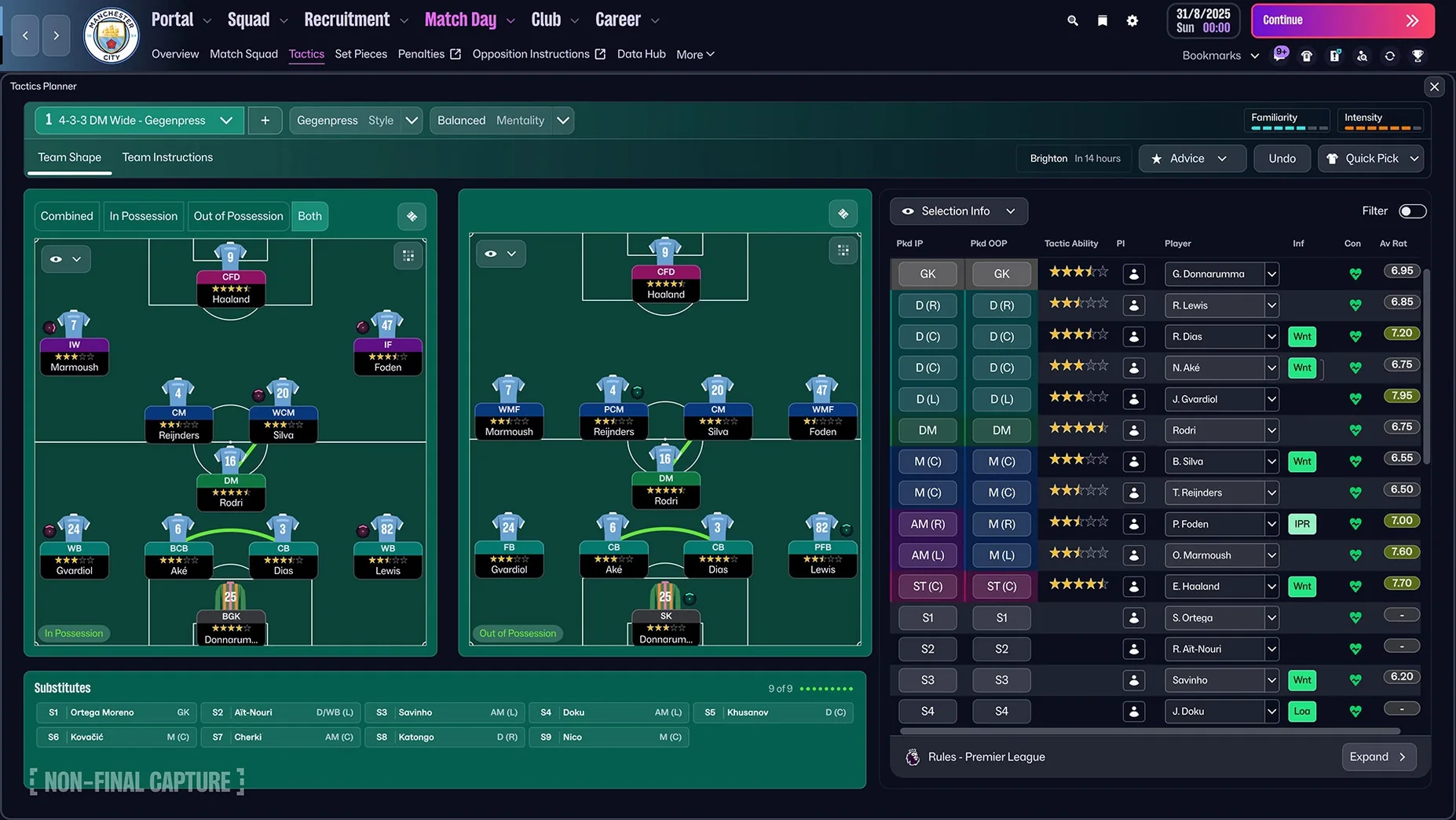
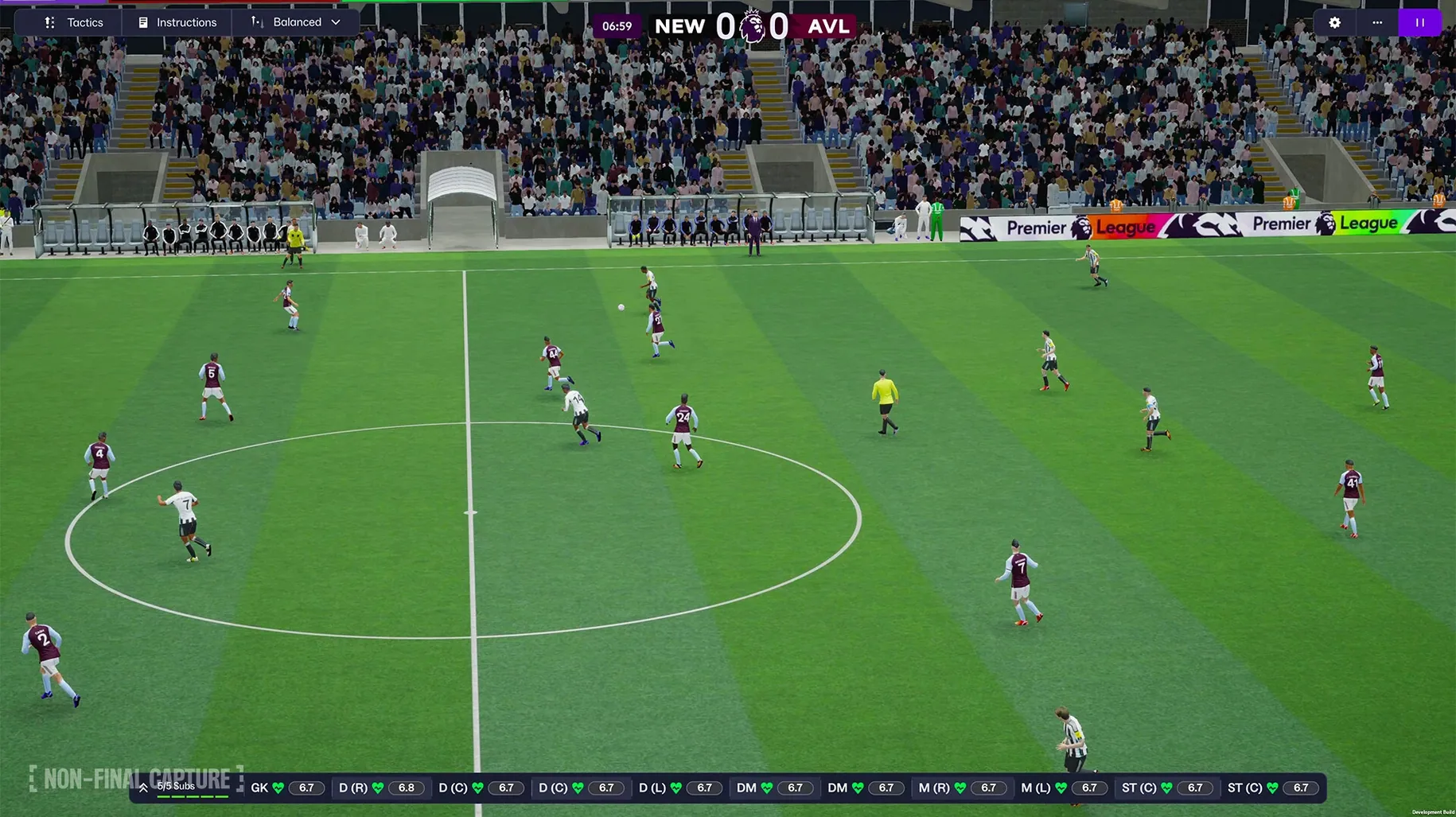
Every season brings a new puzzle: how to turn a squad of players into champions. Football Manager 2026 for macOS gives you the tools to solve it, whether you’re scouting for a bargain in the transfer market or deciding between attacking and defensive tactics.
Build your squad with TransferRoom
Recruitment gets a dedicated hub. The TransferRoom tool centralises player scouting, contract negotiations, and loan deals. You can filter by role, budget, and league, then make your move without bouncing between menus.
Manage women’s football
For the first time, women’s football is here. Fourteen leagues from eleven countries are included, with separate player attributes, club kits, and league rules. It’s a full parallel career path, not a side mode.
Shape your tactics and players
Attack and defence are now separate tactic slots, so you can switch between formations without rebuilding from scratch. The reworked character editor lets you fine-tune player personalities and roles, while the new UI and match presentation make each season feel fresh.
Drag into Applications, launch from Launchpad
Football Manager 2026 works like a proper Mac app. Drag it into Applications, launch from Launchpad, and it stays in your Dock like any other game or tool. It doesn’t need its own launcher or background service.
macOS Mission Control and Stage Manager are useful here. You can keep the game in one space, a browser with transfer rumours in another, and a spreadsheet for your own notes in a third. Switching between them with a trackpad swipe or keyboard shortcut keeps you in the flow during a long scouting window.
The game supports both Apple Silicon and Intel Macs, so it runs natively on M-series chips without translation layers. The Unity engine handles the match engine and the new UI, and it respects macOS window management — resizing, full-screen mode, and split view all work as you’d expect.
If you use cloud storage, the save files sit in a predictable location in your user folder. You can back them up to iCloud Drive or another service, or move them between two Macs. No proprietary sync system, just regular files.
Friday evening with a thin WSL squad
Friday evening, I open the game and load my current save — a mid-table side in the Women’s Super League with a thin squad. The new portal greets me with upcoming fixtures, player form, and a news feed. I bookmark the transfer window deadline so I don’t miss it.
First, I check the squad. Two first-team players are carrying knocks, so I open the TransferRoom. I filter by budget and look for a midfielder who can play both attacking and defensive roles. The search is fast — I type a few criteria, and the results appear without lag. I shortlist three names and move on.
Next, tactics. I’ve been playing a 4-3-3 with a high press, but the next opponent parks the bus. I switch to a separate defensive tactic — a compact 4-4-2 — without touching my attacking setup. The match engine shows the difference clearly: my team holds shape better against counter-attacks.
The match itself runs at a good pace. The enhanced match presentation shows goals, bookings, and key moments with clean overlays. I make two substitutions in the second half, and we scrape a 1-0 win. After the match, I check the FMPedia glossary for a role I’m not sure about — the new player role descriptions are clearer than previous versions.
Before saving and quitting, I scan the portal for transfer rumours. A promising young striker is listed by another club. I add her to the shortlist for the next session. Total time: about two hours, no crashes, no stutters.
Runs offline without an internet connection
Does it need an internet connection? No. The game installs from the disk image and runs offline. The portal and news features pull data when you’re connected, but the core simulation, matches, and management work without a network.
Will it run on an Intel Mac? Yes. The same download supports both ARM and 64-bit x86 architectures. I tested it on a Mac mini 2024 M4, but the build works on older Intel models too, as long as the macOS version is compatible.
Can I play both men’s and women’s football in the same save? They’re separate career paths. You choose one when you start a new game. Each has its own leagues, rules, and player attributes. You can switch between saves, but not merge them.
Is it the same as the Apple Arcade version? No. Football Manager 26 Touch on Apple Arcade is a lighter version for Mac, iPhone, and iPad. The desktop version here is the full simulation with deeper tactics, more leagues, and the complete TransferRoom system.
How long does a season take? That depends on how much detail you handle. If you delegate training, press conferences, and scouting, you can finish a season in a few evenings. If you manage everything yourself, each season takes longer — but that’s the appeal for some players.
Three kinds of Mac users get the new features
This version of Football Manager suits three kinds of Mac users. First, long-time fans of the series who want the latest features: women’s football, separate attack and defence tactics, and the new UI. If you’ve been playing FM for years, this is the next step.
Second, newcomers who want a deep simulation but don’t want to fight the interface. The reworked UI and the portal make it easier to find what you need. The FMPedia glossary helps you learn roles and systems without alt-tabbing to a wiki.
Third, Mac users who prefer to play without extra software. You install it once and it works. That’s rare for a game of this scope, and it matters if you want a clean, simple setup.
If you’re the kind of person who spends as much time planning a transfer window as playing the matches, or who enjoys building a squad over several seasons, this is the version for you. It’s a management sim first, and it doesn’t try to be anything else.
- Built on the Unity engine.
- Women’s football added, with 14 leagues from 11 countries.
- Premier League licensing: club badges, kits, official player photos.
- Separate attacking and defensive tactics.
- Reworked user interface and portal.
- macOS Tahoe or later.
- Supports both ARM and 64-bit x86 architectures.
Kit check at a glance
| Chip | Apple Silicon, Intel 64-bit |
| Download | 6.4 GB |








Chat from the booth
Sign in or grab a free account to leave a comment.
Nobody has said a word in the booth yet. If you played a set with this build, tell the next person how it went.