

- Build in the crate
- 1.1.12 [Wineskin]
- Made by the team at
- Foxy Voxel
- Menu languages offered
- Russian, English, German, Spanish, Chinese (Simplified), Korean, Polish, Portuguese, Turkish, French, Japanese
- How you pay for it
- Not required
- CPU it runs on
- Apple Silicon
- Played on
- macOS Tahoe, Mac mini 2024 M4
- Dropped on
- 17.03.2026
- Spoken voice in
- Music only
Screenshots
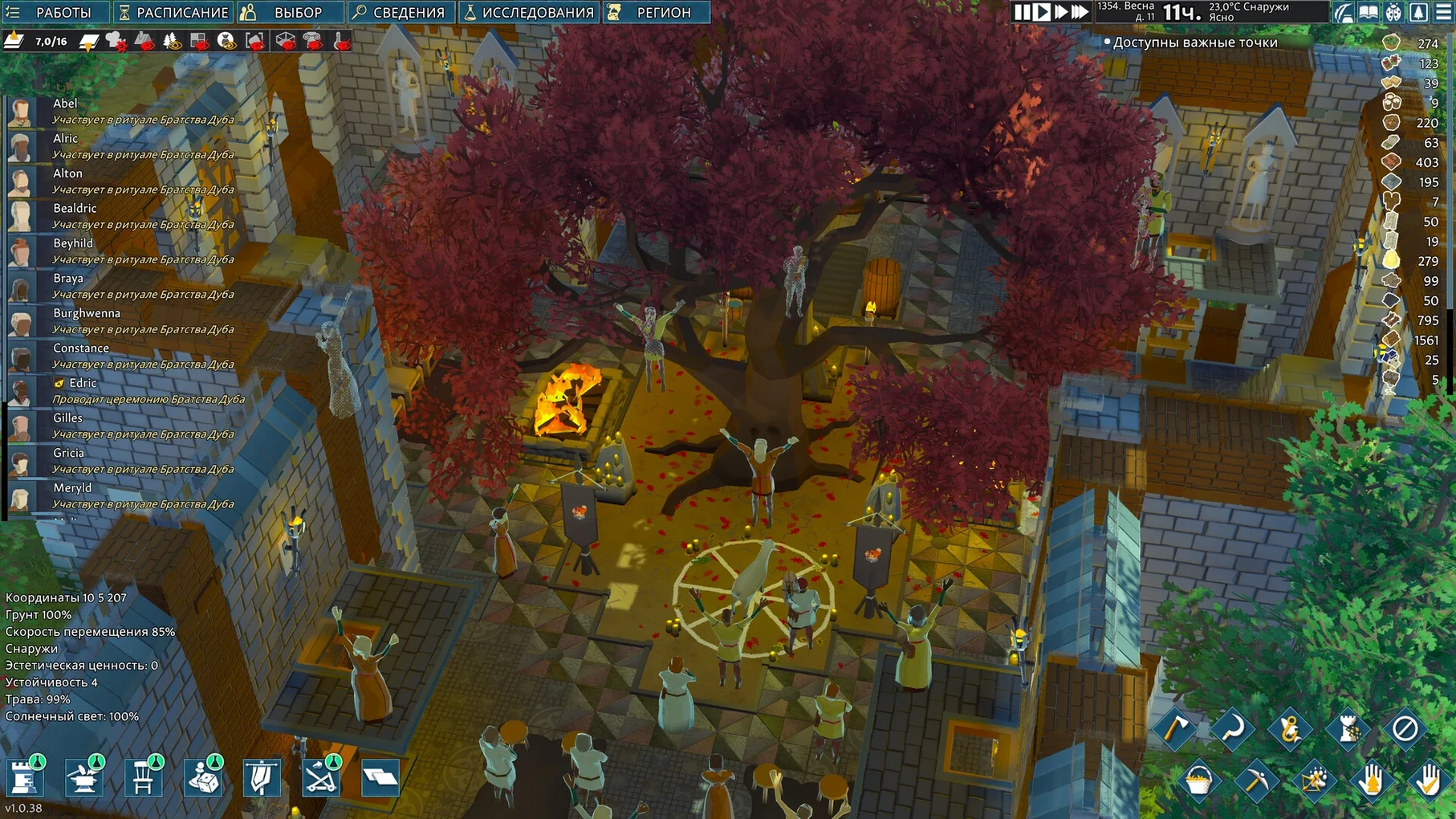
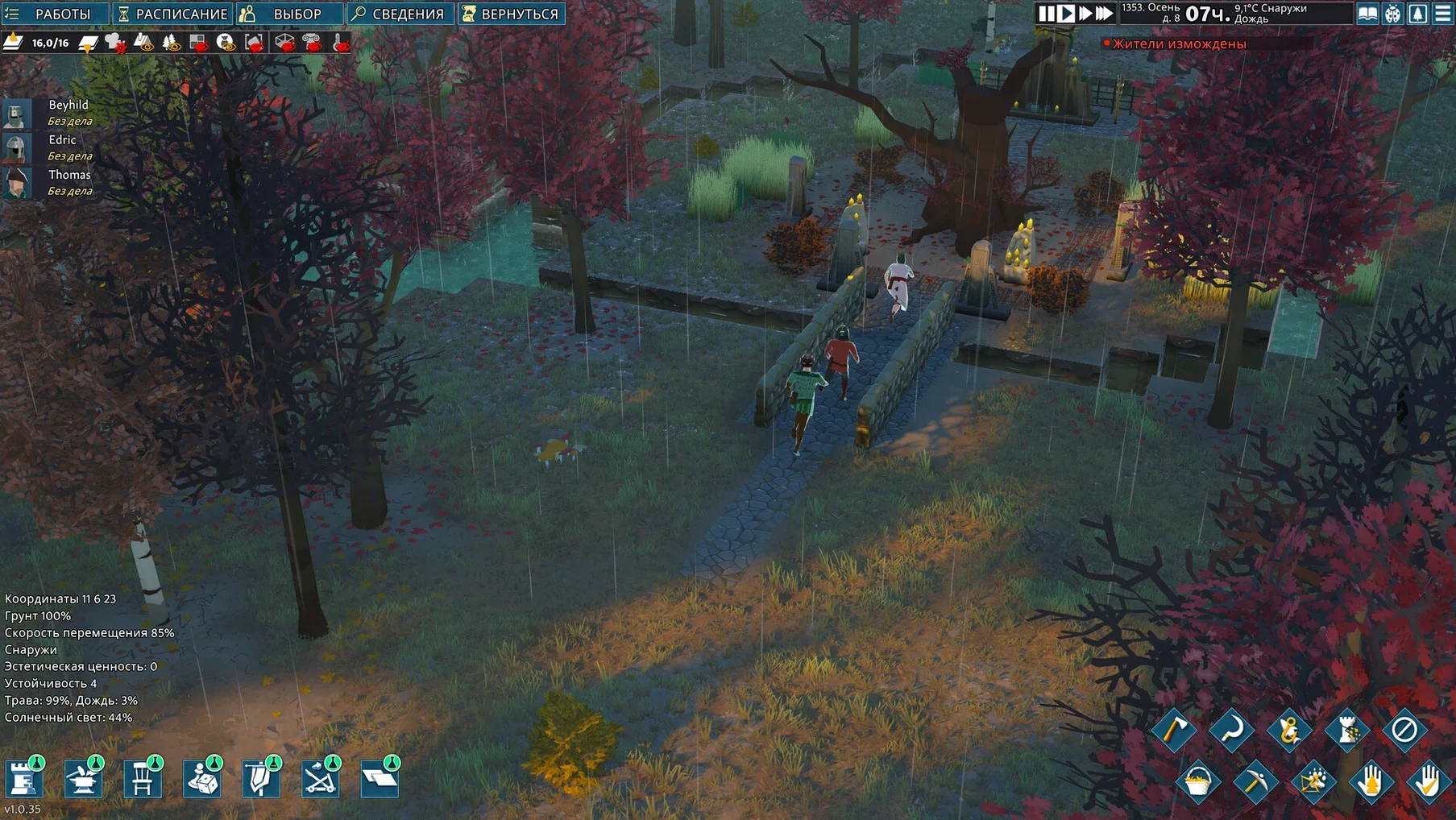
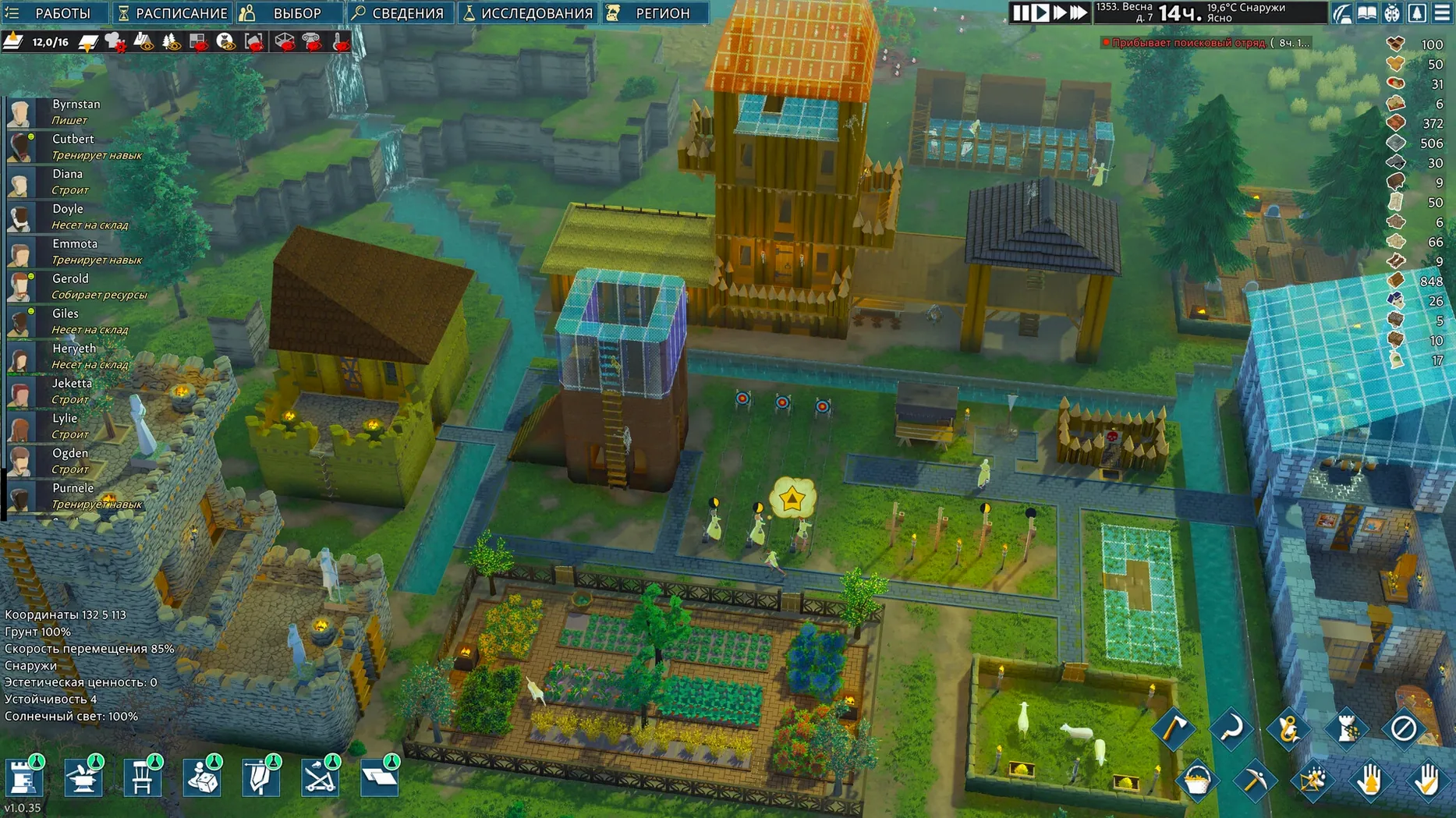
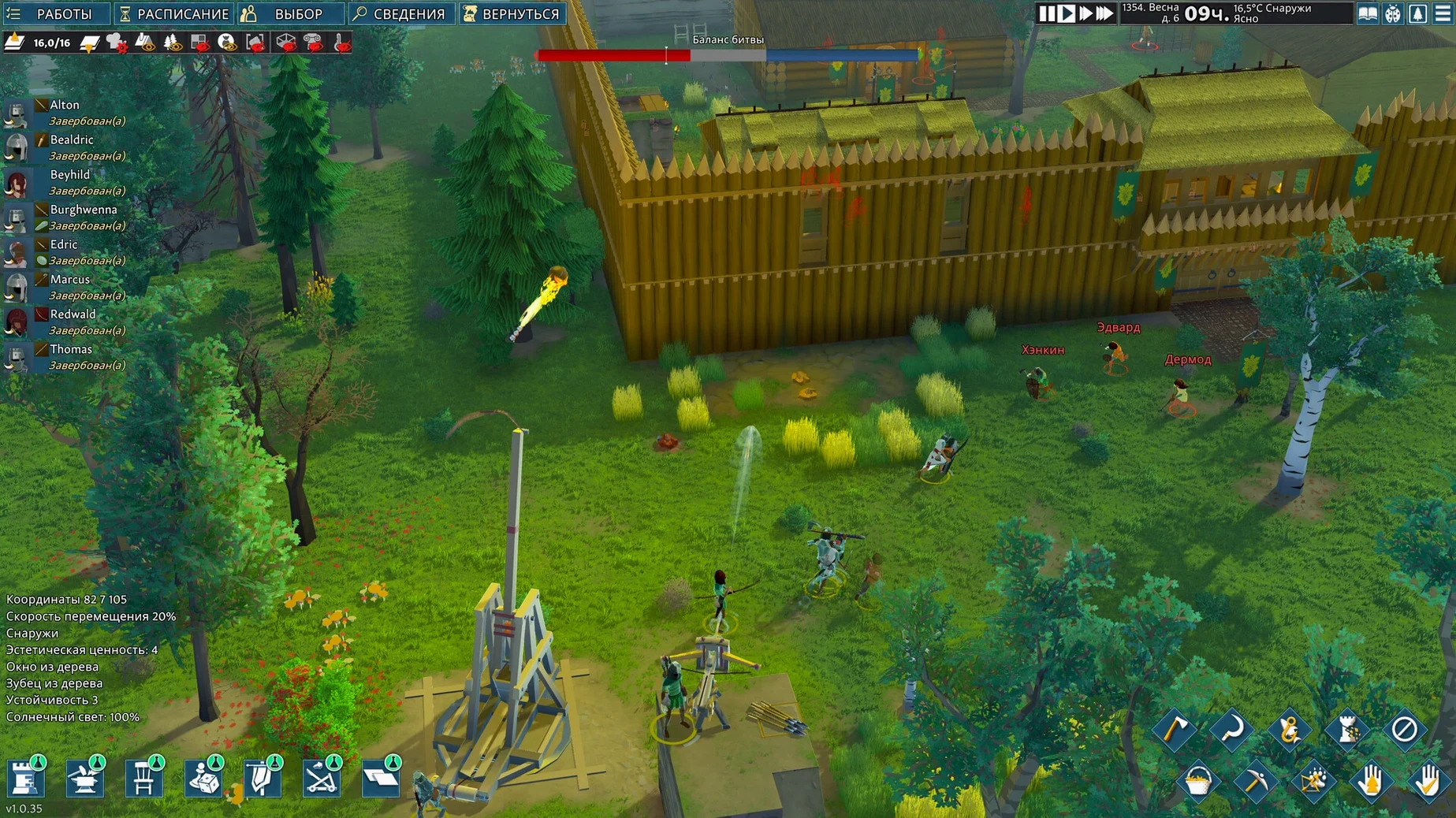
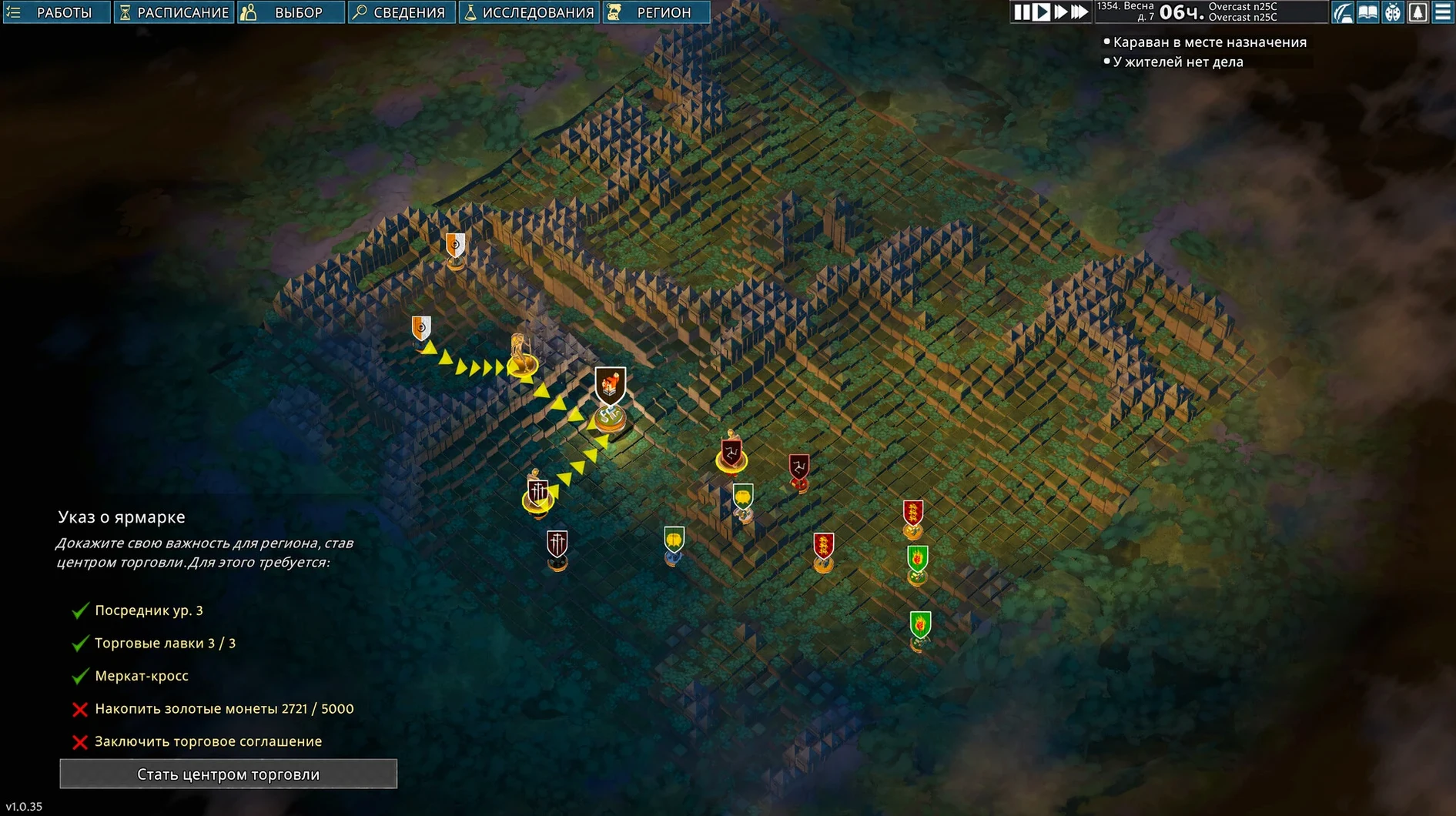
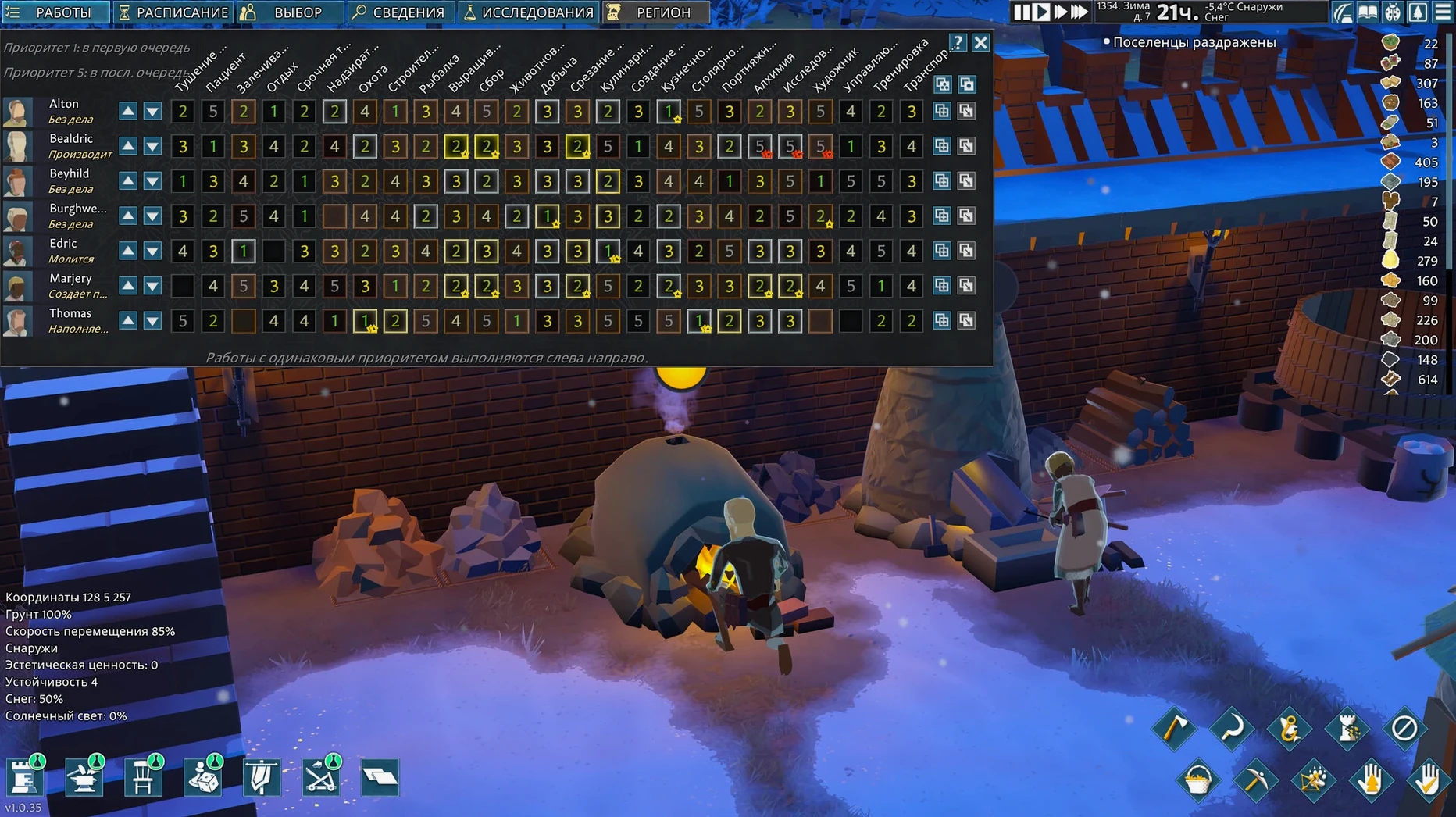
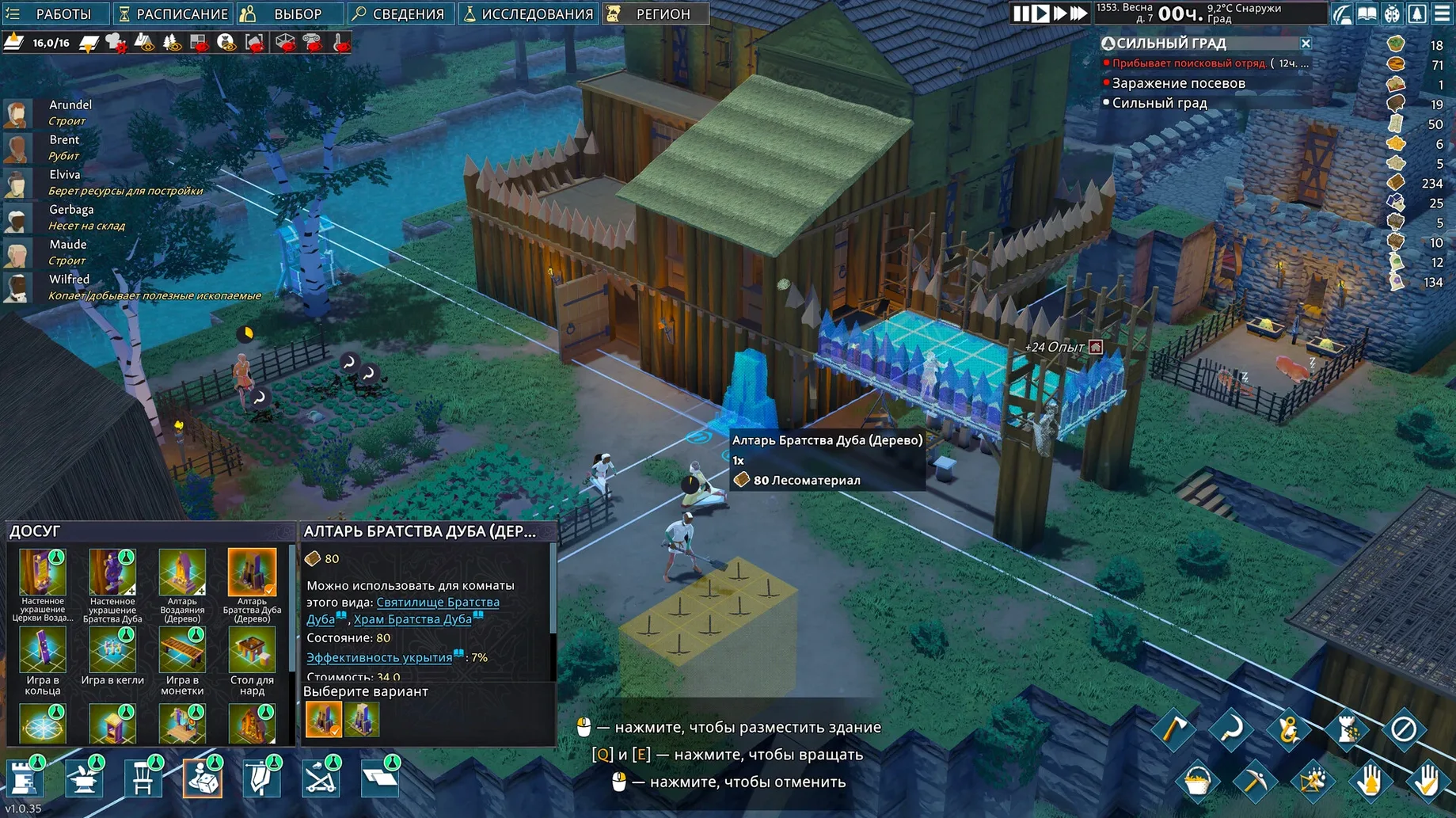
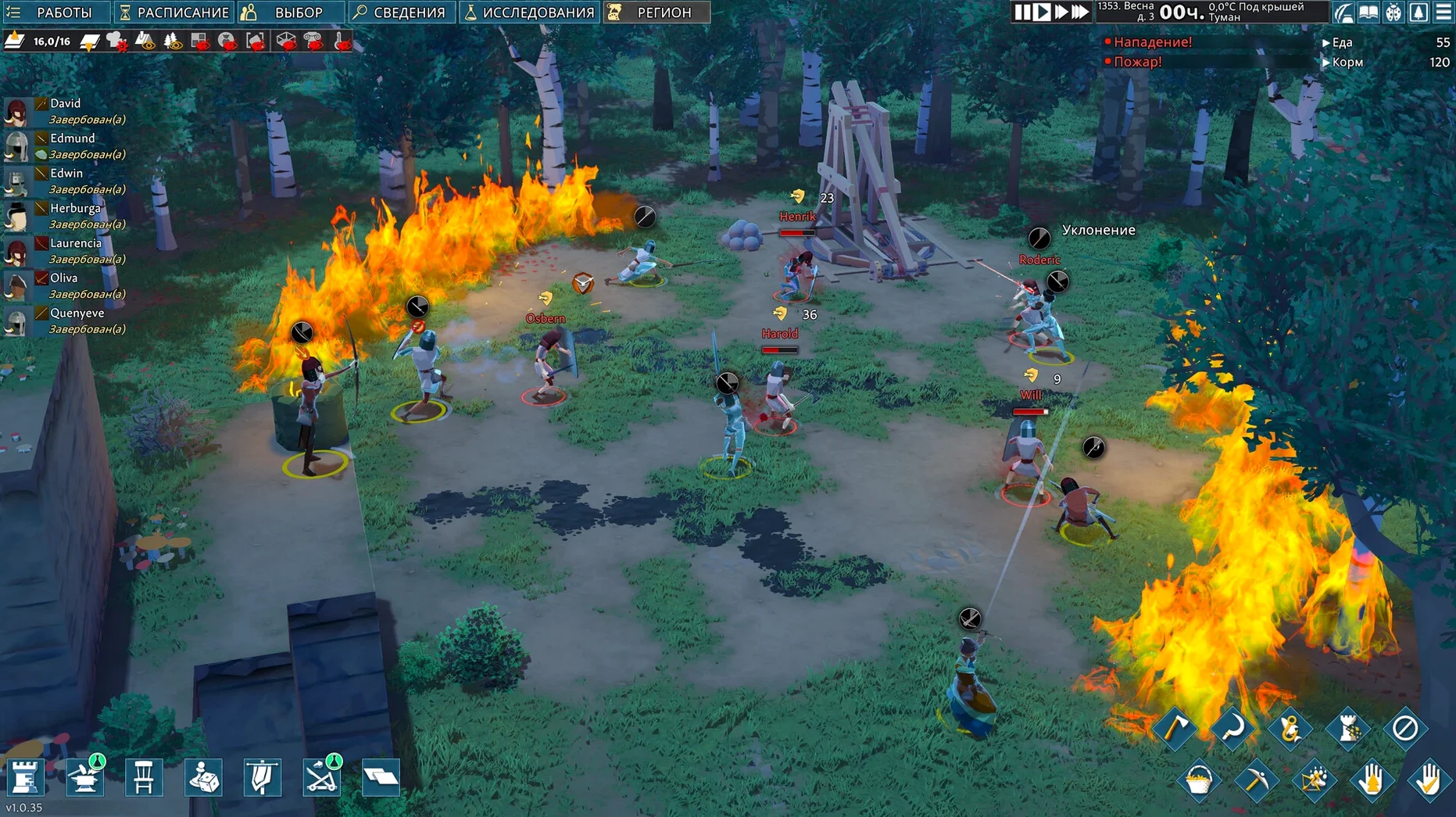
You've found a patch of land where a few survivors might make a go of it. The world after the plague is thick with forest and ruins. You start with a handful of people, some basic supplies, and the need to build a place they can call home.
Survivor settlement in a post-apocalyptic medieval world
It's a colony simulation set in a post-apocalyptic medieval world. You manage a settlement for survivors, balancing their needs — food, shelter, safety — while the wilderness and raiders press in from all sides.
Multi-story forts and underground mazes with 3D tools
Multi-story forts and underground mazes are possible thanks to the 3D building tools. You can construct halls, workshops, chapels, and libraries as specific room types, and set up traps to slow down or stop enemy waves.
How do settlers behave?
Each settler has needs you must satisfy to keep them happy. If they're fed, rested, and safe, they work harder and stay loyal. Neglect them, and morale drops.
A first session: from empty land to a working camp
I started on a hillside map. The first thing you do is pause the game — take a moment to see what you're working with. You have a few survivors, each with traits that matter. One might be good at crafting, another at fighting. You assign them jobs right away.
Next, you mark a zone for cutting trees and gathering stone. Without materials, nothing gets built. While they work, you lay down a simple shelter — four walls, a roof, a door. It doesn't have to be pretty. It just has to keep the rain off and give them somewhere to sleep.
By the end of the first day, you've got a basic stockpile and a few beds. Someone starts cooking. Someone else is already hauling logs. The game doesn't rush you. It lets you find your own pace.
Digging a temperature-stable underground storage room
Say you want a secure place to store food and valuables. Here's how I do it:
- Dig down. Use the terrain tools to carve a room into a hillside or below your fort. Going underground keeps the temperature stable and hides your goods from raiders.
- Add a floor and walls. Stone is better than wood here — it doesn't burn. Lay a floor first, then walls around the edges.
- Build a door. A wooden door works early on. Later, you can replace it with an iron one for extra security.
- Set the room type. Assign it as a storage room so your settlers know to haul items there. You can also add shelves to stack more goods in less space.
- Place traps outside. If enemies dig toward your underground room, a row of spike traps slows them down or stops them entirely.
Once it's done, your settlement has a safe core. Food lasts longer underground, and your best gear stays out of reach.
Pause early and assign roles by settler traits
- Pause often. Especially at the start. The game keeps running, but you need time to plan without things going wrong.
- Check settler traits. Not everyone can do everything. Assign roles based on their skills — don't make your best smith haul rocks all day.
- Build a stockpile first. Before anything else, mark a spot for resources. Otherwise, materials scatter everywhere and settlers waste time walking.
- Keep an eye on food. Berries and raw meat spoil fast. Build a fire pit or a stove early and start cooking meals. It keeps morale up and food lasts longer.
- Don't overbuild too fast. A small, solid base is better than a huge half-finished fort. Expand room by room as your population grows.
- macOS ?
- Architecture: Apple Silicon
Kit check at a glance
| Chip | Apple Silicon |
| Download | 1 GB |
| Older pressings | 3 in the crate |








Chat from the booth
Sign in or grab a free account to leave a comment.
Nobody has said a word in the booth yet. If you played a set with this build, tell the next person how it went.