

- Build in the crate
- 2.02i Rev 1 [Wineskin]
- Made by the team at
- Jasozz Games
- Menu languages offered
- Russian, English
- How you pay for it
- Not required
- CPU it runs on
- Apple Silicon
- Played on
- macOS Tahoe, Mac mini 2024 M4
- Dropped on
- 13.10.2022
- Spoken voice in
- English
Screenshots
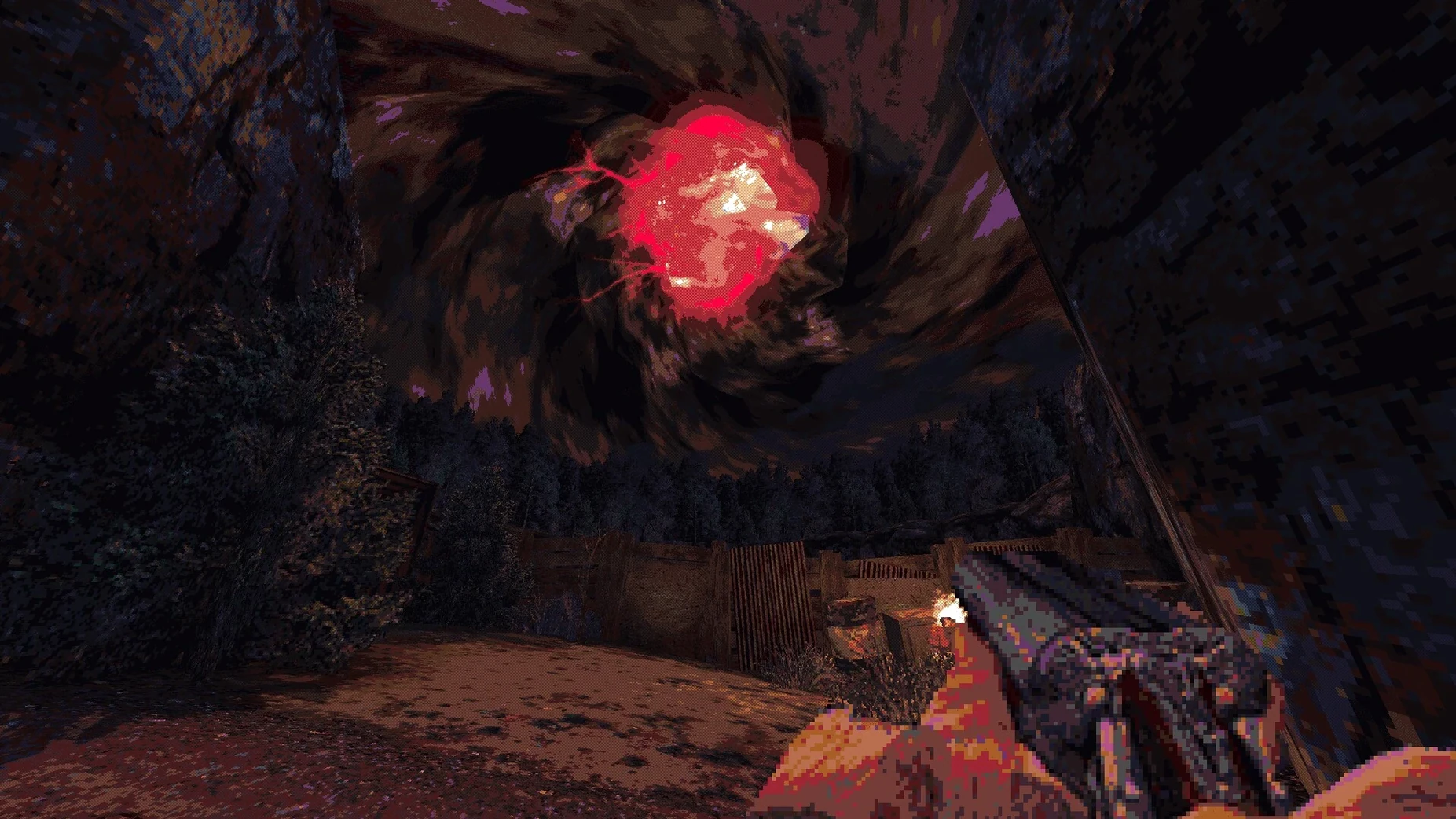
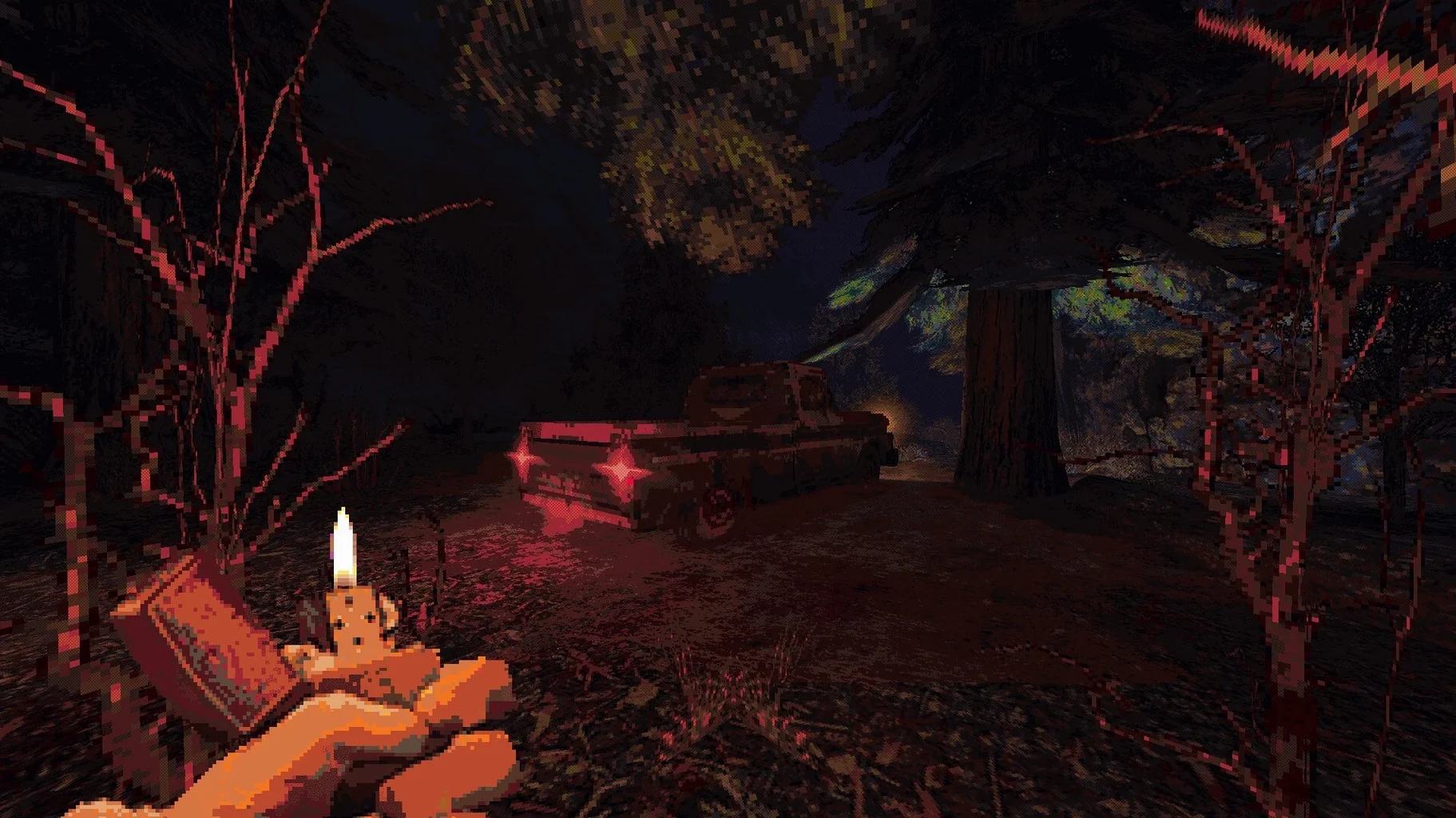
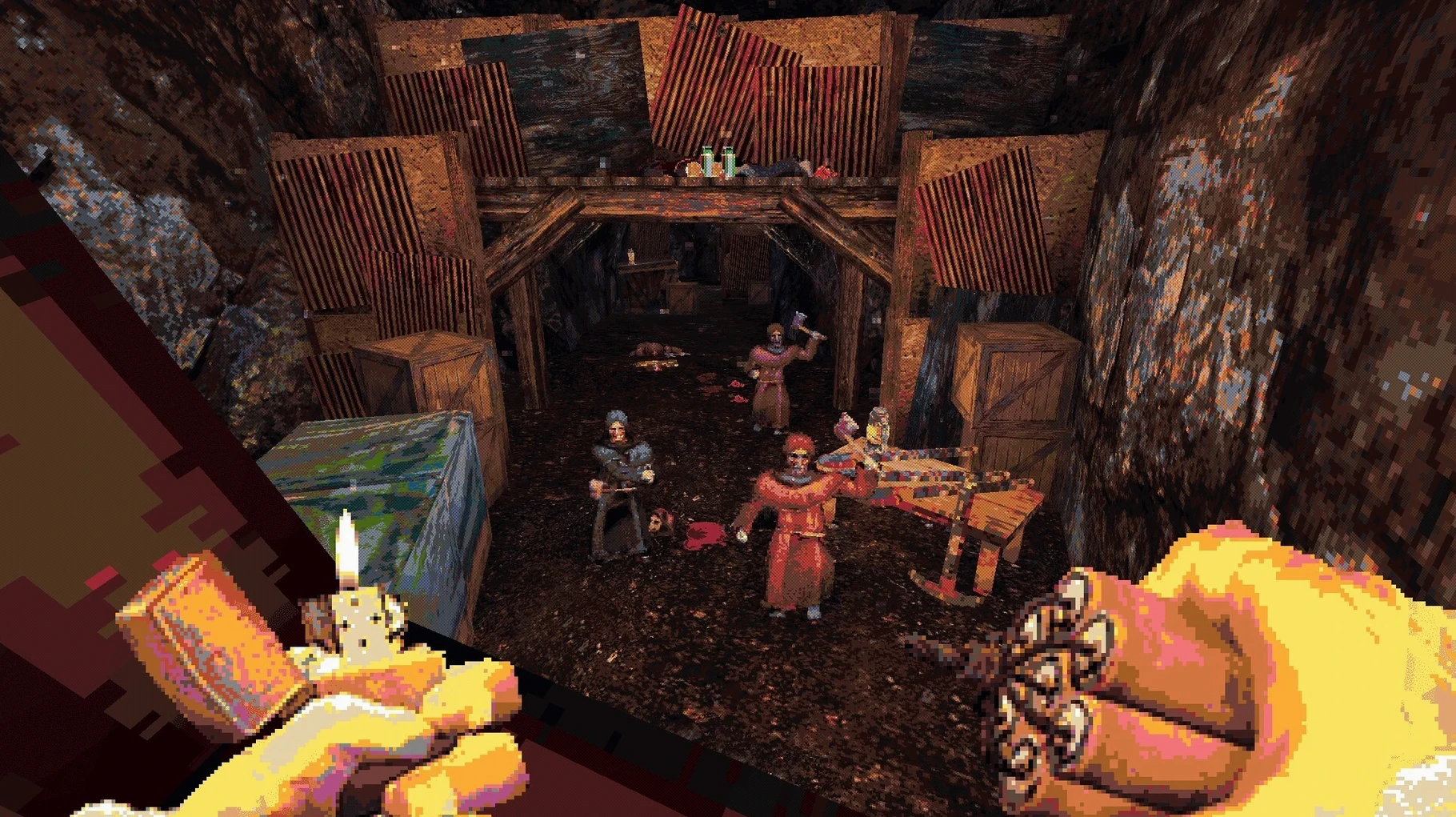

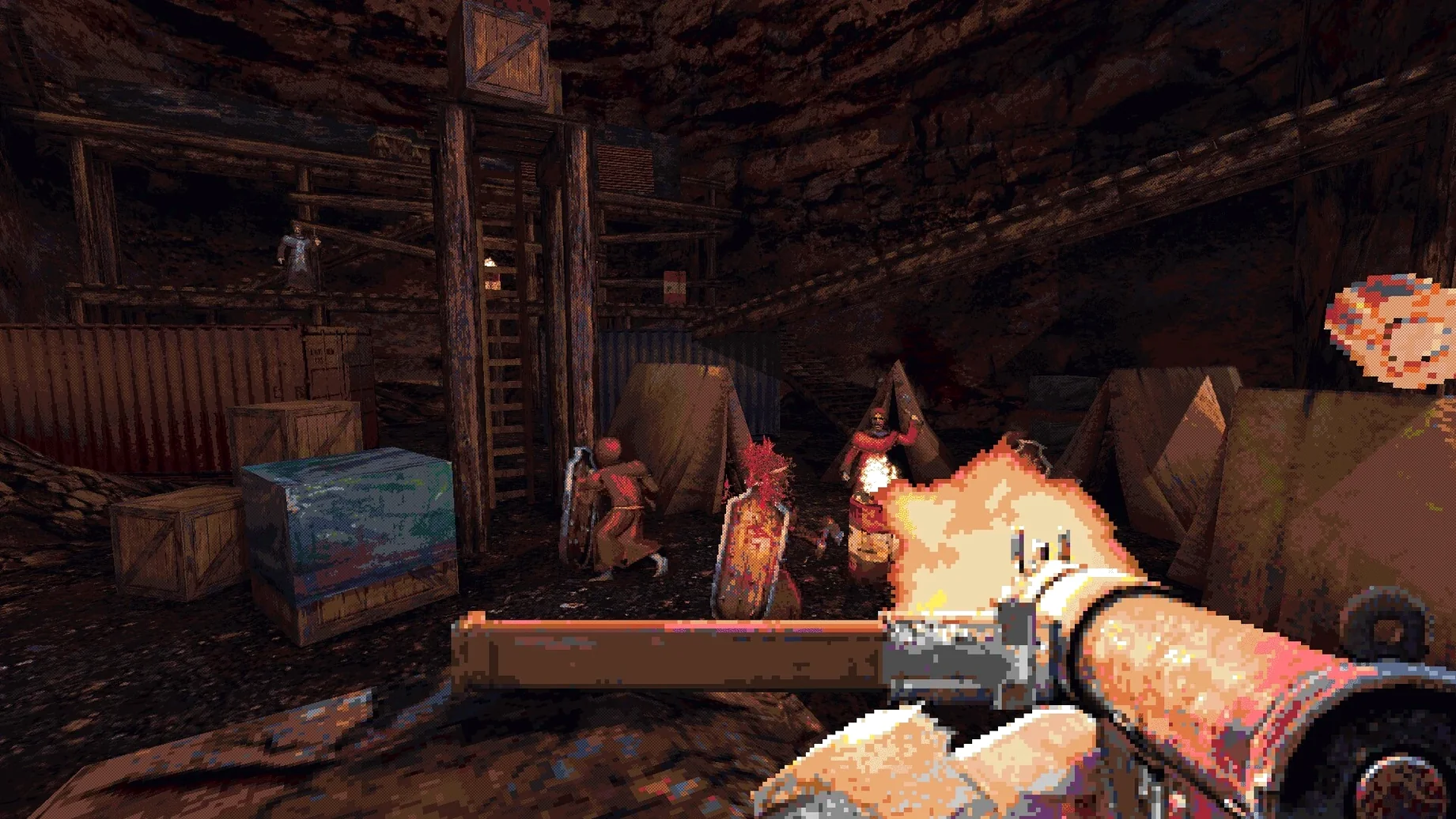
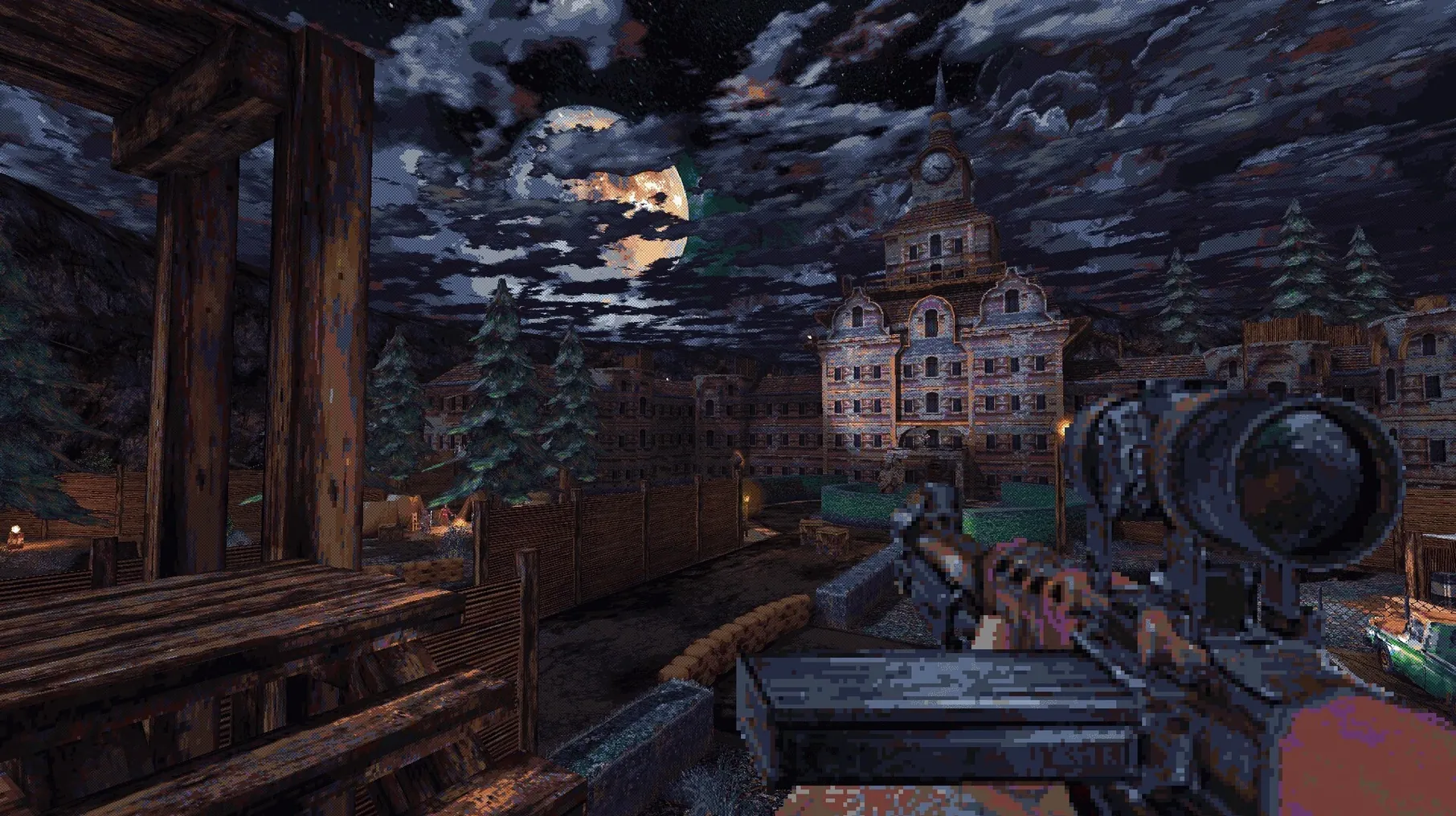
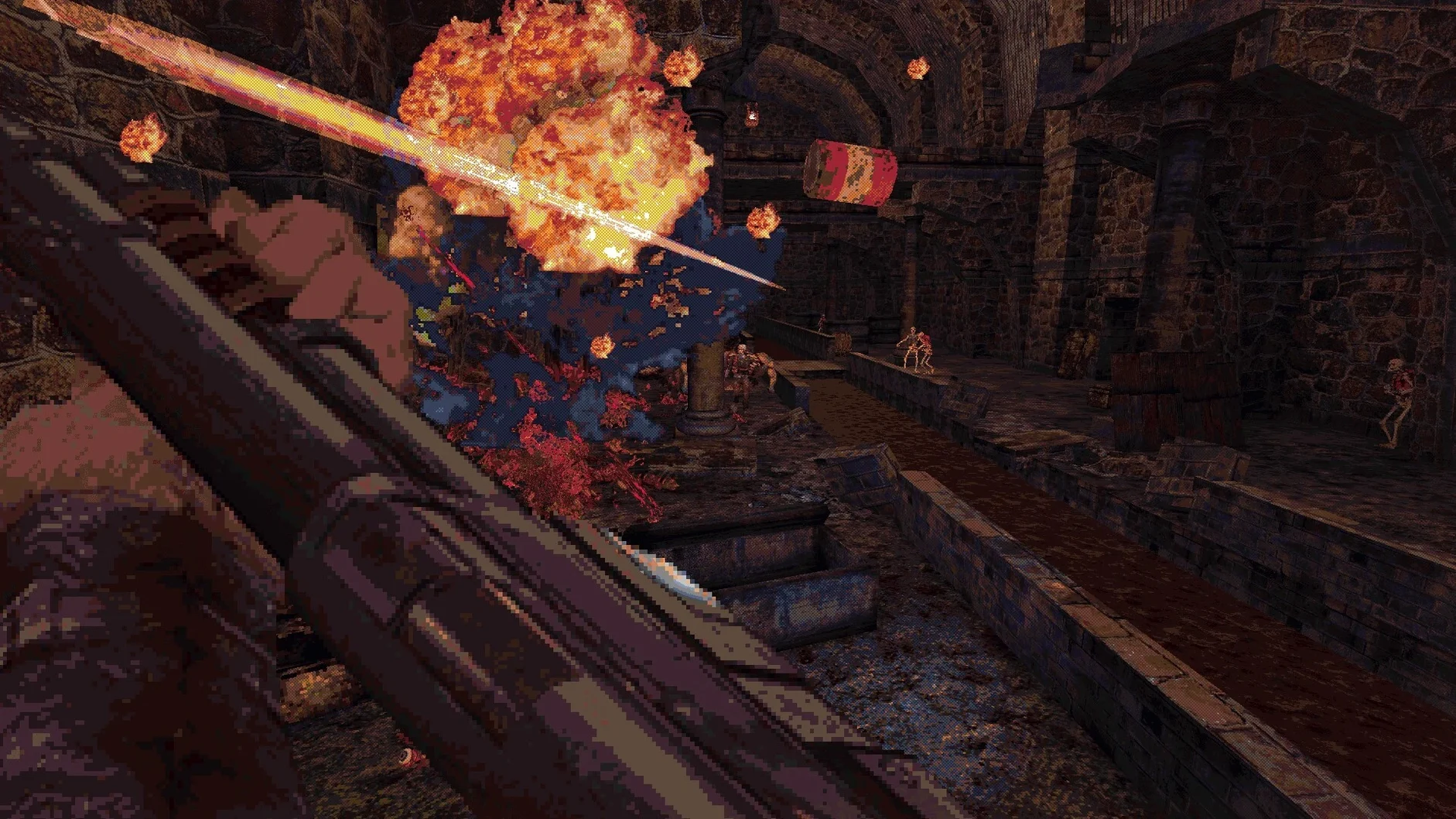
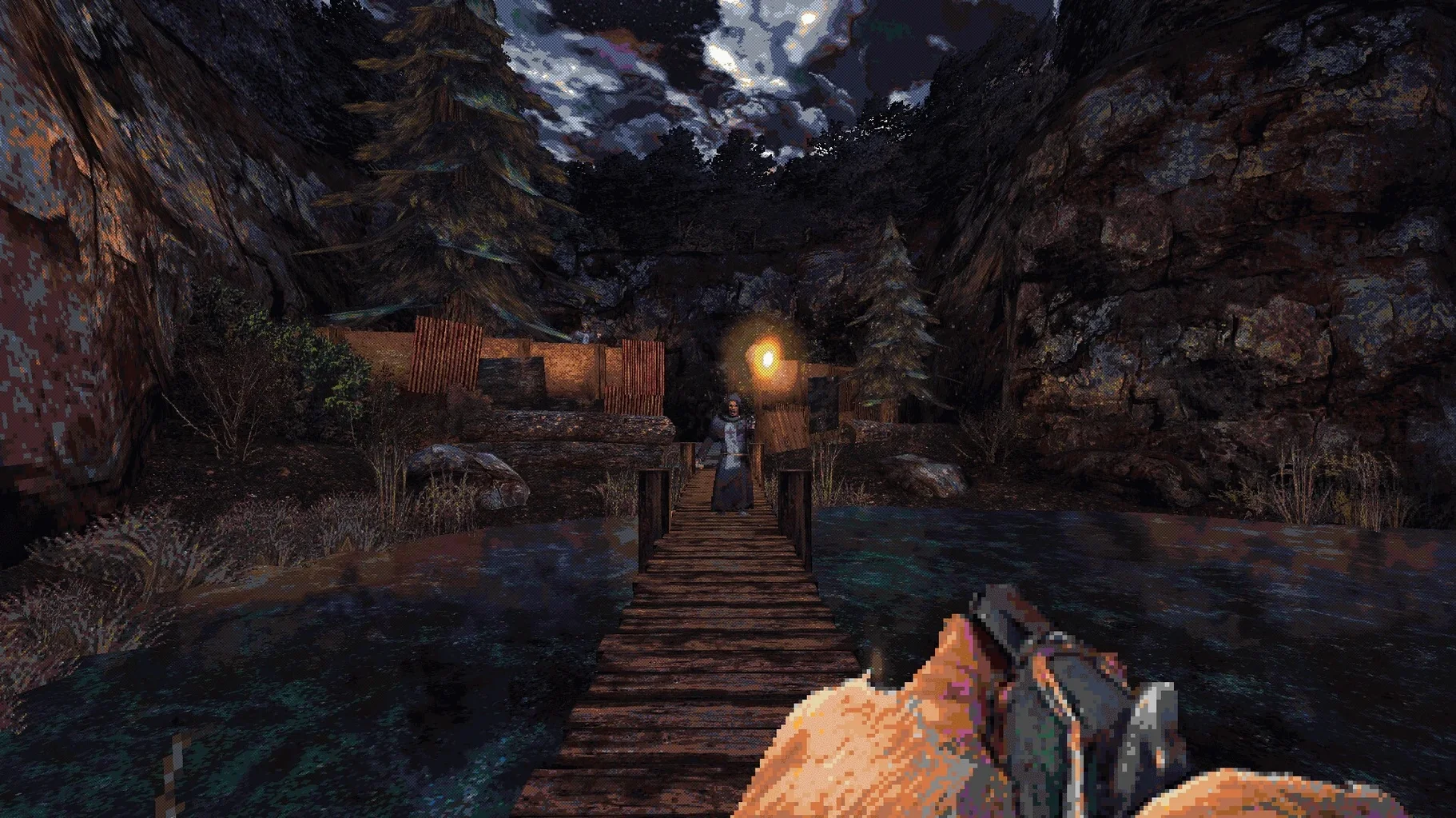
You know the feeling when a tool just clicks — the way a well-mapped controller or a clean mixer layout makes everything flow. CULTIC aims for that same instant familiarity, but with a shotgun in hand.
For fans of mid-90s shooter combat
If you grew up on mid-90s shooters and miss that snappy, no-nonsense combat, CULTIC scratches the itch. It’s an old-school-inspired FPS built on a modern engine, so you get physics, lighting, and a fully 3D world without the clunky controls of the past. The mid-20th-century firearms and explosives feel weighty, and the English voice acting adds character to the 10-map Chapter One campaign.
Combat rewards aggression and cunning alike. You can run, slide, dodge, and use the environment — set traps, take cover, or push forward guns blazing. That flexibility means both twitch-reaction players and patient strategists can find their groove.
Who might pass
If you prefer modern shooters with regenerating health, endless checkpoints, or heavy narrative, this might not be your thing. It’s a pure action game with a retro soul, and Survival Mode adds replay value for those who like a challenge.
Instant launch from Launchpad to main menu
Here’s how a typical run looks for me. I launch the game from Launchpad, and within moments I’m at the main menu. No launcher, no extra steps. I pick a level from Chapter One — maybe map 4, where the corridors tighten and the environment starts working against you. The first few minutes are about finding rhythm: sliding through a doorway, dodging a burst of fire, then planting a shotgun blast at close range. The combat loop is fast, so I’m rarely standing still.
When I need a breather, I use the environment. A well-placed explosive barrel or a chokepoint trap can thin a crowd before I commit. Survival Mode is a different beast — wave-based, no saves, just you and the horde. I usually play one or two waves as a warm-up before the campaign. It’s a good way to learn enemy patterns without the pressure of progress.
After a session, I quit normally. Saves are stored inside the app bundle under AppData/LocalLow/Jasozz Games/CULTIC. If I ever need to back up a save or start fresh, that’s where I look.
Run the Fix file first to avoid headaches
A few things helped me settle in quickly.
- Run the Fix file first — even if the game launches fine, running it once saved me a potential headache later. It’s inside the disk image, takes seconds.
- Check the save location early — find that AppData path and make a mental note. If you ever need to transfer saves or troubleshoot, you’ll be glad you know where it lives.
- Play a Survival Mode round before the campaign — it’s a low-stakes way to get a feel for the weapons and enemy behaviour. No progress lost, no pressure.
- Experiment with movement — sliding and dodging aren’t just for show. In the first few maps, try using them to close distance or escape a bad position. The game rewards that mobility.
- Keep an eye on ammo — mid-20th-century firearms don’t carry infinite reserves. Mixing up weapons and using traps early on keeps you from running dry at the worst moment.
That’s it. No hidden tricks, no secret configs — just solid retro action that works out of the box on Apple Silicon.
- Build label updated to 2.02i Rev 1 [Wineskin].
- macOS Tahoe
- Apple Silicon
- Tested on Mac mini 2024 M4
Kit check at a glance
| Chip | Apple Silicon |
| Download | 2.2 GB |








Chat from the booth
Sign in or grab a free account to leave a comment.
Nobody has said a word in the booth yet. If you played a set with this build, tell the next person how it went.