
- Build in the crate
- 1.1 [Wineskin]
- Made by the team at
- Gunfire Games, THQ Nordic
- Menu languages offered
- Russian, English, German, Spanish, Chinese (Simplified), Korean, Polish, Portuguese, French, Japanese
- How you pay for it
- Not required
- CPU it runs on
- Apple Silicon
- Played on
- macOS Sequoia, Mac mini 2024 M4
- Dropped on
- 2.12.2020
- Spoken voice in
- English, German, Spanish, Korean, French
Screenshots
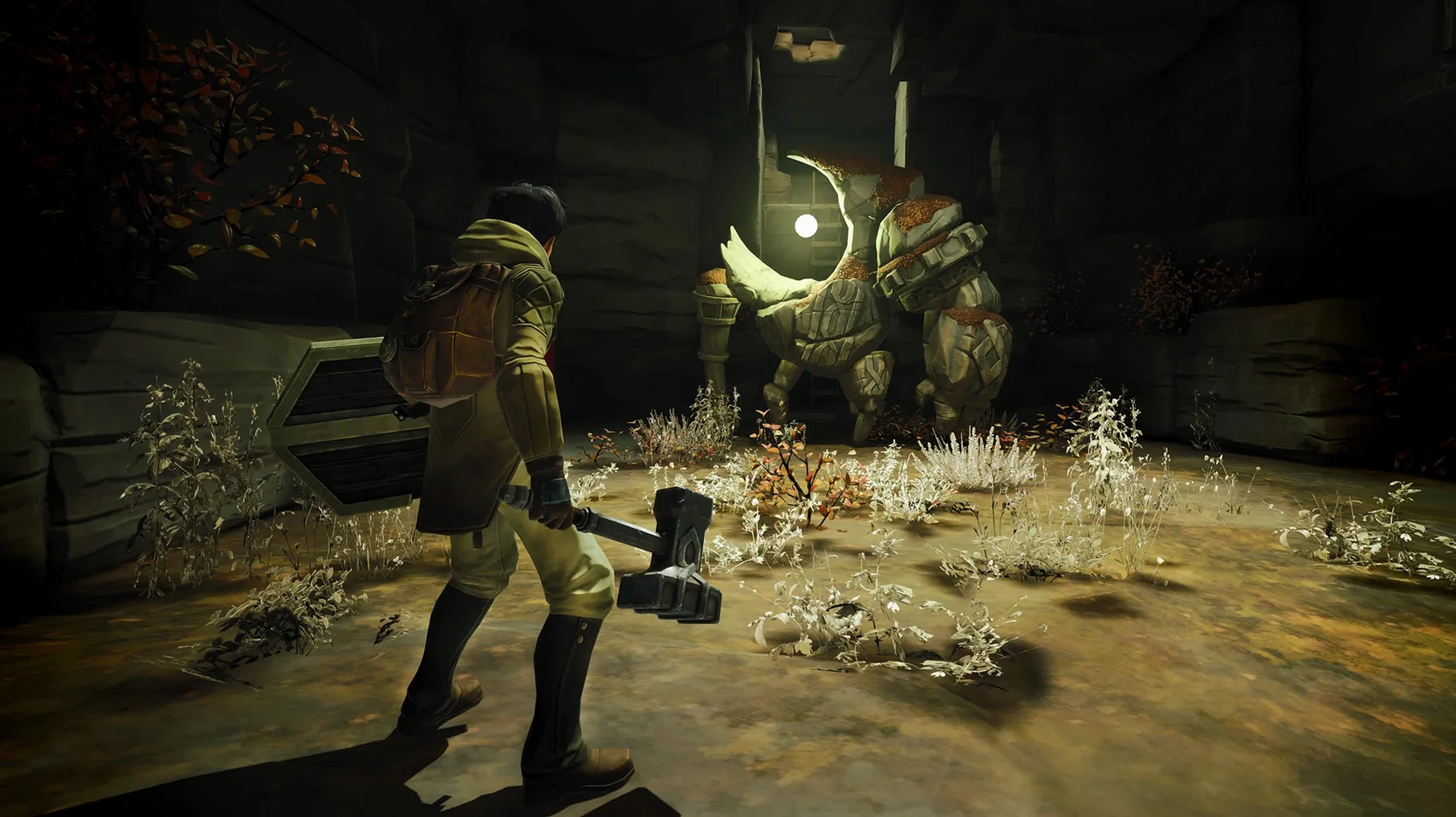
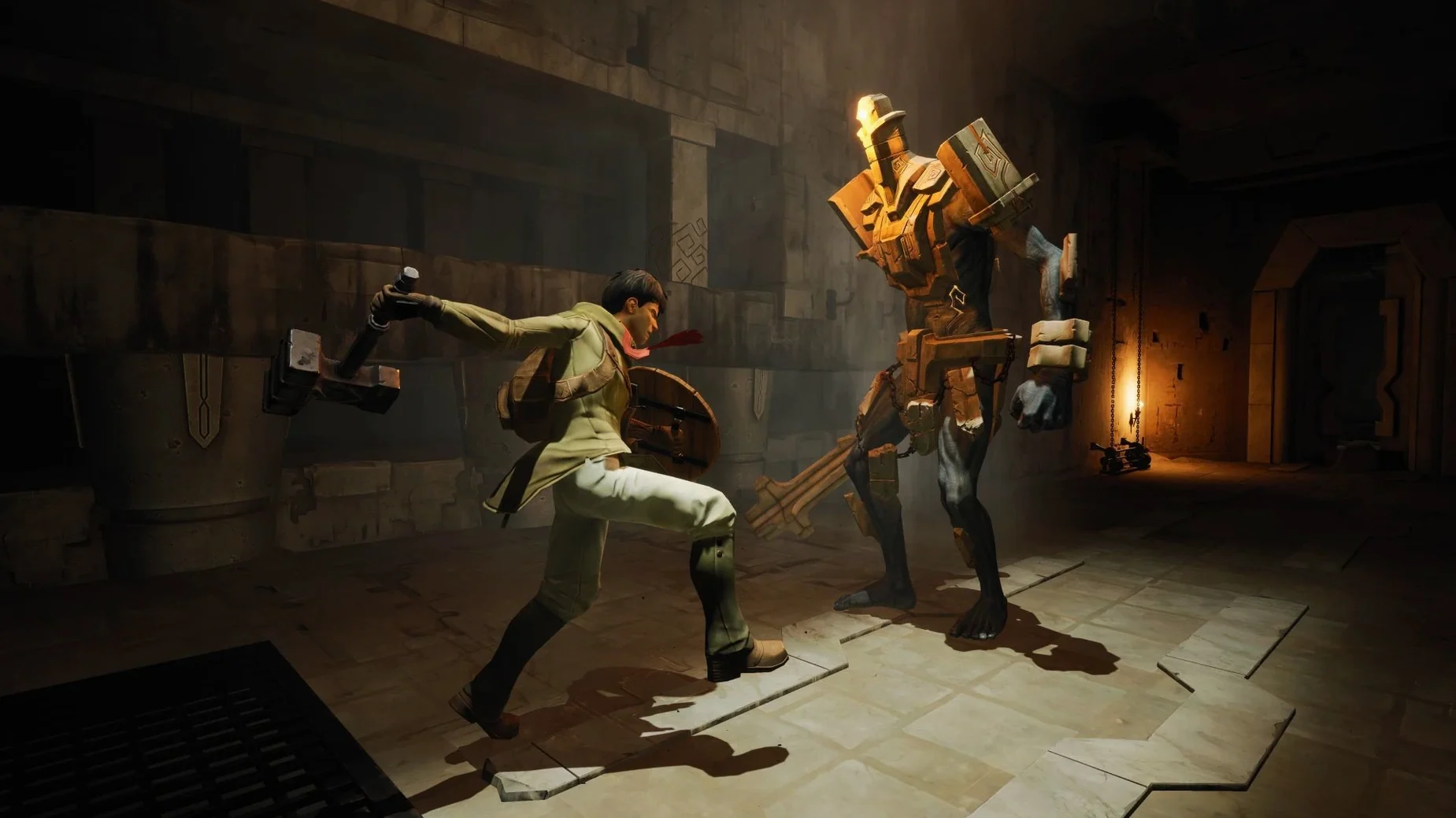
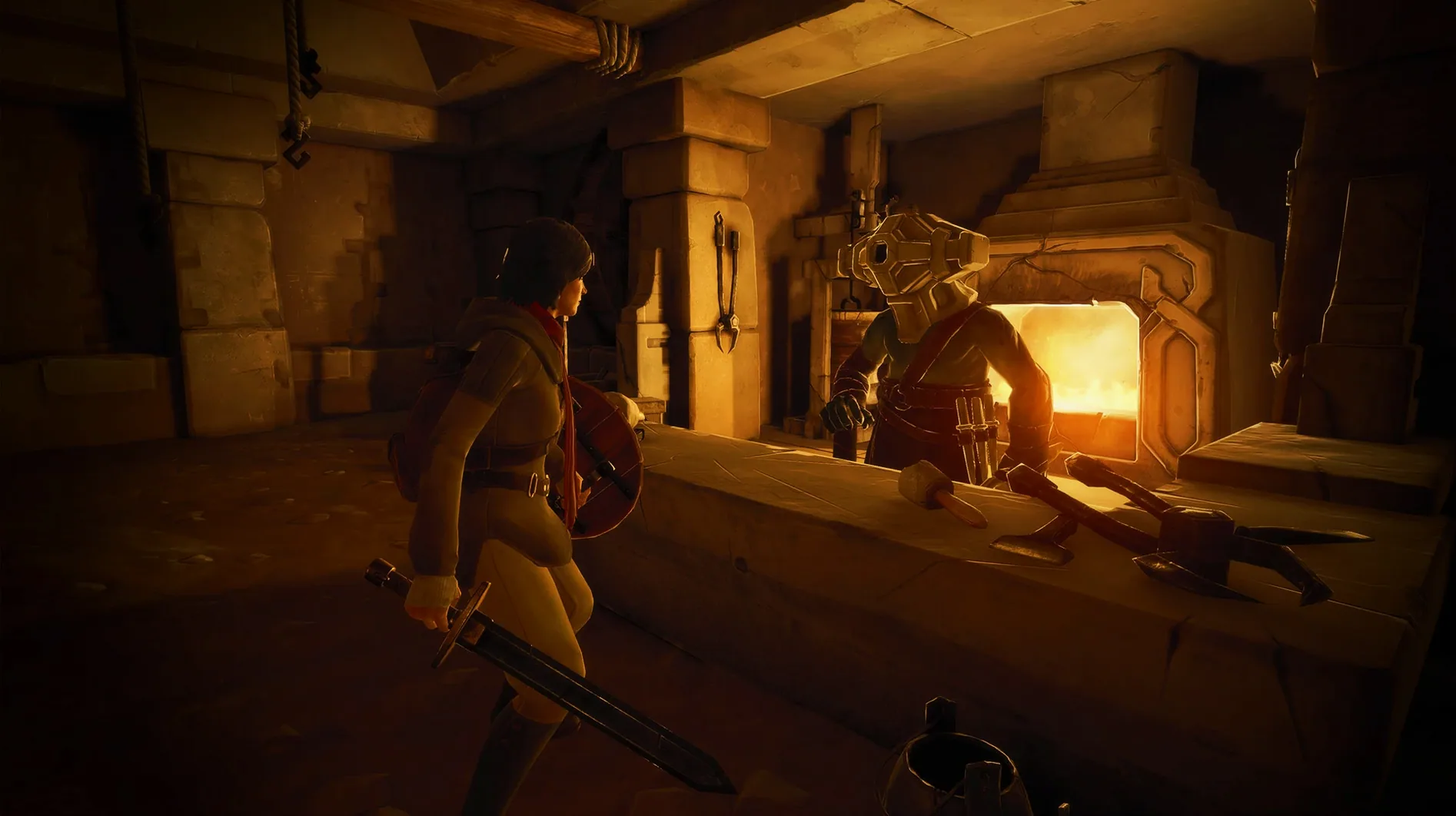
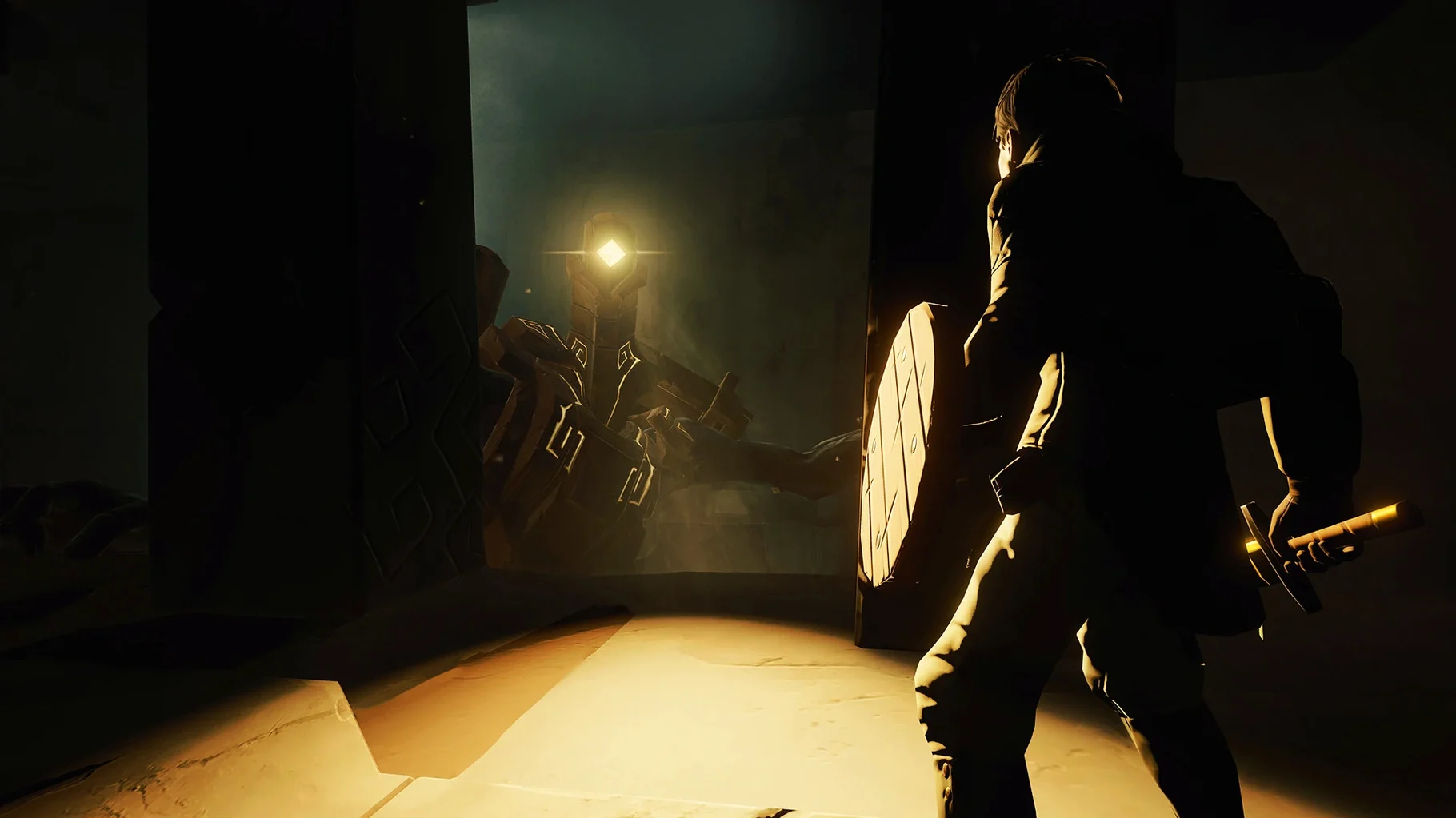
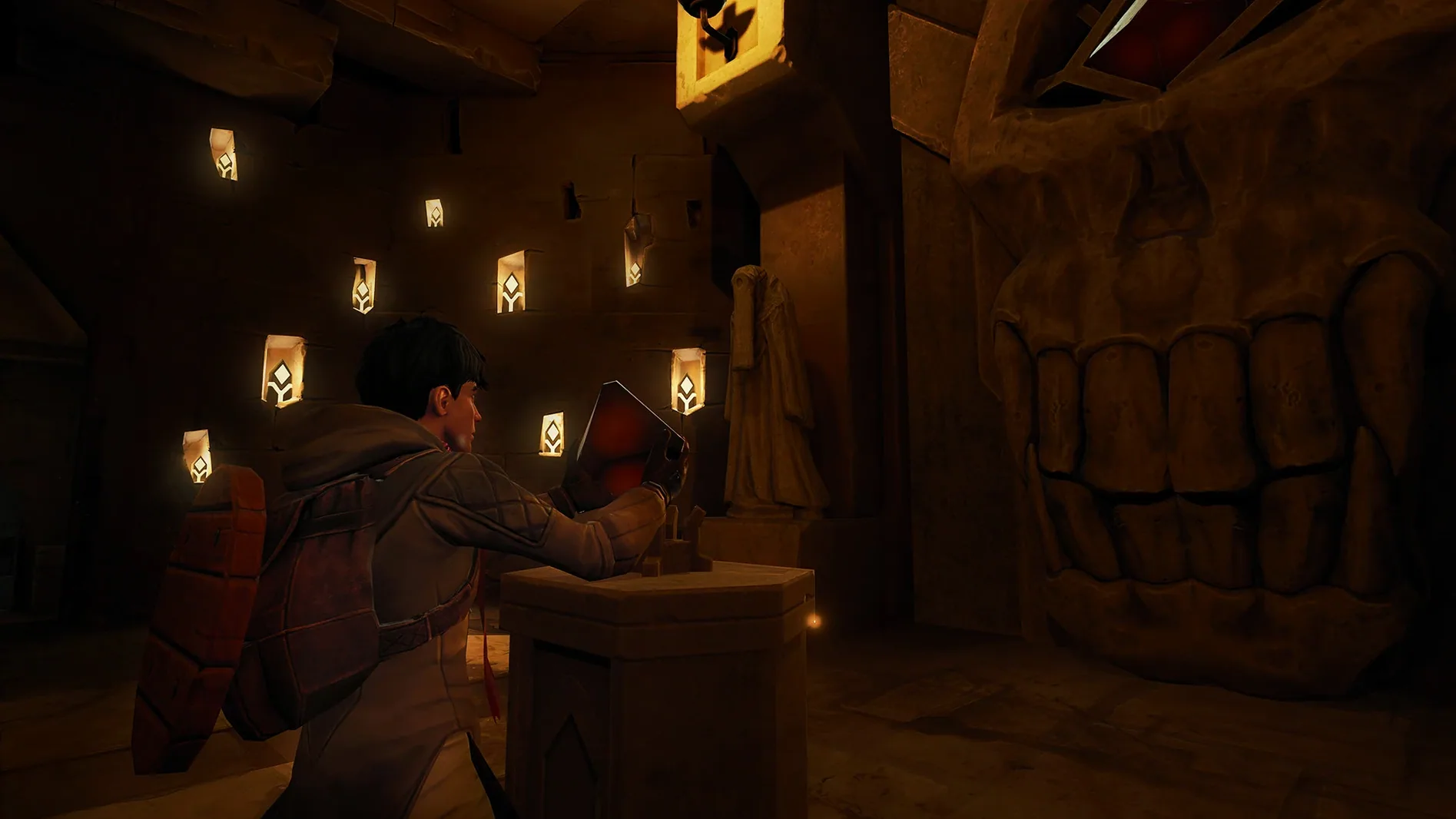
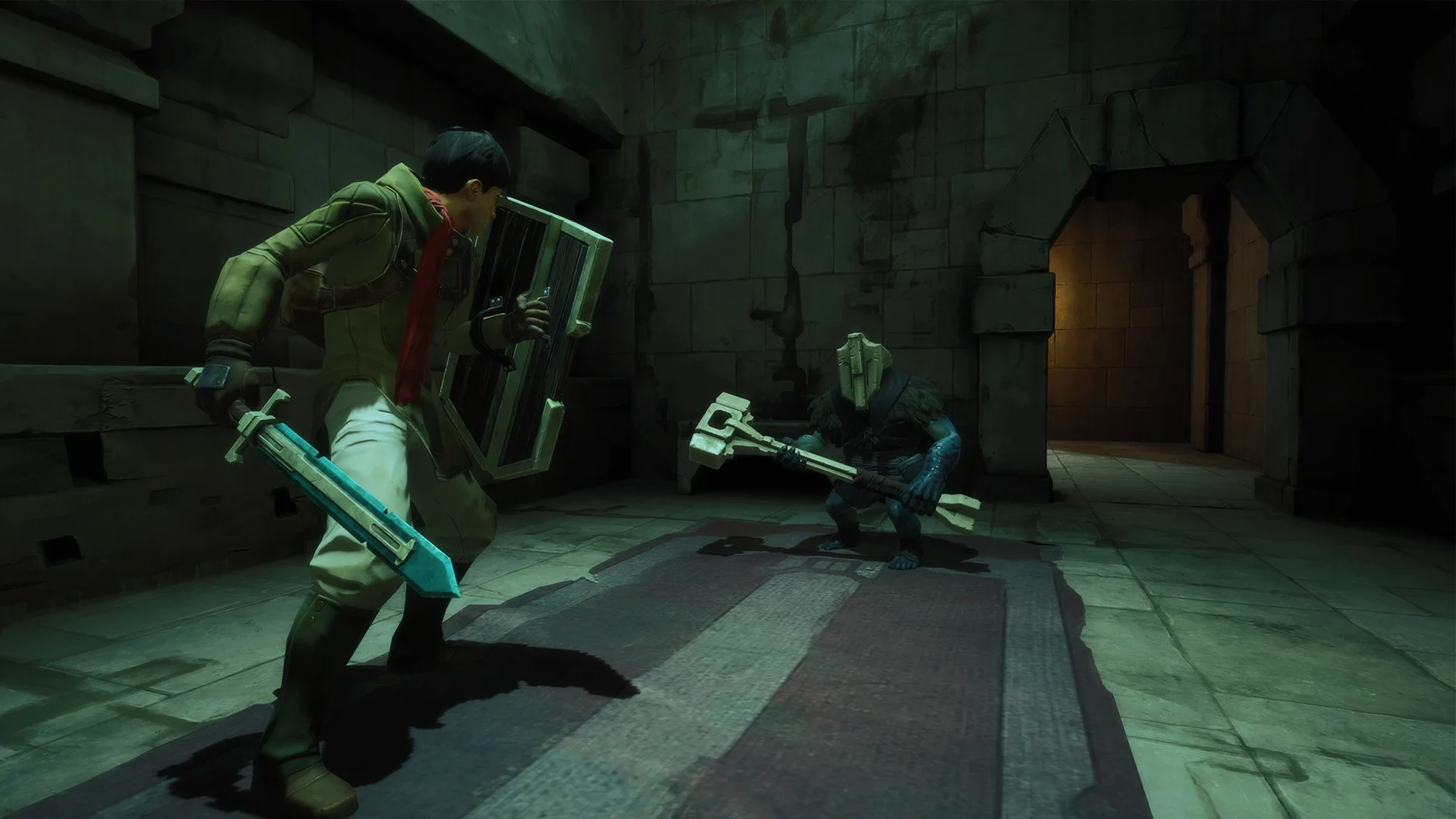
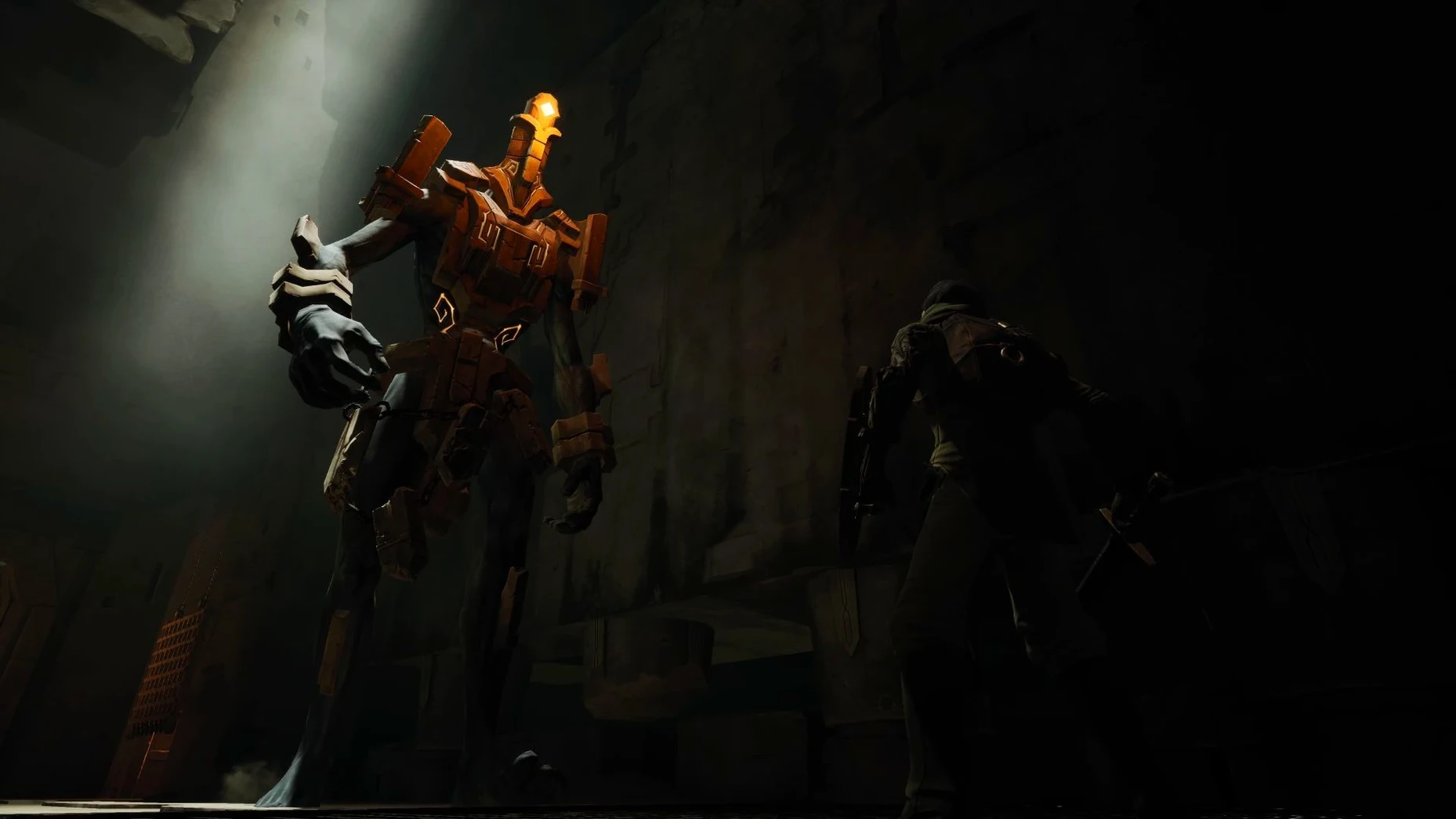
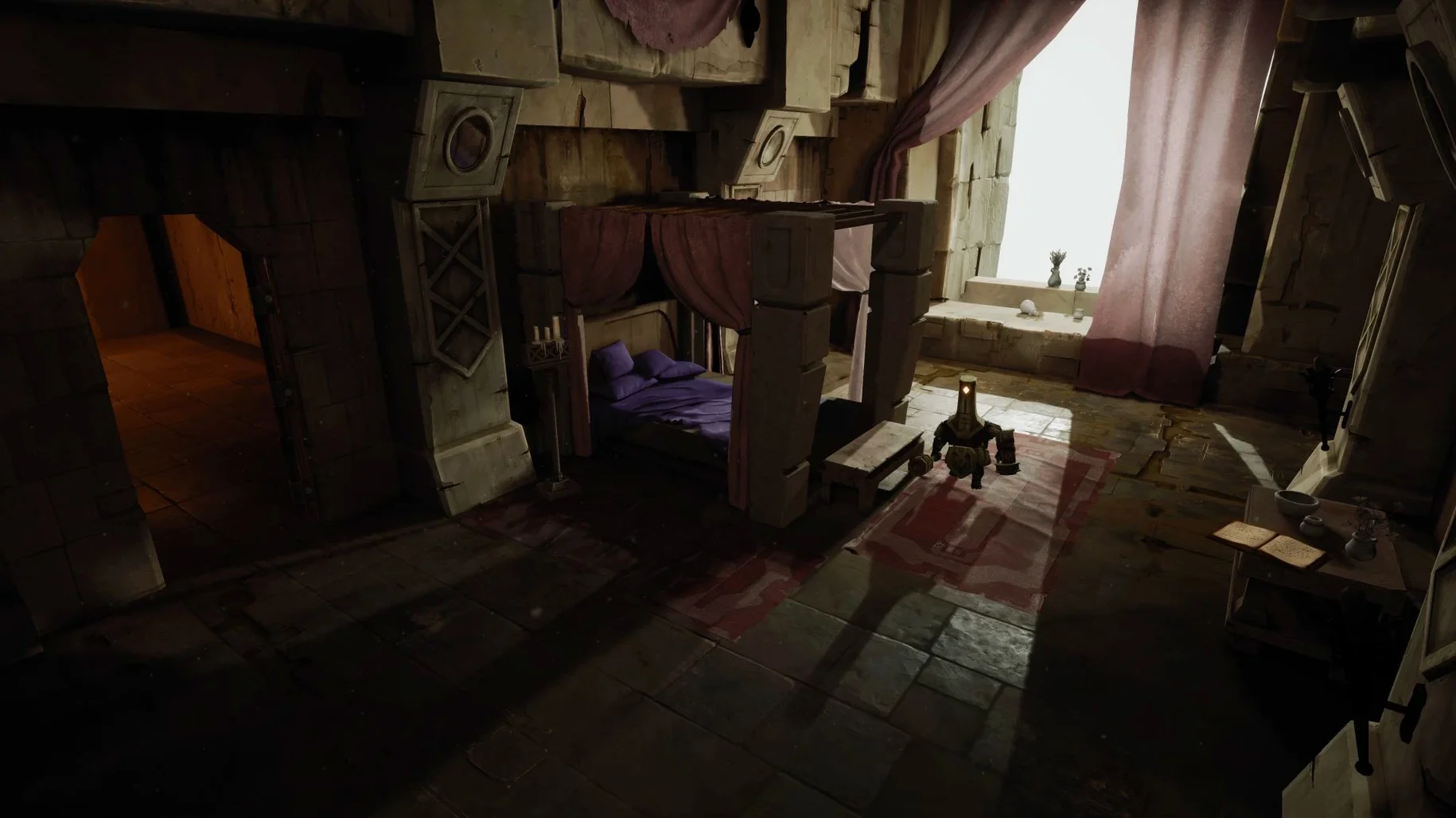
The architecture is ARM, and the build is labeled 1.1 [Wineskin]. That means it's made for Apple Silicon Macs — Intel models won't run it. Tested on macOS Sequoia with a Mac mini 2024 M4, so expect it to work on recent M-series hardware.
In the labyrinth, you play a hero trying to save their homeland from a great evil. You're a younger character, which makes you nimble and fast in combat. That speed matters: fights mix different weapons, abilities, and powers, and you'll need to move quickly to chain them well.
The game blends adventure game elements with RPG mechanics. You explore, solve puzzles, and build your character as you go. It's not a pure action game — the RPG side gives you choices in how you fight and grow.
For controls, you'll use keyboard and mouse, or connect a controller if you prefer. The game is in English, Russian, German, Spanish, Simplified Chinese, Korean, Polish, Portuguese, French, and Japanese.
No activation step needed
The 1.1 [Wineskin] build is the one you'll find on the disk image. Compared to earlier releases of the game on Mac, this version does a couple of things differently that affect how you play.
- No activation step. You mount the image, drag the app over, and launch. There's no online handshake, no account prompt. That means you can start a session without being connected to the internet, which matters if you play on a laptop away from Wi-Fi.
- Wineskin wrapper, not native. The game runs through a translation layer. On Apple Silicon Macs, this wrapper handles the x86 code. The trade-off is that you get the full game with all its content — weapons, abilities, the aging mechanic — but the wrapper adds a small delay when the game loads assets like new areas or enemy models.
- Tested on Sequoia. The build was confirmed on macOS Sequoia with a Mac mini 2024 M4. If you're on an earlier Apple Silicon system (M1, M2, M3), it should behave the same way. The wrapper is the same, the game code is the same.
One thing that hasn't changed: the death mechanic. Every time you die, you lose a year of life. A younger hero is quicker on their feet; an older one is slower but has better magic and wisdom. The balance between those two states is still the core of the game, and the 1.1 build doesn't alter that.
Fixing the most common issues
People hit a few recurring issues with this build. Most are easy to fix.
Game won't start after first launch
If the game shows an error at startup, you missed a step. Go back to the disk image you mounted and run the Fix file inside it. That file patches the Wineskin wrapper so it plays nice with macOS Gatekeeper and the M-series architecture. Run it once, then launch the app again.
No sound or garbled audio
This usually happens if the wrapper's audio settings got reset. Open the Wineskin configuration inside the app bundle (right-click the app, choose Show Package Contents, then find Wineskin.app inside). Go to the Audio tab and set the output to PulseAudio or CoreAudio depending on what your system prefers. Restart the game after.
Controller not recognised
The game supports controllers, but the Wineskin layer sometimes misses them on first plug-in. Unplug the controller, launch the game, then plug it back in once you're at the main menu. If that doesn't work, check System Settings > Bluetooth and make sure the controller is paired before you start the app.
Game feels sluggish in larger areas
The labyrinth has open sections with many enemies and particle effects. On an M-series Mac, lowering the in-game resolution to 1920x1080 or below helps. You can also turn off shadows and reduce texture quality in the graphics menu.
Language doesn't match your system
The game picks up the system language automatically if it's one of the ten supported. If it picks the wrong one, go to the game's settings menu and change it manually. Voice language is separate — you can have English menus with French voices, for example.
ARM only: Intel Macs won't run
From the requirements and the build specs, here's what the game needs from your system.
- Architecture. ARM only. Intel Macs won't run this build at all. The wrapper is compiled for Apple Silicon, and there's no x86 version in the disk image.
- macOS version. The build was tested on Sequoia. It should run on Ventura and Sonoma too, since the Wineskin framework hasn't changed drastically across those versions. Older macOS releases (Monterey and before) might work but aren't confirmed.
- Storage. The disk image is a few gigabytes. Make sure you have enough free space on your internal drive or an external SSD before copying the app.
- If you have 16 GB or more, you're fine.
- No internet needed. Once the game is installed and the Fix file has been run, you can play offline. The wrapper doesn't phone home for anything.
If you're coming from the 2016 version of the game, this 2020 release — chronos before the ashes mac download — is the overhauled version with updated visuals, rebalanced combat, and the full aging system. The wrapper setup is the only extra layer you have to deal with on Mac.
- Apple Silicon Mac (ARM architecture)
- macOS Sequoia (tested)
- Tested on Mac mini 2024 M4
Kit check at a glance
| Chip | Apple Silicon |
| Download | 7.6 GB |






Chat from the booth
Sign in or grab a free account to leave a comment.
Nobody has said a word in the booth yet. If you played a set with this build, tell the next person how it went.