

- Build in the crate
- 1.1.0d Native
- Made by the team at
- Chowbie
- Menu languages offered
- Russian, English, German, Spanish, Italian, Chinese (Traditional), Chinese (Simplified), Korean, Polish, Portuguese, French, Japanese
- How you pay for it
- Not required
- CPU it runs on
- Apple Silicon, Intel 64-bit
- Played on
- macOS Golden Gate, Mac mini 2024 M4
- Dropped on
- 01.07.2026
- Spoken voice in
- Music only
Screenshots
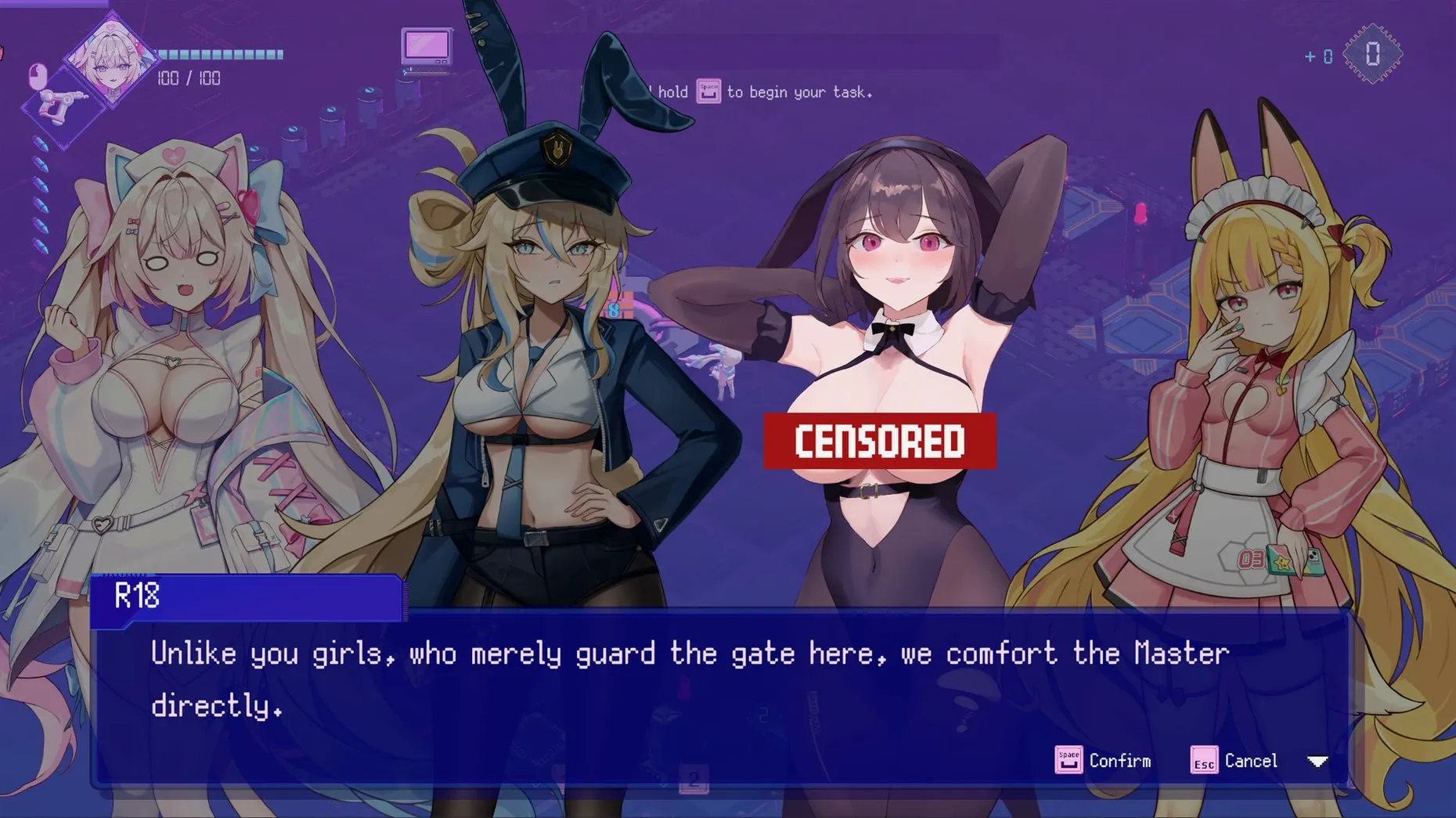
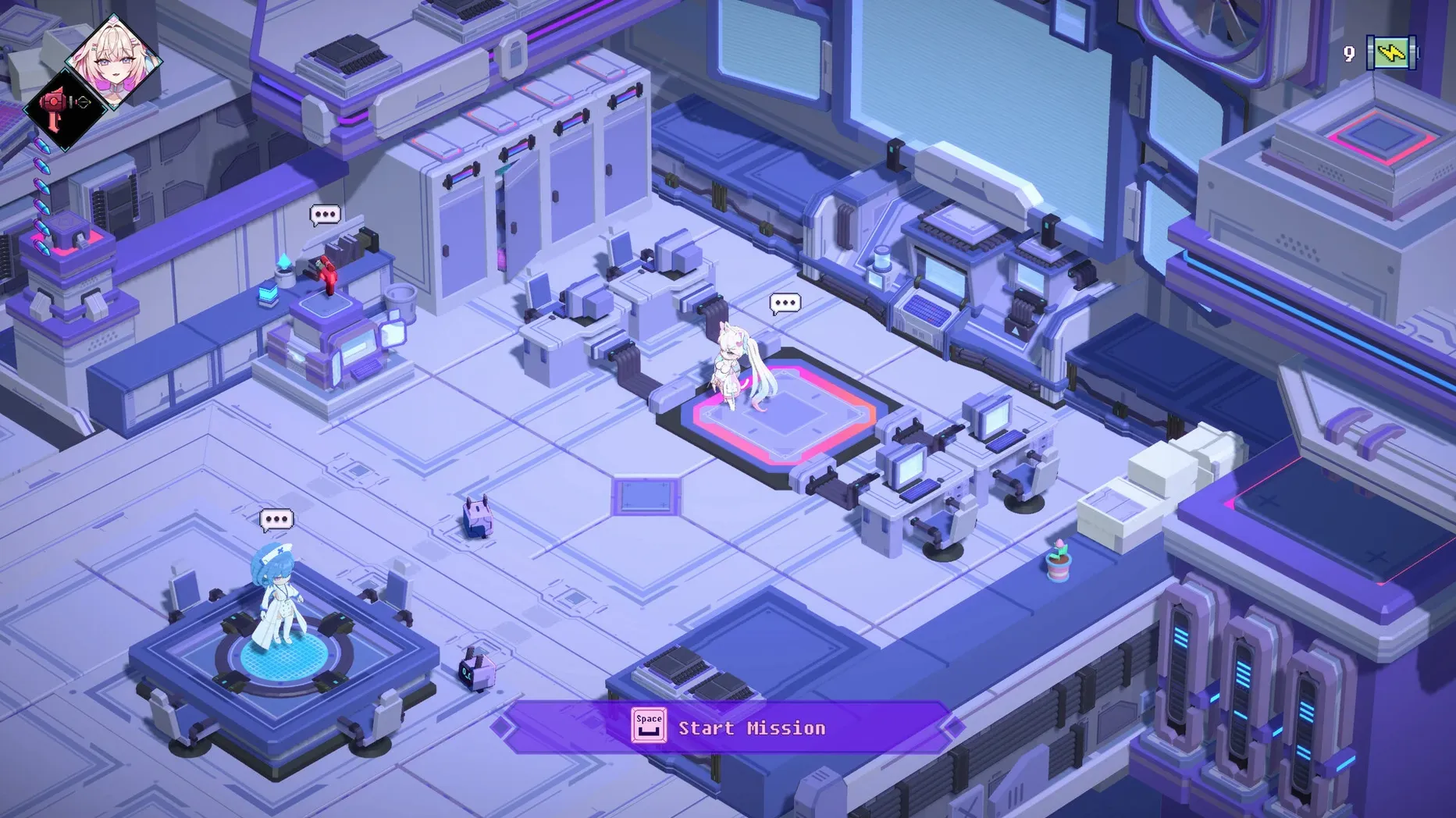
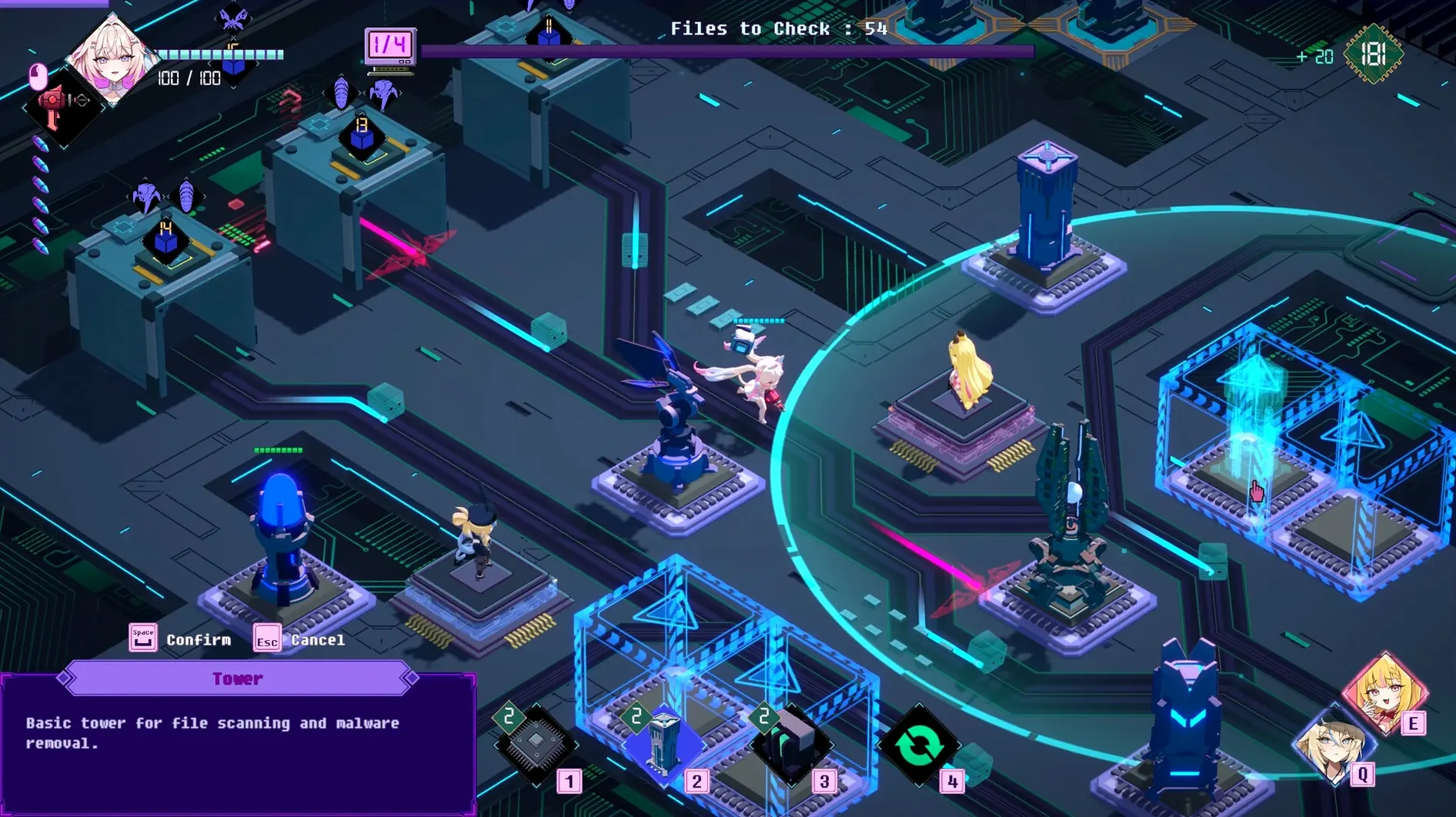
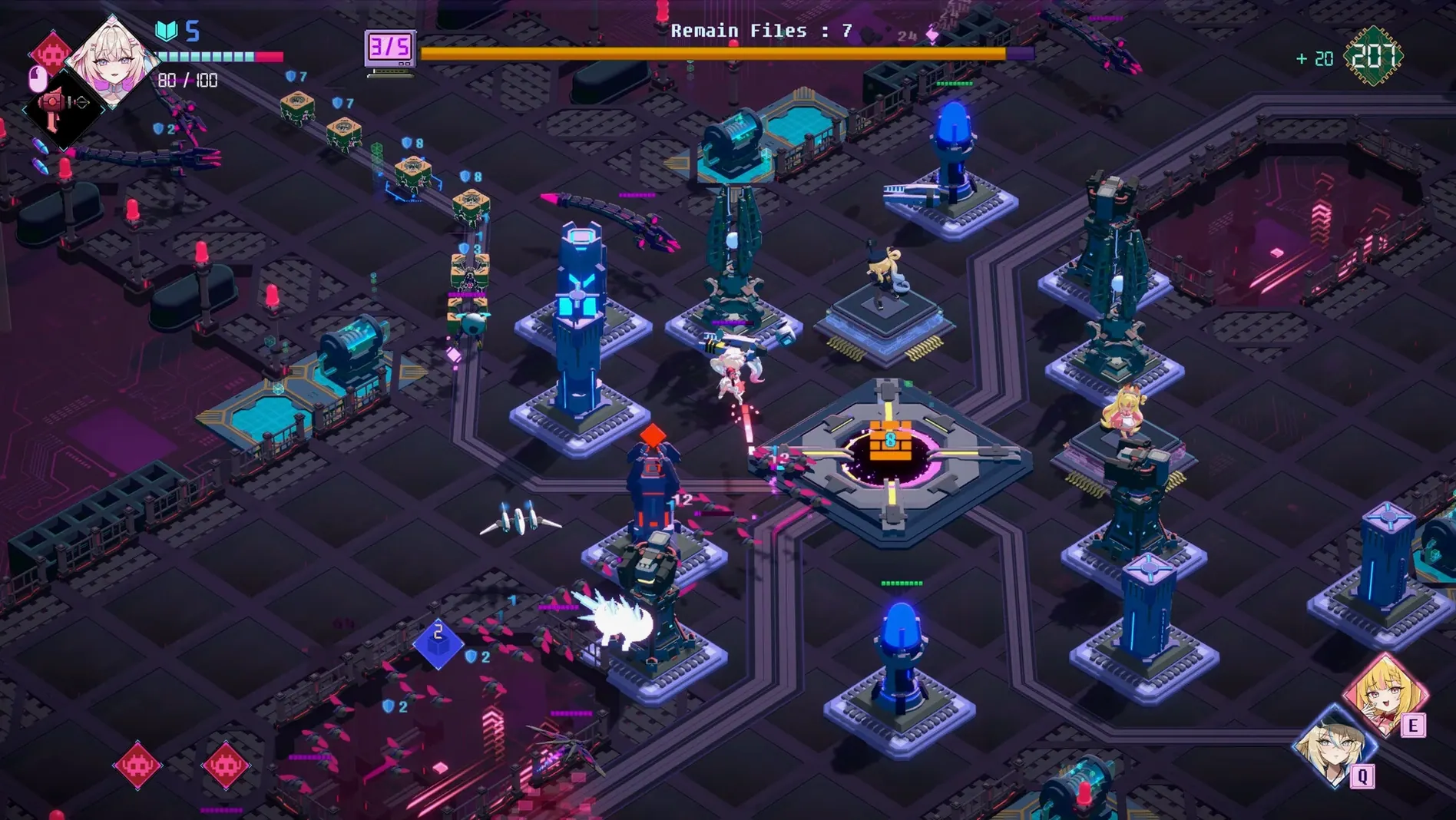
If you’ve ever set up a firewall or arranged antivirus rules, you’ll recognise the idea behind Antivirus Girl. Instead of clicking through menus, you place modules in key positions on a virtual computer, then scan, clean and analyse your way through incoming threats.
Control a Sentinel agent and set defence routes
- You control an agent of the Sentinel anti-malware system.
- Before scanning starts, you set up routes for your defences.
- Viruses are destroyed immediately when caught.
- The Sentinel system has scanning, cleanup and analysis departments to manage.
Tower defence shooter for Mac, ARM and Intel
It’s a straightforward mix of tower defence and shooter mechanics, built for anyone who wants to protect a computer graphically rather than through configuration files. The game works on both ARM and Intel Macs, and supports a dozen languages including English, Spanish, French and Japanese. The tested system was macOS Golden Gate on a Mac mini 2024 M4, but it runs fine on earlier versions too.
Lower the music before your first scan
Before you jump into your first scan, a few adjustments make the game feel more natural. Open the options menu and check the audio levels — the music is good, but the default mix might be a bit loud if you’re playing late at night.
The language setting is also worth a quick change if English isn’t your first choice. Antivirus Girl supports twelve languages, including Russian, German, Italian, Korean, Polish, Portuguese, Traditional Chinese, Simplified Chinese, and Japanese, so you can switch to whichever you prefer right from the start. No restart needed — it applies immediately.
If you’re on a laptop, check the display mode. The game runs in windowed mode by default, which is handy for multitasking, but you can switch to fullscreen for a more focused session. The controls are responsive either way, so it’s down to personal taste.
Runs offline, no sign-in needed
Does it need an online connection? No. Once you’ve got the game on your Mac, it runs entirely offline. No activation, no sign-in, no Steam overlay required — just launch and play.
Will it work on an older Intel Mac? Yes. The build supports both ARM and 64-bit x86 architectures, so it covers Intel machines as well as Apple Silicon. The minimum macOS version isn’t listed, but the tested system was macOS Golden Gate on an M4 Mac mini, so anything recent should handle it without issues.
Is it a tower defence game or a shooter? It’s both. You set up routes and place modules like a tower defence title, but during scanning you control the agent directly and destroy viruses yourself. The two styles mix well — you plan ahead, then react in real time.
How big is the download? The disk image is small enough to fit on any modern Mac. Drag it to Applications, wait a few seconds for the copy to finish, and you’re ready to go. No extra installers or background processes.
Version 1.1.0d Native has just dropped with Apple Silicon support baked in.
- Apple Silicon or Intel 64-bit Mac
Kit check at a glance
| Chip | Apple Silicon, Intel 64-bit |
| Download | 661 MB |
| Older pressings | 1 in the crate |








Chat from the booth
Sign in or grab a free account to leave a comment.
Nobody has said a word in the booth yet. If you played a set with this build, tell the next person how it went.