

- Build in the crate
- 12.3.1 + Not Creator Studio
- Made by the team at
- Apple
- Menu languages offered
- English, German, Spanish, Chinese (Simplified), French, Japanese
- How you pay for it
- Not required
- macOS it plays on
- macOS 15.6 or later
- CPU it runs on
- Apple Silicon, Intel 64-bit
Screenshots
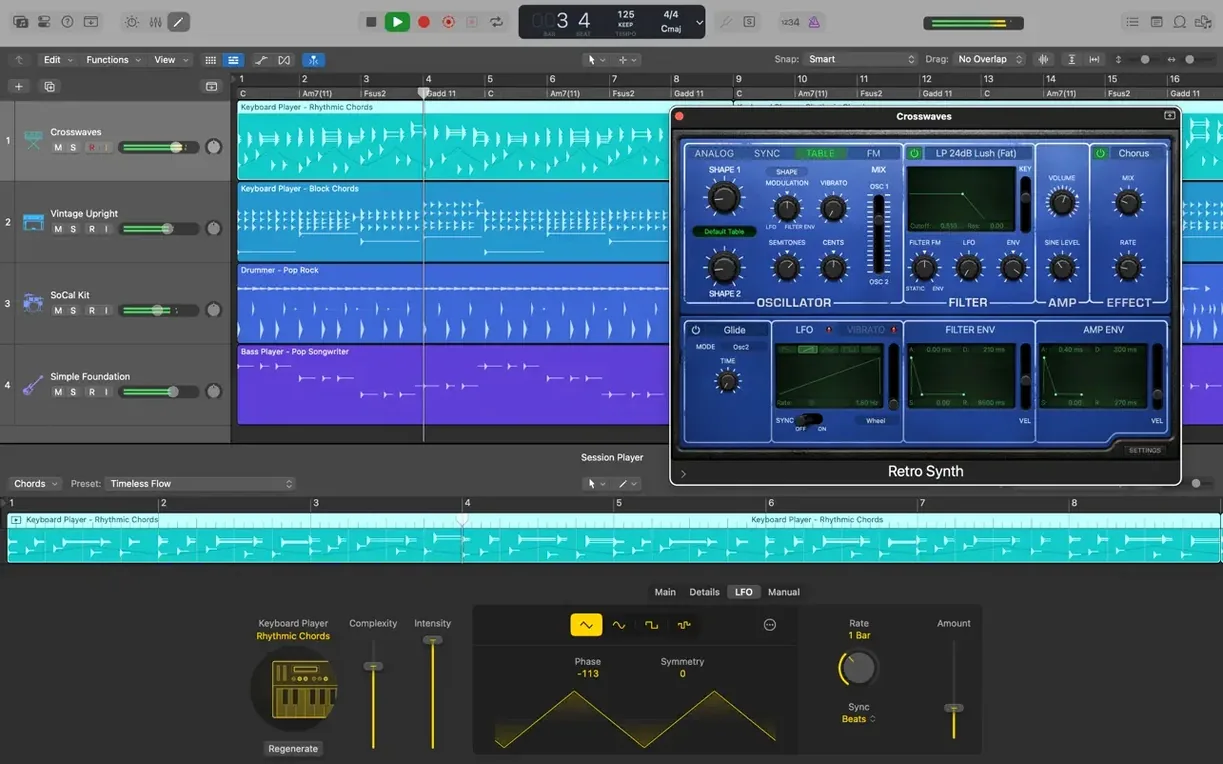
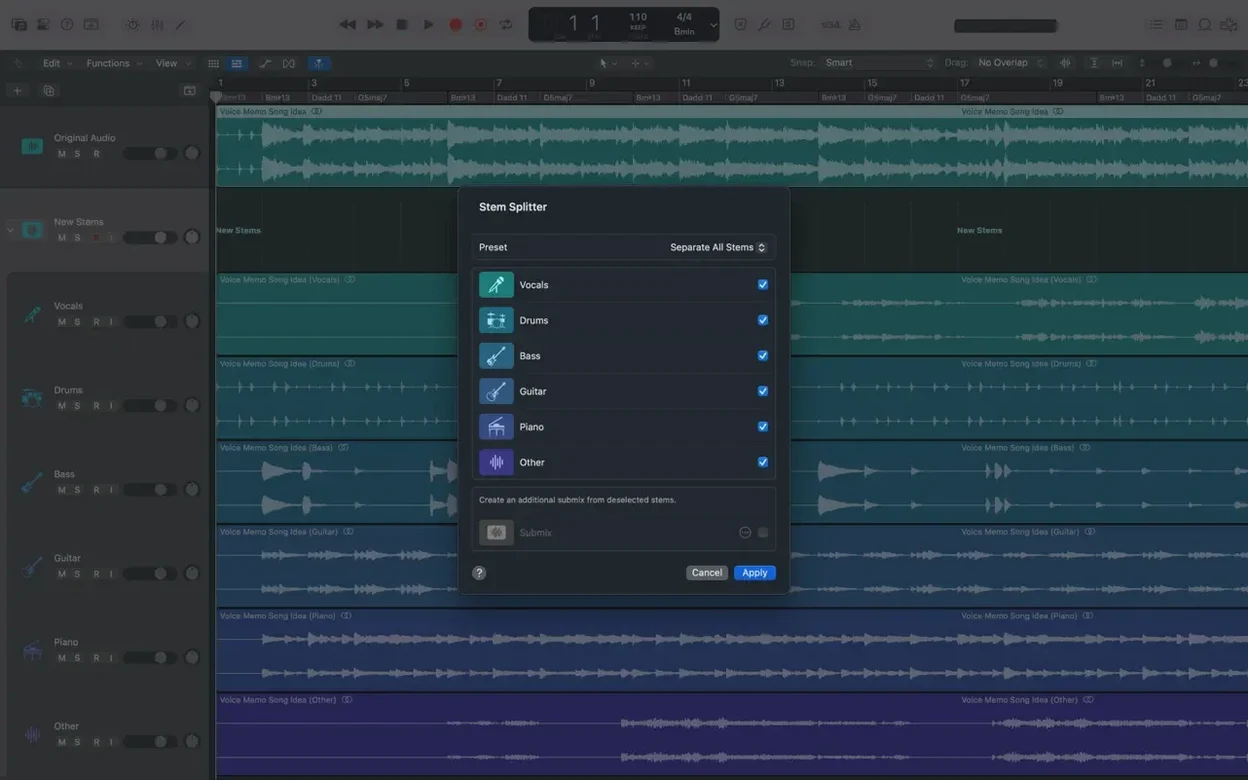
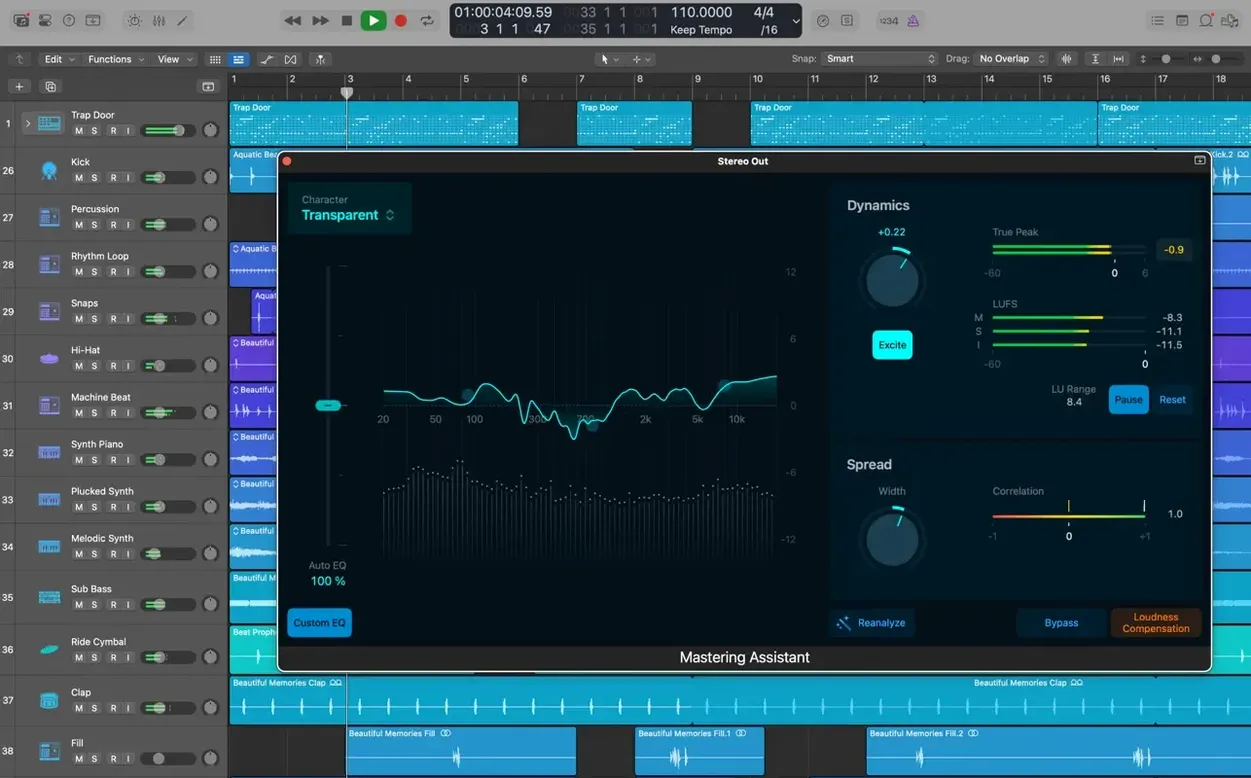
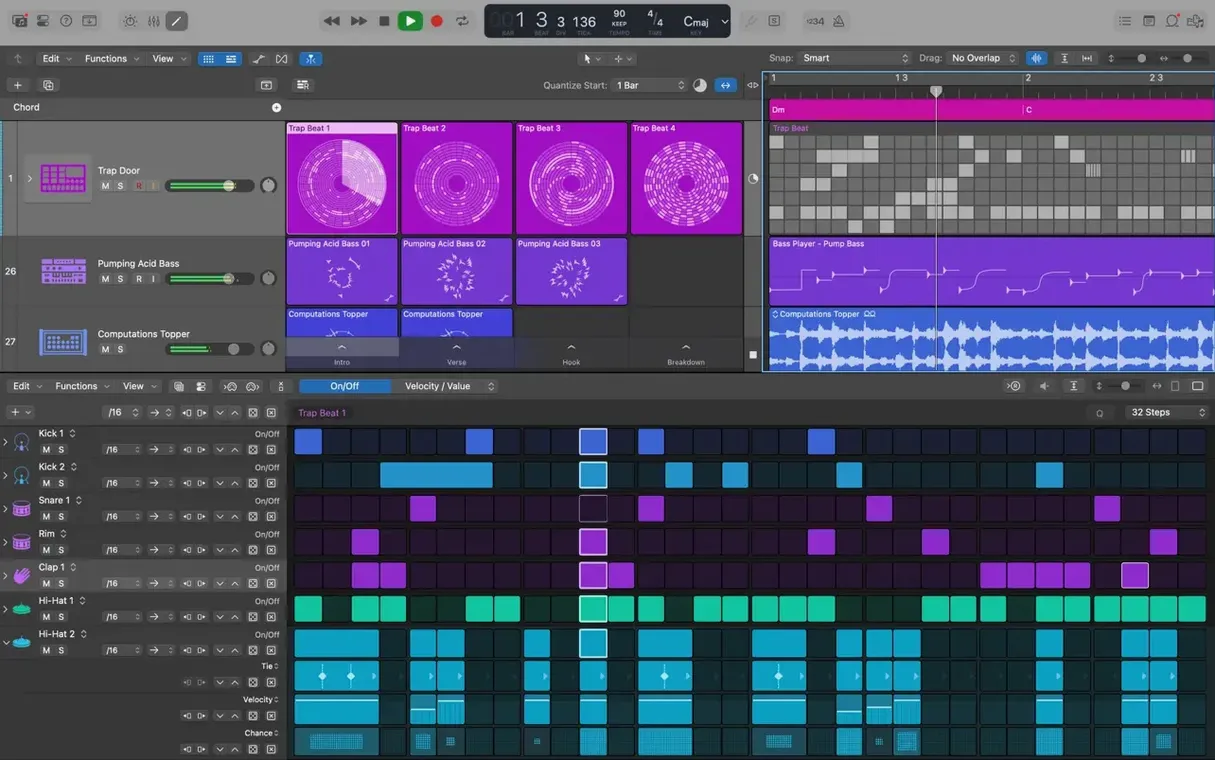
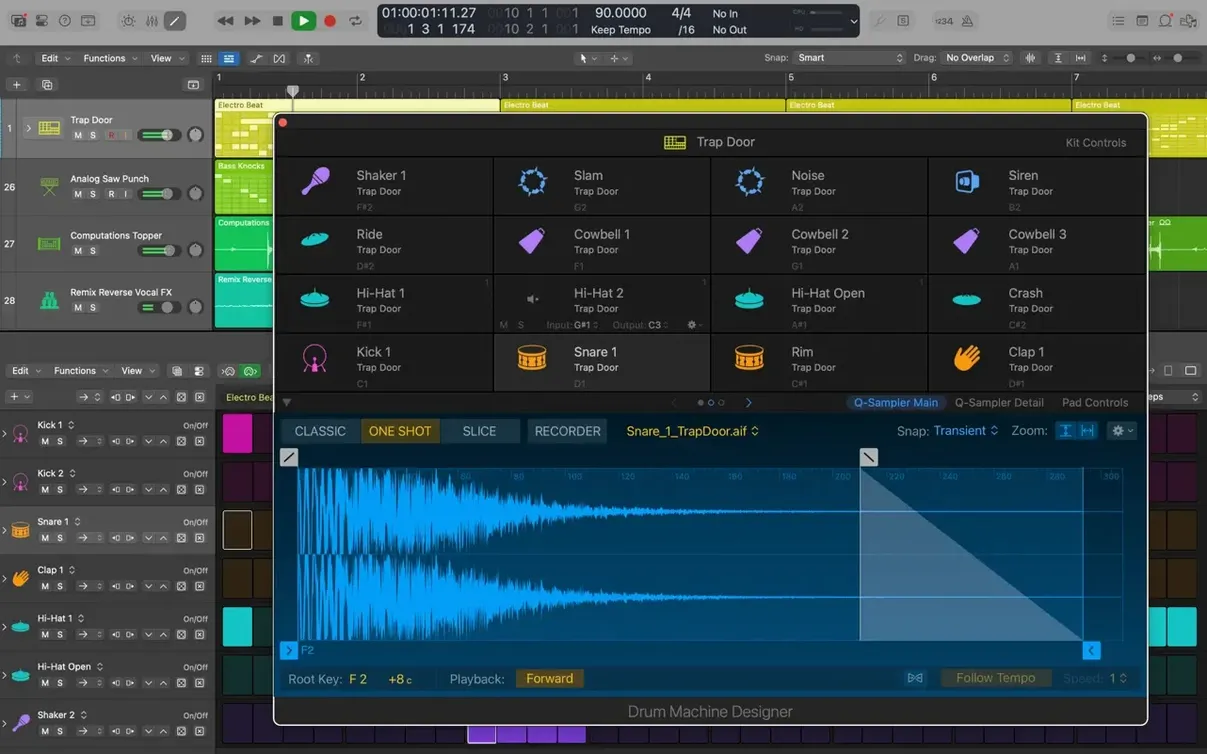
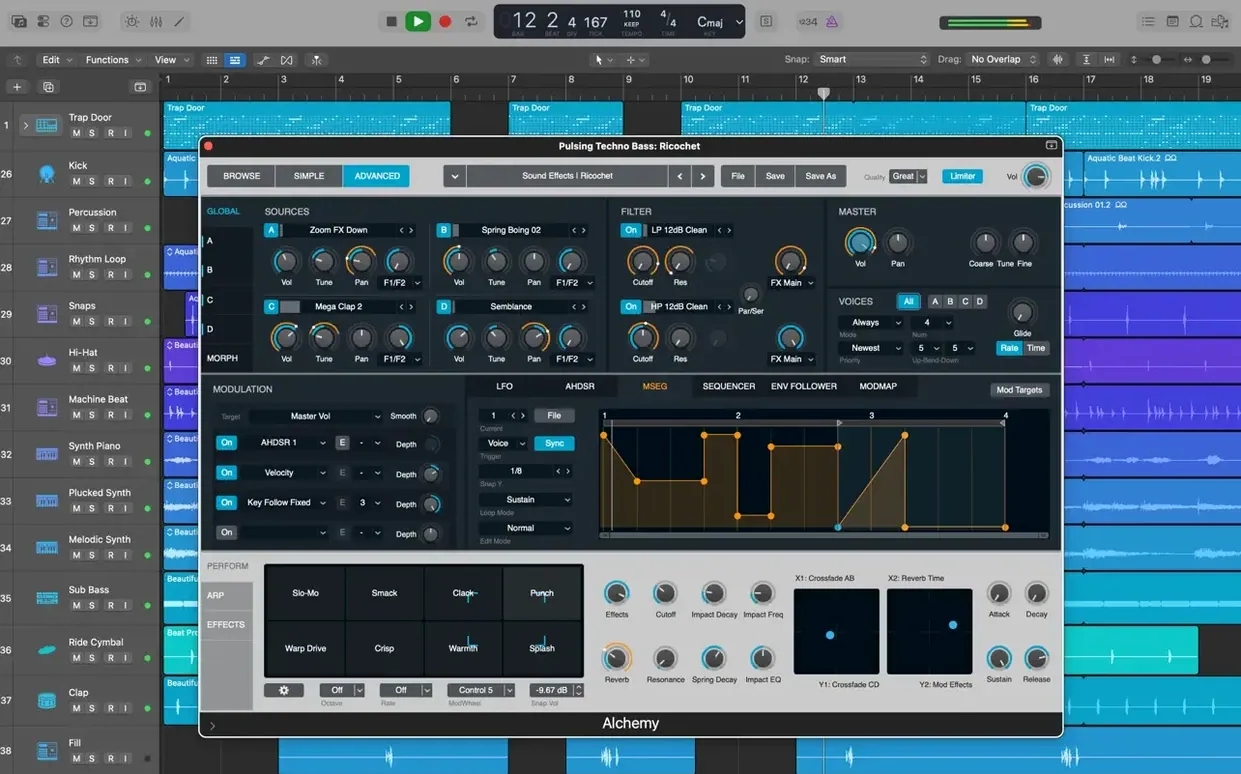
When you sit down to make music on a Mac, you want the tools to behave like they belong there. Logic Pro does exactly that. It is Apple's own music creation app, so it talks nicely to the rest of your setup — iCloud, GarageBand, your iPhone or iPad — without asking you to bridge gaps yourself.
Record, arrange, and edit audio and MIDI in one place
- Recording, arranging and editing audio and MIDI regions in one place.
- Building drum kits from sampled drums with Drum Kit Designer.
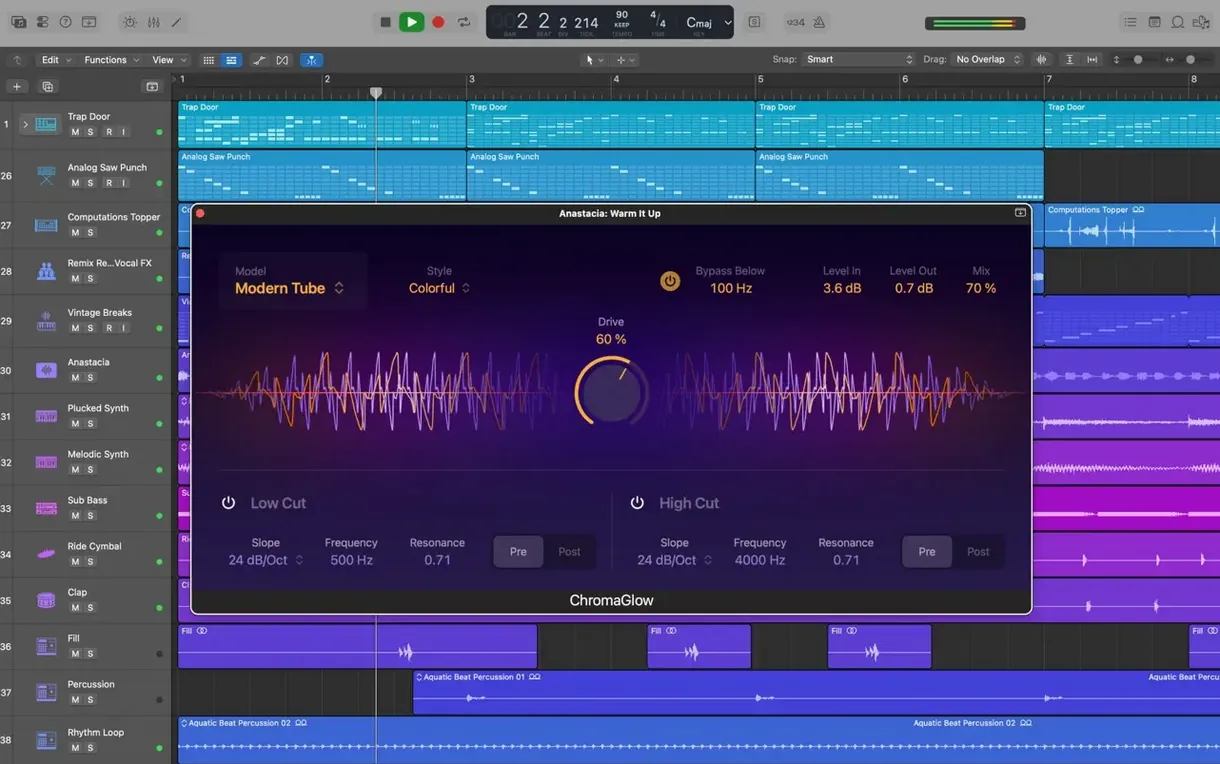
- Shaping sounds with Alchemy, a sampler synth, and Space Designer for convolution reverb.
- Fixing vocal pitch with Flex Pitch when a take goes slightly off.
- Keeping projects tidy with Track Stacks and switching between edit versions with Track Alternatives.
- Starting ideas on iPhone or iPad in GarageBand, then picking them up in Logic via iCloud.
Full Sound Library needs 63 GB of disk space
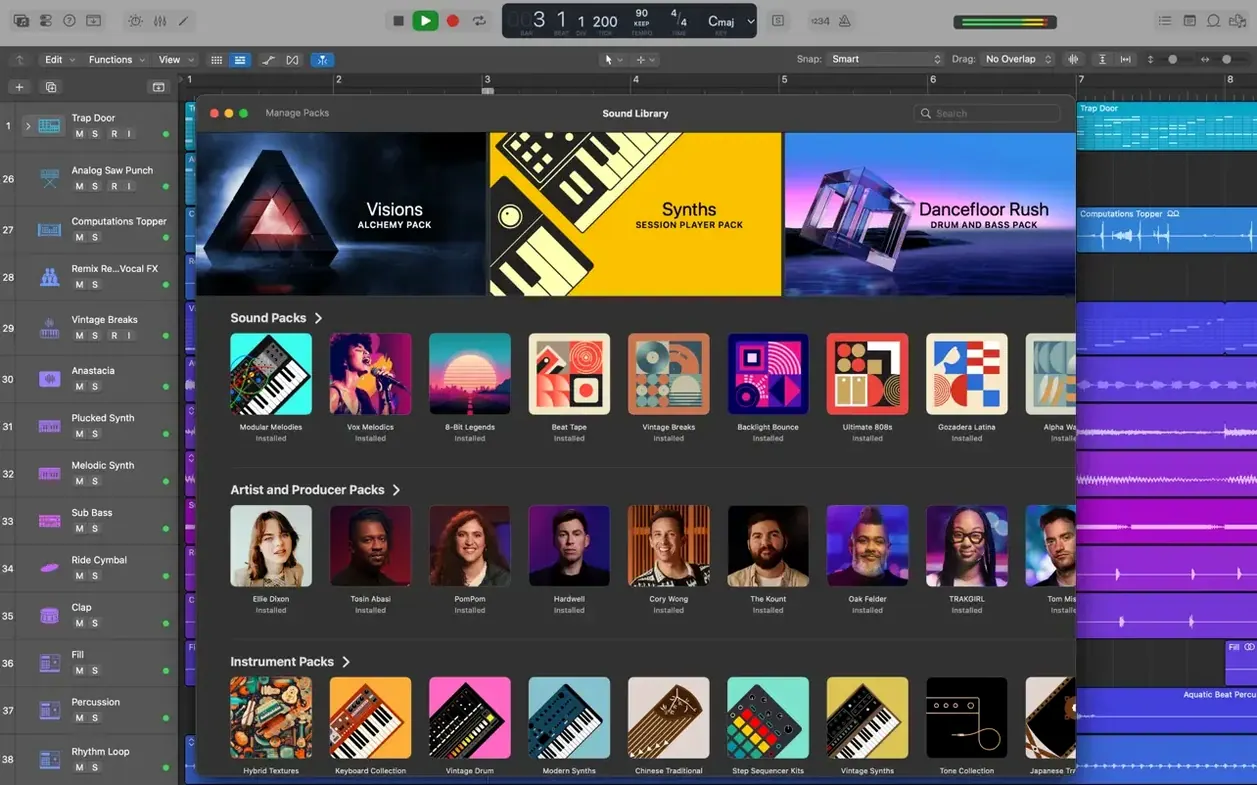
- It comes with more than 2,800 instrument and effect patches and over 7,000 Apple Loops, so you are not starting from silence.
- Full Sound Library install takes about 63 GB of disk space; a minimum install needs 6 GB.
- You need macOS 15.6 or later, 4 GB RAM, a 1280 x 768 display, and 64-bit Audio Unit plug-ins for third-party stuff.
Before you drag Logic Pro into your Applications folder, there are a few things worth knowing. People often ask whether it works on Intel Macs alongside Apple Silicon — the answer is yes, Logic Pro runs on both architectures natively. If you are on an older Intel Mac with macOS 15.6 or later, you are fine. The 4 GB RAM requirement is a minimum; if you work with many tracks or large sample libraries, you will want more.
Another common question is about the Sound Library. You do not need to install all 63 GB at once. Logic lets you download individual content packs as you need them — drum kits, loop collections, synth patches. Start with the minimum 6 GB install, then pull down what your project actually asks for. That keeps the first launch quick and your disk less cluttered.
People also wonder if they can use their existing third-party plug-ins. Logic supports Audio Unit format, so if your plug-ins are 64-bit Audio Units, they should show up in the channel strip inserts automatically. No extra configuration. If you have older 32-bit plug-ins, those will not work, and that is a macOS limitation, not a Logic one.
Use Track Alternatives instead of duplicating tracks
One of the most common slip-ups is ignoring Track Alternatives until you really need them. New users tend to duplicate tracks or save whole new project versions when they want to try a different arrangement or set of edits. Track Alternatives lets you switch between multiple region and track edit playlists inside the same project, no duplication needed. Once you get used to clicking the alternative menu in the track header, you save disk space and project file mess.
Another mistake is treating Flex Pitch like an automatic fix-everything button. Flex Pitch can correct vocal pitch, but it works best on a single, clean vocal take. If you apply it to a busy mix bus or a region with multiple overlapping notes, the results get messy. Select the vocal region, open the track editor, then adjust individual note segments. That gives you control over each note's pitch drift and timing without artefacts.
Beginners also forget that Logic's drummer feature is not just for electronic music. The 28 drummers cover rock, songwriting, R&B and more. You can drag a drummer region onto your track, then swap the drummer character or adjust the complexity slider. It is a quick way to get a human-feeling drum part without programming every hit by hand.
Selection-based Processing is another feature that gets overlooked. Instead of routing a region to an aux track just to apply a render effect, you can select the audio region, choose Selection-based Processing from the functions menu, and apply a chain of effects directly. The result bounces in place, freeing your CPU from real-time processing. Good for cleaning up a vocal breath or adding a short reverb tail to a snare hit without committing to a full bus.
A workflow: turning a GarageBand idea into a finished mix
Say you start a song idea on your iPhone in GarageBand — a simple piano part, a vocal memo, maybe a drum loop. When you get back to your Mac, open Logic Pro and choose New Project. Logic detects any GarageBand projects on your iPhone through iCloud if you have it enabled. You can add tracks from that project directly into your new Logic session. The instruments, regions and tempo all carry over.
From there, expand the arrangement. Use Drummer to add a live-feeling drum track that follows your song structure. Drag one of the 28 drummers onto a new track, then edit the region length to match your verse and chorus sections. Use Track Stacks to group your drum layers — kick, snare, hi-hat — into one folder stack so you can apply compression to the whole kit at once.
Record your main vocals using a microphone connected to your Mac or an audio interface. Use Quick Swipe Comping to take the best sections from several takes. Swipe the good parts in the take folder, and Logic assembles a single comp track. Apply Flex Pitch to that comp to nudge any notes that stray off pitch. Then add Space Designer reverb on a send bus to give the vocal some room.
When the arrangement and mix feel right, you can export the final mix. Logic supports a variety of export formats — WAV, AIFF, Apple Lossless, MP3 — so you can bounce a high-resolution master for streaming or a smaller MP3 for quick sharing. Use the Bounce dialog to pick your format, sample rate and bit depth.
Build live sets in Logic, open them in MainStage
Logic Pro slots into the Apple Creator Studio family alongside MainStage. If you perform live, you can build your sets in Logic, then open them in MainStage for stage use. The project structure stays compatible, so your patches, Smart Controls and mappings carry over without rebuilding.
For video work, Logic supports XML import and export with Final Cut Pro X. If you are scoring a film or a video project, you can send your timeline from Final Cut to Logic, compose the music and sound design, then export the audio back into Final Cut with the edits in place. That keeps picture and audio in sync without manual alignment.
iCloud sync means your GarageBand projects are available across devices without cables or emailing files. Start a beat on iPad with Logic Pro for iPad, refine it on your Mac, then record vocals on iPhone. The project file syncs through iCloud Drive, and each device opens the same regions, plug-ins and mix settings. It is a practical way to work when you are not tied to a desk.
Logic also respects macOS system features like Core Audio for low-latency audio input and Core MIDI for connecting controllers. Plug in a USB MIDI keyboard, and it appears in Logic's list of MIDI inputs without drivers. Assign knobs and faders using Logic's controller assignments, and you can control Smart Controls or mixer faders from hardware.
- Beat mapping transients can be relocated again.
- The Score now responds correctly to Staff Style changes in the Inspector.
- The right side of a crossfade can be dragged and extended as before.
- No more unexpected quits when playing MIDI in a project with video.
- Performance improves when working with tracks that contain many regions.
- macOS 15.6 or later
- Intel or Apple Silicon
- 4 GB RAM
- 1280 x 768 display or higher
- 64-bit Audio Unit plug-ins required
- 6 GB free disk space for minimum installation; 63 GB for the full Sound Library
Kit check at a glance
| System | macOS 15.6 or later |
| Chip | Apple Silicon, Intel 64-bit |
| Download | 1.5 GB |
| Older pressings | 10 in the crate |




Chat from the booth
Sign in or grab a free account to leave a comment.
Nobody has said a word in the booth yet. If you played a set with this build, tell the next person how it went.