
- Build in the crate
- 8.1.1
- Made by the team at
- Fender, PreSonus
- Menu languages offered
- English
- How you pay for it
- k'ed by GUISEPPE
- macOS it plays on
- macOS 13.5 or later
- CPU it runs on
- Apple Silicon, Intel 64-bit
Screenshots
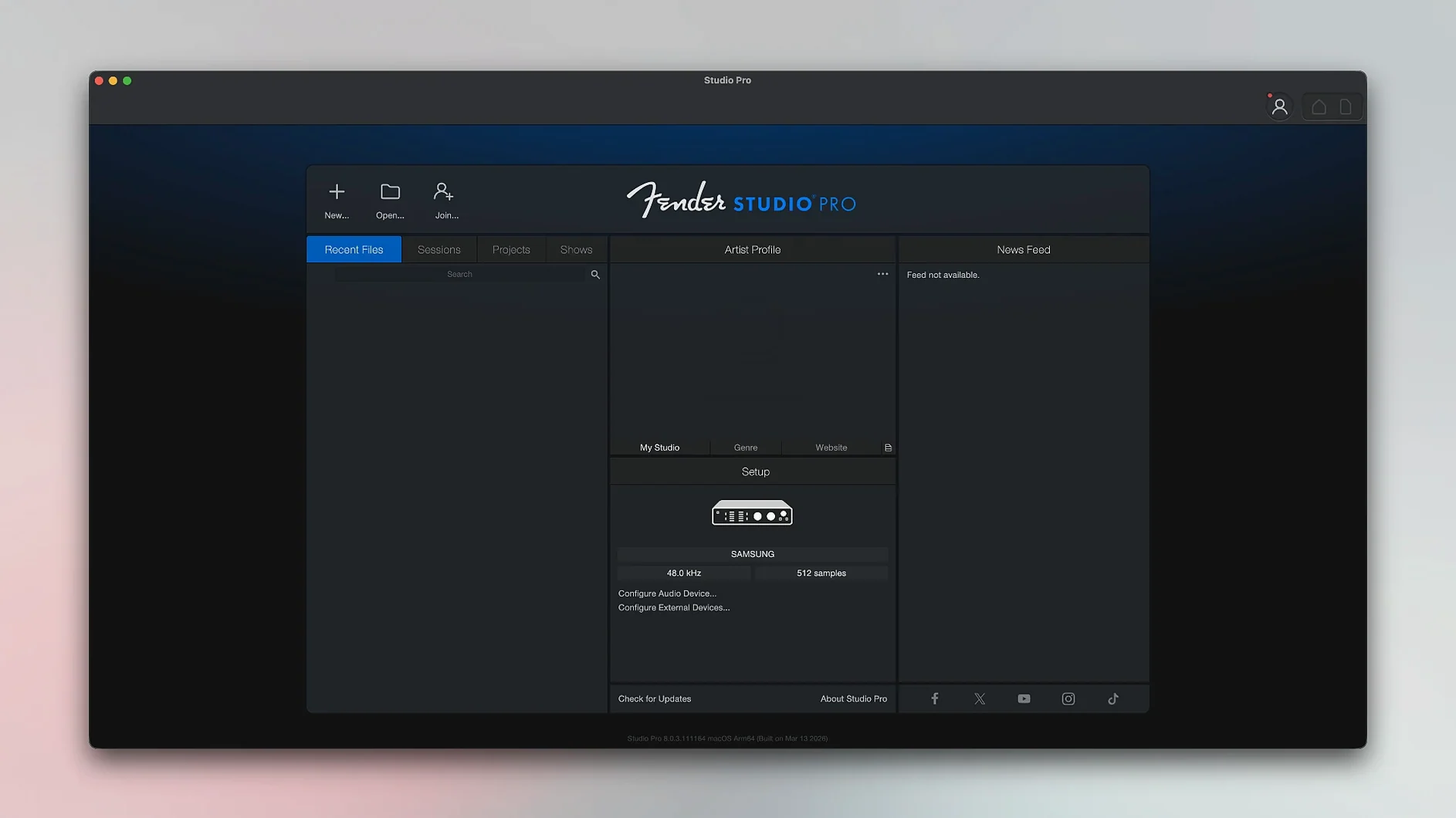
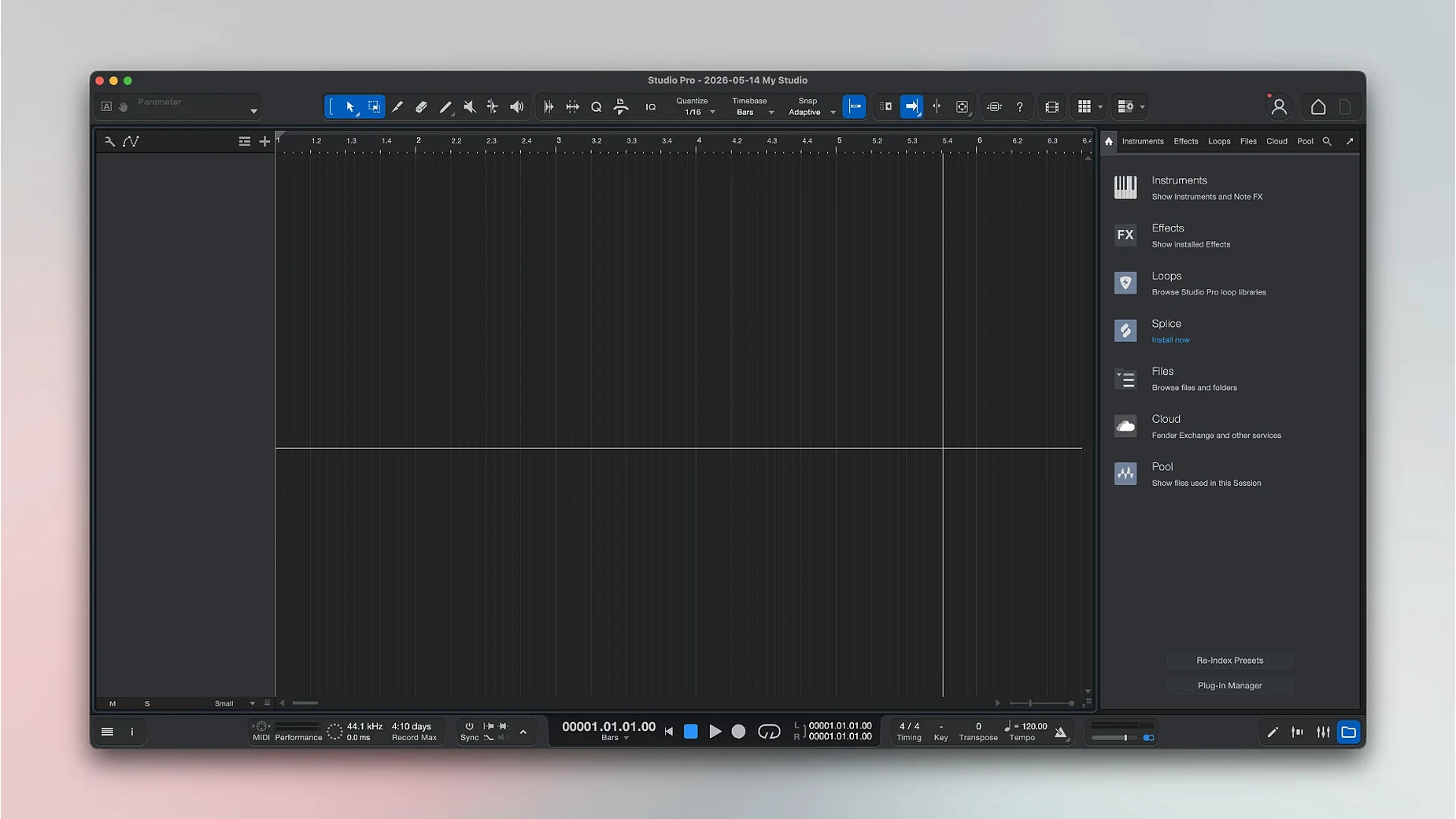
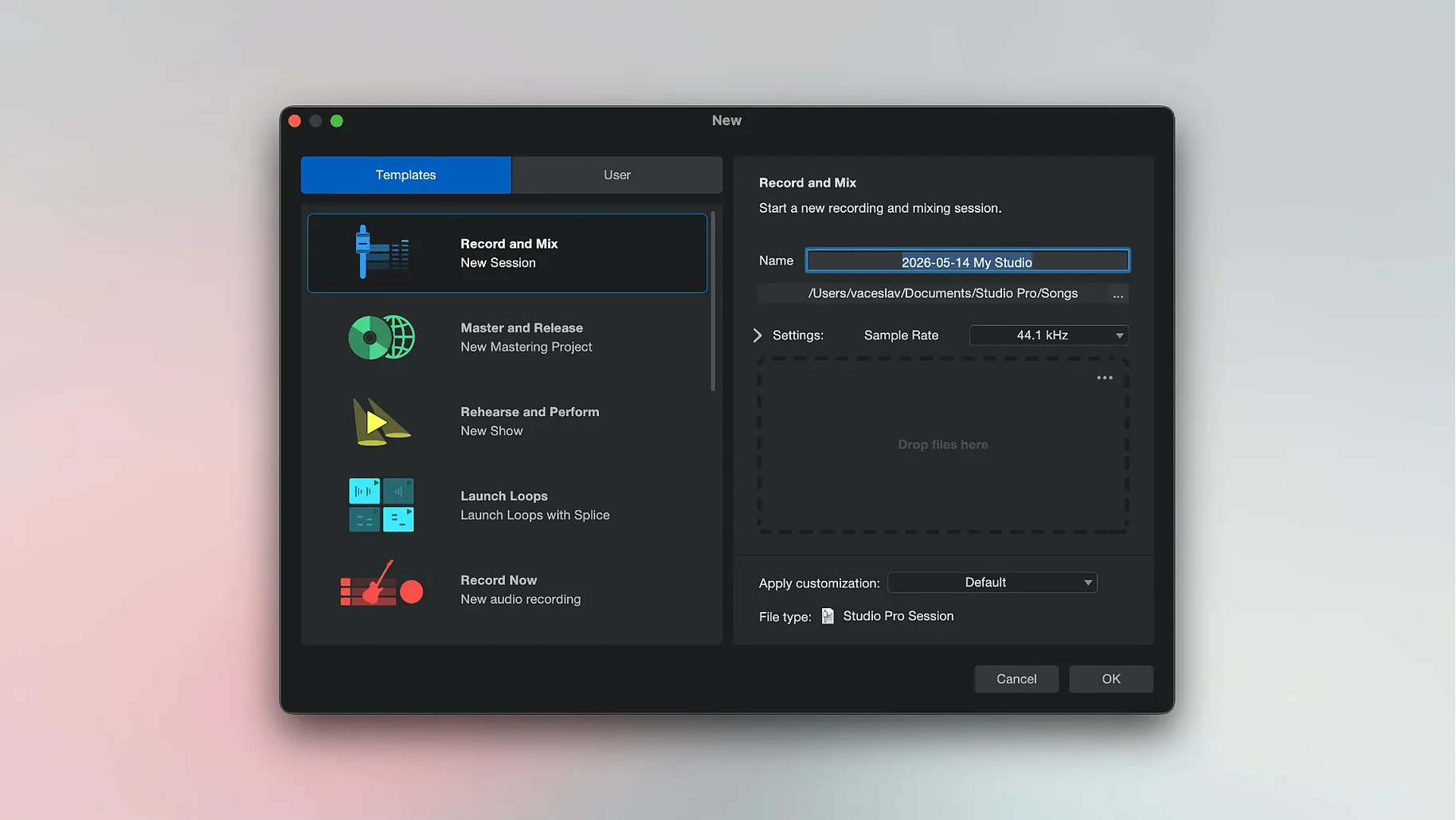
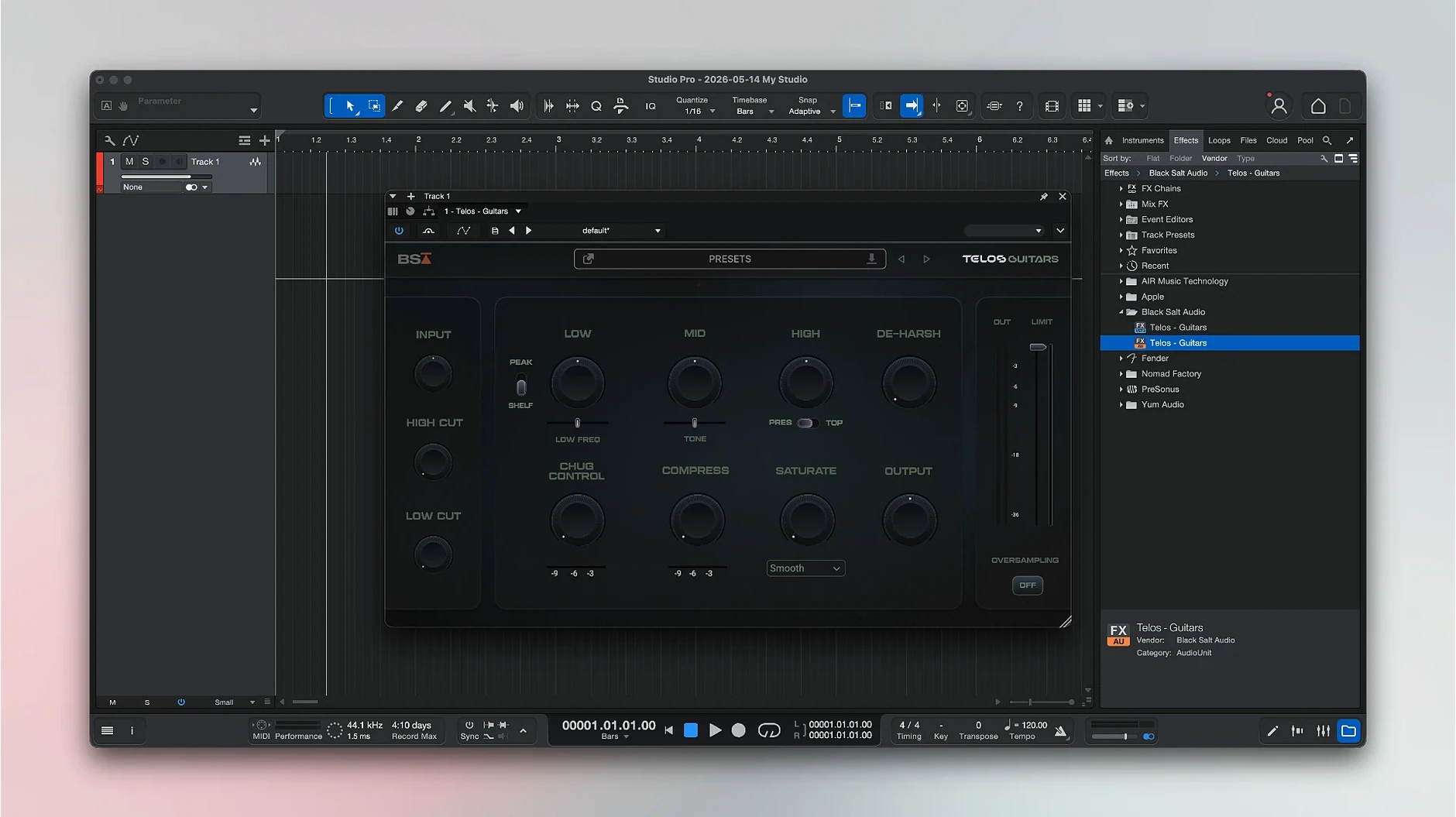
Fender Studio Pro 8 runs on Apple Silicon and Intel 64-bit Macs with macOS 13.5 Ventura or later. So if you’ve got a newer Mac or an older Intel one, it’ll work. The app keeps everything in one window — recording, mixing, and processing.
Say you’re working on a cover. Record a full take, then split it into separate tracks: vocals, drums, bass, and other instruments. You can also convert recorded audio into MIDI notes. From there, apply built-in effect pedals and presets to shape the sound. Version 8.1.1 adds Freeze Instrument Track in the Launcher and latency compensation in the Audio Batch Converter.
Works with your existing audio interface
Can I use it with my existing audio interface? Yes — Fender Studio Pro works with Core Audio-compatible interfaces, which covers most USB and Thunderbolt gear. No extra drivers needed for standard setups.
Does it replace Studio One? Fender Studio Pro continues the Studio One Pro line under the Fender name. So if you’ve used Studio One before, the workflow will feel familiar. The interface and core tools are essentially the same, with Fender-branded content added.
Will my old projects open? Projects from recent Studio One versions should open without trouble. The app handles project files the same way, so you’re not locked out of past work.
Is the English-only interface a problem for non-native speakers? It’s English throughout — menus, tooltips, and help files. If you’re comfortable with English in other DAWs, you’ll manage fine here. The layout is clear enough that you’ll learn the key terms quickly.
Home studio users who record vocals and instruments
Home studio users who record vocals and instruments at home benefit most. You get a complete recording and mixing setup in one package, no need to buy extra plugins or amp sims separately.
Guitar and bass players will find the built-in amplifiers and effect pedals useful. The Fender-branded amps cover clean and overdriven tones, and the presets give you a starting point without tweaking for hours.
Songwriters who work with chord progressions can use the chord suggestion feature to find new directions. The audio-to-MIDI conversion also helps when you’ve recorded a part and want to try different instrument sounds.
Producers who handle multitrack recordings benefit from the track splitting tool. Separate a live recording into its components — vocals, drums, bass — and process each one individually. It saves time compared to manual editing.
Mac users on Apple Silicon machines get native performance. The app runs without translation layers, which means it uses the M-series chips efficiently. Intel Mac users aren’t left out either — the 64-bit version works on those machines too.
Audio Batch Converter now compensates for plug-in latency
Three changes affect daily work. First, the Audio Batch Converter now compensates for plug-in latency. If you batch-process files with effects, the timing stays accurate across all converted files. No more manually adjusting offsets after conversion.
Second, Mustang and Rumble native plug-ins follow automation when Direct Monitoring is enabled. This matters if you automate amp settings during a mix — the automation plays back correctly even with low-latency monitoring switched on. Previous versions ignored automation in that mode.
Third, Freeze Instrument Track is available in the Launcher. Freezing a track renders its effects and virtual instrument to audio, freeing up CPU for other tasks. Having it in the Launcher means one less click to get there, useful when you’re freezing several tracks in a session.
Start with one vocal and one guitar track
Start with a simple project. Record one vocal track and one guitar track, then apply a couple of amp presets. This helps you learn the layout without overwhelming yourself with options.
Use the chord suggestion tool early. Drag in a few chords or play them on a MIDI controller, and the app shows related chords. It’s a quick way to experiment with progressions you wouldn’t normally try.
Try the track splitting feature on a full-band recording. Record everyone playing together, then split the take into separate tracks. You’ll see how cleanly the tool separates instruments and how much editing it saves.
Check the Audio Batch Converter if you handle multiple files. Convert a folder of recordings at once, and the latency compensation keeps everything in sync. Set it up once and let it run through the batch.
Freeze instrument tracks as you go. If a virtual instrument uses noticeable CPU, freeze it after you’ve recorded the part. The track becomes audio, and you can unfreeze later if you need to tweak. The Launcher shortcut makes this faster.
Browse the presets before building sounds from scratch. The Fender amps and pedals come with ready-made settings that cover common genres. Start with one that’s close to what you want, then adjust.
It’s a straightforward DAW for getting a track from idea to mix without switching between tools. The interface is in English only.
- Audio Batch Converter now compensates plug-in latency.
- Mustang/Rumble native plug-ins follow automation when Direct Monitoring is enabled.
- Freeze Instrument Track is now available in the Launcher.
- macOS 13.5 Ventura or later
- Apple Silicon or Intel 64-bit
- Interface language: English
Kit check at a glance
| System | macOS 13.5 or later |
| Chip | Apple Silicon, Intel 64-bit |
| Download | 558 MB |
| Older pressings | 2 in the crate |






Chat from the booth
Sign in or grab a free account to leave a comment.
Nobody has said a word in the booth yet. If you played a set with this build, tell the next person how it went.