

- Build in the crate
- 8.1.5-31
- Made by the team at
- Arobas Music
- Menu languages offered
- Russian, English, German, Spanish, Italian, Chinese (Traditional), Korean, Polish, Portuguese, French, Swedish, Japanese
- How you pay for it
- K'ed by Antibiotics
- macOS it plays on
- macOS 10.13 or later
- CPU it runs on
- Apple Silicon, Intel 64-bit
Screenshots
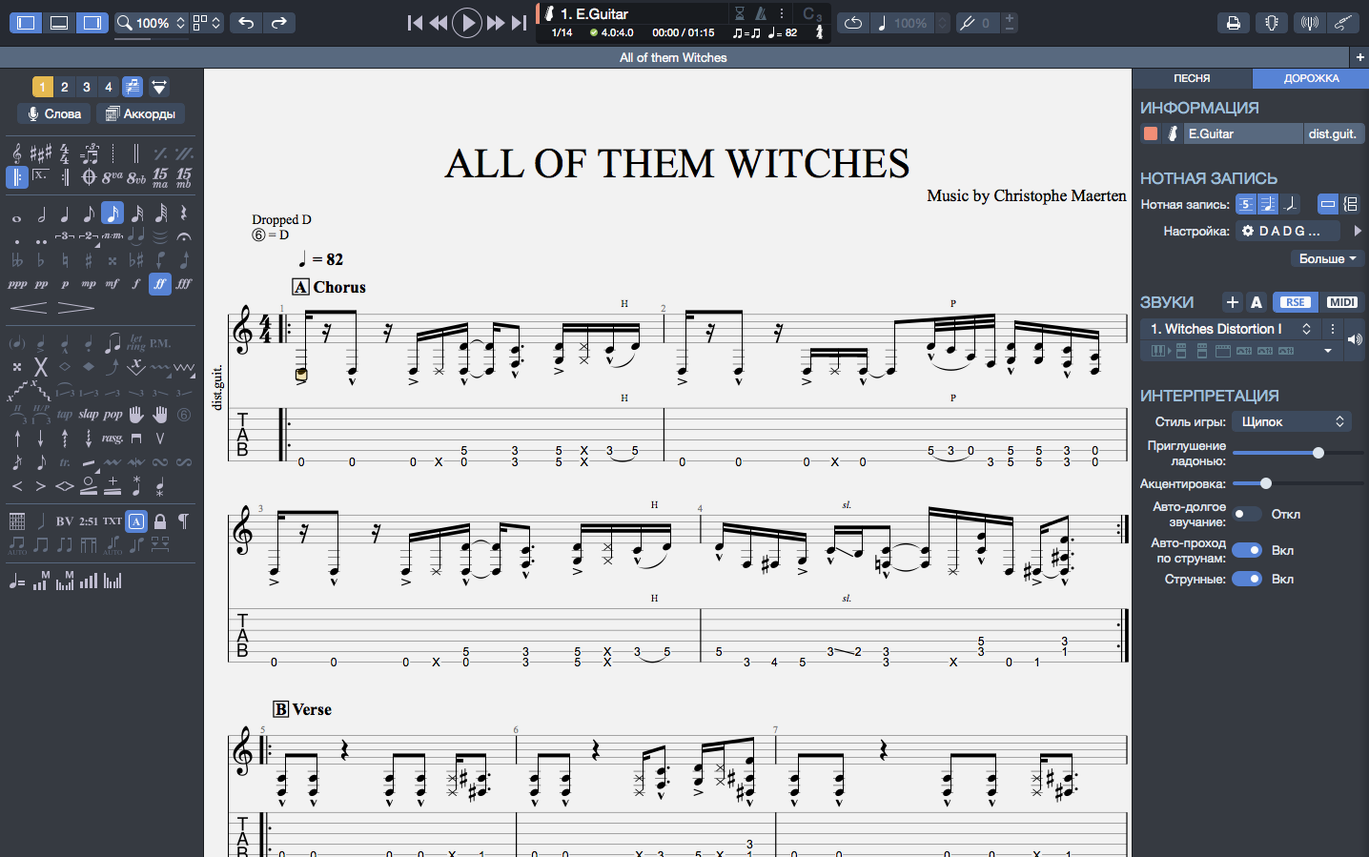
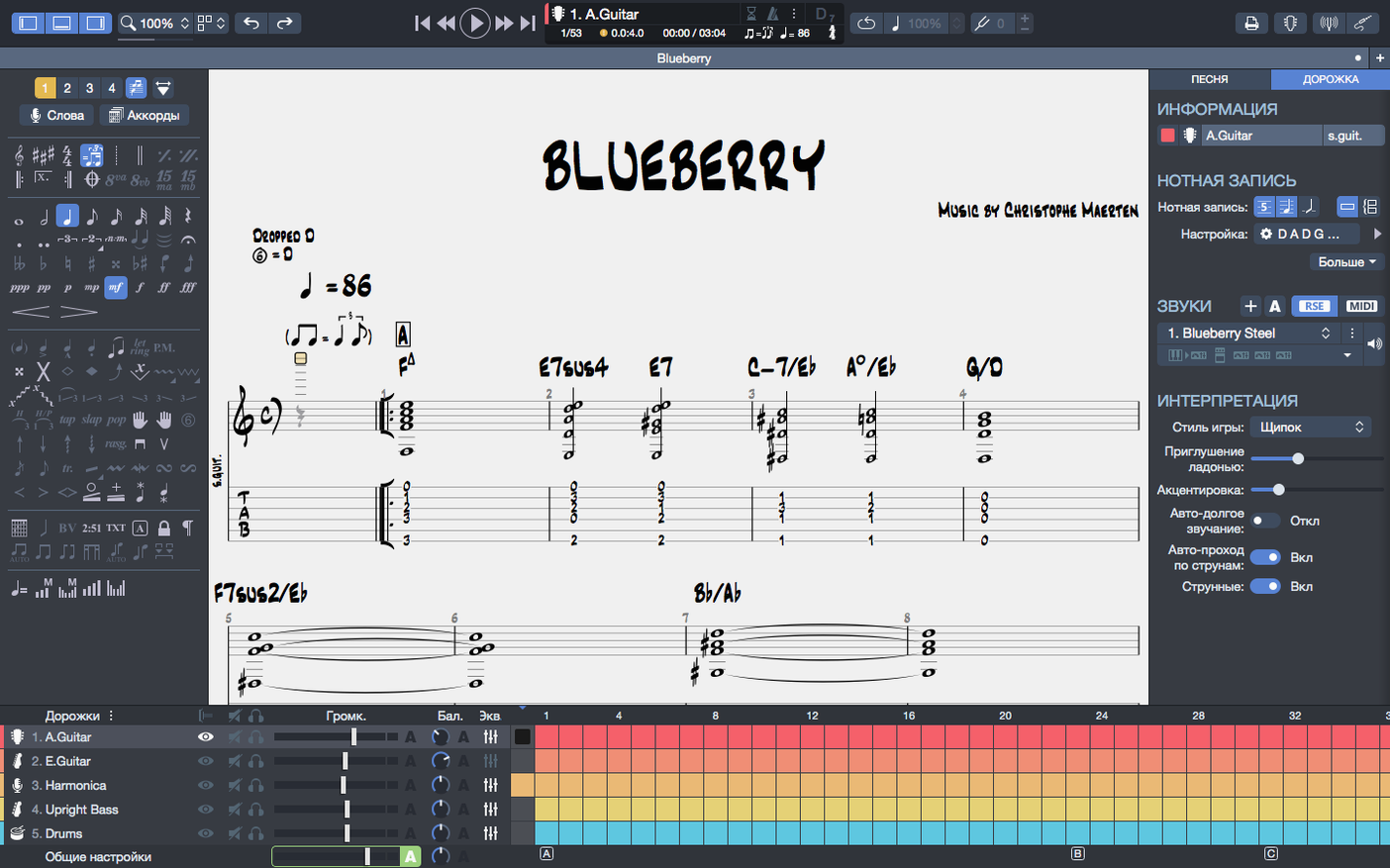
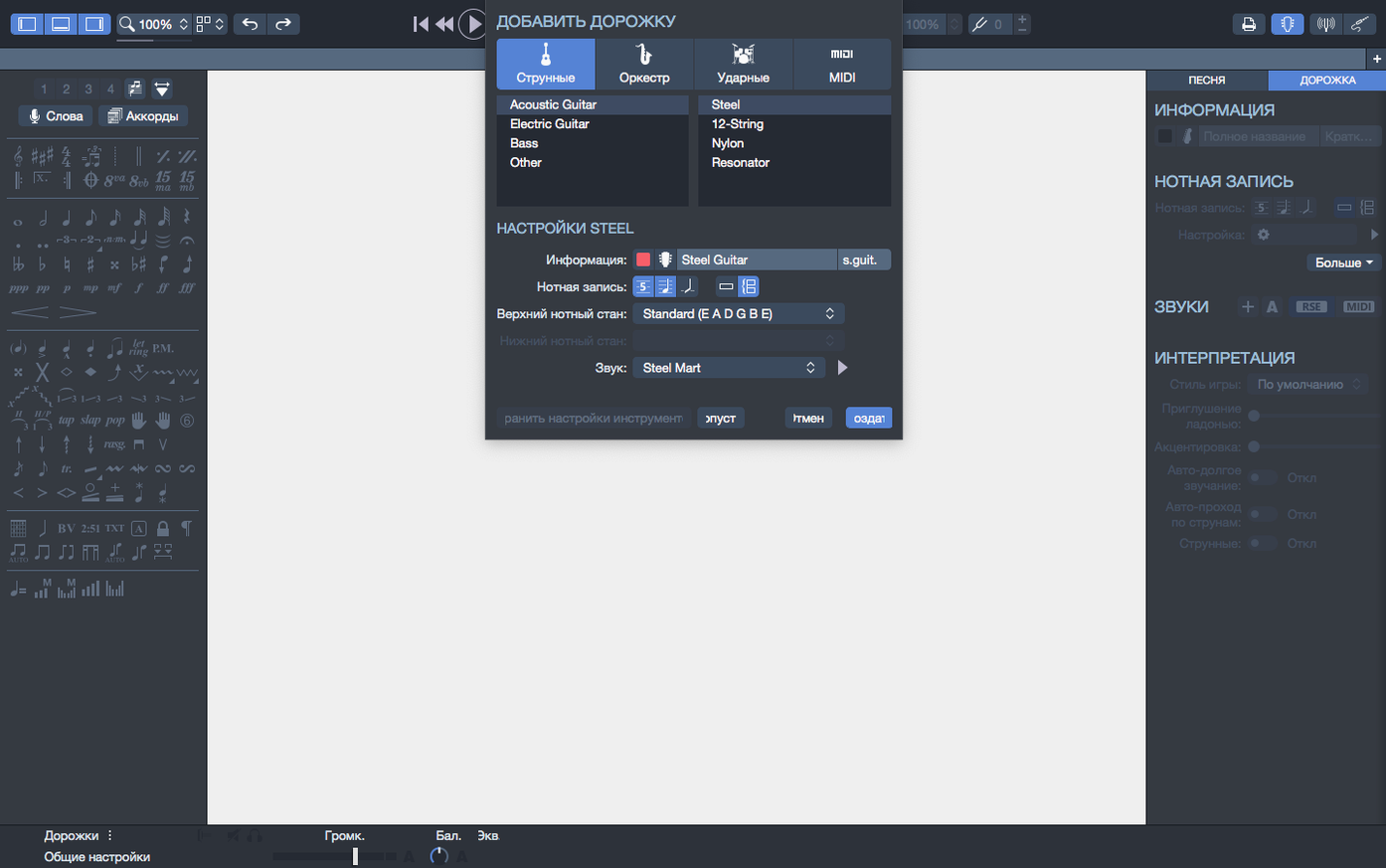
Songwriters and guitar teachers live in Guitar Pro. It is the notation editor for when you need to hear what the tab should sound like, not just see the fret numbers. You build a score for guitar, bass, or Hawaiian guitar, hit play, and the built-in player handles the rest while the metronome keeps time.
A realistic task: you get a backing track idea at 2 a.m. and want to sketch it before it evaporates. Open Guitar Pro, lay down the main riff, then add a bass line underneath. The interface contrast and colours were adjusted for comfortable reading, so late-night sessions do not strain the eyes. When you want to pin the file for quick access later, the recent section on the homepage lets you do exactly that.
Exporting the finished chart to SVG is handy if you need a clean image for a lesson handout. And on an Apple Silicon Mac, Guitar Pro 8 runs with noticeably better efficiency. For a guitar player who thinks in tabs, this is the tool.
shows tablature and standard notation on one staff
People often wonder whether Guitar Pro can handle both tablature and standard notation side by side. Yes — it shows both on the same staff, so you can read fret numbers and musical notes together. That matters when you are transcribing a solo and want to check the rhythm against the notation.
Another common question: does it work with external audio interfaces? The answer matters for anyone who records guitar into a DAW. Guitar Pro itself is not a recording app; it is a notation and playback tool. But version 8.1.5 improved playback continuity when you plug or unplug audio devices on macOS. No need to restart the app.
Some people ask if they need an internet connection to use it. You do not. Once installed, Guitar Pro runs fully offline. The only time you might go online is to check the release notes or grab a future update — but the editor itself works fine without a connection.
What about printing? You can print directly from the app, or export to PNG with a transparent background if you want to drop the score into a poster or a website without a white box around it. Teachers use this a lot.
exports MIDI to Logic Pro and Ableton Live
Guitar Pro sits well alongside other music software on a Mac. If you produce in Logic Pro or Ableton Live, you can export a MIDI file from your Guitar Pro score and import it into your DAW. The built-in MIDI editor inside Guitar Pro also lets you tweak note velocities and timing before you export, so the performance data is already clean.
macOS features like Quick Look work with Guitar Pro files. If you select a .gp file in Finder and press the space bar, you see a preview of the score without opening the app. That saves time when you are digging through folders of old song ideas.
For collaboration, you can export to SVG and share the score as a vector image. SVG files look sharp at any zoom level, which is handy when a bandmate wants to view the chart on a phone or tablet. You can also export audio as a WAV or MP3 from the player and send it as a rough mix for rehearsal.
The app respects macOS dark mode and the contrast settings you choose in System Settings. The interface colours were adjusted in version 8 specifically to reduce eye strain, and that carries through whether you work in light or dark appearance.
arpeggio fix plays rolled chords from lowest note up
Guitar Pro 8.1.5-31 is the current build, and the changes are small but practical. The arpeggio fix is the one you notice first: if a score starts with a rolled chord, it now plays from the lowest note upward as intended. Earlier versions sometimes skipped the first note of an arpeggio when it was at bar one, which threw off the timing when you were practising along.
The stem direction fix matters for anyone who writes polyphonic music on a single staff. If you have two voices on the same string — say, a melody note and a bass note — you need the stems to point opposite ways for clarity. The 8.1.5 update resolved cases where the stem could not be flipped manually. That is one of those small annoyances that, once fixed, you forget you ever dealt with.
The macOS playback continuity improvement is the most practical change for live use. If you plug in headphones or an audio interface while a score is playing, the sound does not cut out. Before, you had to stop and restart playback every time you changed your audio output. Now the app handles the switch silently.
guitar teachers build lesson libraries with chord builder
Guitar teachers are the obvious group. You write exercises for students, export them as PDF or SVG, and keep a library of lesson material. The chord builder helps you show voicings without grabbing a guitar. And because you can pin recent files, you can keep this week's lesson set at the top of the homepage.
Songwriters who work alone also benefit. You can sketch a full arrangement — guitar, bass, drums, piano — using the score editor and the built-in player as a rough mix. The metronome keeps you honest while you build the track, and the MIDI export lets you drop the structure into a DAW later for real recording.
Music students studying theory or ear training can use Guitar Pro to write out chord progressions and listen back. The transposition feature moves chord names and fingerings together, which is useful when you are analysing a song in a different key.
And bass players get full support for bass tab, including alternate tunings and slapping techniques. Guitar Pro handles four-string, five-string, and six-string bass, plus Hawaiian guitar if you go in that direction. If you think in fret numbers, this app speaks your language.
- Arpeggios at the start of a score now play correctly.
- Fixed cases where stem directions could not be changed.
- Improved playback continuity on macOS when plugging or unplugging devices.
- macOS 10.13 or later
- 64-bit dual-core Intel, AMD, or Apple Silicon processor
- 4 GB RAM
- 2 GB free disk space
- Administrator rights required
Kit check at a glance
| System | macOS 10.13 or later |
| Chip | Apple Silicon, Intel 64-bit |
| Download | 1 GB |
| Older pressings | 3 in the crate |


Chat from the booth
Sign in or grab a free account to leave a comment.
Nobody has said a word in the booth yet. If you played a set with this build, tell the next person how it went.