
- Build in the crate
- 9.0.9
- Made by the team at
- Cycling '74
- Menu languages offered
- English
- How you pay for it
- K'ed by TEAM HCiSO
- macOS it plays on
- macOS 11 or later
- CPU it runs on
- Apple Silicon, Intel 64-bit
Screenshots
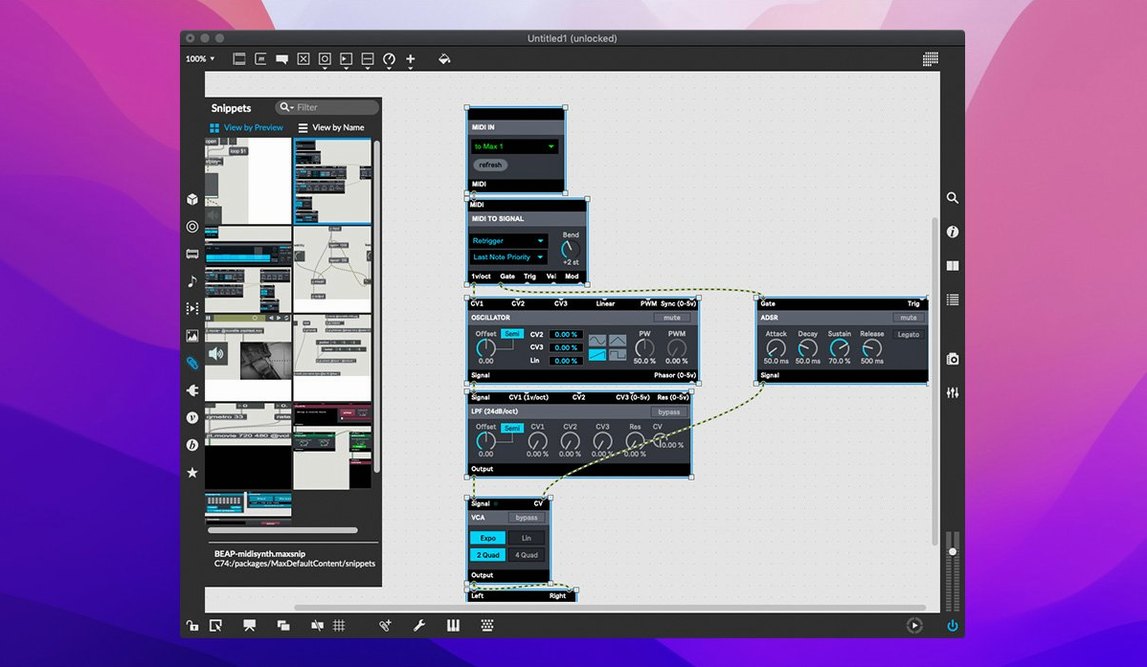
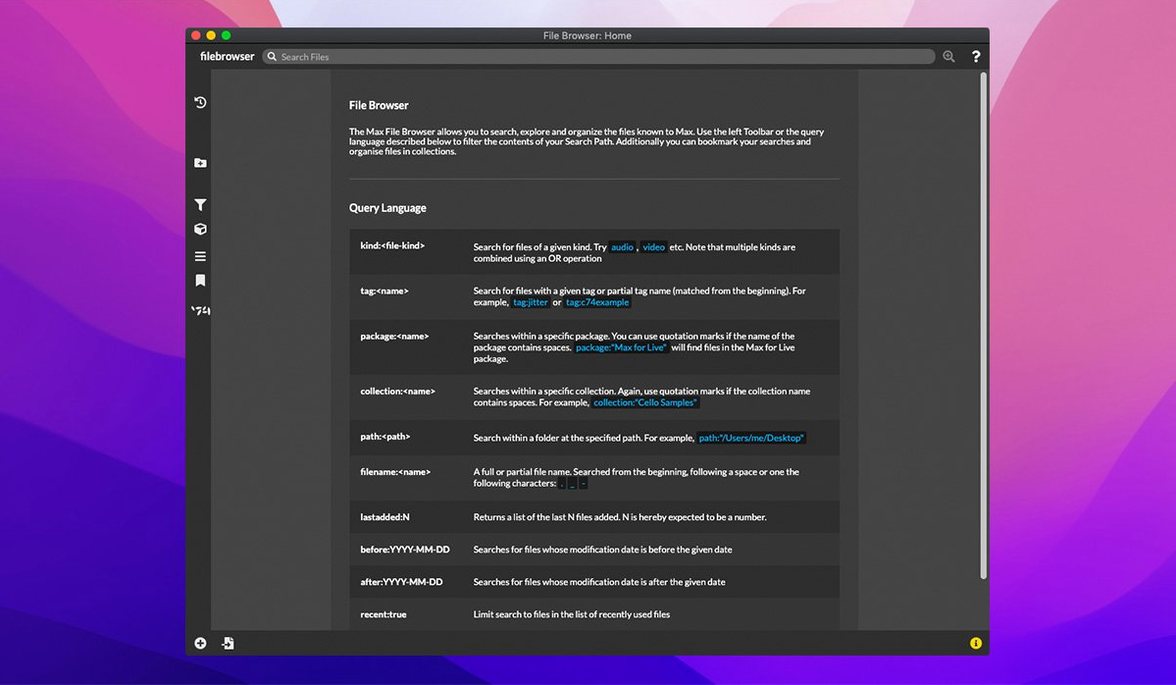
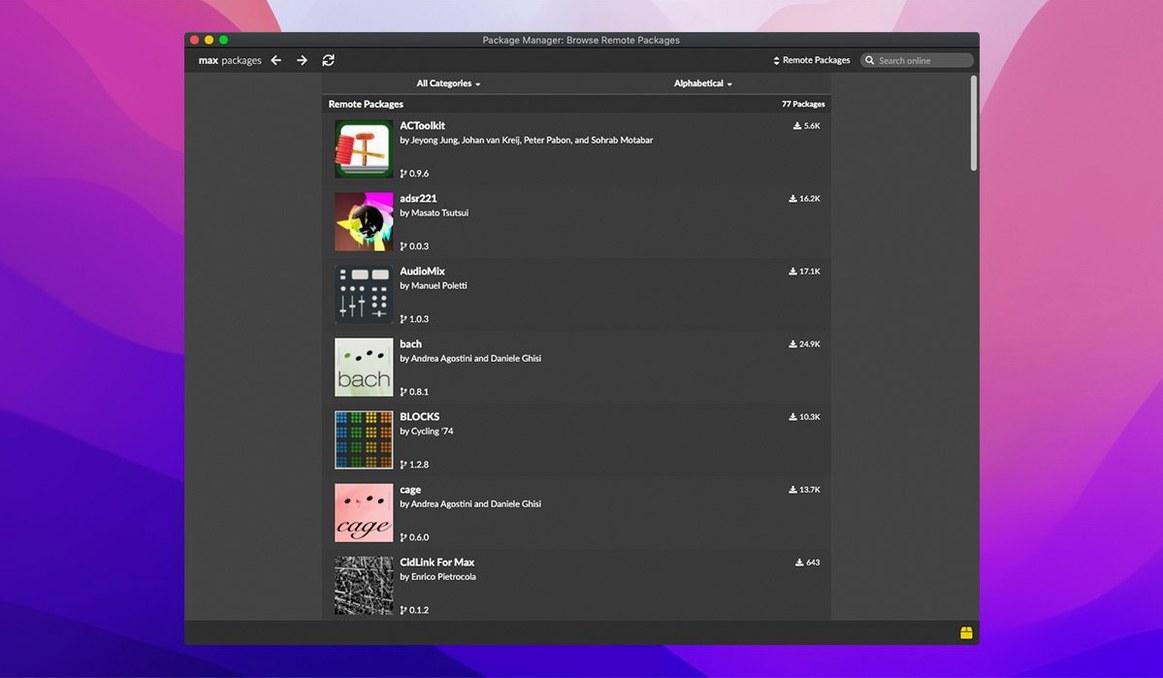
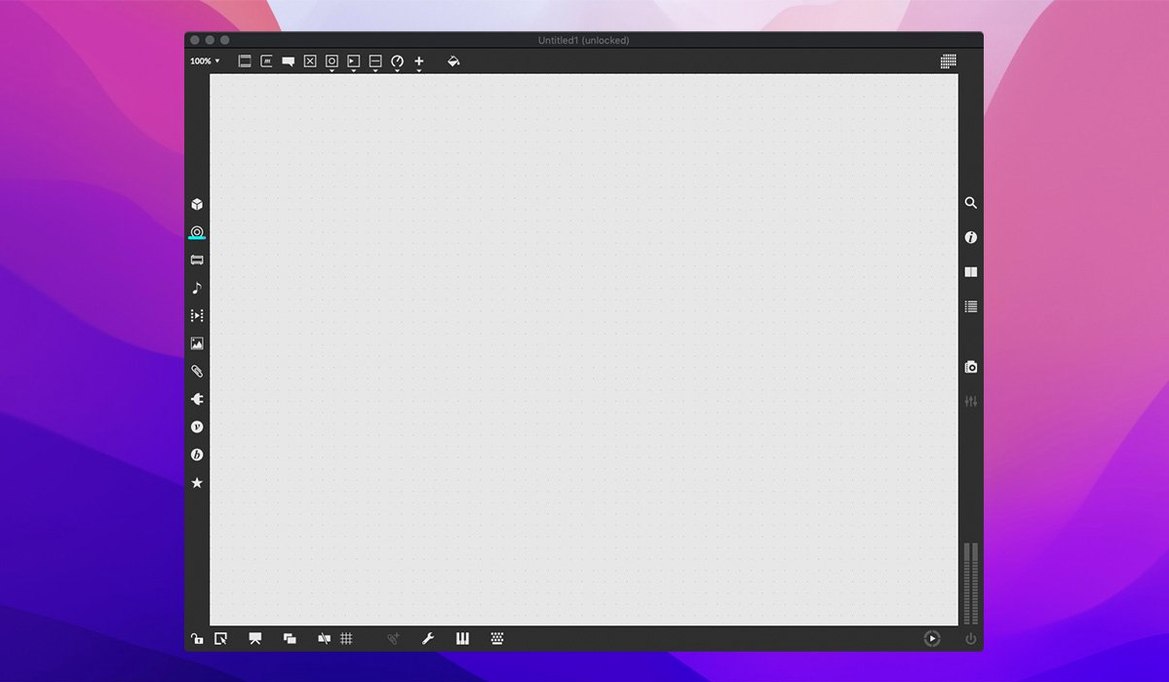
Writing music and building interactive media often means wrestling with text-based code. Max turns that around: you patch together objects on a canvas, see the data flow, and hear the result almost immediately. It solves the problem of wanting to experiment with sound and visuals without dropping into a scripting language.
Custom synths, effects, and generative music from modular objects
- Building custom synthesizers, effects, and generative music systems from modular objects.
- Designing interfaces for live performance with UI widgets, then running them alongside other tasks.
- Learning the ins and outs of objects through interactive help and over 40 tutorials.
- Working with MIDI streams and QuickTime movie playback in one environment.
Visual language learning curve and Mac performance limits
- Max is a visual programming language, so the learning curve is real, though the built-in demos help.
- You can run multiple applications at once, but performance depends on your Mac's memory and speed.
- It's extendable via a cross-platform SDK if you outgrow the built-in objects.
- The current version, 9.0.9, runs on macOS 11 or later on both Intel and Apple Silicon.
Runs on Intel and Apple Silicon Macs with macOS 11+
Max 9.0.9 runs on macOS 11 and later, and it covers both Intel and Apple Silicon Macs. That means whether you’re on an older Intel machine or a newer M-series chip, the app will launch and work. No extra steps for Rosetta if your Mac is ARM-native — Cycling ’74 builds for both architectures in the same package.
The disk image mounts like any other Mac app. You drag Max into your Applications folder and it’s ready. No background services, no installer wizard. It lives in your dock like any creative tool. Expect the interface to be in English only; there’s no localised version at this time.
Because Max lets you run multiple patches and tasks at once, how much you can do depends on your Mac’s memory and processor. A busy patch with many objects, video playback, and MIDI routing will use more resources than a simple synth. That’s not a limitation of the app — it’s the nature of real-time media software. If you plan to run heavy patches alongside a DAW or other apps, keep an eye on Activity Monitor.
Build basic synths with 40-plus interactive tutorials
Start with the 40‑plus interactive tutorials. They walk you through the core ideas: patching objects, sending messages, and building basic synthesisers. You don’t need to read a manual first — just open a tutorial and start clicking.
Use the interactive help for every object. When you drop an object on the canvas, right‑click and choose Open Help. A working patch appears that shows you what that object does and how its inlets and outlets behave. It’s the fastest way to learn without guessing.
Try the built‑in debugging tools early. The foreground and background modes let you see which part of your patch is active. Message tracking shows the data flowing through wires. The object inspector gives you a quick look at an object’s properties without opening extra windows. Smart copy and paste also works well — it keeps connections when you duplicate objects, saving time during experiments.
If you use Max with Ableton Live, check the live.banks object in version 9.0.9. You can now assign buttons to parameter banks, which makes mapping controllers for live sets more flexible. It’s a small change but useful if you build performance patches.
More polished UI widgets and better documentation than Pd
Pure Data (Pd) is the closest relative — it shares the same visual patching philosophy and was created by the original Max developer. Pd is open‑source and free, which makes it accessible. But Max includes more polished UI widgets, better documentation, and the interactive help system. Pd also lacks native QuickTime playback and the same level of MIDI support out of the box. If you want a turnkey experience with fewer workarounds, Max feels more finished.
Reaktor by Native Instruments is another environment for building synths and effects, but it works inside Reaktor’s own framework and integrates tightly with the NI ecosystem. Max is more open: you can control serial devices, track the mouse cursor, play movies, and build standalone applications. Reaktor excels at instrument design, but Max is a general‑purpose multimedia tool. If your work goes beyond audio into visuals or custom controllers, Max has the wider scope.
TouchDesigner focuses on real‑time visuals and interactive installations. It’s strong with 3D and video, but its audio patching is less developed. Max gives you equal weight to sound and image, with the same patching model for both. TouchDesigner also uses a node‑based workflow, but its learning curve is steep in a different way. For musicians who want to add visuals without learning a second tool, Max keeps everything in one patcher.
Export patches as C++ code with bundled RNBO
Max bundles RNBO v1.3.5 in version 9.0.9. RNBO lets you export patches as C++ code, which you can then compile into plugins or run on embedded hardware. It’s not a headline feature in the main interface, but if you ever want to turn a Max patch into a VST or AU, it’s already there.
The Inspector got a fix in 9.0.9 for a crash when editing or closing a text field. That’s the kind of detail you might not notice until you’ve spent hours editing object properties, but it makes the workflow more reliable.
The Web Based Text Editor also received a fix for File > List Externals and Subpatcher Files. If you write custom code in Max’s text editor, those menus now work correctly again. Small, but saves a moment of frustration when you need to find external references.
Serial device support and mouse cursor tracking are two features that don’t get much attention. If you build installations with sensors or use the mouse as a control input, those are built‑in — no extra objects or workarounds needed. Same for QuickTime movie playback: you can sync audio and video in one patch without switching to another app.
The cross‑platform SDK is worth knowing about even if you don’t plan to use it immediately. If you hit a limit with the built‑in objects, you can extend Max yourself. It’s not a feature you see on the canvas, but it means the software grows with you.
- Button assignments for parameter banks in live.banks are now supported.
- RNBO v1.3.5 is bundled with this release.
- A crash in the Inspector when editing or closing a text field was fixed.
- macOS 11 or later
- 64-bit processor (Intel or Apple Silicon)
Kit check at a glance
| System | macOS 11 or later |
| Chip | Apple Silicon, Intel 64-bit |
| Download | 924 MB |
| Older pressings | 2 in the crate |


Chat from the booth
Sign in or grab a free account to leave a comment.
Nobody has said a word in the booth yet. If you played a set with this build, tell the next person how it went.