

- Build in the crate
- 12.13.1
- Made by the team at
- PeacockMedia
- Menu languages offered
- English, French
- How you pay for it
- K'ed by TNT team
- macOS it plays on
- macOS 10.14 or later
- CPU it runs on
- Apple Silicon, Intel 64-bit
Screenshots
Scrutiny 12 runs on both ARM and 64-bit x86 Macs, so it works on anything from an older Intel iMac to a MacBook Air M2, as long as you're on macOS 10.14 or later. It's a website crawl-and-report tool, built for the jobs you actually do when you publish or maintain a site.
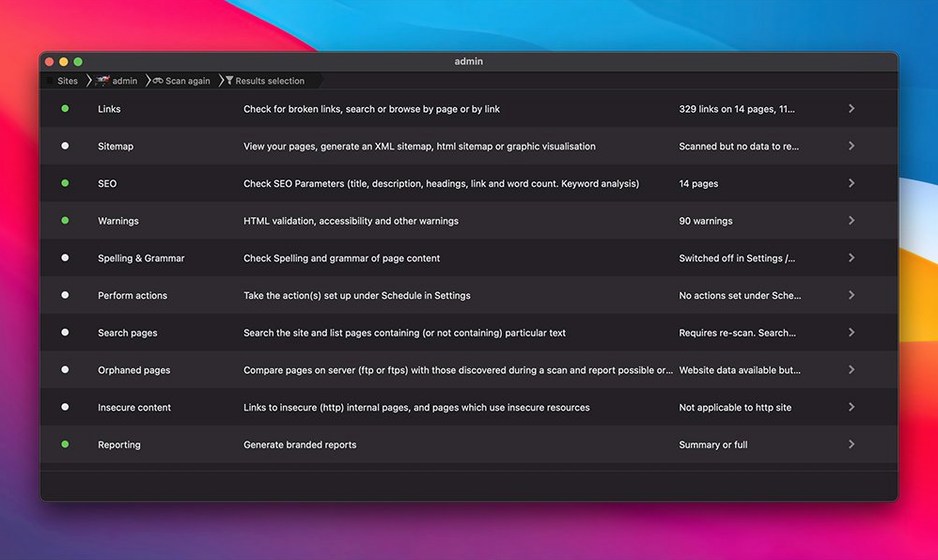
- Link checking: crawls your site and flags broken links, missing images, and other crawl errors.
- SEO checks: reviews page titles, headings, meta descriptions, and keywords so you can spot weak spots before search engines do.
- Spelling: catches typos in your content — a nice extra when you're editing pages in a hurry.
- Sitemap generation: creates sitemaps from the crawl data, ready for search engines.
- Alerts and logging: keeps an eye on your site over time, logging changes and sending alerts when something breaks.
Scrutiny 12's initial triggers
No crawler is perfect every time, and Scrutiny 12 has a few quirks that trip people up on first use. Here are the ones I hear about most.
Crawl stops too early
If your site has a lot of pages, the crawl might finish before it reaches everything. That usually means the crawl depth limit or the page limit in the settings is set low. Open the crawl preferences and bump those numbers up. Also check that you haven't accidentally excluded a subfolder with a filter rule.
False broken links
Scrutiny flags a link as broken when the server doesn't respond the way it expects. Some sites block crawlers or return a 403 for valid pages. If you see a batch of broken links that look fine in a browser, try adjusting the user-agent string in the crawl settings to something more generic. You can also slow down the crawl speed so servers don't mistake it for a bot attack.
Sitemap doesn't validate
The generated XML sitemap might fail validation if your site uses non-standard URLs or characters that aren't properly escaped. Scrutiny shows you the exact line that breaks things. Fix the URL on your site or add a filter to skip that path. Most of the time it's a trailing slash or an ampersand that wasn't encoded.
Spelling checker misses obvious typos
The spelling engine works page by page, but it skips code blocks and certain HTML elements by design. If you have a lot of text in pre or code tags, those won't get checked. You can copy the flagged text into the built-in viewer and check manually — not ideal, but it catches the worst offenders.
Monitoring alerts don't arrive
Email alerts depend on your Mac's mail setup or an SMTP server you configure. If you rely on monitoring, test the alert once before you trust it. The app also supports AppleScript actions, so you can write a script that sends a notification or logs the event elsewhere.
Portfolio check after a site update
Say you've just finished updating a small portfolio site. You want to make sure nothing is broken before you announce the new pages. Here's how a session with Scrutiny 12 plays out.
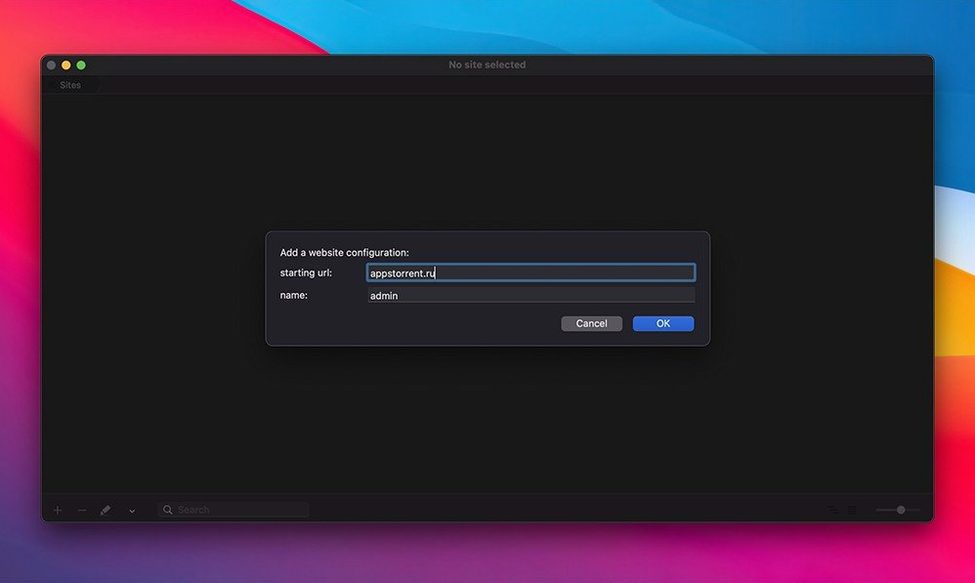
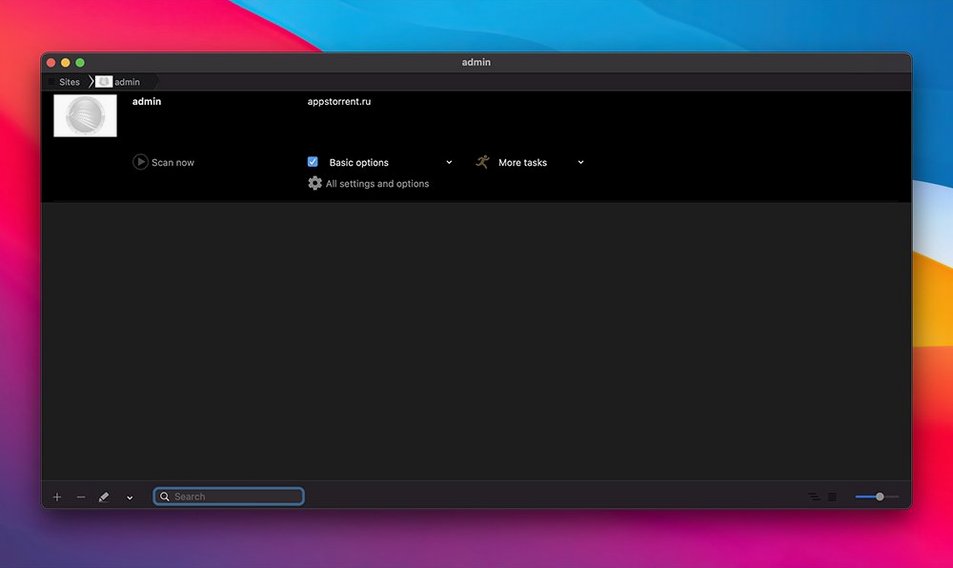
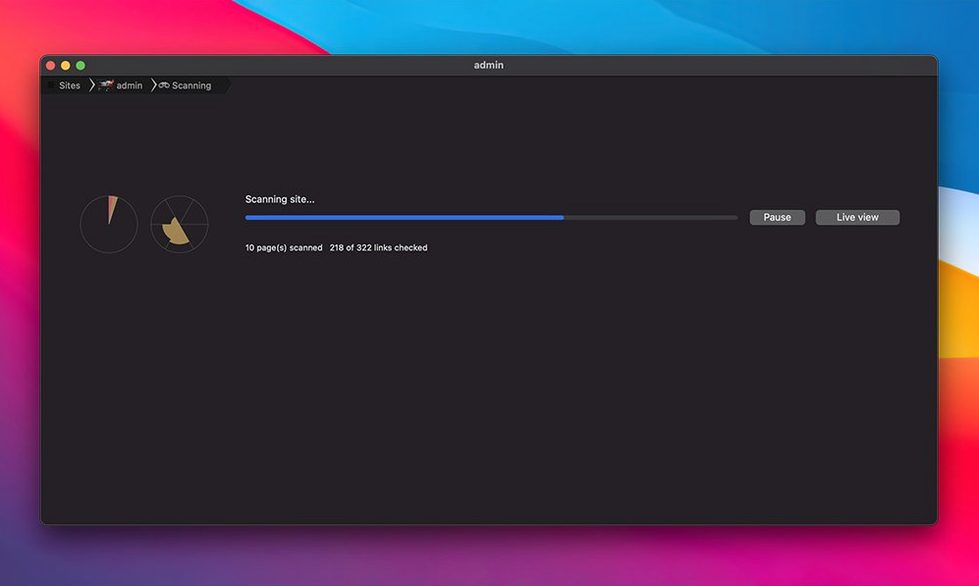
You open the app and create a new project. Type the site's root URL, pick a name, and hit start. The crawl begins. On a site with about 50 pages, it finishes in a few minutes. The main window shows a tree of all the URLs found, with status icons next to each one.
First you check the broken links tab. Two images are missing — they were deleted during the update. You note the paths, fix them in your CMS, and re-crawl just those pages to confirm they're gone.
Next, the SEO checks tab. One page has a duplicate title tag. Another is missing a meta description. You click the row and Scrutiny opens the page in its built-in viewer so you can see exactly what's wrong. You make the fixes and move on.
You run the spelling checker on the whole site. It flags three typos in a blog post — one is a genuine mistake, two are false positives from product names. You fix the real one and mark the others as ignored.
Finally, you generate an XML sitemap and upload it via FTP directly from the completion action. Scrutiny sends you a confirmation email that the job is done. Without it, you'd be clicking through every page manually.
Freelancers with multiple client sites
The app is useful for anyone who runs a website, but some Mac users benefit more than others.
Freelance web designers who maintain several client sites will find the monitoring and scheduled runs a big time-saver. You set up each site once, schedule weekly checks, and let the app send you a report. No need to manually click through every page before a client meeting.
SEO specialists working on content-heavy sites can use the SEO checks and the detailed link reports to spot patterns across hundreds of pages. The ability to export reports in multiple formats makes it easy to share findings with a team.
Bloggers and small site owners who aren't technical will appreciate the straightforward setup. You don't need to know how to use command-line crawlers or write scripts. The app does the heavy lifting, and the alerts catch problems before visitors notice them.
Developers who deploy frequently can integrate Scrutiny into their workflow using the AppleScript actions and the command-line-friendly output. It's not a CI tool, but for pre-deployment checks on a staging server, it fills the gap nicely.
If your site is small and you only update it once a month, Scrutiny might be more than you need. But if you have multiple sites, regular updates, or a public-facing project where broken links damage credibility, it pays for itself in the first week.
Scrutiny 12 handles the boring but essential side of running a site. If you manage pages, this makes the checking part considerably less tedious.
- macOS 10.14 or later
- Intel 64-bit or Apple Silicon
- Interface languages: English, French
Kit check at a glance
| System | macOS 10.14 or later |
| Chip | Apple Silicon, Intel 64-bit |
| Download | 7 MB |
| Older pressings | 1 in the crate |






Chat from the booth
Sign in or grab a free account to leave a comment.
Nobody has said a word in the booth yet. If you played a set with this build, tell the next person how it went.