

- Build in the crate
- 10.15.46 [MAS]
- Made by the team at
- Phase Five Systems
- Menu languages offered
- English
- How you pay for it
- K'ed by TNT team
- macOS it plays on
- macOS 11 or later
- CPU it runs on
- Apple Silicon, Intel 64-bit
Screenshots
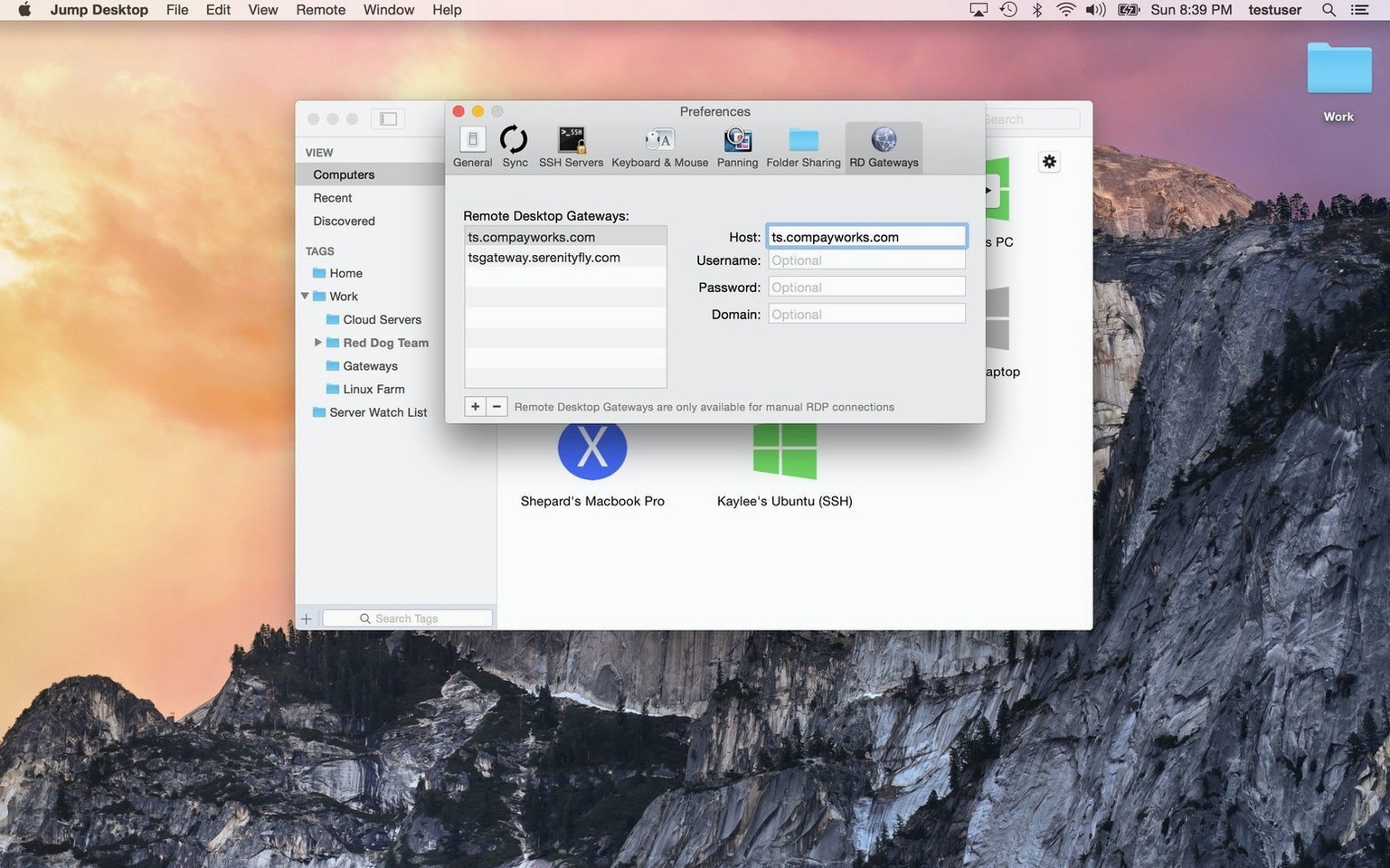
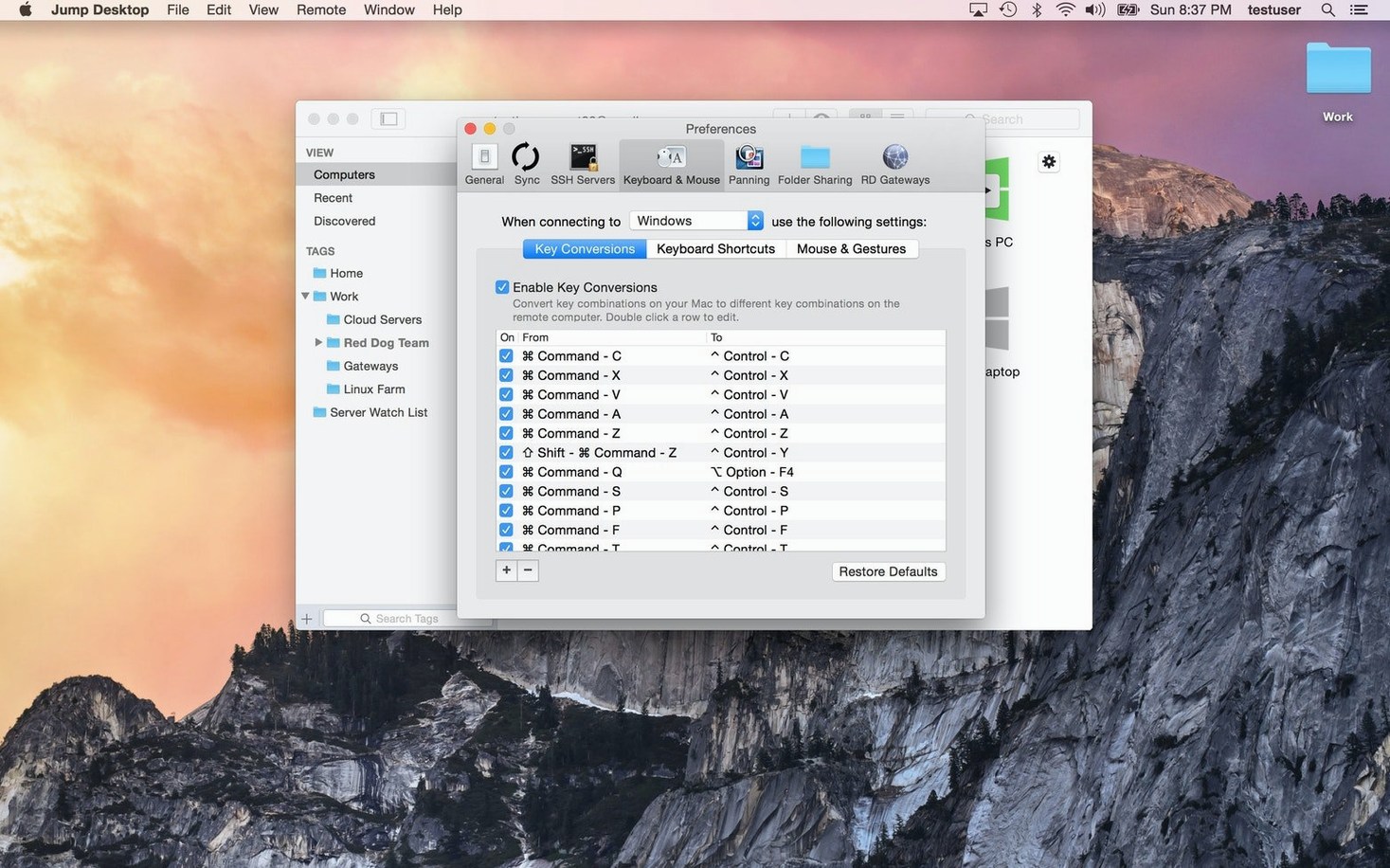
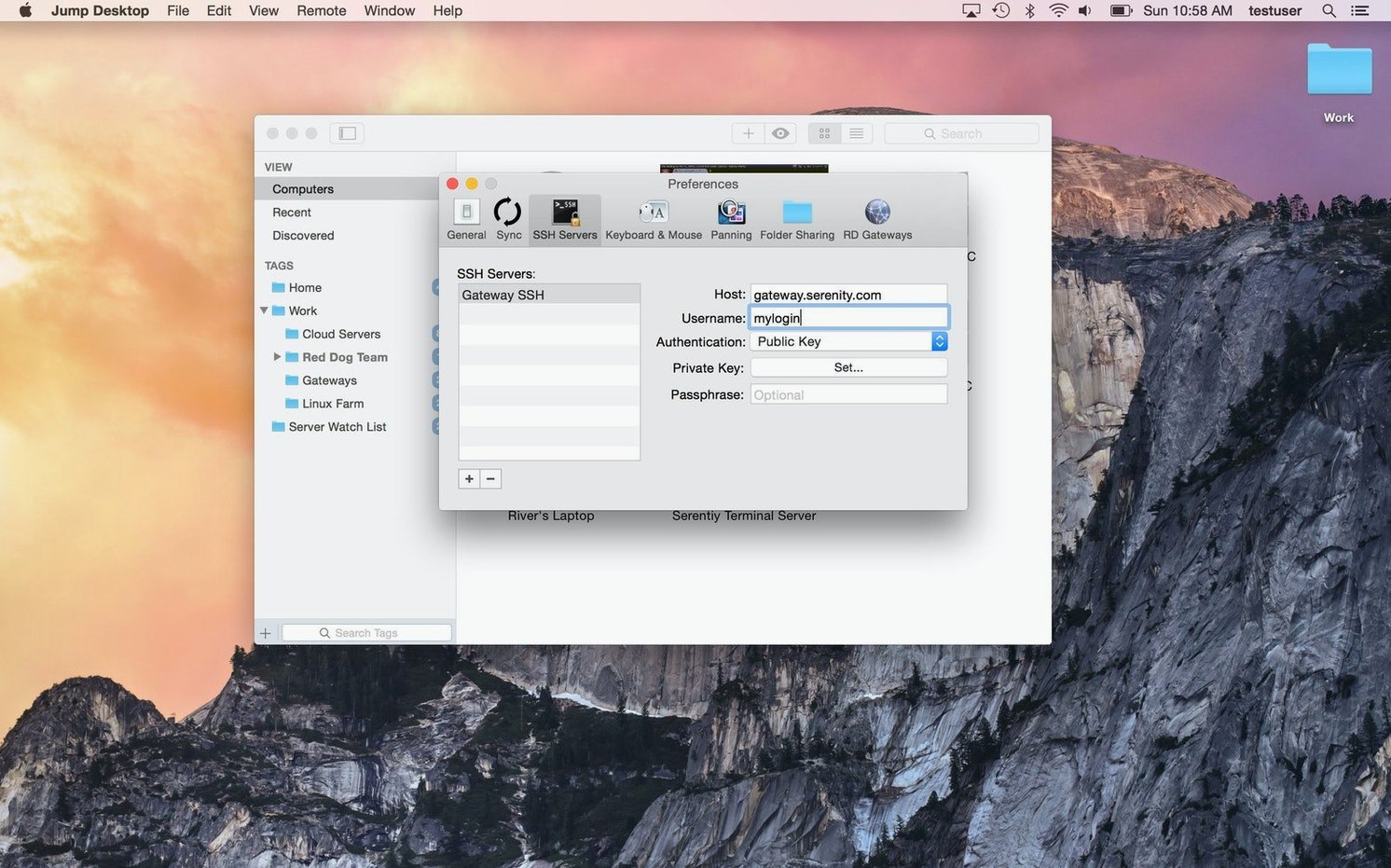
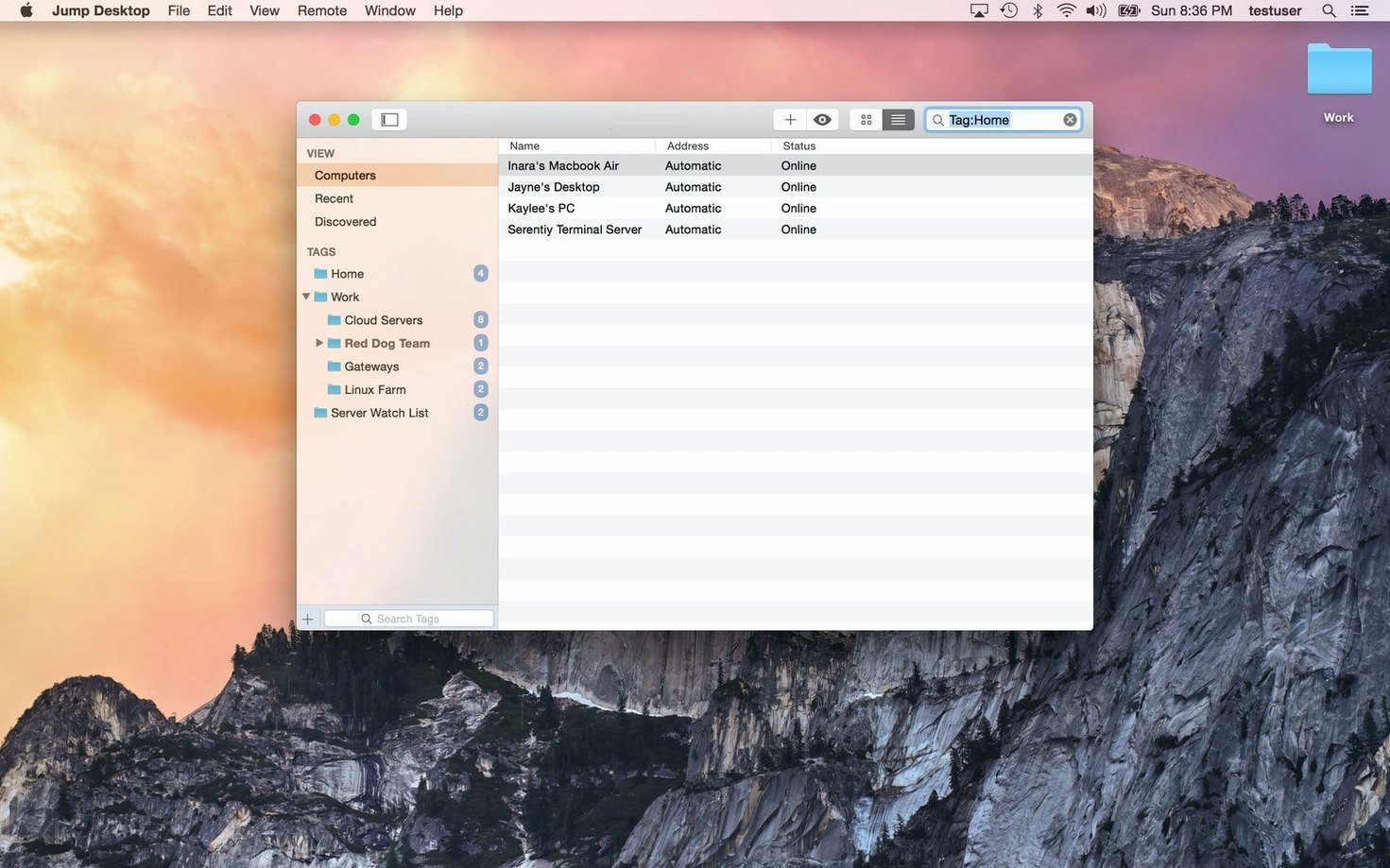
You're at a café with your MacBook Air, and a file you need is sitting on your home PC. Jump Desktop is the client that gets you there, letting you view and control that remote desktop in real time.
| Detail | Info |
|---|---|
| Developer | Phase Five Systems |
| Version | 10.15.28 |
| macOS | 11 or later |
| Architecture | Intel and Apple Silicon |
| Language | English |
It connects to Macs, PCs, and VNC servers using RDP or VNC, so you're covered whether you're hopping into a Windows box or a Linux machine. Setup is simple: sign in with a Google account or any email, and you're ready. You can transfer data between devices, work with files on the remote computer, and remap keys to match your muscle memory. If you're a DJ running software on a studio machine, this is a practical way to check tracks or adjust settings without leaving your couch.
saves the walk to the other desk
If you work across two machines regularly, Jump Desktop saves you the walk to the other desk. Remote workers who keep a work Mac at the office and a personal laptop at home find it useful for pulling up documents or running apps that only live on one system. IT support people use it to fix colleagues' machines without leaving their chair. Cross-platform users benefit too — the app handles both RDP and VNC, so you can jump from a Mac to a Windows PC or a Linux box without switching clients. For music students and DJs, it's handy for accessing a studio desktop from a lightweight laptop: you can check playlist software, adjust mixer settings, or grab a sample pack stored on the bigger machine.
reliable keyboard remapping between Mac and Windows
Version 10.15.28 is the current build for Mac. The change log from recent updates shows refinements rather than big new features. Keyboard remapping got more reliable between Mac and Windows layouts — useful when you're controlling a PC from a MacBook and your muscle memory expects Command instead of Control. The companion app, Jump Desktop Connect, has seen stability improvements for hosts on different networks. Setup still uses a Google account or email sign-in, so there's no configuration headache. If you updated from an older version, you'll notice the connection process feels the same but the key mapping behaves more predictably across sessions.
missing the host app makes direct connections fail
New users sometimes skip installing the Jump Desktop Connect companion app on the host computer, then wonder why the client can't find the machine. Without that host component, direct connections over the internet don't work. Another common slip: forgetting to sign in with the same account on both ends. If you use Google on the client and email on the host, they won't link. Beginners also expect to drag files straight from the remote desktop to their local machine without using the built-in transfer feature — that works, but only if you use the right menu option. Keyboard remapping trips people up too: they don't realise the app can swap Mac and Windows shortcuts, so they fight the layout for ten minutes before checking the settings. A quick remap saves that frustration.
- macOS 11 or later
- Intel or Apple Silicon
- English
Kit check at a glance
| System | macOS 11 or later |
| Chip | Apple Silicon, Intel 64-bit |
| Download | 62 MB |
| Older pressings | 2 in the crate |







Chat from the booth
Sign in or grab a free account to leave a comment.
Nobody has said a word in the booth yet. If you played a set with this build, tell the next person how it went.