

- Build in the crate
- 2.2.5
- Made by the team at
- Ten One Design LLC
- Menu languages offered
- English
- How you pay for it
- K'ed by TNT team
- macOS it plays on
- OS X 10.10 or later
- CPU it runs on
- Apple Silicon, Intel 64-bit
Screenshots
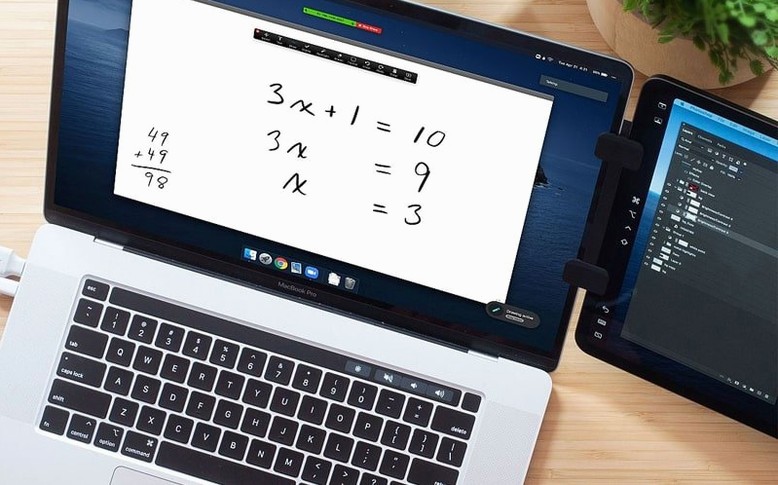

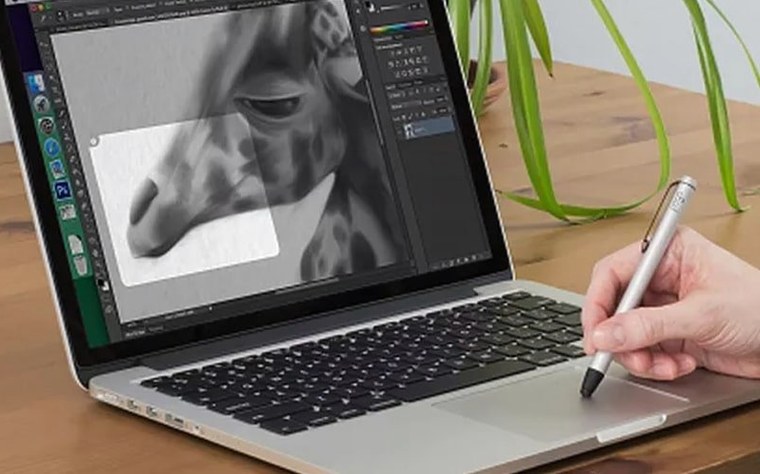
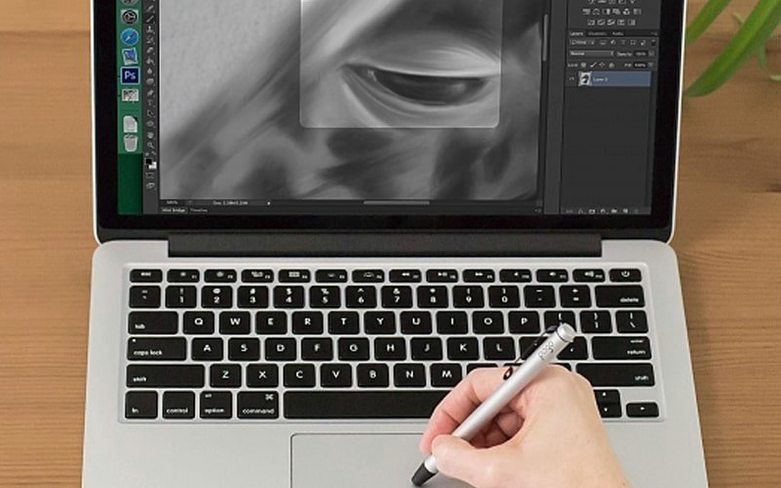
Inklet is a Mac app that lets your trackpad work like a pen tablet, so you can draw or write without extra hardware.
pressure-sensitive drawing in GIMP and Inkscape
- Using GIMP, Inkscape, Corel Painter, SketchBook Pro, MediBang Paint Pro and other drawing apps with trackpad input.
- Getting pressure sensitivity on a Pogo stylus or a Force Touch trackpad – Inklet was the first third-party app to support Apple’s Force Touch trackpad.
- Making fine strokes in Lightroom or Microsoft OneNote without switching to a mouse.
requires a multitouch trackpad
- It needs a Mac with a multitouch or Force Touch trackpad. Older Macs with single-touch trackpads won’t work.
- It works with any app that accepts drawing input; you aren’t locked to a short list of programs.
- Installation requires bypassing Gatekeeper once – a short Terminal step after mounting the disk image.
no extra drivers for Photoshop
A few small touches in Inklet 2.2.5 aren't obvious at first but make a difference once you know them.
- No extra drivers for most apps. Inklet appears as a standard input device, so it works with all Photoshop versions, all Adobe Illustrator versions, Affinity Photo, Affinity Designer, Pixelmator Pro, Art Rage, PDFPen and Sketch without any plug-in setup.
- Zoom and OneNote support. The trackpad emulation extends beyond drawing apps – you can use it to annotate or highlight during Zoom video conferencing or to handwrite notes in Microsoft OneNote.
- Pressure sensitivity on two paths. If your Mac has a Force Touch trackpad, pressure works out of the box. If it doesn't, a Pogo stylus gives you pressure input on any recent multitouch trackpad.
- Lightroom and Photoshop Elements. These are listed as compatible, so you can dodge or burn in Lightroom or do fine retouching in Elements without reaching for a separate tablet.
gatekeeper bypass step skipped
People sometimes hit the same few issues when setting up Inklet. Here is how to sort them.
- App won't open after install. The Gatekeeper bypass step is easy to skip. Mount the disk image, run Open Gatekeeper friendly, press Enter in Terminal when prompted, then drag the app to Applications. If you missed the Terminal step, the app may refuse to launch – redo the install and make sure you press Enter.
- Trackpad not responding. Check that your Mac has a multitouch or Force Touch trackpad. Older single-touch trackpads are not supported. If yours is supported, restart the app and make sure no other input software is running.
- Pressure not registering. Pressure sensitivity only works with a Force Touch trackpad or a Pogo stylus. A regular finger swipe on a non-Force Touch trackpad gives position but not pressure. If you have a Force Touch model, check that it is enabled in System Preferences.
- Drawing feels off in a specific app. Some programs need the app to be active before they recognise Inklet's input. Click into the drawing window, then try again. For older apps, restart both the app and Inklet.
- macOS OS X 10.10 or later
- Intel or Apple Silicon Mac
- Multitouch or Force Touch trackpad
Kit check at a glance
| System | OS X 10.10 or later |
| Chip | Apple Silicon, Intel 64-bit |
| Download | 18 MB |
| Older pressings | 1 in the crate |








Chat from the booth
Sign in or grab a free account to leave a comment.
Nobody has said a word in the booth yet. If you played a set with this build, tell the next person how it went.