

- Build in the crate
- 7.3.2
- Made by the team at
- Exposure Software LLC
- Menu languages offered
- English, German, French
- How you pay for it
- K'ed by TNT team
- macOS it plays on
- macOS 10.13 or later
- CPU it runs on
- Apple Silicon, Intel 64-bit
Screenshots
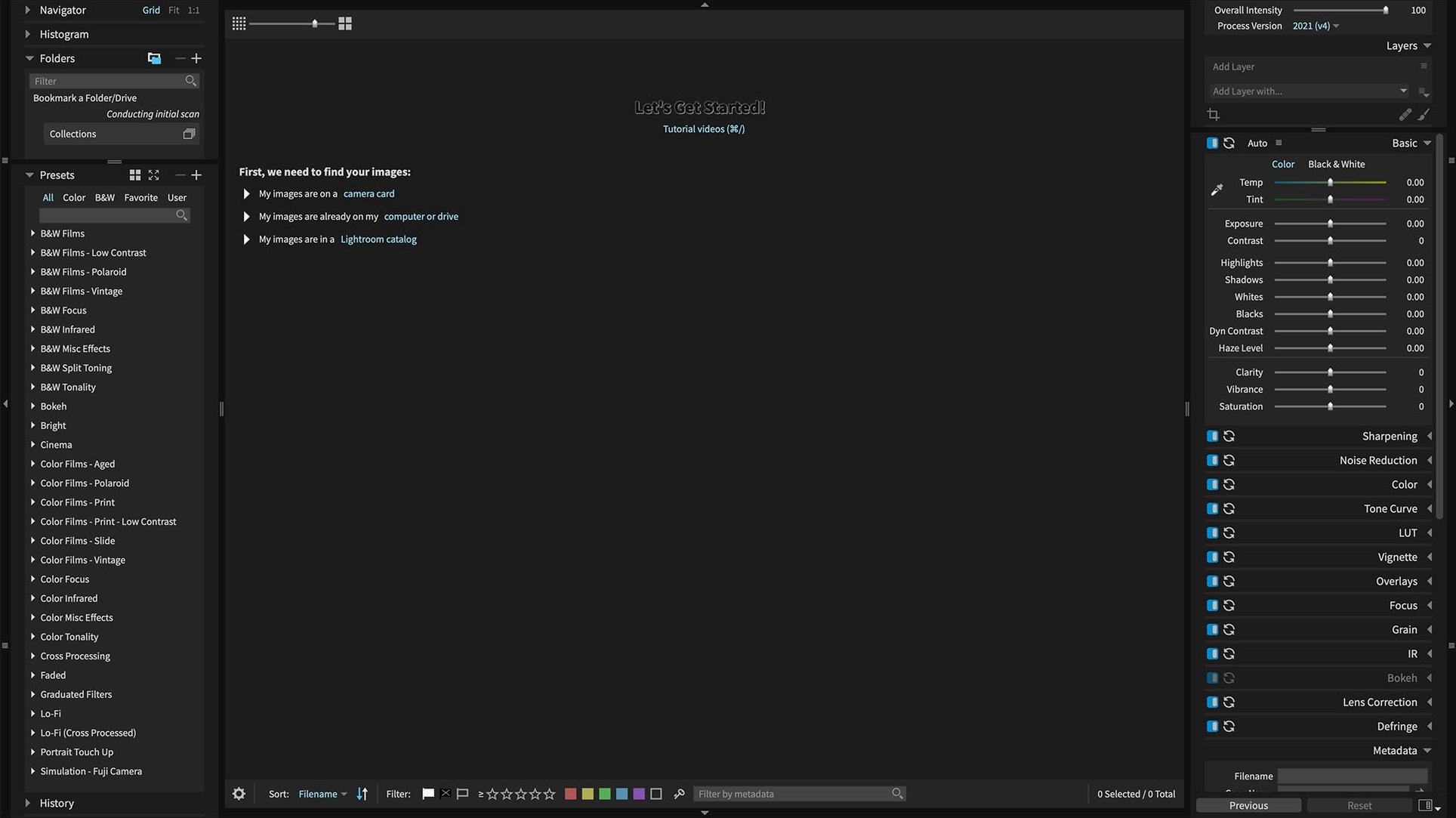
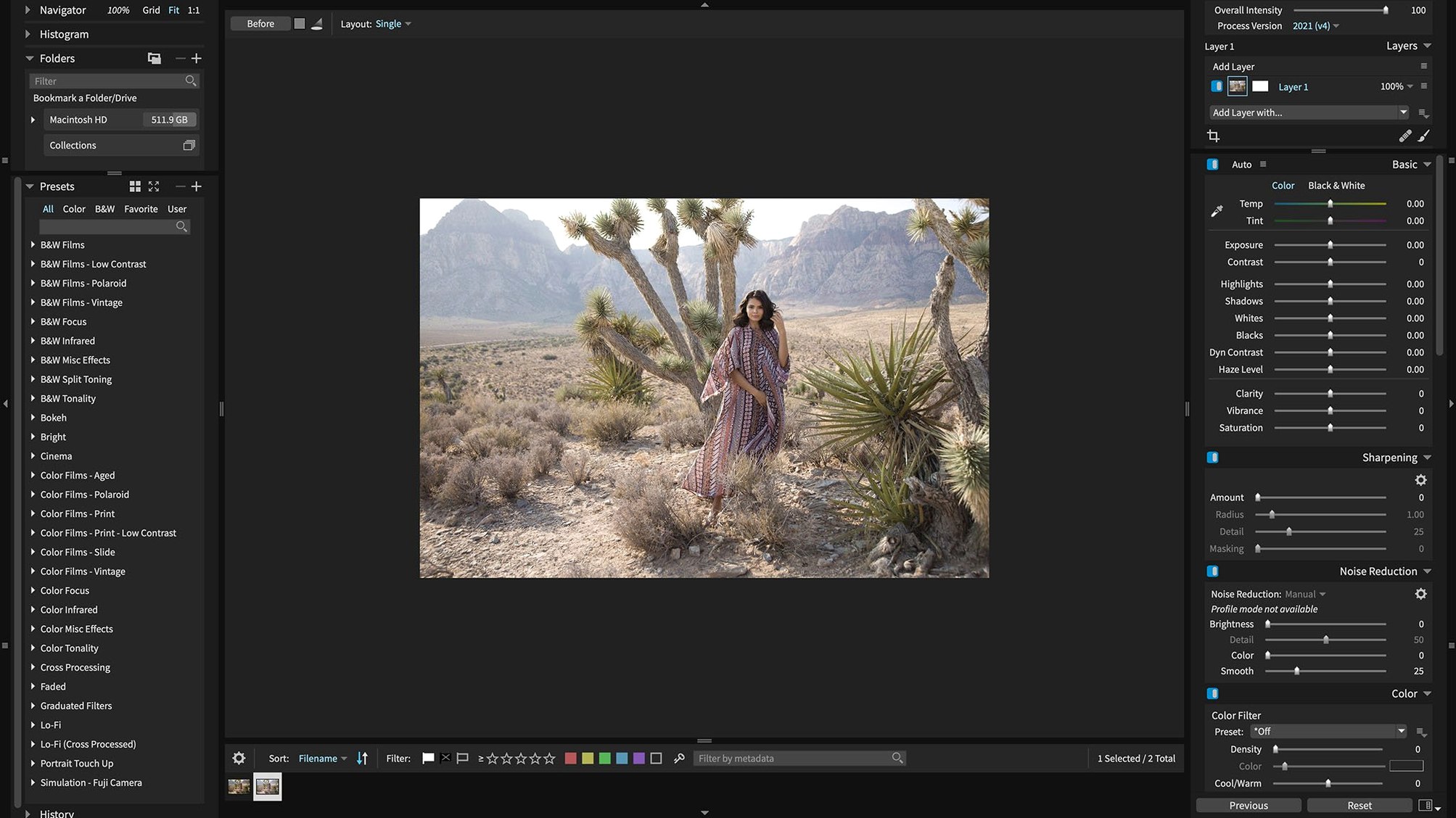
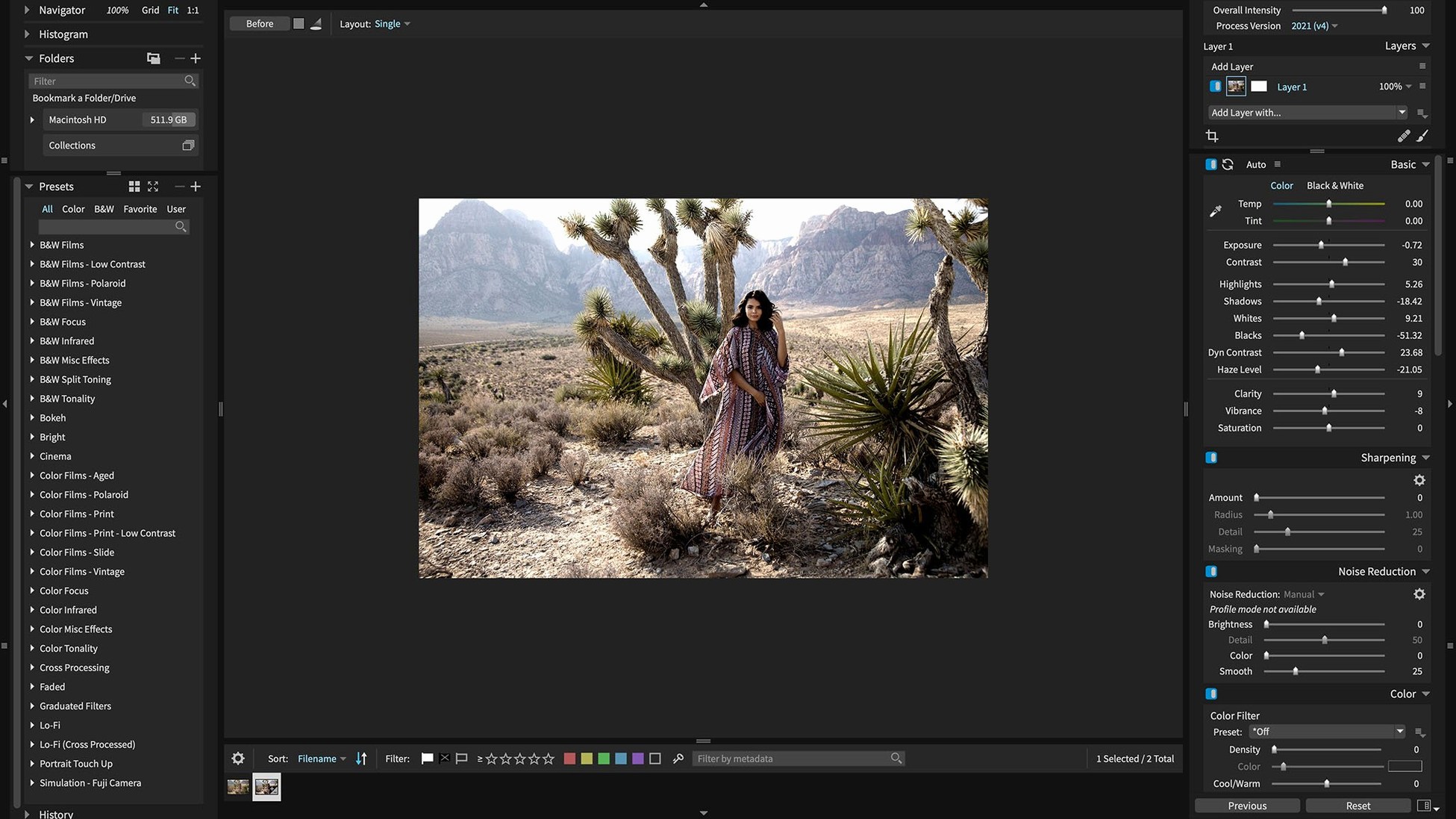
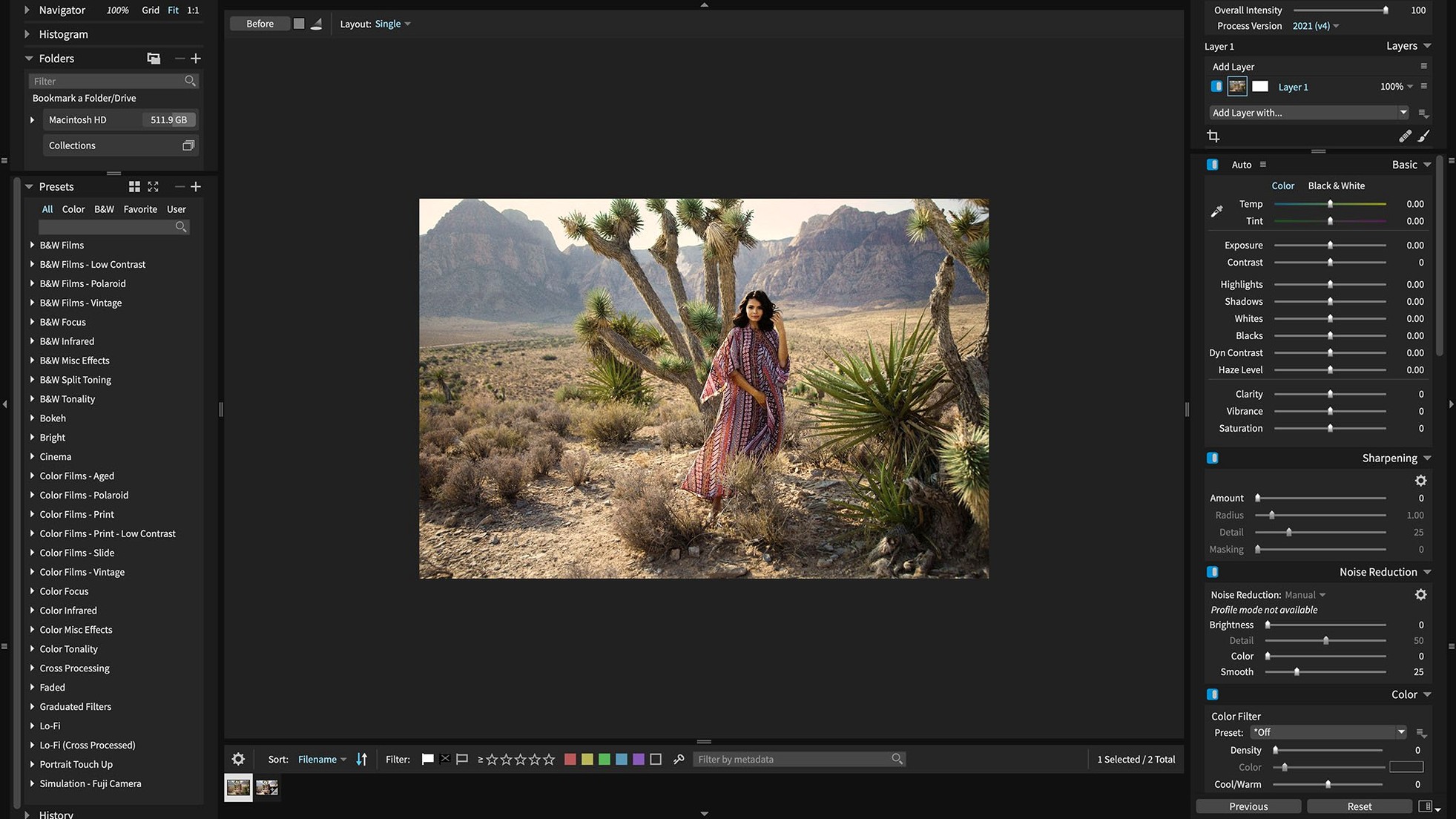
RAW files from modern cameras can be a headache, especially when the software lags behind. Exposure X7 steps in as a standalone editor and a plugin, so you can work where you're comfortable.
Runs on Intel and Apple Silicon
It works on Intel and Apple Silicon Macs, integrates with Adobe Lightroom 6 or Lightroom Classic CC, and also with Photoshop. That means you can keep your existing workflow and jump into Exposure for its editing tools when needed. The standalone mode covers the same ground, so you're not forced into a host.
Editing tools
Non-destructive RAW editing is the core, with advanced masking and one-click automatic adjustments to speed things up. GPU optimization keeps the sliders responsive, even with large files.
Version 7.3.0 fixes
This release fixes the corrupt rendering of Sony A7 IV lossless compressed RAW files and a crash with black-and-white film presets. It also adds HEIC support for current iPhone photos, so your phone shots fit right in.
macOS 10.13 and later, no special hardware
Exposure X7 runs on macOS 10.13 and later, covering both Intel 64-bit and Apple Silicon Macs. No special hardware needed beyond what you'd use for any modern photo editor. Mount the disk image, launch the Gatekeeper-compatible opener, press Enter in Terminal to circumvent Gatekeeper, and then finish the usual installation process. After that, it's ready to go.
The interface comes in English, German, or French, and version 7.3.0 refreshes the translations in all three. The GPU optimisation is automatic, so you won't need to fiddle with settings to get smooth mask and brush work. Expect it to handle 500-plus presets without slowing down, and the one-click automatic adjustment is genuinely fast for quick fixes.
Gatekeeper bypass and plugin detection fixes
- Gatekeeper blocks the installer. The bypass step is simple: press Enter in Terminal when prompted. If it still won't run, check that your Mac allows unsigned apps in Security & Privacy settings.
- Photoshop or Lightroom don't see the plugin. Make sure you're running Photoshop CS6 or CC 2015 or newer, or Lightroom 6 or Classic CC. The plugin registers itself during installation, but restarting the host app sometimes helps it appear.
- RAW files from new cameras aren't loading. Version 7.3.0 already supports Panasonic Lumix G95D, S5 IIX, and Sony RX100M7. If your camera is even newer, check that the file isn't corrupted. Exposure usually adds camera support in updates.
- Crash when applying black and white film presets. This was fixed in 7.3.0, so make sure you're running that version. If the crash persists, try resetting the preset library.
- Quick Export menu won't open. Another 7.3.0 fix. If you see this after reordering presets, update to the current build.
Test one-click auto adjustments on your RAW files
Start by importing a small set of RAW files you know well. Test the one-click automatic adjustment on a few to see how the engine guesses your intent. Then try the 3D color masking on something tricky, like foliage against sky.
If you use Lightroom, set up Exposure as an external editor. That way you can send a photo over, do the masking and preset work, and save it back into your Lightroom catalog. The plugin keeps the edit non-destructive.
Browse the presets. With more than 500, it's worth spending ten minutes marking favourites. The smart collections and keywords are handy for organising test shoots before you commit to a full library workflow. And if you shoot with an iPhone, try opening a HEIC photo directly — 7.3.0 added that support, so no conversion needed.
- Expanded camera support: Panasonic Lumix G95D, Panasonic Lumix S5 IIX, Sony Cyber-shot DSC-RX100M7
- HEIC support for current iPhone photos
- Refreshed Chinese, German, French, and Japanese translations
- Fixed corrupt rendering of Sony A7 IV lossless compressed RAW files
- Fixed crash when applying black and white film presets
- Fixed crash when opening Quick Export after reordering presets
- macOS 10.13 or later
- 64-bit processor (Intel or Apple Silicon)
- Interface languages: English, German, French
Kit check at a glance
| System | macOS 10.13 or later |
| Chip | Apple Silicon, Intel 64-bit |
| Download | 551 MB |
| Older pressings | 1 in the crate |







Chat from the booth
Sign in or grab a free account to leave a comment.
Nobody has said a word in the booth yet. If you played a set with this build, tell the next person how it went.