

- Build in the crate
- 2022.5 Build 22.3.1.4090
- Made by the team at
- Corel Corporation
- Menu languages offered
- Russian, English, German, Spanish, Italian, Chinese (Traditional), Chinese (Simplified), Korean, Polish, Portuguese, Turkish, French, Czech, Japanese
- How you pay for it
- K'ed by TEAM HCiSO
- macOS it plays on
- macOS 10.14 or later
- CPU it runs on
- Apple Silicon, Intel 64-bit
Screenshots
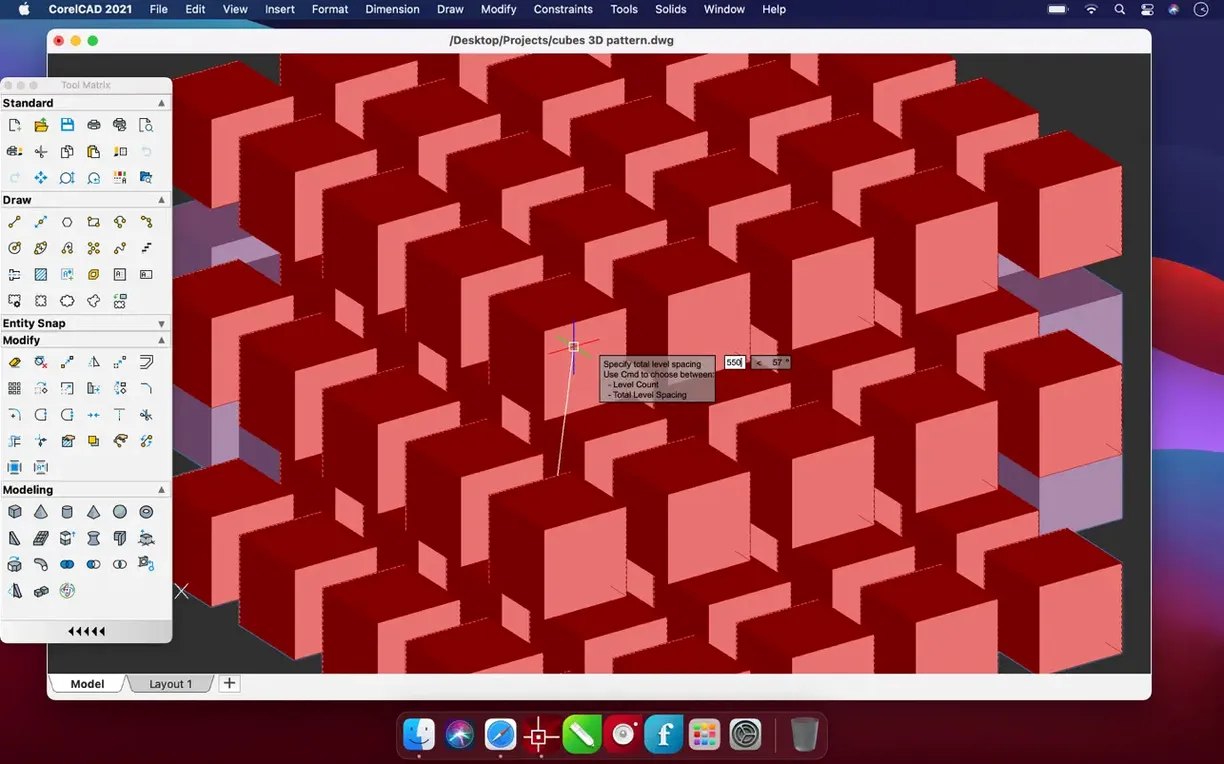
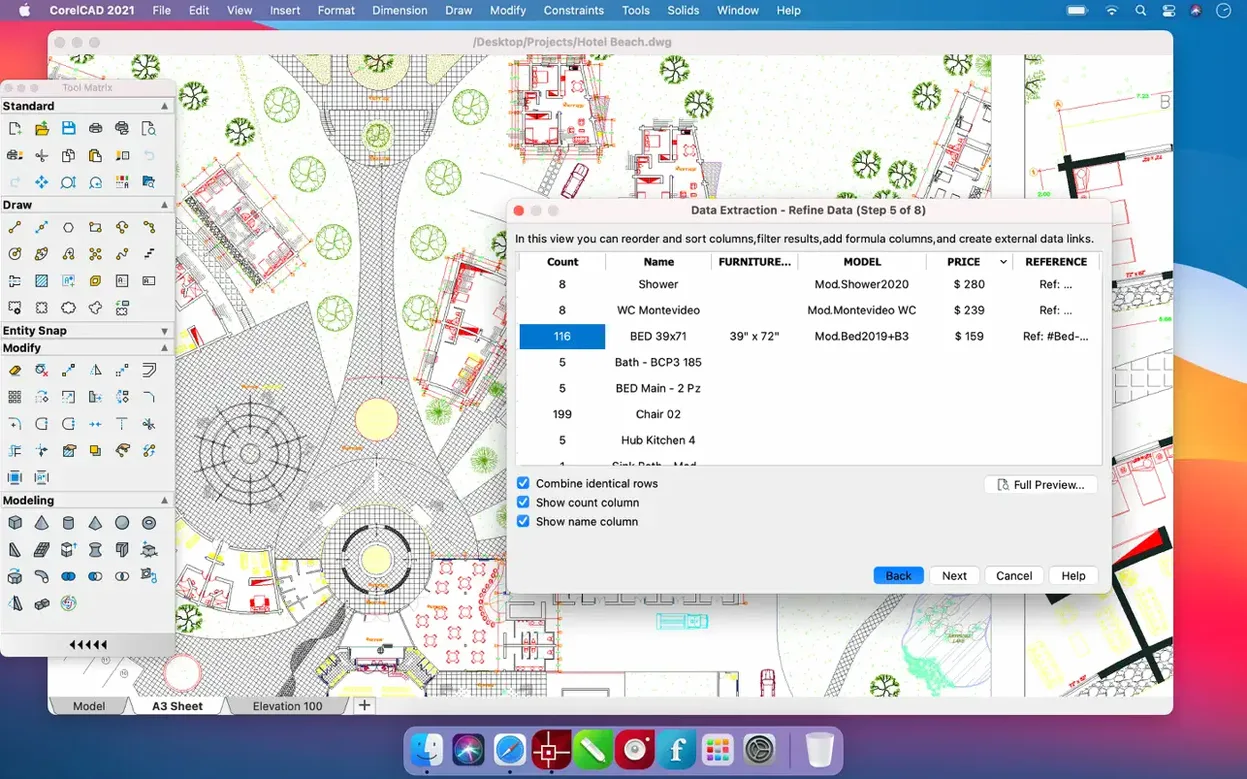
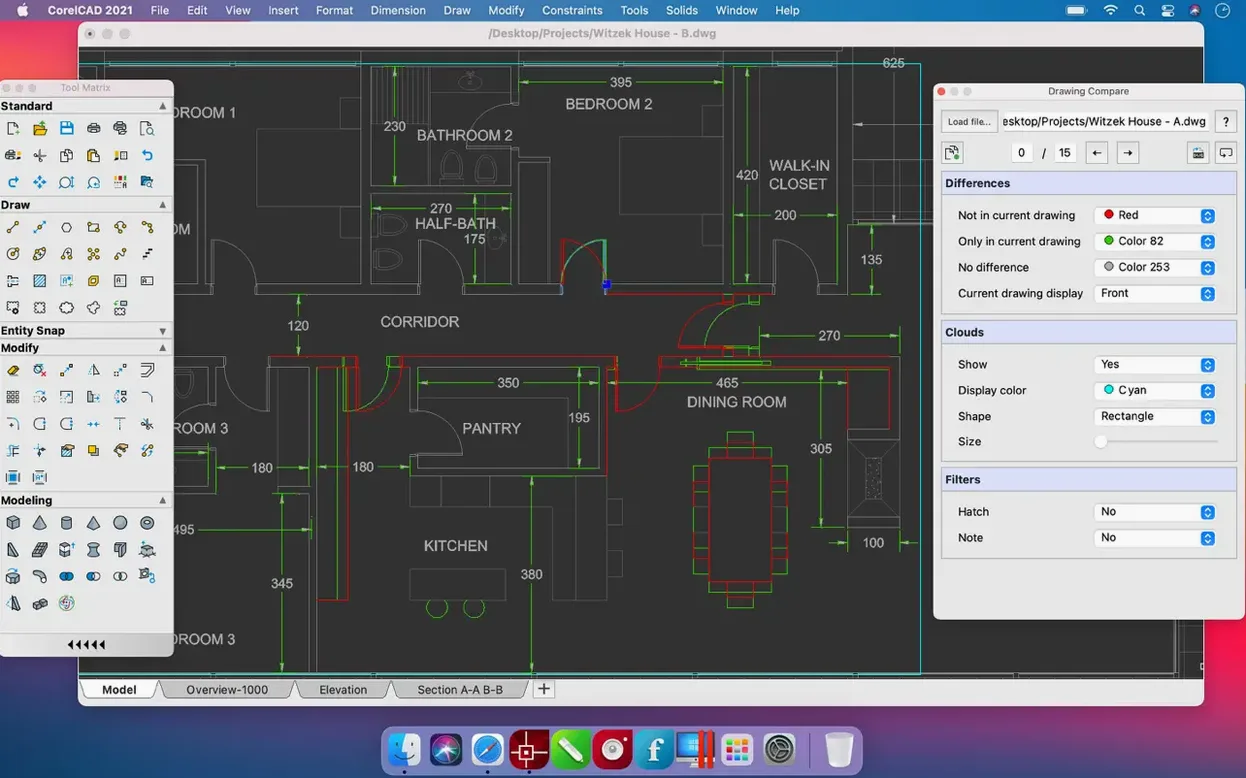
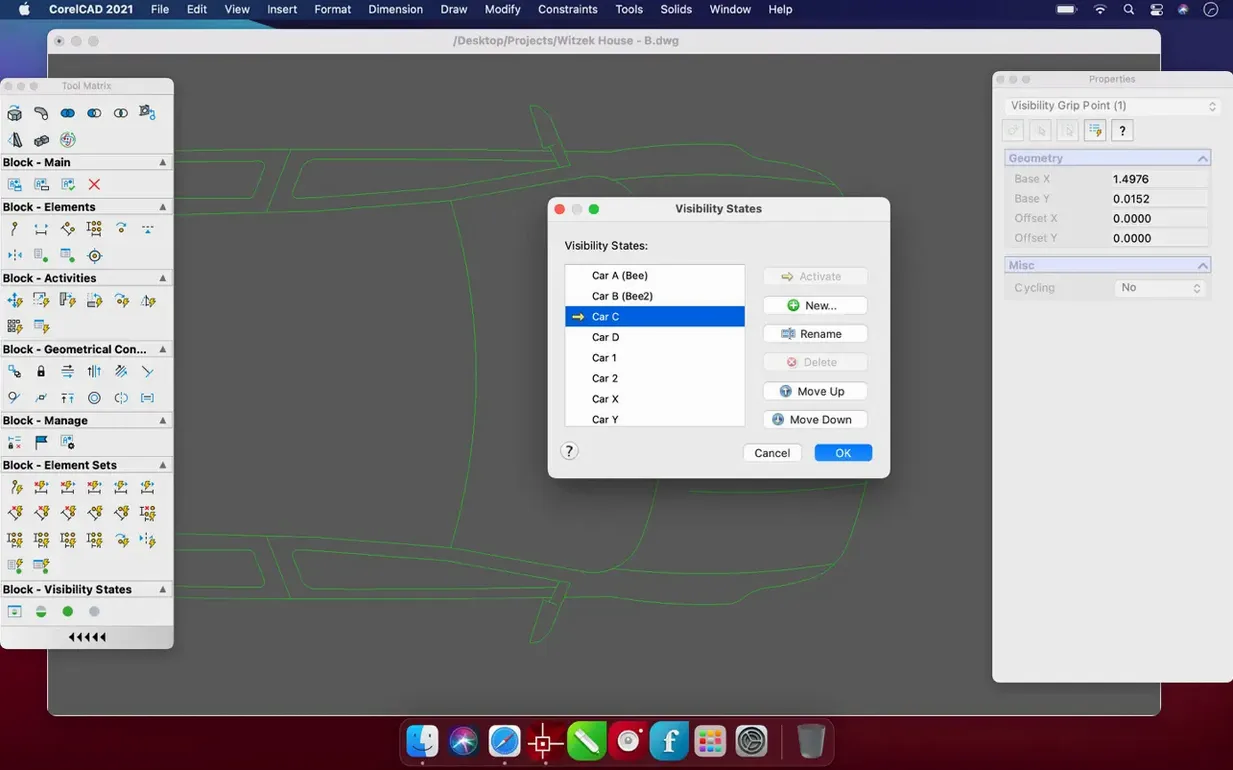
CorelCAD runs on just about any Mac from the last few years, supporting both Apple Silicon and Intel 64-bit machines, and needing macOS 10.14 or later. That broad compatibility means it works on older MacBooks as well as the newest M-series models.
| Detail | Info |
|---|---|
| Developer | Corel Corporation |
| Version | 2022.5 Build 22.3.1.4090 |
| File formats | DWG, DWS, PDF, SVG, EPS, DWF, STL, SAT, SHP |
| Languages | 14, including English, Spanish, German, French and Japanese |
CorelCAD is built for people who need serious CAD on a Mac without switching to Windows. It handles 2D drafting and 3D modelling, and it speaks native AutoCAD DWG, so you can swap files with colleagues who use other CAD tools. It also exports STL for 3D printing. The interface is clean and the tools are familiar if you've used other CAD packages. For students, freelancers or small studios, it's a solid choice.
Native on M-series and Intel Macs
Because CorelCAD supports both ARM and 64-bit x86 architectures, it runs natively on M-series Macs and on Intel models alike. The installer is a simple disk image — no background processes, no extra components. You drag the app to Applications and launch it from Launchpad. The app itself is a single bundle, so removing it is just as straightforward.
The interface languages cover fourteen options, which matters if you work in a multilingual team or prefer the menus in your own language. English, Spanish, German, French, Italian, Portuguese, Turkish, Czech, Polish, Russian, Japanese, Korean, and both Traditional and Simplified Chinese are all built in. No separate language packs to download.
File support is practical for real workflows. You can open and save native AutoCAD DWG files without conversion, which keeps layer properties, block definitions and layouts intact. For sharing with non-CAD collaborators, PDF, SVG, EPS and DWF are all export options. If you design for fabrication, the STL and SAT formats cover 3D printing and solid modelling needs. SHP files handle shape definitions, and DWS standards files help maintain drawing consistency across a team.
Given the version number — 2022.5 Build 22.3.1.4090 — this is a mature release. The update notes for the 2023.5 line mention performance and stability improvements, so the codebase has seen continued refinement. What you get is a stable toolset for drafting and modelling, not a beta or an early-access experiment.
Opens from Launchpad with docked palettes
I open CorelCAD from Launchpad. The drawing area is spacious, and the tool palettes are docked on the side. I start a new drawing from a template — the default metric template is fine for most of my work.
First, I draft the floor plan. The 2D tools are where I spend most of my time: lines, polylines, arcs, hatching. I set up layers for walls, furniture and annotations, each with a different colour and lineweight. The layer manager works like other CAD apps I have used, so I don't need to relearn anything.
Once the 2D layout is done, I select the wall outlines and use the 3D tools to extrude them into volumes. CorelCAD converts 2D designs into 3D graphics in a few clicks — no separate workflow. I add windows and doors as blocks, then apply basic materials to see how the light hits the surfaces.
For the final output, I export a PDF of the 2D plan for the client and an STL of the 3D model for a quick prototype print. Both exports happen from the same file, with no format fiddling.
Clean DWG round-trips with AutoCAD users
If you compare CorelCAD to AutoCAD for Mac, the obvious difference is file compatibility. CorelCAD uses native DWG, so round-tripping files with AutoCAD users is clean. But AutoCAD for Mac is Autodesk's own app, so it gets every new DWG format update first. CorelCAD is a lighter application overall — it launches faster and uses less disk space, but it may lack some of the specialised vertical tools that AutoCAD offers.
Against DraftSight for Mac, CorelCAD has an edge in 3D modelling. DraftSight is primarily a 2D drafting tool, while CorelCAD includes solid 3D modelling and STL export. If you only need 2D, DraftSight is perfectly capable. If you move between 2D drafting and 3D design regularly, CorelCAD saves you from switching between two separate apps.
Compared to LibreCAD, which is free and open-source, CorelCAD offers a more polished interface, native DWG support and 3D capabilities. LibreCAD is a good choice for basic 2D work on a budget, but it does not handle 3D and its DWG support relies on conversion libraries. CorelCAD is the more complete package for professional or semi-professional use on a Mac.
- Build number 22.3.1.4090.
- Several enhancements and performance and stability improvements.
- macOS 10.14 or later
- Apple Silicon or Intel 64-bit
Kit check at a glance
| System | macOS 10.14 or later |
| Chip | Apple Silicon, Intel 64-bit |
| Download | 293 MB |
| Older pressings | 4 in the crate |







Chat from the booth
Sign in or grab a free account to leave a comment.
Nobody has said a word in the booth yet. If you played a set with this build, tell the next person how it went.