

- Build in the crate
- 2.21.0 fix
- Made by the team at
- Chul Joo
- Menu languages offered
- Russian, English, Chinese (Simplified), Korean, Japanese
- How you pay for it
- Not required
- macOS it plays on
- macOS 11 or later
- CPU it runs on
- Apple Silicon, Intel 64-bit
Screenshots
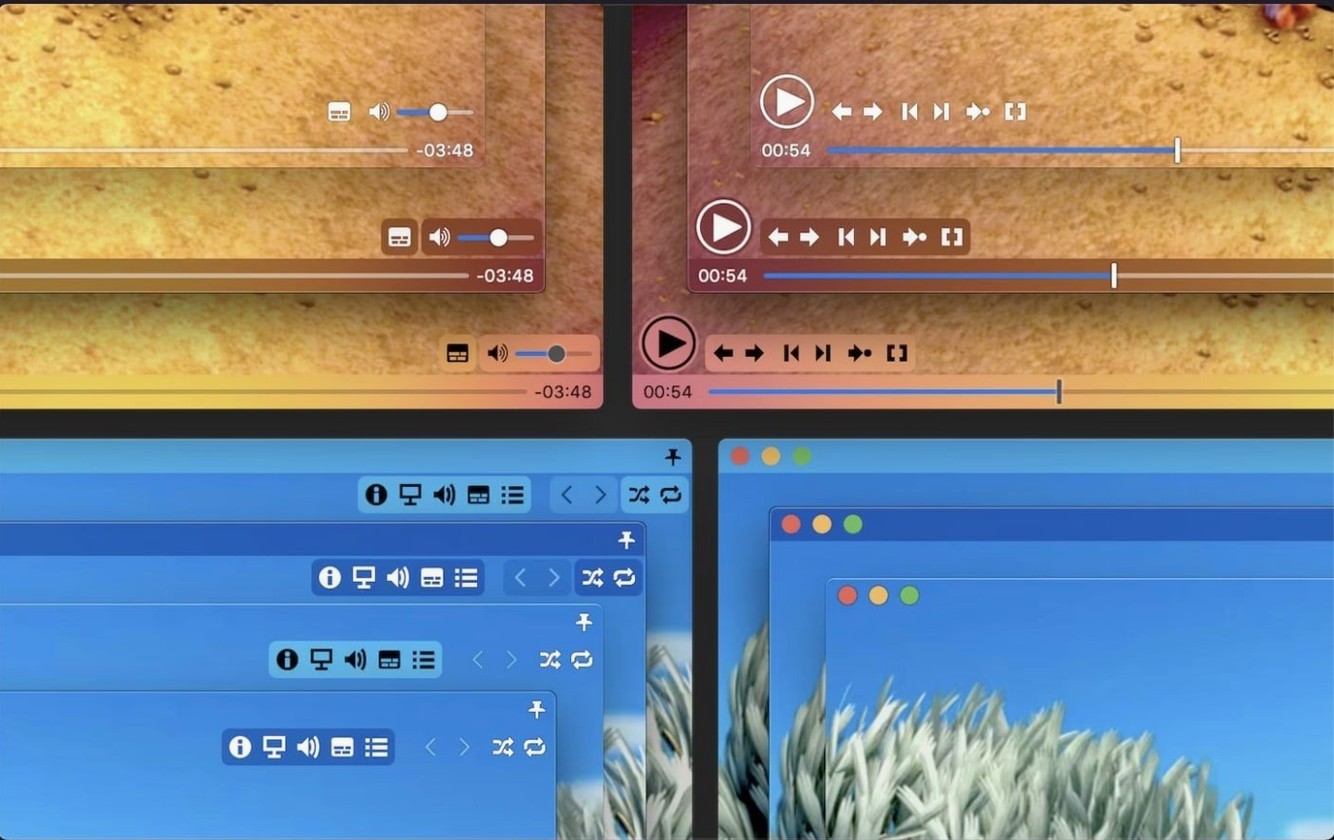
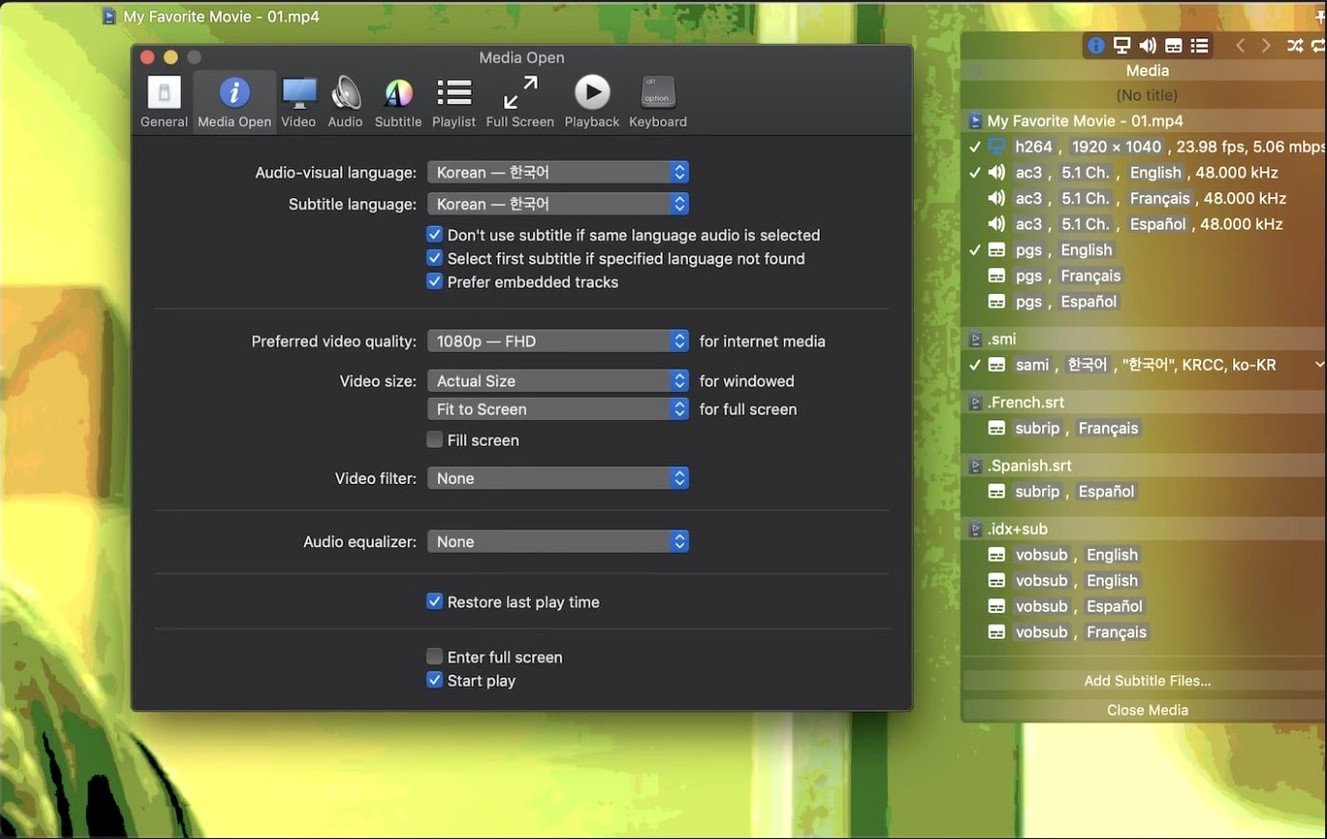
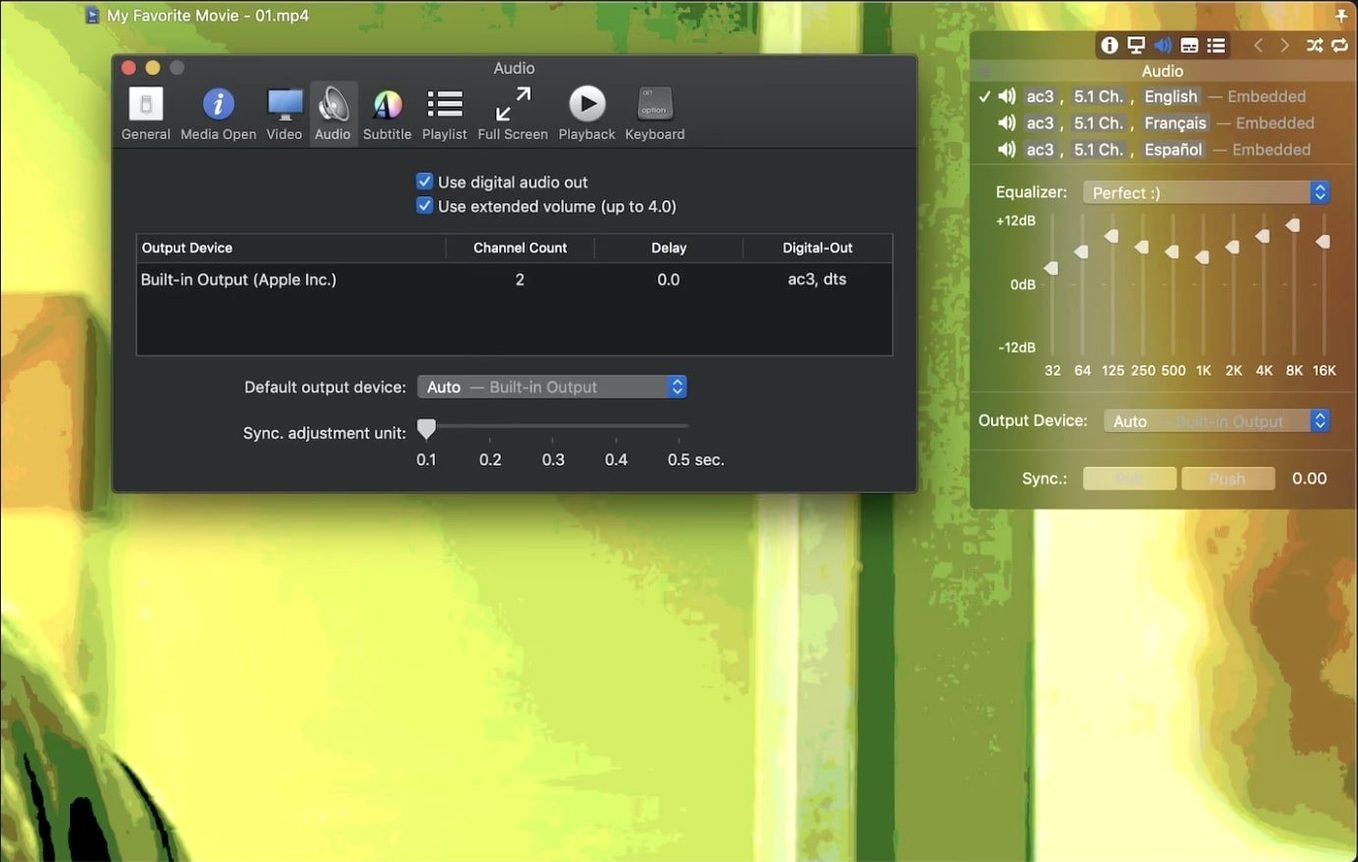
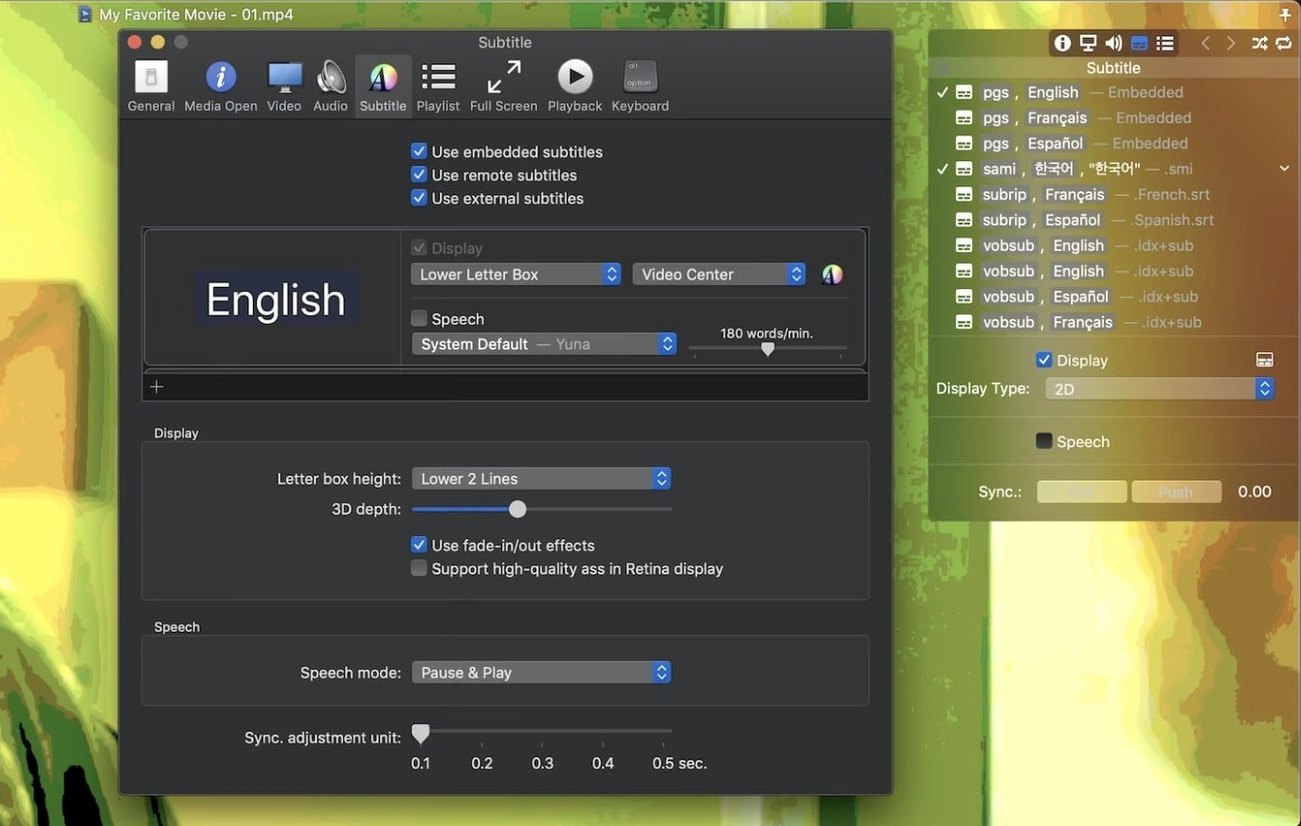
Movist Pro is a video player for macOS that uses both QuickTime and FFmpeg to handle a wide range of codecs. Before you install it, here are the common questions people ask.
What about subtitles?
Subtitle support is thorough. It detects text encoding automatically, so files in Korean, Japanese, or Russian just work. You can load compressed subtitles from .zip and .rar archives, and even display an unlimited number of subtitle tracks at once. For 3D content, there are 3D subtitles too.
How does playback work?
The player picks QuickTime or FFmpeg per video codec, so you get the best compatibility. Hardware acceleration covers H.264 and H.265/HEVC decoding, and HDR tone mapping is included for those bright, wide-colour videos. You can capture screenshots, output digital audio via S/PDIF, and switch between single-window and multi-document modes depending on how you like to work. The latest update fixes an issue where some TS videos wouldn't play, and a crash that happened when System Integrity Protection was disabled.
Uses both QuickTime and FFmpeg codecs
Movist Pro doesn't need much around it — it handles most codecs on its own — but it plays nice with the rest of your setup. Because it uses both QuickTime and FFmpeg, it respects whatever codecs you already have in your system's QuickTime installation. If you've installed extra QuickTime components for a specific workflow, Movist Pro picks them up.
On the file side, it integrates with the macOS Finder well. You can set it as your default player for video file types, so double-clicking a .mkv or .mp4 opens straight into Movist Pro. The playlist system saves and loads files in a standard format, which means you can keep a .m3u or similar list in your media folder and swap it between machines. The app also recognises .srt, .ass and .sub files you drop in the same folder as your video — no need to point it to the right subtitle file manually.
For users who prefer a sandboxed setup, Movist Pro offers a sandboxed app mode. That keeps the player's file access contained to the video files you choose, which is useful if you're on a shared machine or just like the extra layer of separation.
Film student downloading TS and MKV lectures
Take a film student who downloads lecture recordings and foreign-language films to study. The recordings are often TS or MKV from a university server, and the films come with multiple subtitle tracks — Japanese, English, Korean. With Movist Pro, they can load the film, enable a Japanese subtitle track and an English one simultaneously, then adjust the subtitle sync by a few frames if the timing is off. Meanwhile, the lecture recording plays without issue because the player handles TS files properly now (that's the 2.17.2 fix). The student can capture a screenshot of a precise shot composition, switch to single-window mode to avoid clutter, and save a playlist of all the week's lectures so the next session picks up right where they left off.
Home theatre enthusiasts with large movie libraries
Movist Pro suits anyone who watches local video files on a Mac — but some users benefit more than others.
- Home theatre enthusiasts who store a large library of movies and TV shows. The automatic playlist completion, subtitle detection and HDR tone mapping make it a practical daily player for a media server setup.
- Language learners and translators who work with subtitles. Unlimited simultaneous tracks, automatic encoding detection and the ability to load subtitles from .zip and .rar files save a lot of manual fiddling.
- Students and academics who collect lecture recordings and conference videos. The wide codec support means fewer format issues, and the playlist features help organise a semester's worth of material.
- Mac users on older hardware (macOS 10.13 or later, both Intel and Apple Silicon). The app doesn't demand a recent machine, and hardware acceleration helps with H.264 and H.265 playback without maxing out the CPU.
Movist Pro plays nearly any video format smoothly on modern Macs, including the movist pro crack variant. The key thing is knowing it works across both ARM and x86 architectures, so it'll run on your M2 MacBook Air the same way it runs on an older Intel iMac.
- Fixed an issue where some TS videos would not play.
- Fixed a crash that could occur when System Integrity Protection was disabled.
- macOS 10.13 or later
- Intel or Apple Silicon
Kit check at a glance
| System | macOS 11 or later |
| Chip | Apple Silicon, Intel 64-bit |
| Download | 60 MB |
| Older pressings | 1 in the crate |








Chat from the booth
Sign in or grab a free account to leave a comment.
Nobody has said a word in the booth yet. If you played a set with this build, tell the next person how it went.