
- Build in the crate
- 3.18.0 [MAS]
- Made by the team at
- Electronic Team
- Menu languages offered
- Russian, English, German, Hungarian, Spanish, Chinese (Simplified), Korean, Dutch, Polish, Portuguese, Ukrainian, French, Czech, Japanese
- How you pay for it
- K'ed by TNT team
- macOS it plays on
- macOS 10.13 or later
- CPU it runs on
- Apple Silicon, Intel 64-bit
Screenshots
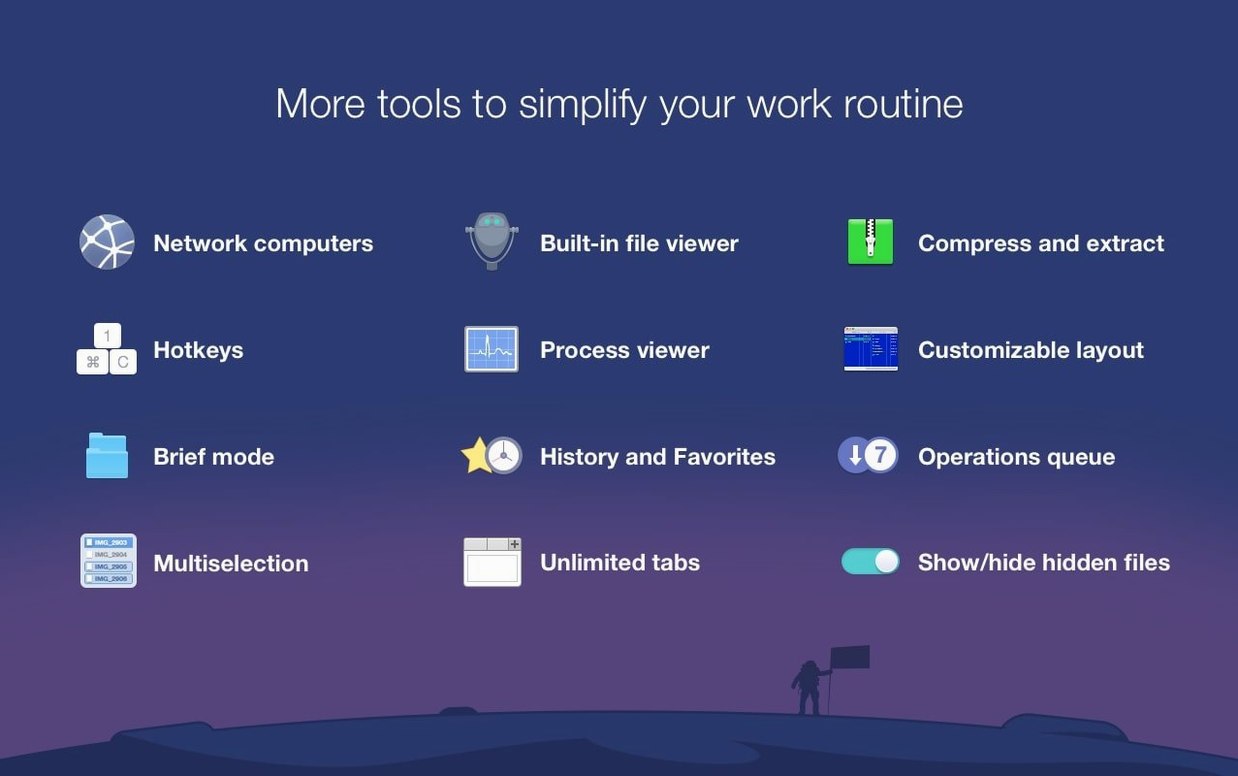
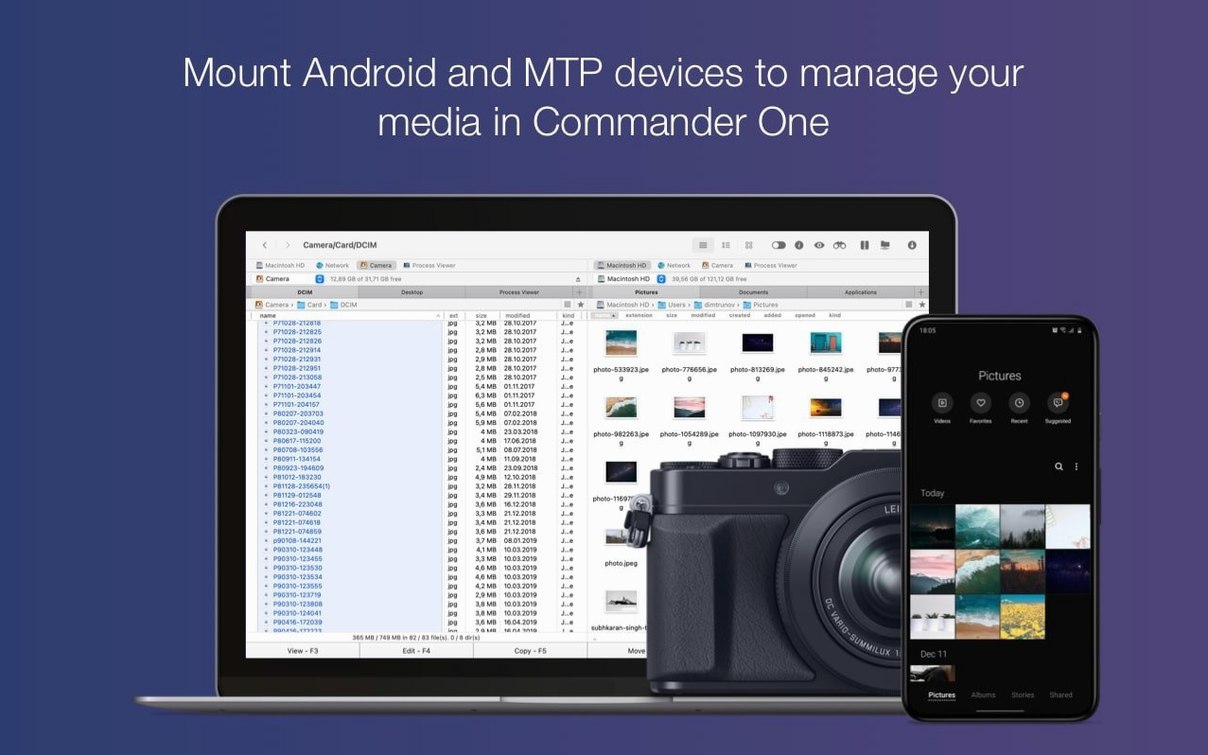
Finder gets the job done, but once you start juggling files across folders, servers, and cloud accounts, a single window starts to feel cramped. Commander One PRO gives you a dual-pane layout that makes copying and moving files almost instinctive. If you're just getting started, here are the first things to try.
- Split the window and browse two folders side by side. Drag files between panes to move or copy them without hunting for a second window.
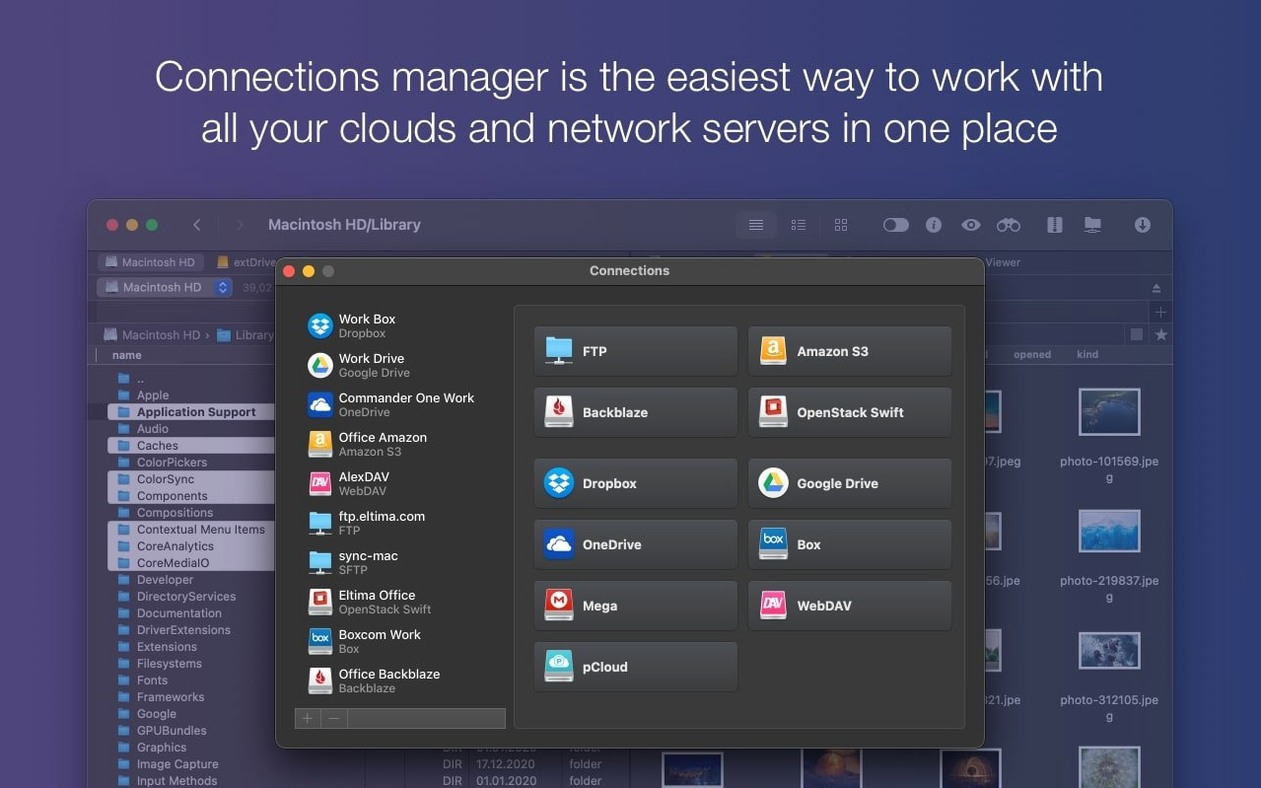
- Connect a cloud account or network server. The app handles FTP and popular cloud services, so remote files behave like local ones.
- Turn on Brief Mode to see more files at once with less clutter. It's handy when you're scanning a large folder for something specific.
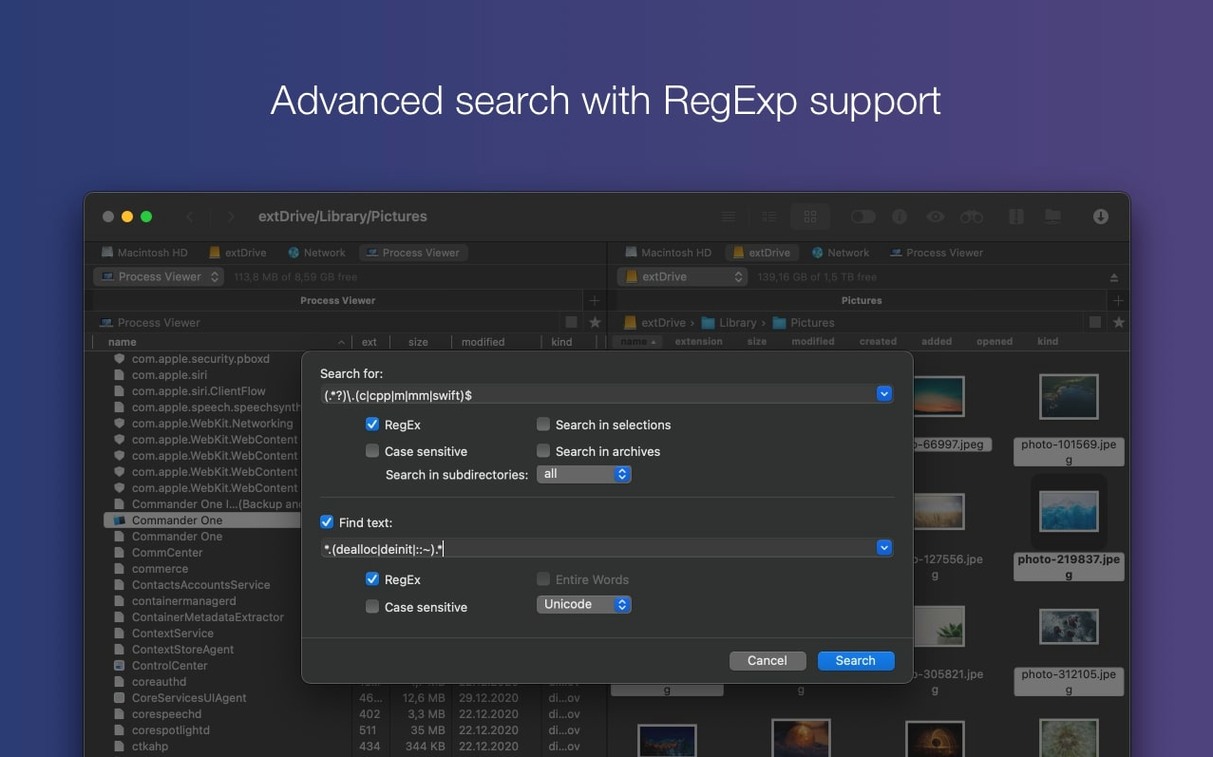
- Use regular expressions in search. A quick pattern can find files by name, extension, or content, which beats scrolling.
- Plug in an iPhone, Android device, or MTP device. Commander One PRO can access those connected drives directly.
Real world scenario: organising sample libraries
A music producer I know keeps his sample packs spread across Google Drive, an external SSD, and a folder on his Mac. Before Commander One PRO, he'd open three Finder windows and drag things around until they landed in the right place. It worked, but it was slow.
With the dual-pane layout, he puts Google Drive on one side and his local Samples folder on the other. He drags entire packs straight from the cloud to his hard drive, and Commander One PRO handles the transfer. When he needs to check what's already in a folder, he opens a second pane to that folder and compares the contents side by side. No more duplicates, no more guessing.
The same trick works with FTP. If he's grabbing stems from a collaborator's server, he sets the left pane to the FTP connection and the right pane to his project folder. Files land exactly where they're needed, and he doesn't lose track of the remote structure. It's one less distraction when you're trying to stay in the flow.
Set up folder favourites in the sidebar
Spend a few minutes setting up your most-used folders as favourites in the sidebar. That way you can jump to them from either pane without drilling through the file tree. It saves time from day one.
Get comfortable with the hotkeys. Commander One PRO lets you do most things without reaching for the mouse. Try learning the shortcuts for copying, moving, and toggling the active pane. Once they become second nature, you'll move around much faster.
If you work with archives, right-click a compressed file and choose the unpack option. The app handles ZIP, RAR, TBZ, TGZ, and 7z without needing a separate tool. It's a small thing, but it means one less app to keep open.
Check the Process Viewer from time to time. It shows what's running on your Mac, and you can quit stalled apps without opening Activity Monitor. It's tucked away in the menu, so it's easy to forget it's there.
Compatibility with older Macs and Apple Silicon
Does it replace Finder entirely?
Not exactly. Commander One PRO runs alongside Finder, so you can still use the default file manager when you prefer it. Most people switch to Commander One for specific tasks like FTP transfers or cloud file management and keep Finder for quick local browsing. There's no need to commit fully.
Can I access my Dropbox and Google Drive files without downloading them first?
You can browse and manage cloud files directly through the app. The remote folder structure shows up just like a local drive, so you can see what's there without pulling everything down. When you do need a local copy, drag the file to the other pane and it downloads in the background.
Works on macOS 10.13 and later
It runs on macOS 10.13 and later, and it supports both Intel and Apple Silicon Macs. If your Mac meets those requirements, you're good to go.
Is the setup complicated?
The install involves mounting the disk image, running a quick Terminal command to bypass Gatekeeper, and dragging the app into your Applications folder. That's it. The whole thing takes a couple of minutes, and you don't need to configure anything before you start using it.
Start with those five, and you'll quickly see why it's a solid alternative to Finder. Once you're comfortable, poke around the hotkeys and customisation options.
- Improved compatibility with macOS 27.
- Fixed drag and drop of files on macOS 27.
- Fixed handling of some hotkeys with non-English keyboard layouts.
- macOS 10.13 or later
- Intel or Apple Silicon
- 52.82 MB of free space
Kit check at a glance
| System | macOS 10.13 or later |
| Chip | Apple Silicon, Intel 64-bit |
| Download | 53 MB |
| Older pressings | 2 in the crate |



Chat from the booth
Sign in or grab a free account to leave a comment.
Nobody has said a word in the booth yet. If you played a set with this build, tell the next person how it went.