
- Build in the crate
- 6.1
- Made by the team at
- BZG
- Menu languages offered
- English, German, Spanish
- How you pay for it
- Not required
- macOS it plays on
- macOS 13 or later
- CPU it runs on
- Apple Silicon, Intel 64-bit
Screenshots
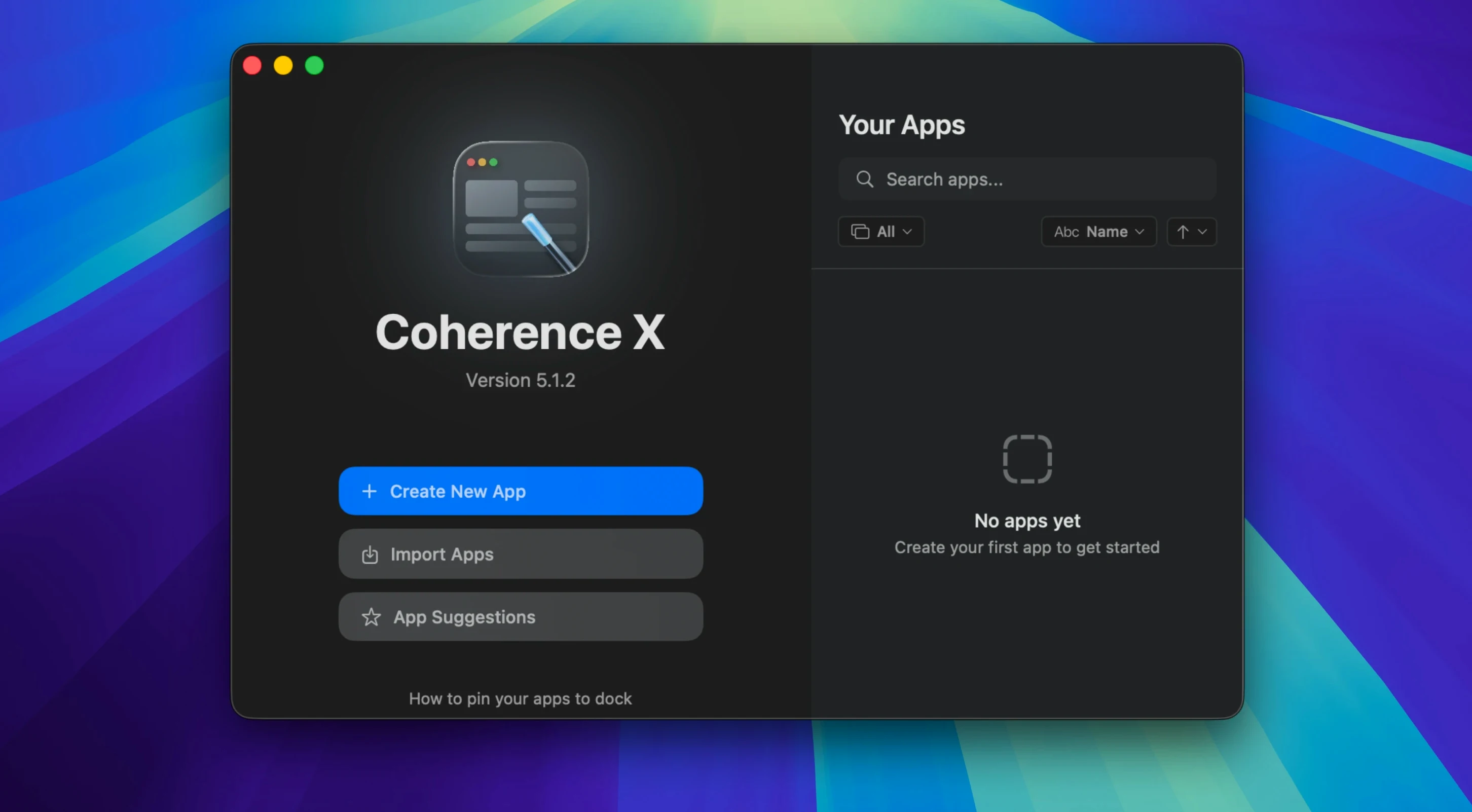
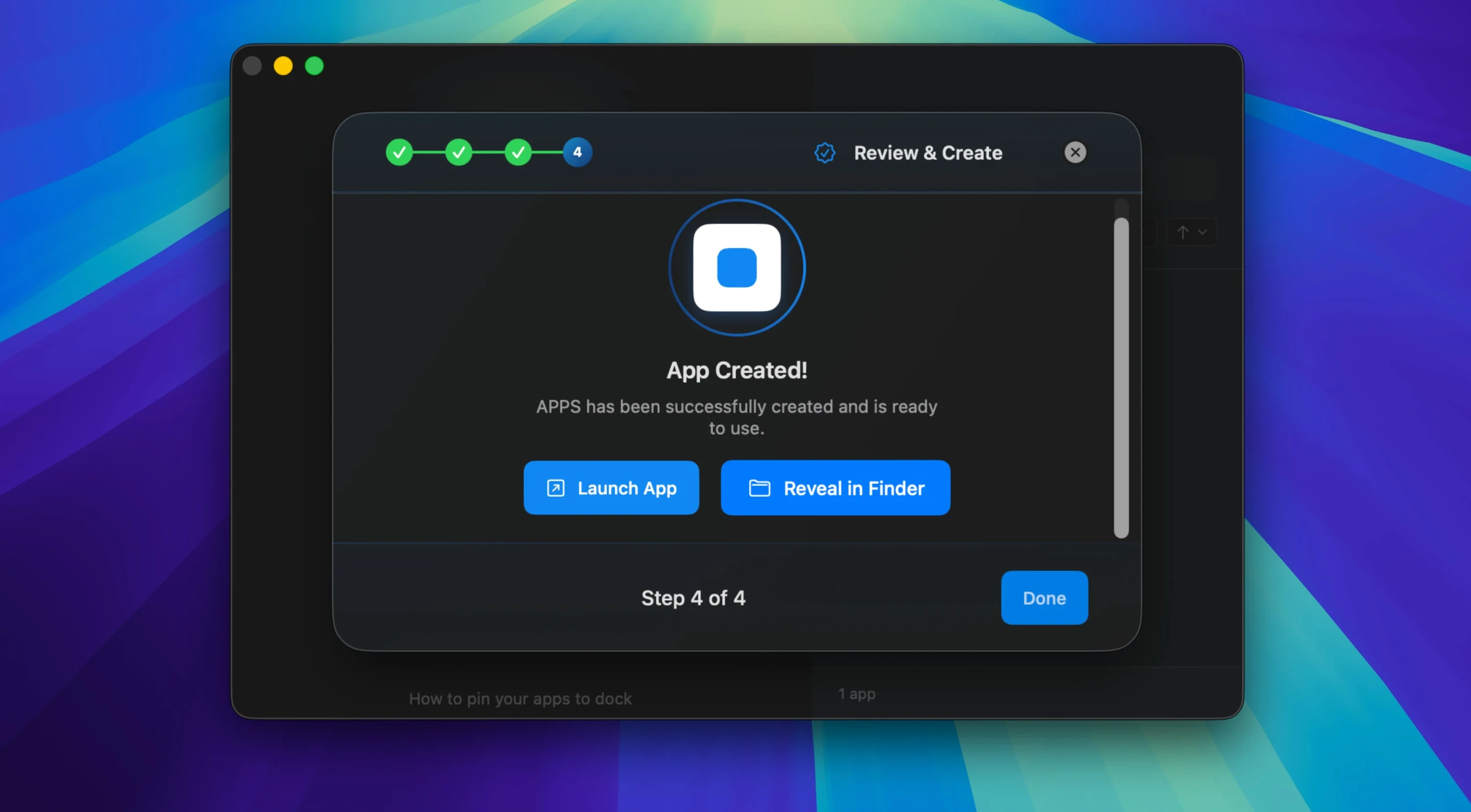
Coherence X works on both Apple Silicon and Intel Macs, so it will run fine on your MacBook Air M2 or an older Intel machine. If you've just installed it, here's a simple first run that shows what it can do.
- Launch Coherence X and click the plus button to create a new app.
- Paste a URL you use daily — say, your email or a project tracker.
- Give it a name and choose an icon. The default is fine to start.
- Click Create. Coherence X builds a standalone Chrome-based app and drops it in your Applications folder.
- Open it from Launchpad. You'll get a focused window, no browser tabs or bookmarks in the way.
After that, try editing the app you just made. Change the URL, swap the icon, or switch the mode — version 6.1 saves those appearance changes without rebuilding the app. You can also add Chrome Web Store extensions inside it, which is handy for things like ad blockers or password managers. If you use the same service for work and personal stuff, set up separate profiles. That way each app keeps its own logins and settings.
App not appearing on the Dock
A few things tend to trip people up early on. The most frequent one: creating an app, then not finding it anywhere. Coherence X drops the built app into your Applications folder, but it doesn't always appear on the Dock automatically. Open Launchpad and look for it there, or search for the app name in Spotlight. Once you launch it, you can keep it in the Dock like any other app.
Another common issue is link routing that doesn't behave as expected. You might want a link inside your app to open in Safari or Chrome, but it keeps loading inside the app itself. Version 6.1 made this easier by letting you add multiple domains per routing rule, and it suggests destinations for new rules. So if a link to a support page keeps opening inside your email app, you can tell Coherence X to send all links to that domain to your main browser instead. The change saves without rebuilding the app, so you can tweak it in seconds.
If the Manage in Coherence button inside a Chrome extension stops working, version 6.1 fixed that. It now opens the correct app more reliably. And if the extension can't connect, the app shows a message so you know what's going on — no more guessing.
For anyone who lives inside web services all day
Coherence X suits anyone who lives inside web services all day. That includes people who run project management tools, help desk platforms, or email clients as their main workspace. Instead of keeping a dozen browser tabs open, you give each service its own dedicated window with its own Dock icon. That alone cuts down on tab switching and browser clutter.
It's also useful for people who need separate profiles for the same service. If you manage multiple accounts — say, personal and work Google Workspace or different Slack teams — you can set up one app per profile. Each one keeps its own cookies, extensions, and settings. No logging in and out.
Chrome extension users get something extra here. You can install extensions inside each app independently. So your work project tracker can have a password manager and a time tracker, while your personal email app runs without any of that. That kind of separation is hard to get with normal browser profiles alone.
And if you share workflows with a team, the export feature in Coherence X is worth knowing about. You can build an app with the right URL, extensions, and link routing, then export it and send it to a colleague. They import it and get the same setup without configuring anything themselves.
Treating Coherence X like a browser
The most common mistake is treating Coherence X like a browser. It isn't one. It creates standalone apps that use the Chrome engine, but you don't navigate between sites inside them. Each app is meant for one service. If you try to use one app for everything, you miss the point — and you'll end up frustrated by the limited navigation.
Another mistake is ignoring link routing. By default, some links inside your app open in the app itself. That works fine for internal navigation, but if you click an external link and it loads inside the app, you lose the separation you wanted. Spend a minute setting up routing rules for domains you want to send to your main browser. Version 6.1 makes this easier than before, so there's less reason to skip it.
Beginners also forget that changes to an app's appearance or link routing save without rebuilding in version 6.1. If you made an app in an older version of Coherence X, you might be used to clicking rebuild every time you tweak something. That's no longer necessary. Just make your edit and it sticks.
Lastly, people sometimes create apps without thinking about profiles. If you use the same service for two different purposes, set up a separate profile for each app from the start. It saves you from clearing cookies and logging in repeatedly later on.
- Easier link routing by adding multiple domains at once.
- New routing rules start with a suggested destination.
- Link routing and appearance changes save without rebuilding the app.
- macOS 13 or later
- Apple Silicon or Intel Mac
Kit check at a glance
| System | macOS 13 or later |
| Chip | Apple Silicon, Intel 64-bit |
| Download | 26 MB |
| Older pressings | 1 in the crate |




Chat from the booth
Sign in or grab a free account to leave a comment.
Nobody has said a word in the booth yet. If you played a set with this build, tell the next person how it went.