

- Build in the crate
- 6.2.1 Native
- Made by the team at
- Triband
- Menu languages offered
- Russian, English, German, Arabic, Spanish, Italian, Chinese (Traditional), Chinese (Simplified), Korean, Portuguese, Thai, Turkish, French, Swedish, Japanese
- How you pay for it
- Not required
- CPU it runs on
- Apple Silicon, Intel 64-bit
- Played on
- macOS Golden Gate, Mac mini 2024 M4
- Dropped on
- 04.05.2023
- Spoken voice in
- Music only
Screenshots
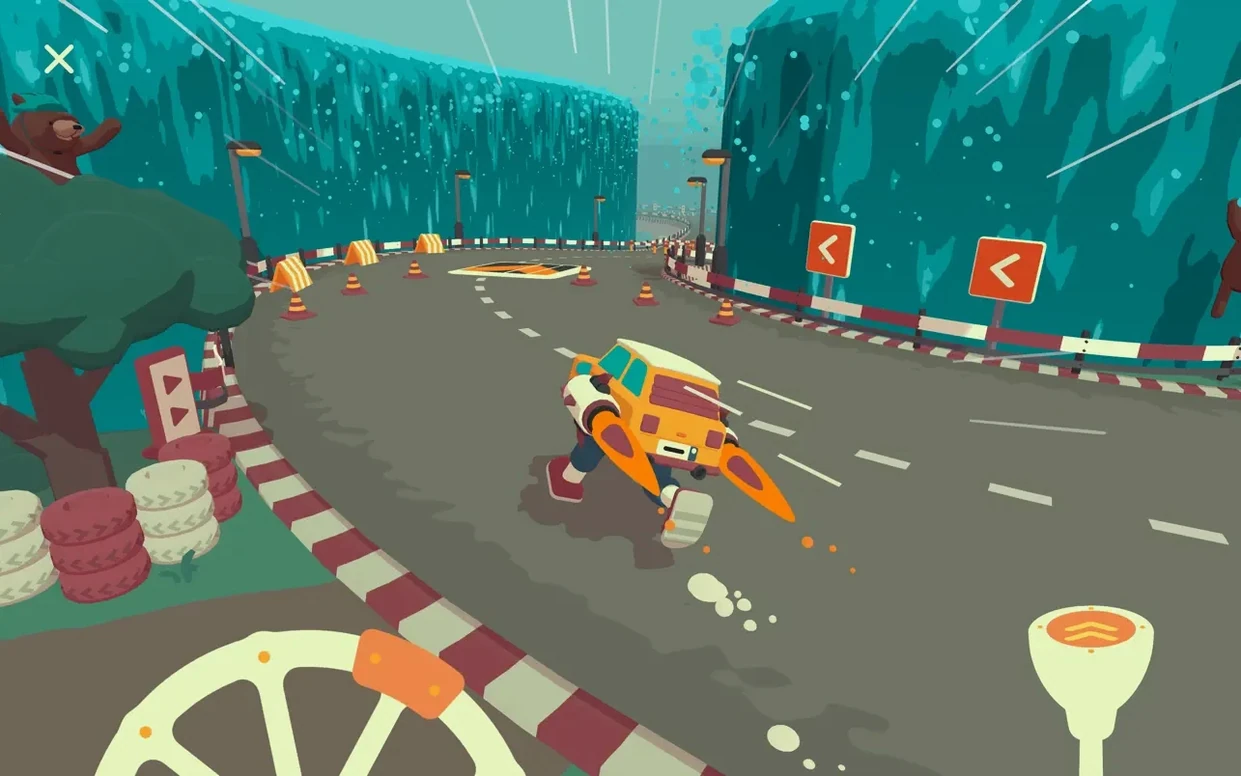
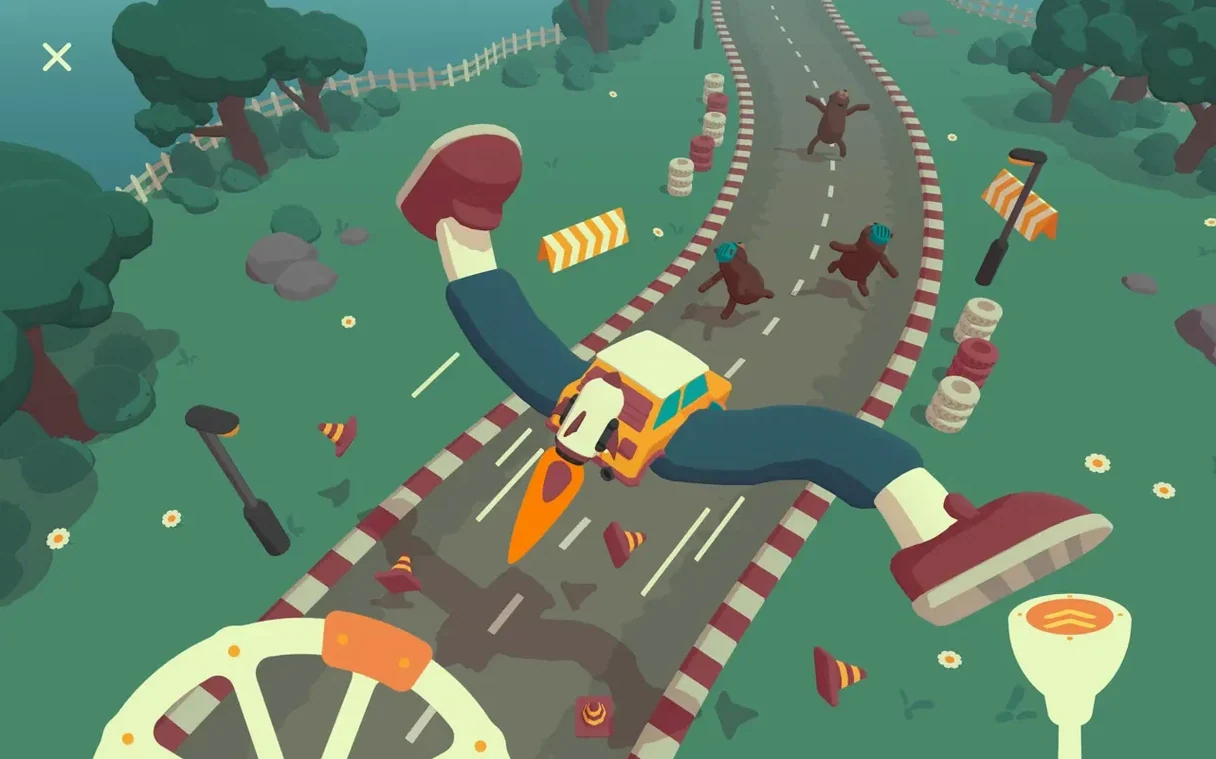
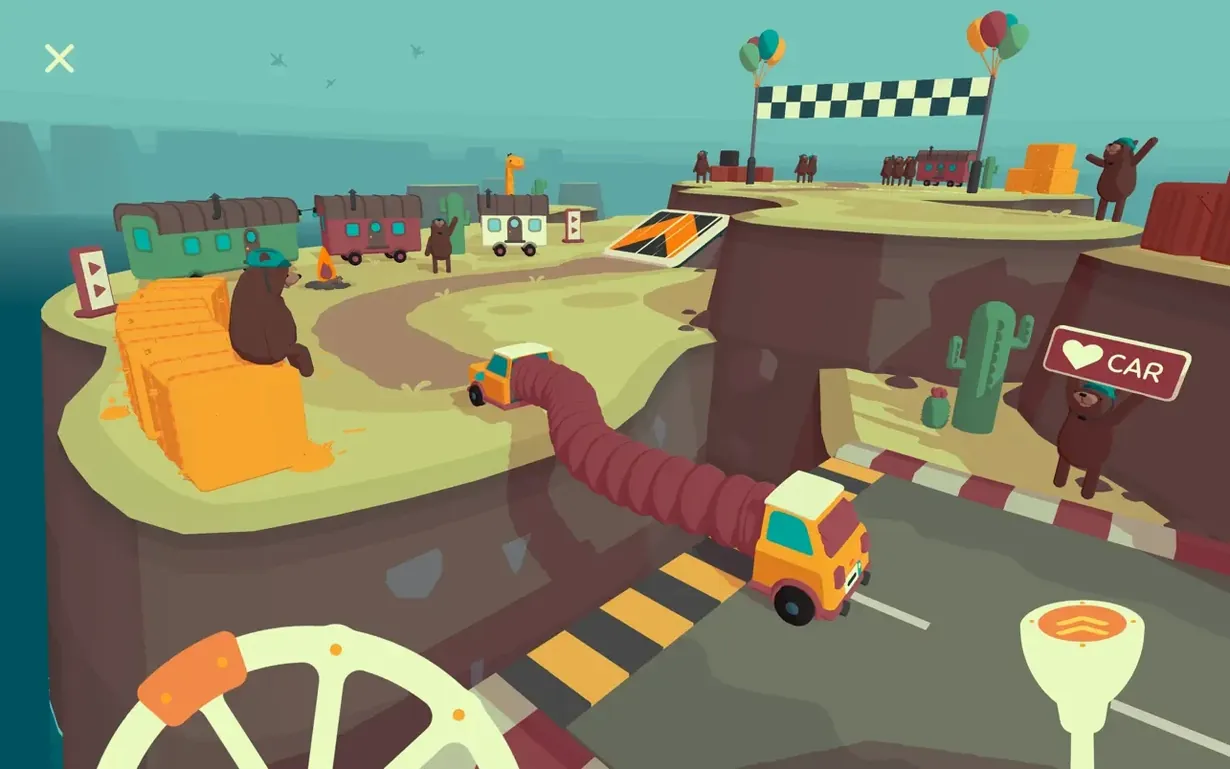
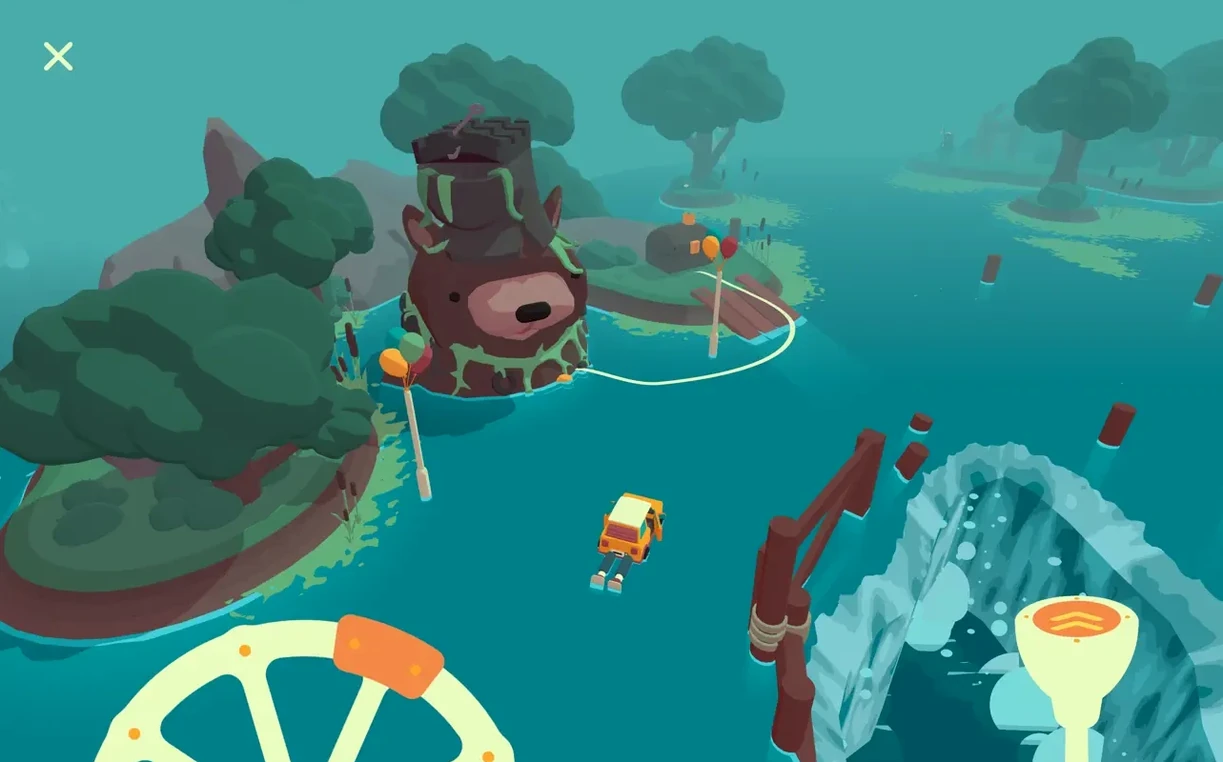
What the Car? 6.0.2 rolls out a small but welcome update: you can now skip cutscenes, and a card that wasn't being awarded in the burger level on macOS and tvOS is finally fixed. For a game that's all about absurdity, being able to jump past the chatter is a nice quality-of-life touch.
- You drive a car with legs – it jumps, climbs, and even swims across several islands.
- Expect racing, treasure hunting, puzzle solving, burger flipping, fishing, and karaoke.
- Hundreds of original levels mix jetpack flight, rooftop climbing, and package delivery.
- It runs on macOS 12.0 or later, on both Intel and Apple Silicon Macs.
- Controls are simple and keyboard-friendly, so you'll be hopping around within minutes.
Tweak the control scheme first
Before diving into the weirdness, a couple of tweaks make the experience smoother. Head into the game's settings menu – you'll find it from the main screen. The first thing to adjust is the control scheme. The default works fine, but if you're on a MacBook trackpad, you might prefer the simplified touch-style controls. They map jump and action to single keys rather than combinations, which helps when you're juggling a burger or a fish mid-air.
Language is another quick stop. The game supports fifteen languages, so pick yours early to avoid confusion during the karaoke sections – the on-screen lyrics switch automatically. Finally, if you're playing on a smaller screen, check the display options. There's no full-screen toggle in the obvious spot, but the windowed mode resizes cleanly on most setups.
Explore the main island and find secrets
You fire up the game and land on the main island. The car with legs is already there, waiting. Your first instinct is to explore – and you should. The islands are packed with secret paths and treasure chests. I spent the first ten minutes just hopping around, bumping into a fishing spot and a burger stall.
From there, you pick a level from the world map. Each island has its own theme: one focuses on jetpack flight, another on package delivery, a third on racing. The game doesn't hold your hand, so you learn by failing. On a delivery level, I kept dropping the package off a cliff. Three tries later, I realised I could use the legs to climb the rooftop instead of taking the ramp.
After a few levels, you unlock the level editor. This is where the game opens up. You build a short course, add some jumps and a burger-flipping challenge, then share it with friends. They'll get a notification next time they log in. The editor is basic but powerful – drag, drop, test, repeat. I made a terrible level that involved swimming and karaoke at the same time. It didn't work, but the game let me try anyway.
The session ends with a race against a ghost car. You lose, laugh, and close the lid. That's the loop: fail, laugh, try again.
Fix input detection issues
stuck at the start of dreams of flying
This was a known bug in earlier versions. Version 6.0.2 specifically addresses it. If you're still stuck, make sure you've installed the latest update. The fix is server-side, so a fresh launch should clear it. If not, restart the game – it usually resets the level state.
card not awarded in the burger level
Another fix in 6.0.2. If you completed the burger level before updating and never got the card, replay it after the patch. The game now tracks completion properly on macOS. It's a short level, so it won't take long.
Reset controller detection for responsiveness
This usually happens when the game doesn't detect your input method correctly. Quit the game, disconnect any external controllers, then relaunch. The game defaults to keyboard controls on Mac, so if you plugged in a gamepad earlier, it might be conflicting. If you want to use a controller, connect it before launching the game, not during.
levels don't load or crash
This is rare, but it can happen with custom levels shared by friends. If a level crashes on load, delete it from your downloaded levels list in the editor menu. The game stores them locally, so removing the broken one fixes the issue without affecting your progress.
can't skip cutscenes
You can now. In version 6.0.2, the skip option appears as a small button in the corner during cutscenes. If you don't see it, tap the spacebar or click the screen. It works on both Intel and Apple Silicon Macs.
If you liked What the Golf?, this is the same silly energy, but with more legs. It's a great pick for a casual evening session.
Version 6.2.1 Native just landed. It’s a maintenance refresh—expect tighter performance and small under-the-hood tweaks rather than new headline features.
- Apple Silicon or Intel 64‑bit Mac
Kit check at a glance
| Chip | Apple Silicon, Intel 64-bit |
| Download | 717 MB |
| Older pressings | 1 in the crate |







Chat from the booth
Sign in or grab a free account to leave a comment.
Nobody has said a word in the booth yet. If you played a set with this build, tell the next person how it went.