

- Build in the crate
- 7.6.5 Native
- Made by the team at
- Semag Games
- Menu languages offered
- English, Danish, Portuguese
- How you pay for it
- Not required
- CPU it runs on
- Apple Silicon, Intel 64-bit
- Played on
- macOS Tahoe, Mac mini 2024 M4
- Dropped on
- 24.07.2020
- Spoken voice in
- English, Danish
Screenshots
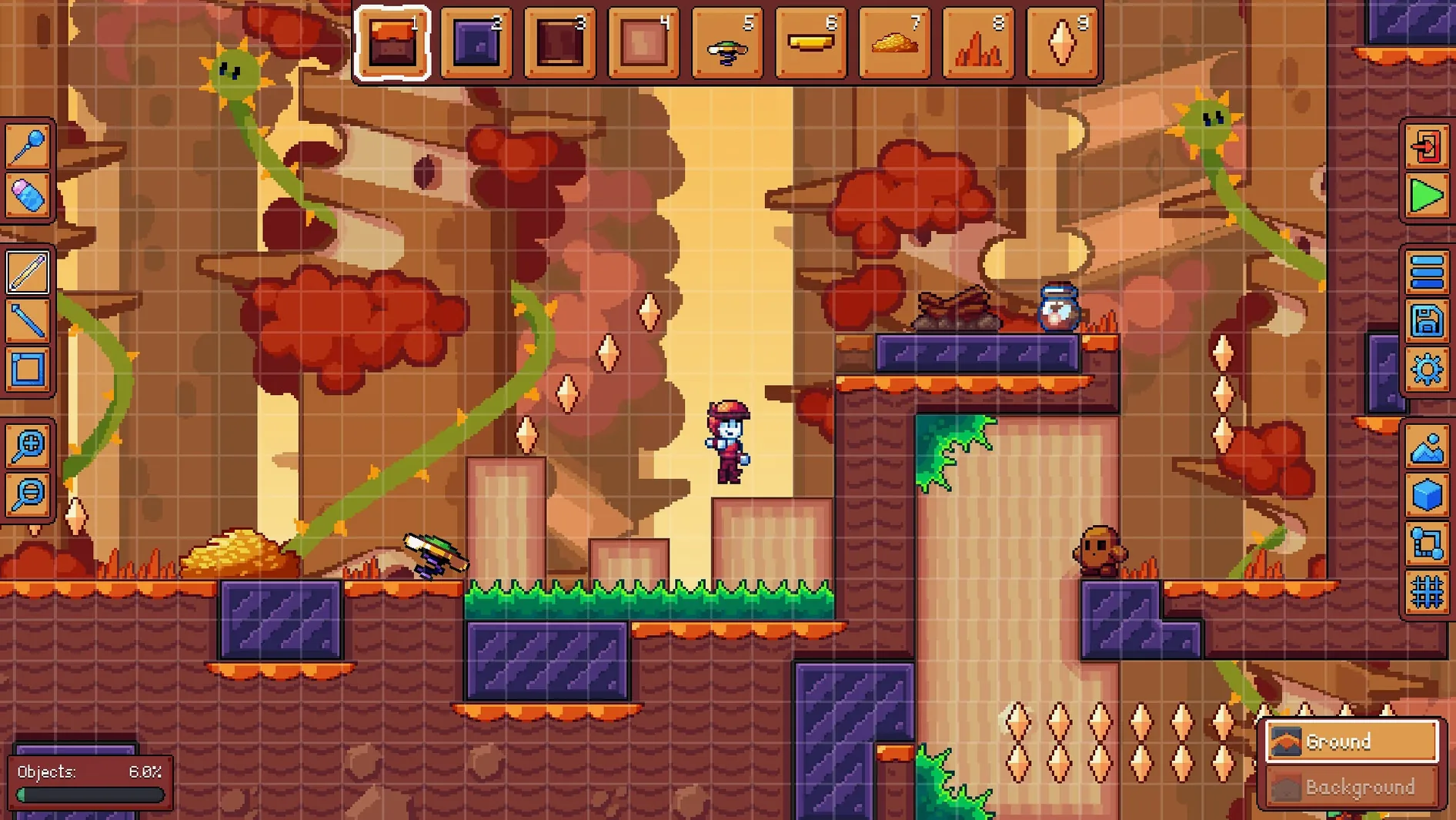
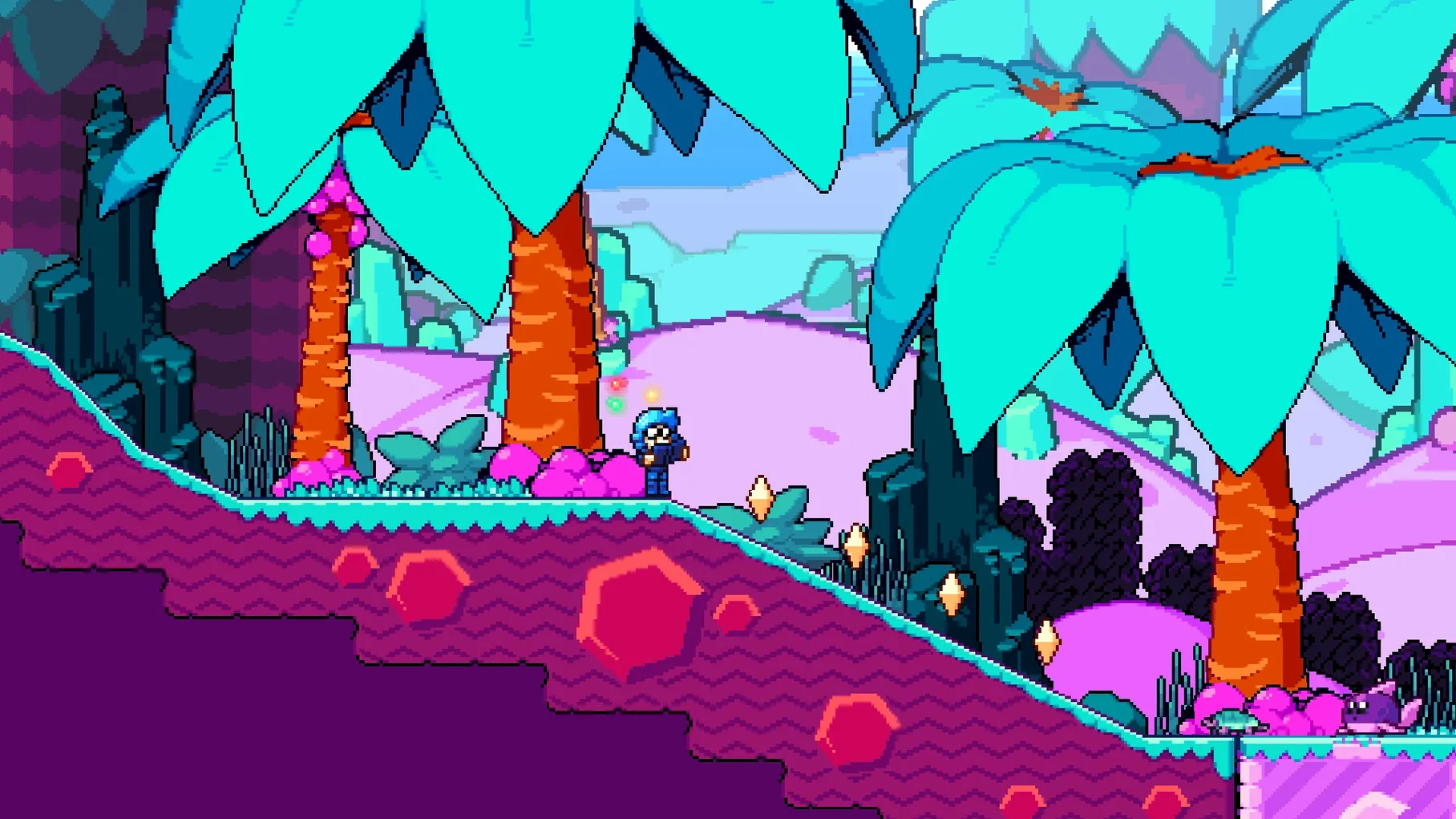
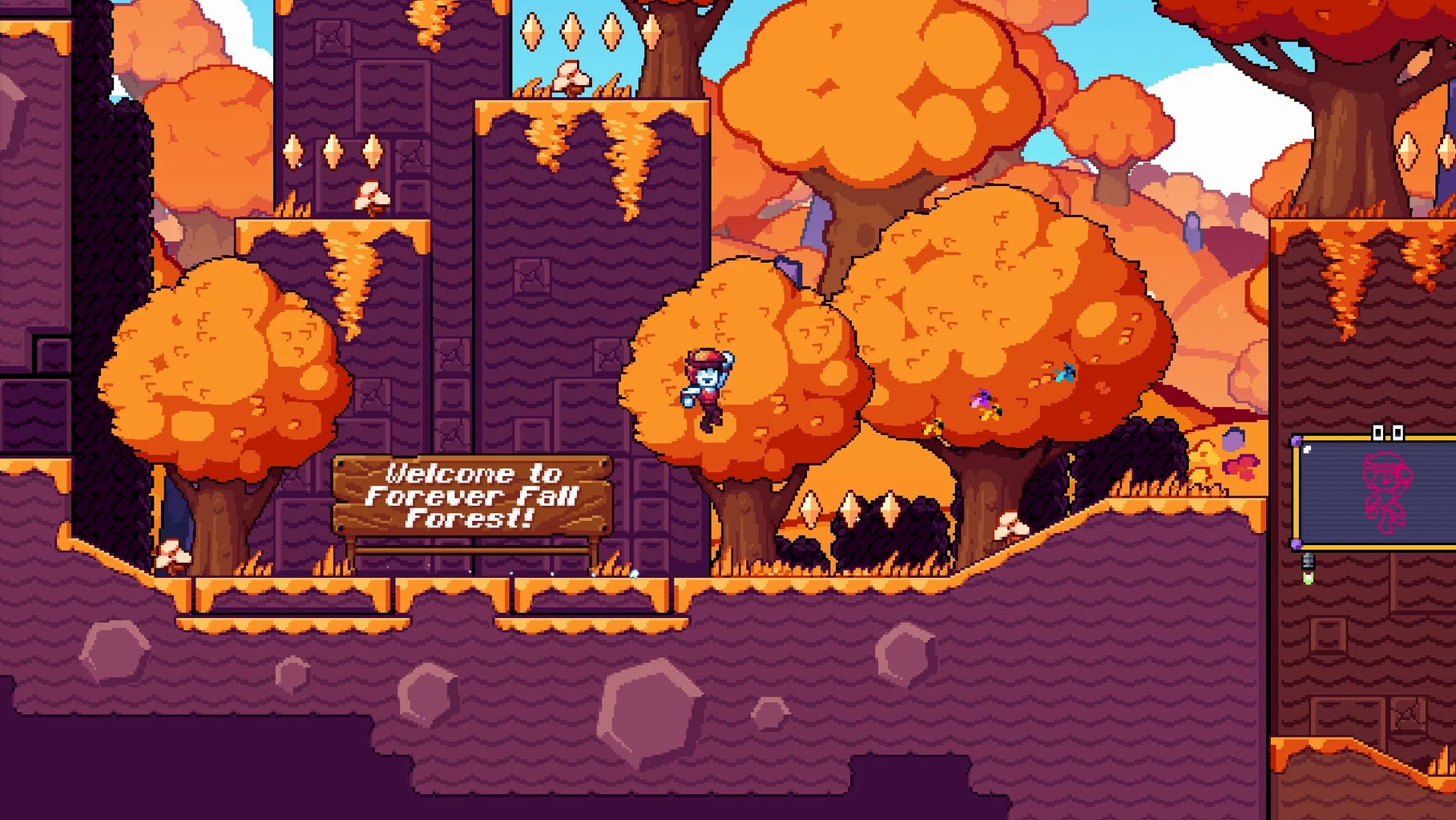
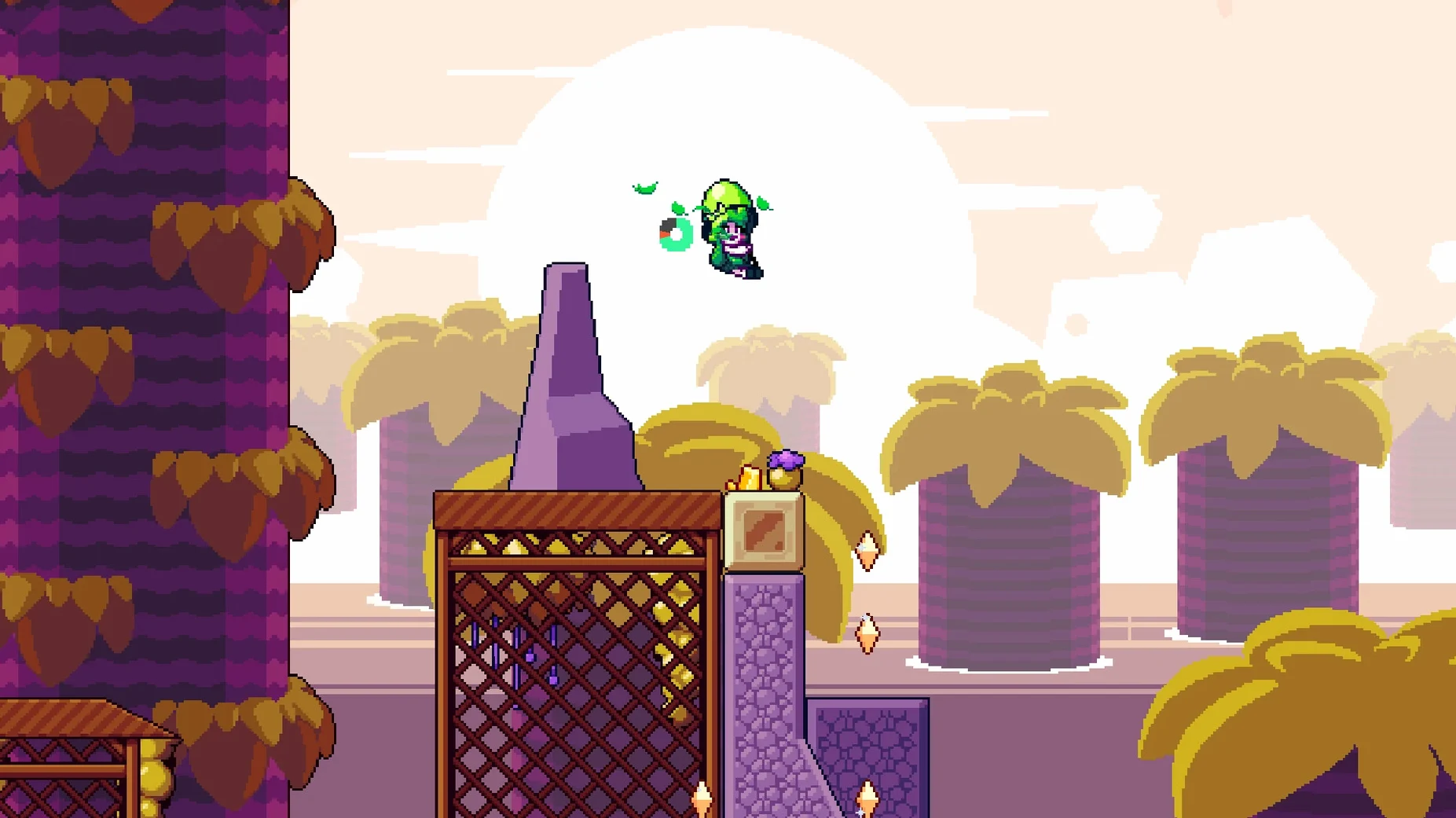
Vibrant Venture is a 2D adventure platformer for Mac where you chase stolen Power Crystals with a quirky cast of four characters, each bringing unique abilities you can combine for movement.
Platformer fans who like puzzles
Players who like platformers with a bit of puzzle solving and character switching will feel right at home. The built-in world editor and pet editor let you build levels and create pixel-art pets, so creative types get extra mileage beyond the main story.
Not for fast-paced or competitive players
If you prefer fast-paced action or competitive multiplayer, this slower, exploration-focused adventure might not hold your attention. The emphasis on combining abilities and customising levels rewards patience and curiosity over reflexes.
Four characters plus world and pet editors
Four playable characters with different skills mean you can mix and match their moves to reach new areas. The editor tools give you real control over level design and pet creation, which is rare in this genre.
Hunting missing Power Crystals in an hour
I usually fire up Vibrant Venture when I have an hour to kill and want something that doesn’t demand twitch reflexes. After picking a save file, the first thing I do is check which Power Crystals I’m still missing — that drives most of the exploration. The opening areas are generous with checkpoints, so I experiment with each character’s abilities early on.
One session went like this: I used the jumper to scale a high ledge, then switched to the dasher to cross a gap that collapsed behind me. That combo isn’t forced — the game lets you figure out your own route. Halfway through I found a hidden room with a Crystal fragment, which unlocked a new area on the world map. I spent the next twenty minutes in the world editor, building a short challenge course around that fragment just to see if the editor’s platform and hazard tools felt responsive. They do.
After that I opened the pet editor and sketched a small bird, coloured it cyan and set a simple two-frame animation. You can import pets into your own levels, so I placed mine as a collectible in the course I’d built. The whole loop — play, edit, build, play again — kept me going for another hour without noticing the time.
Building levels to surprise friends
Say you’re a Mac user who likes making things as much as playing them. You’ve finished the main campaign in a weekend and now you want to build levels that surprise your friends. The world editor gives you platforms, hazards and secrets to place freely. You sketch a gauntlet of moving blocks and spike pits, then test it yourself. When it works, you share the file. Later, you open the pet editor during a lunch break and design a running fox with a four-frame walk cycle. You drop it into your level as a harmless mascot. That’s the appeal — the game respects your time whether you’re playing or creating.
For a vibrant venture mac download, the included editors mean you get a toolkit, not just a story. The single-player campaign is the tutorial, and the editors are the sandbox.
Switch language and voice separately
Before you dive in, open the options screen. The game defaults to English, but you can switch to Danish or Portuguese if those suit you better. Voice language is separate from text, so you can mix a Danish narrator with English subtitles or vice versa. The resolution option should match your display’s native setting — the pixel art looks best when it’s not stretched or scaled. If you plan to use the editors, set the control scheme to your preference early; the world editor uses the same binds as the main game, and swapping mid-build is disorienting. Turn on auto-save if you experiment with character switches often — dying after a long exploration stretch without saving stings more than it should.
- macOS ?
- Architecture: Intel and Apple Silicon
- Interface languages: English, Danish, Portuguese
Kit check at a glance
| Chip | Apple Silicon, Intel 64-bit |
| Download | 158 MB |






Chat from the booth
Sign in or grab a free account to leave a comment.
Nobody has said a word in the booth yet. If you played a set with this build, tell the next person how it went.