

- Build in the crate
- 1.0.1.37982
- Made by the team at
- Vanimals
- Menu languages offered
- Russian, English, German, Spanish, Italian, Chinese (Traditional), Chinese (Simplified), Korean, Portuguese, Turkish, French
- How you pay for it
- Not required
- CPU it runs on
- Apple Silicon, Intel 64-bit
- Played on
- macOS Sonoma, MacBook Air (M1. 2020)
- Dropped on
- 7.12.2023
- Spoken voice in
- English, Chinese (Simplified)
Screenshots
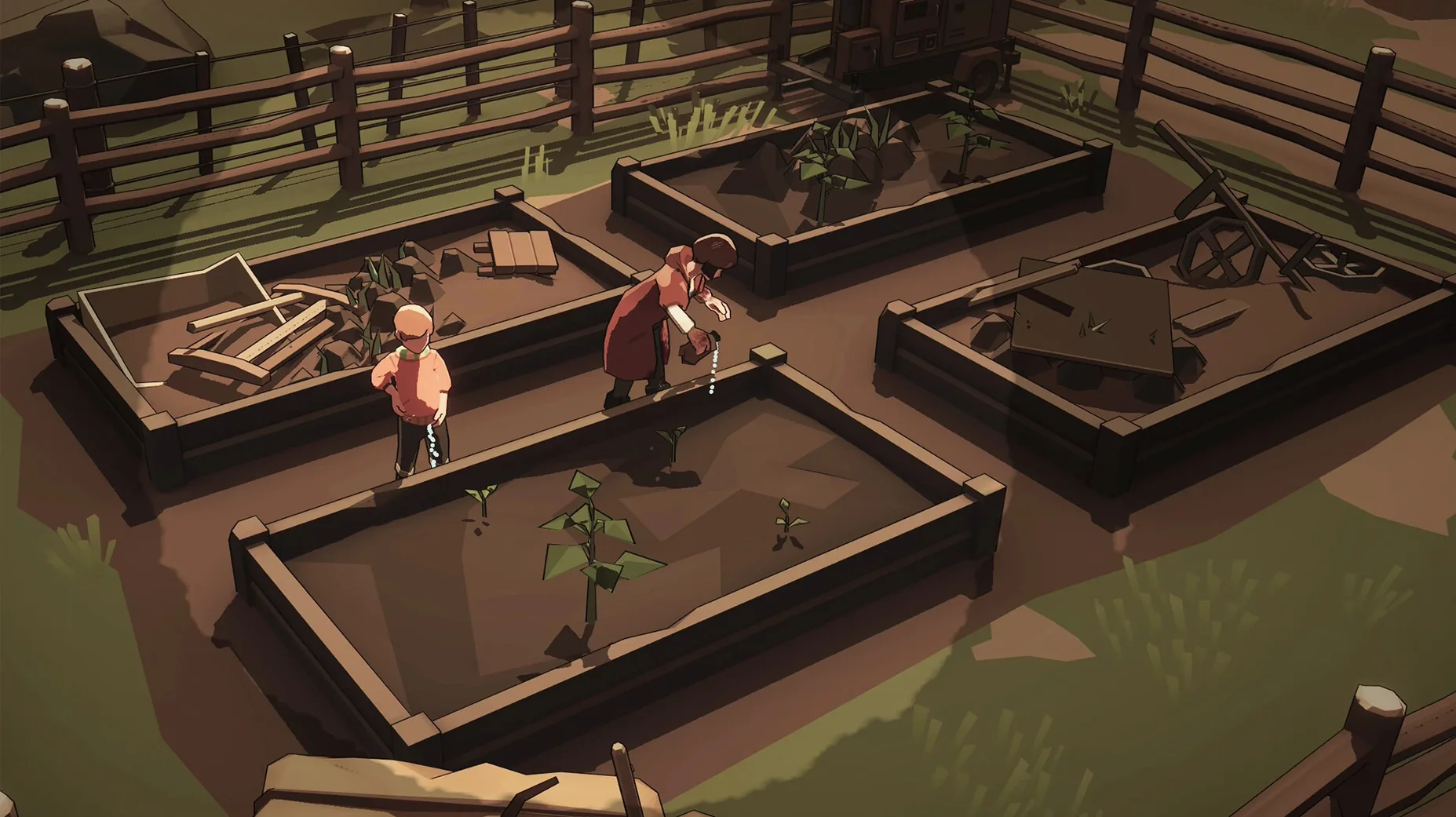
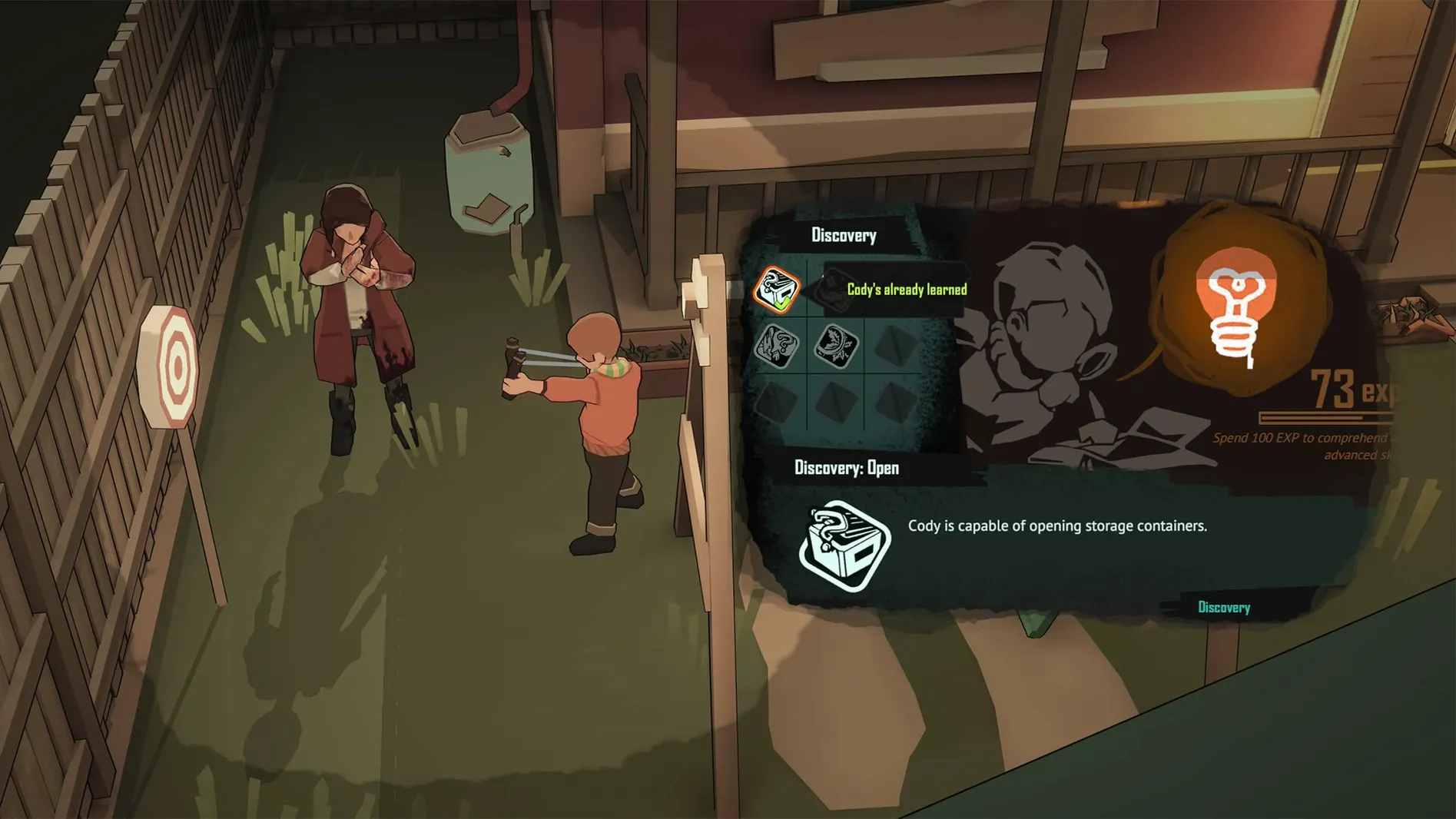
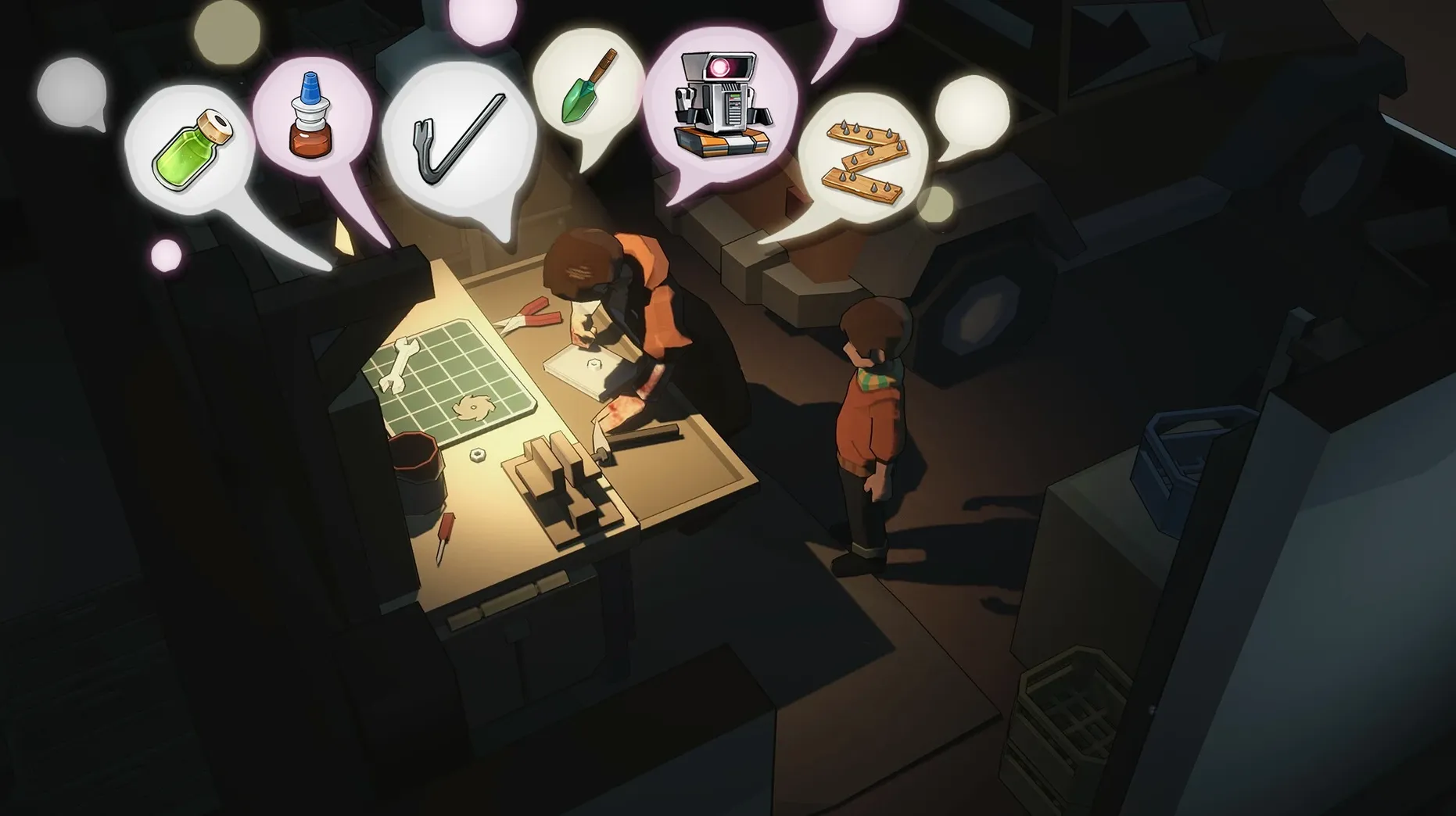
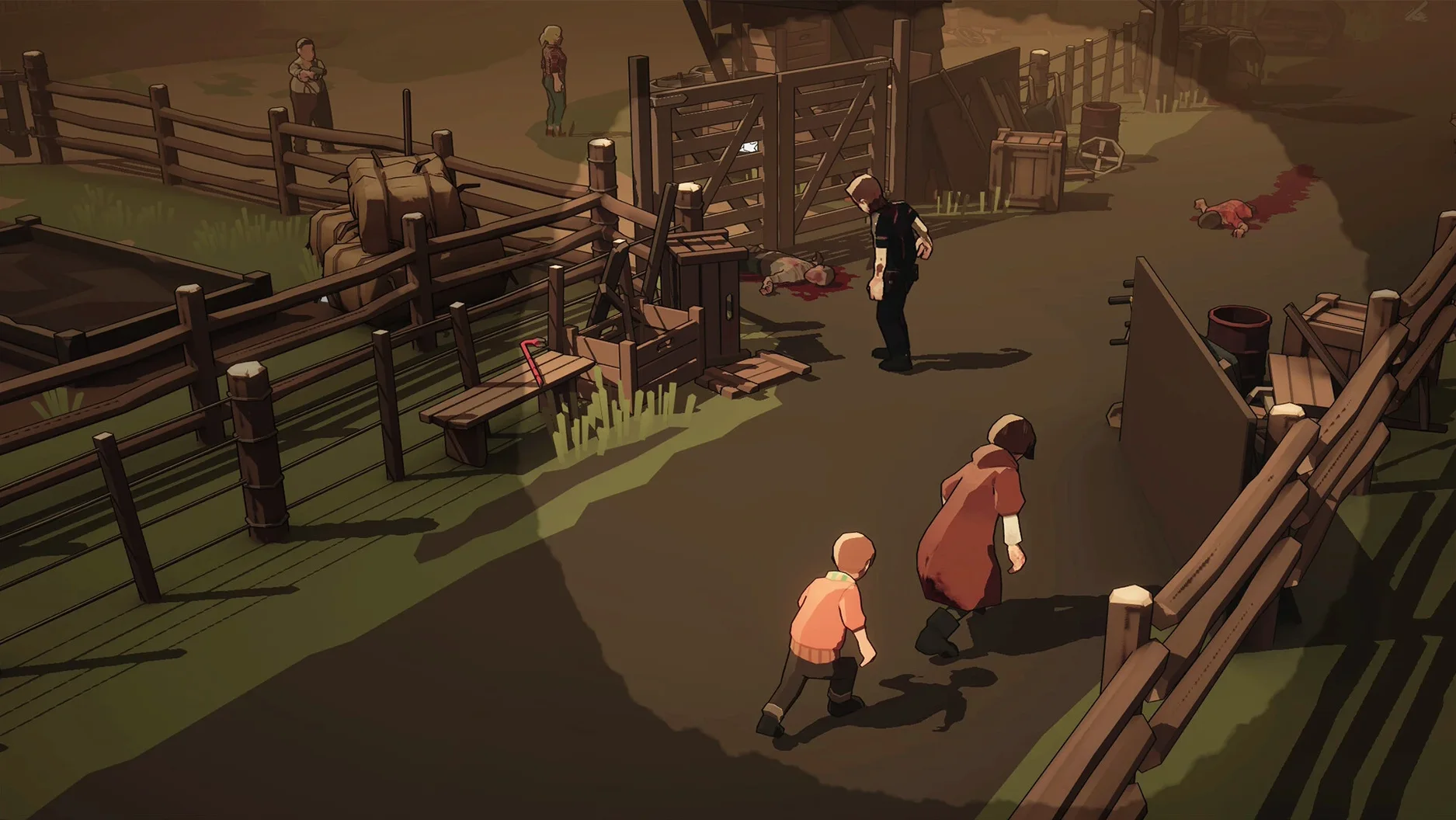
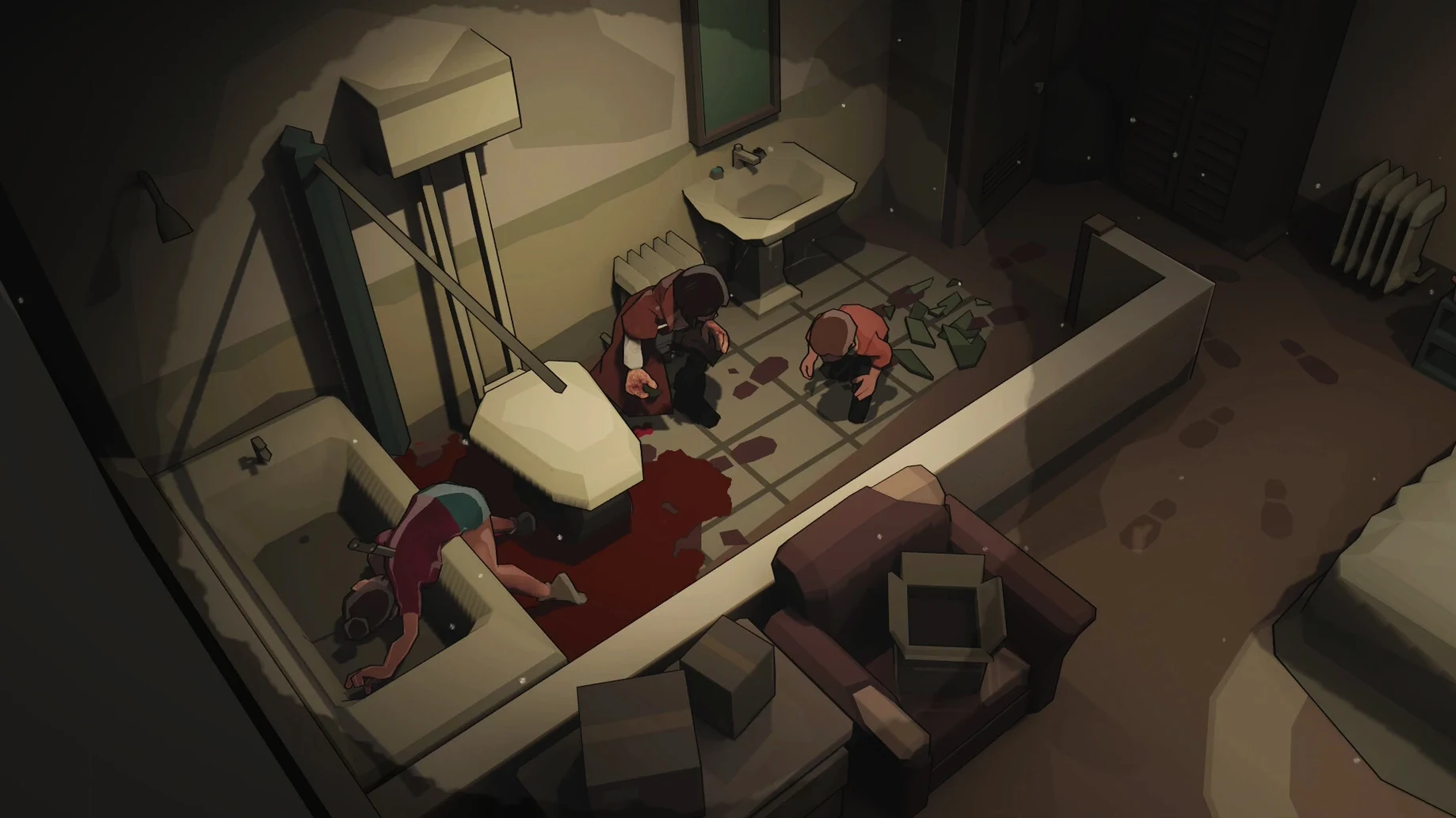
UNDYING supports 11 languages, including English, Spanish, and French, with voice acting in English and Simplified Chinese. It’s a Mac app that drops you into a bleak story: Anling, bitten by a zombie, has limited time to prepare her young son Cody for a world that’s falling apart. The low-poly art style keeps things clear, but the tension is real.
Here’s what you actually do, minute to minute:
- Scavenge unsafe zones for supplies, knowing random events can flip a run sideways.
- Craft tools and upgrade items so Cody can last longer on his own.
- Balance your time — every hour you spend helping Cody is an hour closer to your own end.
- Manage hunger, health, and morale through simple, direct decisions.
- Move through story beats that push you forward, with an intense, emotional soundtrack doing the heavy lifting.
It’s not a twitch shooter. It’s a game about patience, priorities, and teaching someone else to survive. For Mac players who want a survival game with a heart, UNDYING delivers.
Tweak language and voice before starting
Before you jump into your first run, open the options and tweak a few things. The default settings work, but small adjustments make the experience better on a Mac. Here’s what I’d change:
- Language and voice — English is the default, but if you prefer another subtitle language, set it now. Voice is only in English or Simplified Chinese, so pick the one that fits. You can’t change mid-game without restarting.
- Display resolution — The game picks a resolution automatically. On a Retina display, lowering it one notch can improve performance without losing too much sharpness.
- Audio levels — Music and effects have separate sliders. The soundtrack is intense, so I drop the music a bit to hear environmental cues — footsteps, zombie groans, Cody’s calls. It helps with immersion.
Once these are set, you’re ready to start without fiddling mid-run.
Don't ignore Cody's skill tree
UNDYING doesn’t hold your hand. New players often trip over the same things. Here are the ones I see most:
- Ignoring Cody’s skill tree — You get over 100 skills to teach him. Beginners focus on scavenging and forget that Cody’s abilities determine whether he can survive alone later. Spend early points on basic survival skills — cooking, first aid, simple crafting. It pays off.
- Hoarding everything — Inventory space is limited. Carrying every scrap you find slows you down and fills your bag with junk. Learn to prioritise: food, medicine, and upgrade materials come first. Leave the rest.
- Rushing main story beats — The clock is always ticking, but ignoring side areas and dungeons means missing loot and skill books. Take detours. The story doesn’t punish you for exploring, and the gear you find makes later chapters easier.
- Forgetting the cat — There’s a pet cat you can find and care for. It’s easy to overlook when you’re stressed about supplies, but having it around boosts morale and gives Cody a companion. Find it early and keep it fed.
- Not adapting to map changes — Each new run rearranges the 14 main locations. If you memorise one layout, the next run will throw you off. Stay flexible and check your surroundings every time.
Avoid these, and your runs will last longer and end better.
Use macOS Game Mode for smoother performance
UNDYING works fine on its own, but a few macOS tools make the experience smoother.
Game Mode (macOS Sonoma and later) — If you’re on a recent macOS version, Game Mode automatically prioritises game performance when you launch UNDYING. It reduces background activity and lowers audio latency from other apps. Leave it on.
Mission Control and Spaces — The game runs in full-screen by default. I prefer a dedicated Space for it. Swipe between UNDYING and a browser with a map guide or skill planner open. No alt-tabbing chaos.
Quick Look and screenshots — Use Cmd+Shift+3 to grab screenshots of key moments — a tough dungeon layout, a rare loot drop, or a dialogue choice that matters later. Quick Look in Finder lets you browse them without opening an image app. Handy for remembering what you found.
Time Machine backups — UNDYING saves progress locally. If you’re deep into a run and something goes wrong — corrupted save, accidental overwrite — Time Machine can restore the save file. Set it up before you start playing. It’s a safety net for story-driven games where every choice counts.
The undying mac full version challenges players to survive a zombie apocalypse through strategic resource management.
- macOS 10.13 or later
- Intel or Apple Silicon
Kit check at a glance
| Chip | Apple Silicon, Intel 64-bit |
| Download | 1.1 GB |







Chat from the booth
Sign in or grab a free account to leave a comment.
Nobody has said a word in the booth yet. If you played a set with this build, tell the next person how it went.