

- Build in the crate
- 2.5a Native
- Made by the team at
- Erik Asmussen
- Menu languages offered
- Russian, English, German, Spanish, Chinese (Traditional), Chinese (Simplified), Portuguese, French
- How you pay for it
- DRM-free
- CPU it runs on
- Intel 64-bit
- Played on
- macOS Golden Gate, Mac mini 2024 M4
- Dropped on
- 17.11.2021
- Spoken voice in
- Music only
Screenshots
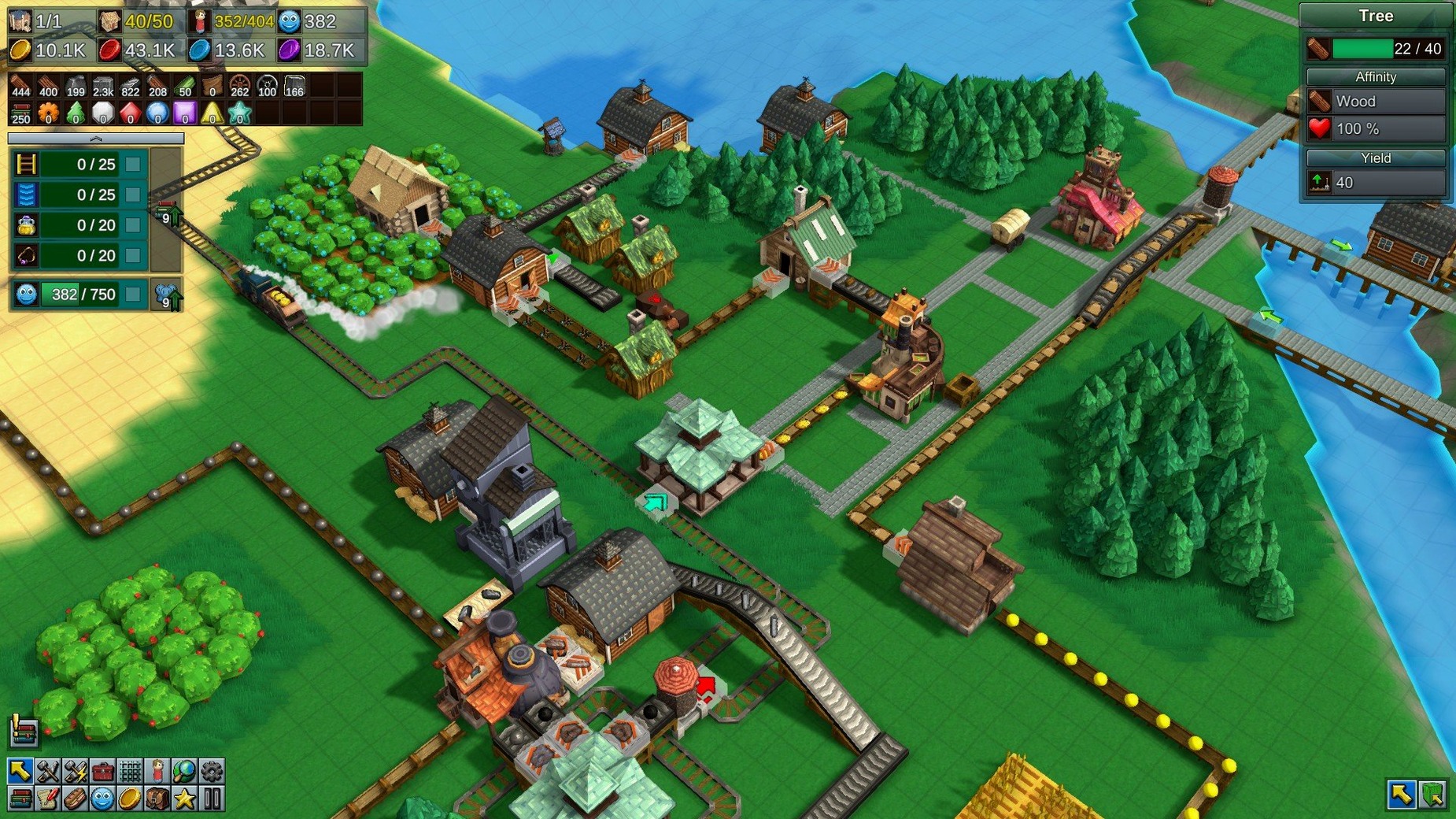
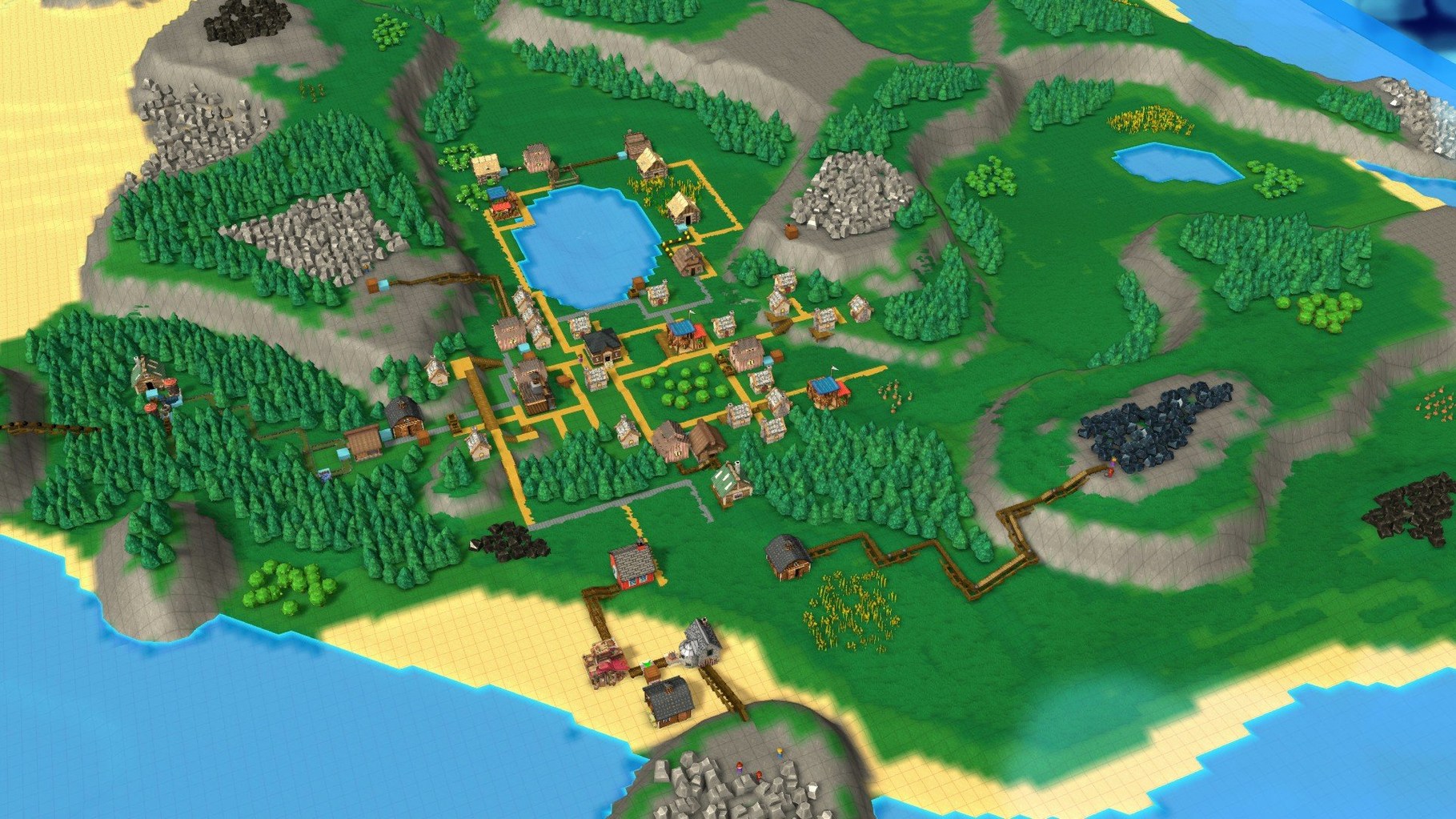
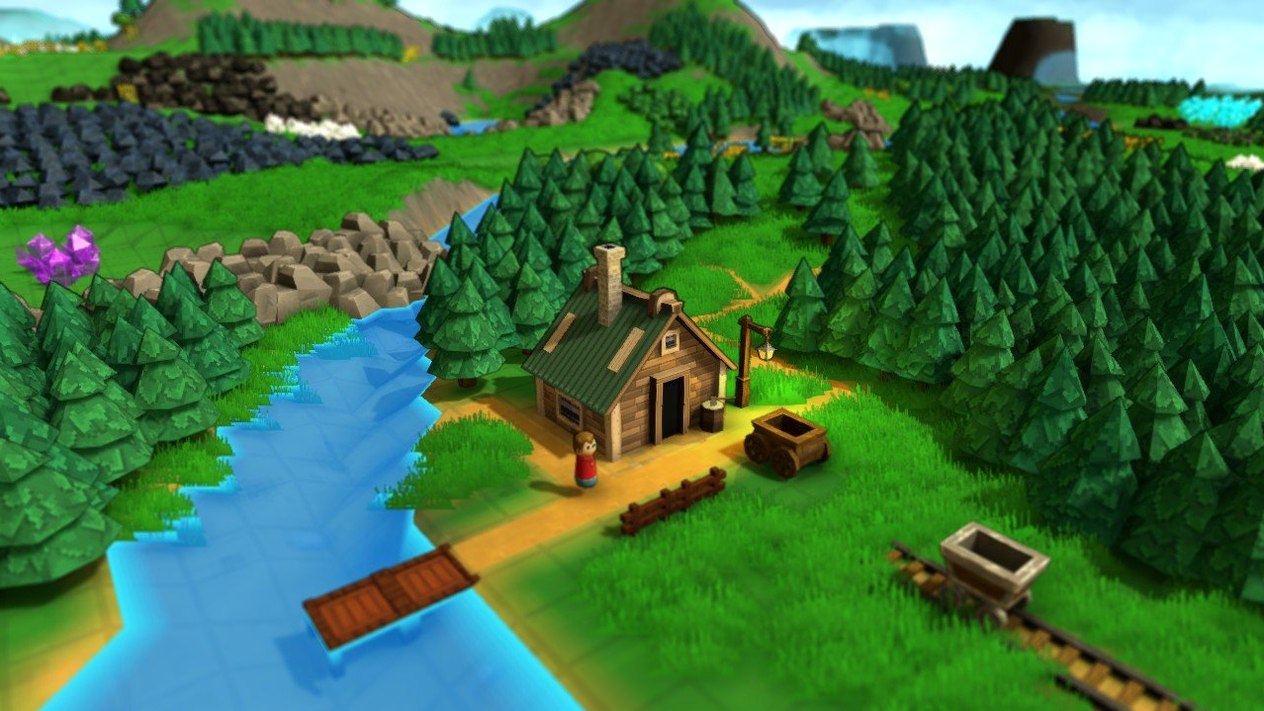
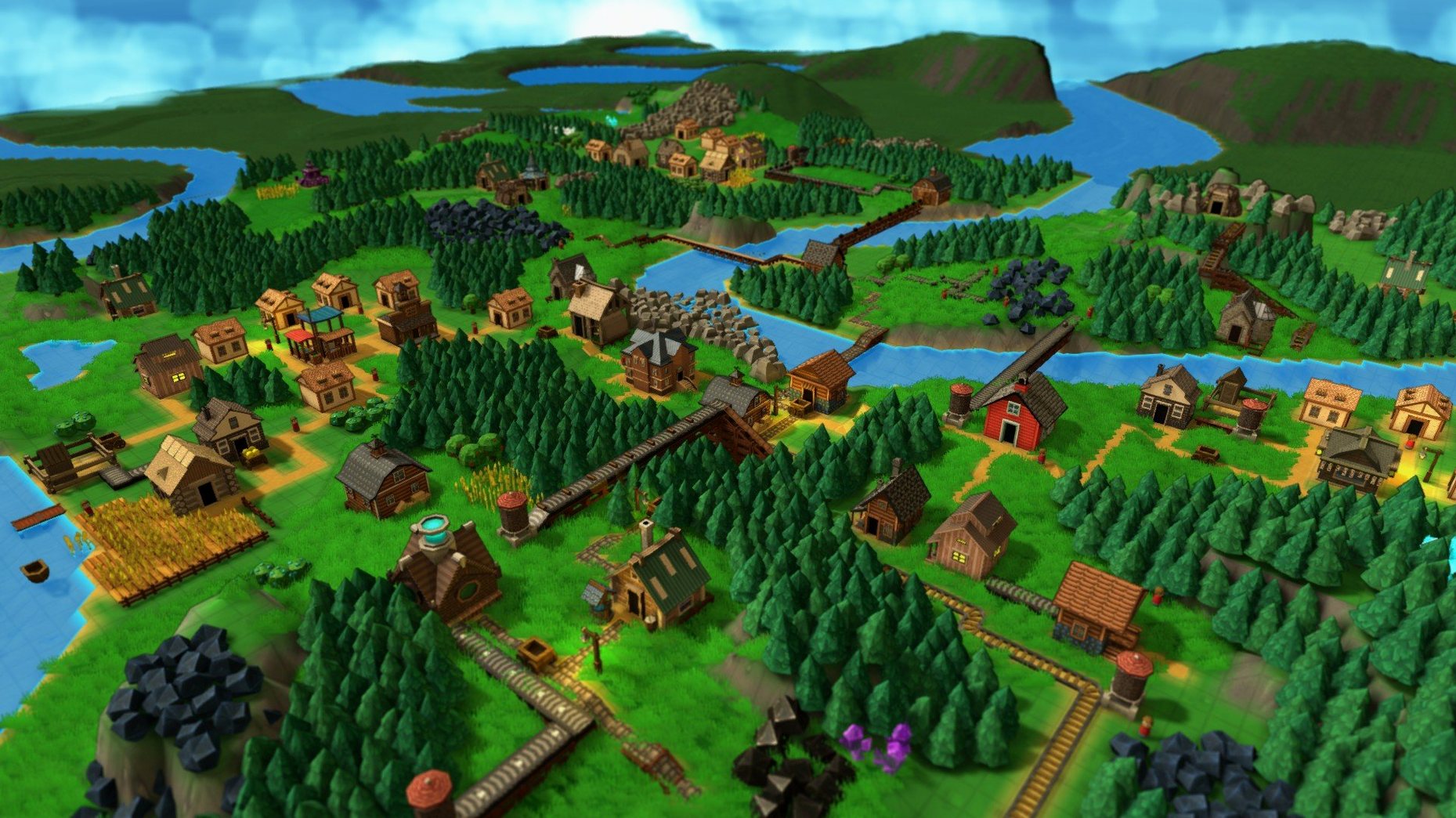
You start with an empty patch of desert. From there, you build a settlement, set up resource production chains, and manage the logistics that keep your town running. Factory Town is a single-player city-building and automation game by Erik Asmussen, and it runs natively on Intel-based Macs.
Intel-only with Rosetta 2 for Apple Silicon
Factory Town requires macOS with an Intel processor. Apple Silicon Macs are not officially supported, so you’d need to run it through Rosetta 2 — performance may vary. The game is available in English, Russian, German, Spanish, Traditional and Simplified Chinese, Portuguese, and French.
Point-and-click city management with mouse and keyboard
The game uses standard mouse and keyboard controls. You place buildings, set up roads and conveyors, and manage inventory through a clean interface. No special controller or MIDI setup here — it’s straightforward point-and-click city management.
Lag fixes and audio bug fixes in version 2.3b
The latest update (version 2.3b) includes performance optimisations that reduce unnecessary calculations and fix lag from the World Data panel on very large towns. Audio bugs from earlier versions are also sorted.
Factory Town fits naturally into a Mac workflow if you keep the game window on one display and a spreadsheet or Notes document on the other. I often use a second monitor to track resource ratios while I play — things like how many sawmills feed one housing block, or whether my berry farms keep up with population growth. The game doesn’t need constant clicking once automation kicks in, so it’s easy to tab out and check supply and demand numbers without losing progress.
Single-window game works with Mission Control and Stage Manager
Because Factory Town is a single-window game, Mission Control and Stage Manager work fine for switching between the game and other tools. I keep Activity Monitor in the Dock just to watch CPU load during big factory expansions, and I’ve used Quick Look to check saved game files without opening the full Finder window. The game saves locally, so Time Machine backups catch your town progress alongside everything else.
For players who like to plan layouts ahead, a vector app like OmniGraffle or even Freeform works well for sketching conveyor belts and railway lines before you build them in the game. The interface is responsive enough that you can keep a reference image open on the same screen without the game stuttering.
Audio sliders defaulted to zero before the 2.3b fix
The first thing I adjust is the audio sliders. Version 2.3b fixed a bug where they defaulted to zero, so check that your music and effects volumes are set before you start a new town. If you’re running on an older Intel Mac, lower the graphics preset early — the performance improvements in this update help, but big towns still benefit from turning off shadows or reducing view distance.
Another setting worth your attention: the auto-output behaviour on buildings. The update improved how buildings handle automatic output, but I still manually check each barn or factory to make sure it feeds into the right conveyor or rail line. It saves you from rebuilding logistics later when a resource backs up because the output was pointing the wrong way.
- Boats can navigate straight across the ocean.
- Airship pathfinding has improved.
- Performance optimizations reduced unnecessary calculations and updates.
- The World Data panel no longer causes big lag on very large towns.
- Several bugs were fixed, including audio slider defaults, ambient audio persistence, and double refunds when deleting a train.
- macOS (version not specified)
- Intel processor
Kit check at a glance
| Chip | Intel 64-bit |
| Download | 198 MB |
| Older pressings | 3 in the crate |








Chat from the booth
Sign in or grab a free account to leave a comment.
Nobody has said a word in the booth yet. If you played a set with this build, tell the next person how it went.