

- Build in the crate
- 1.5.1.929 [Wineskin]
- Made by the team at
- Mind Control Games
- Menu languages offered
- Russian, English, German, Spanish, Italian, Chinese (Traditional), Chinese (Simplified), Polish, Portuguese, Turkish, French, Japanese
- How you pay for it
- Not required
- CPU it runs on
- Apple Silicon
- Played on
- macOS Tahoe, Mac mini 2024 M4
- Dropped on
- 8.05.2025
- Spoken voice in
- English
Screenshots
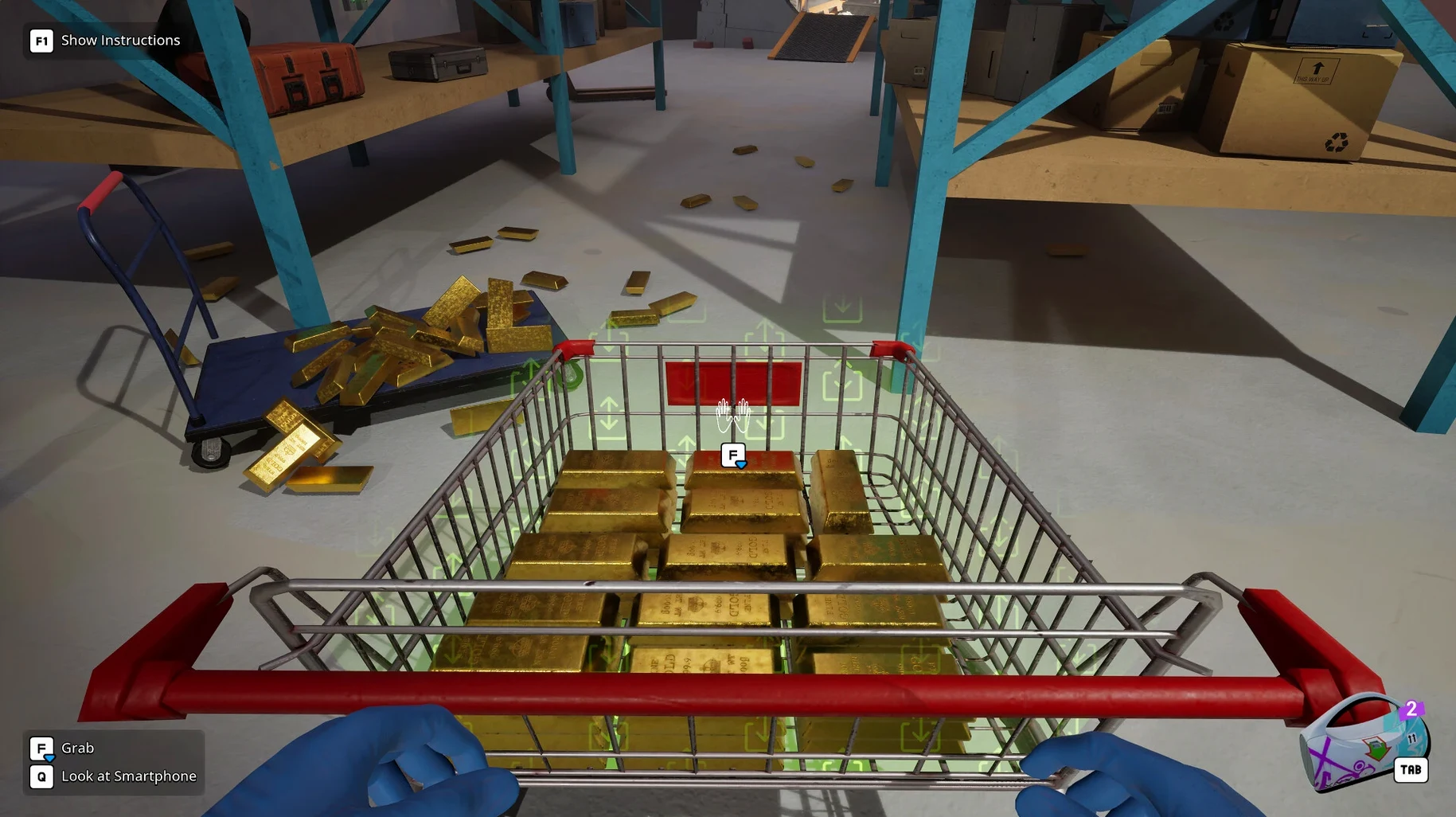

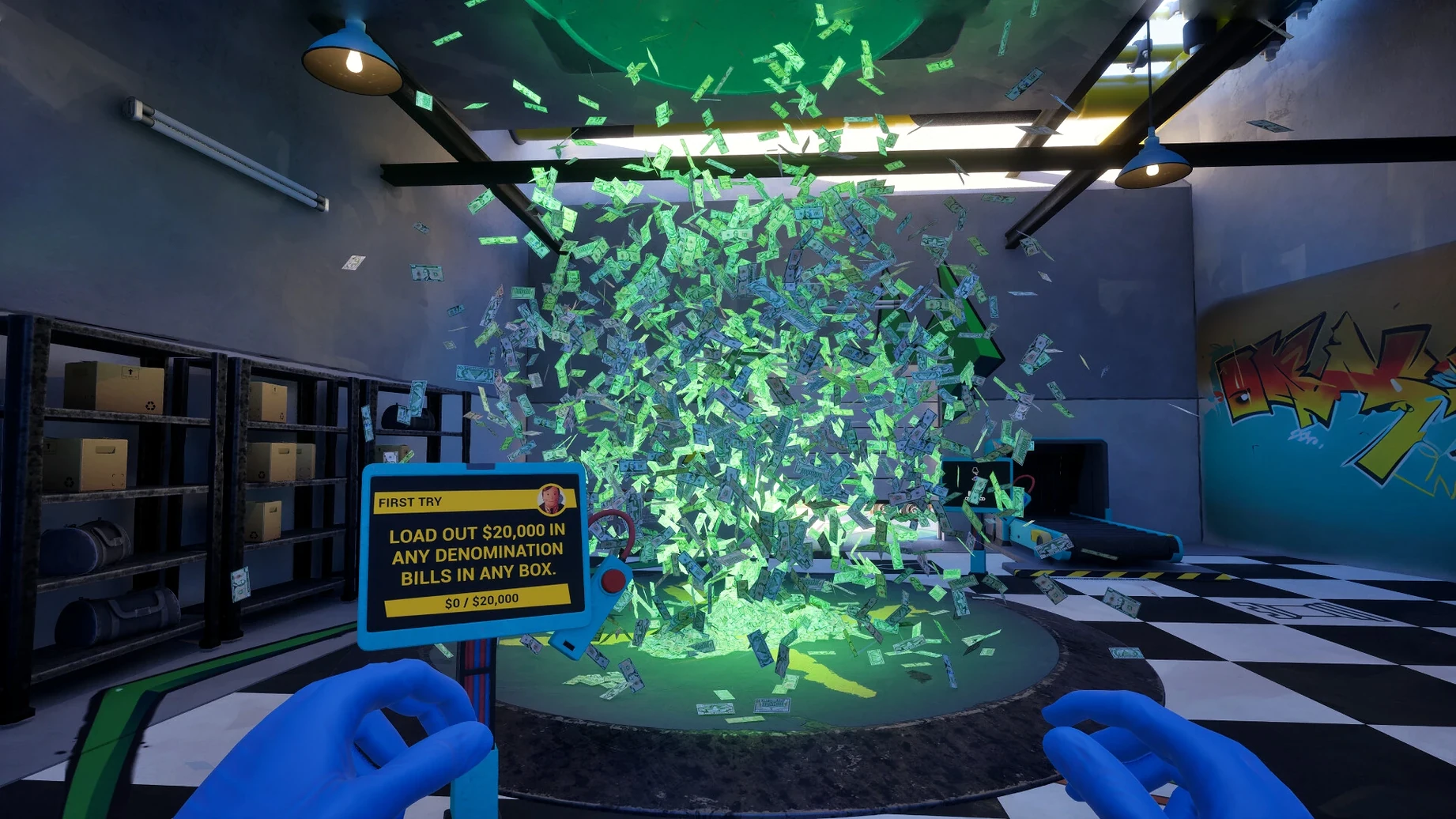
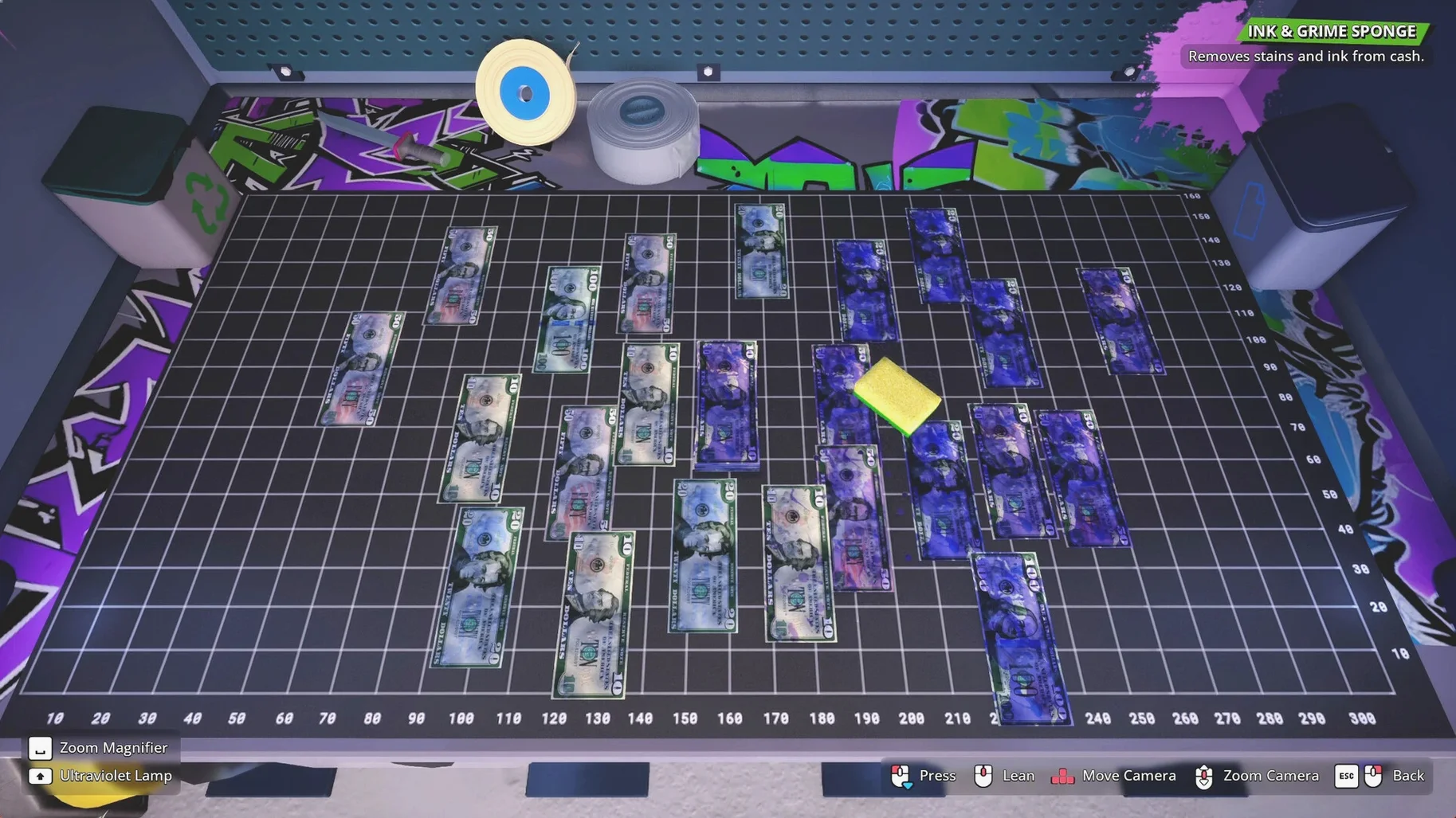
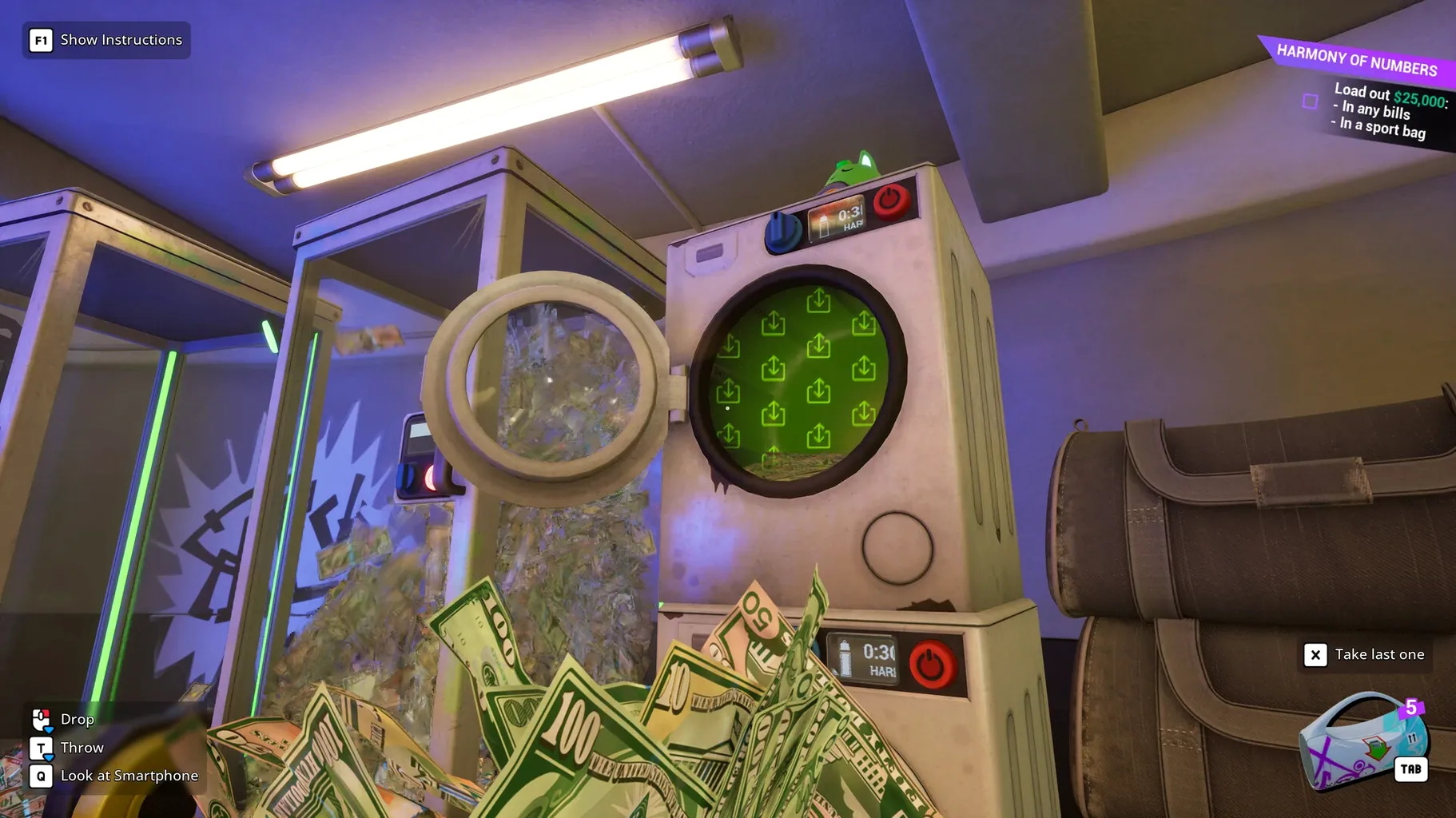
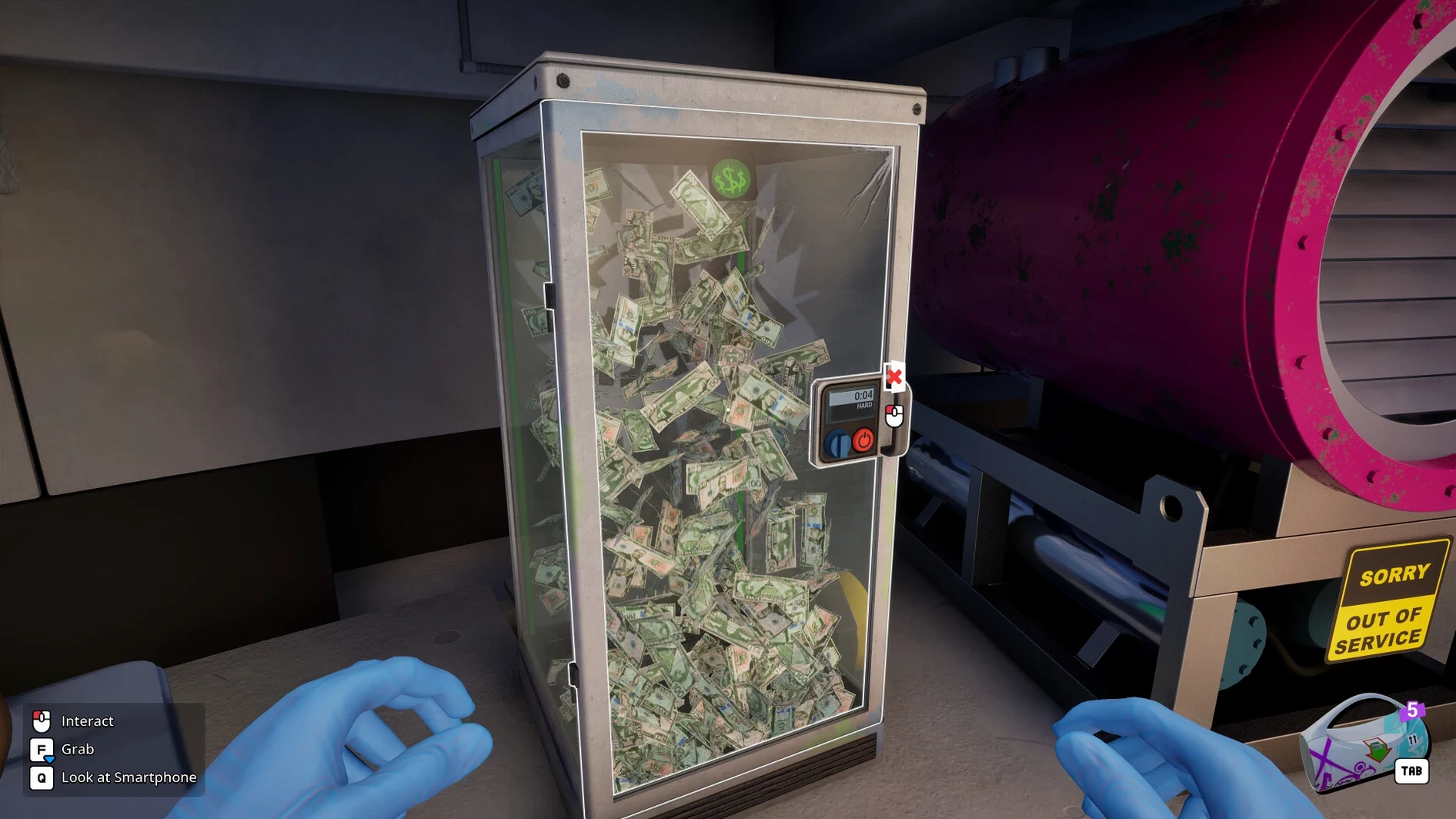
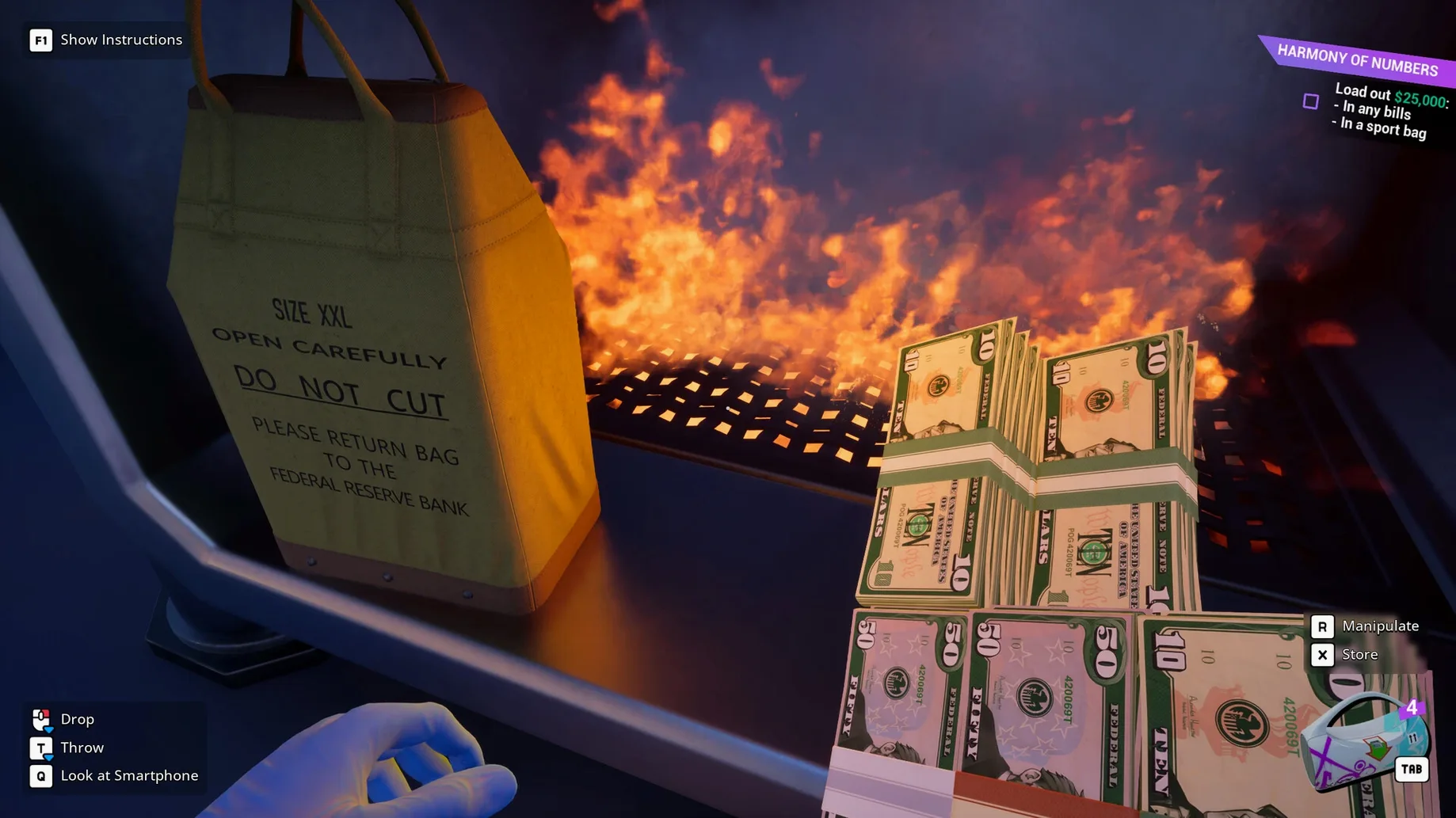
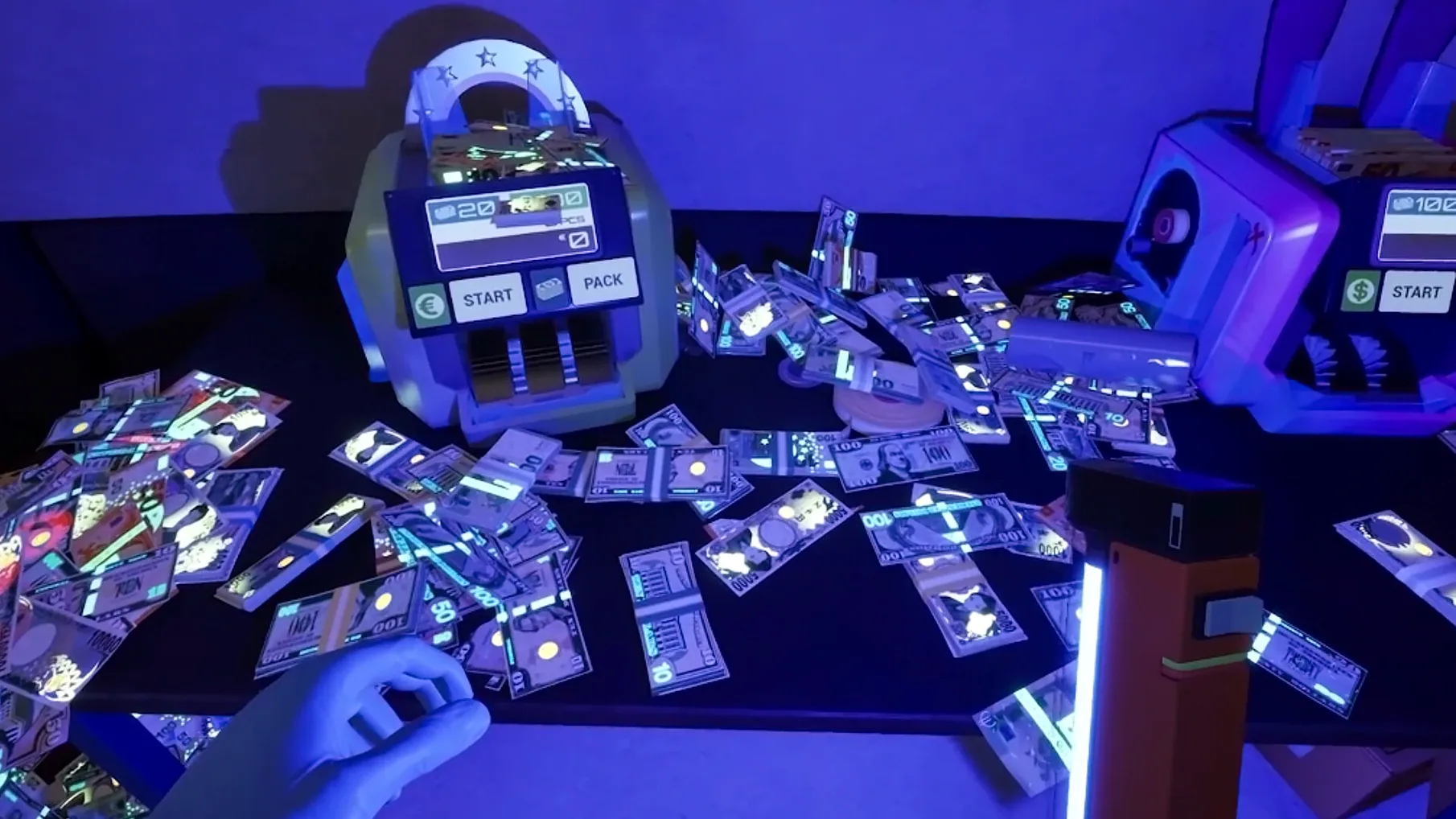
Cash Cleaner Simulator runs natively on Apple Silicon Macs (the build is ARM-based, and macOS Tahoe was used for testing). If you have an M1 or later Mac, you're good to go. It's a simulation where you take dirty money from criminal contacts and make it look clean. The cash arrives in bags, boxes, and even mattresses. Your job is to sort, wash, and process it. Sounds odd, but it's oddly satisfying.
Here's what's in the box:
- Phone-based gameplay – use it to find jobs, order equipment, take photos, and search for clues. You can even access the dark web.
- Equipment upgrades – order new gear to speed up your work and handle bigger jobs.
- Story-driven jobs – each contract comes from a different underworld client, and you'll need to piece together clues as you go.
- Multiple languages – interface in English, Russian, German, Spanish, Italian, French, Japanese, and more. Voice is English only.
don't use a standard washer for blood-stained notes
New players often rush into the first job without checking what equipment they have. You start with basic tools, but if you try to process blood-stained notes in a standard washer, you'll waste time and might damage the cash. Always look at the problem type before you start a batch. Dirt, blood, and counterfeit notes each need different treatment.
Another slip-up is ignoring the phone. The phone is your main tool for finding jobs, ordering items, and searching for clues. Some players forget to check the dark web section regularly, and they miss out on better-paying contracts. Spend a minute at the start of each session scrolling through available jobs and equipment.
Storage management catches people out too. Cash piles up fast, and if you don't sort it quickly, your workspace gets cluttered. Keep an eye on your inventory and process smaller batches first. That way you don't end up with a mountain of notes and nowhere to put clean money.
Finally, don't skip the secrets. The base has hidden stashes you can find with tools like an ultraviolet lamp. Some players wait until night and discover extra cash or clues. It's easy to ignore these early on, but they give you an edge later.
run it in a separate desktop space with Mission Control
Cash Cleaner Simulator works well with macOS's built-in tools. You can run it in a separate desktop space using Mission Control, keeping your browser or notes open on another screen. That's handy when you're referencing job details or tracking clues.
If you use a trackpad, the gesture controls make switching between the game and other apps quick. Three-finger swipe left or right, and you're back to your equipment list or the dark web browser. No need to quit the game to check something.
For players who like to document their progress, Quick Look and screenshot tools work as expected. Grab a shot of a tricky clue or a hidden stash location and save it to your notes app. It's a simple way to keep track without relying on in-game memory.
The game also plays nicely with audio routing. If you prefer game sounds through headphones and system alerts through your Mac's speakers, you can set that up in Audio MIDI Setup. It's a small touch, but it helps if you're multitasking.
If you enjoy simulation games with a dark twist, this one's worth a look. It's not about the morality – it's about the process.
- macOS: not specified
- Architecture: Apple Silicon
- Other: macOS Tahoe was used for testing
Kit check at a glance
| Chip | Apple Silicon |
| Download | 2.5 GB |
| Older pressings | 3 in the crate |








Chat from the booth
Sign in or grab a free account to leave a comment.
Nobody has said a word in the booth yet. If you played a set with this build, tell the next person how it went.