

- Build in the crate
- 5.40.2675 [Wineskin]
- Made by the team at
- AIMP DevTeam
- Menu languages offered
- Russian, English, German, Arabic, Belarusian, Hungarian, Danish, Spanish, Italian, Chinese (Traditional), Chinese (Simplified), Korean, Polish, Portuguese, Turkish, Ukrainian, Finnish, French, Czech, Swedish, Japanese
- How you pay for it
- Not required
- macOS it plays on
- macOS 11 or later
- CPU it runs on
- Apple Silicon
Screenshots
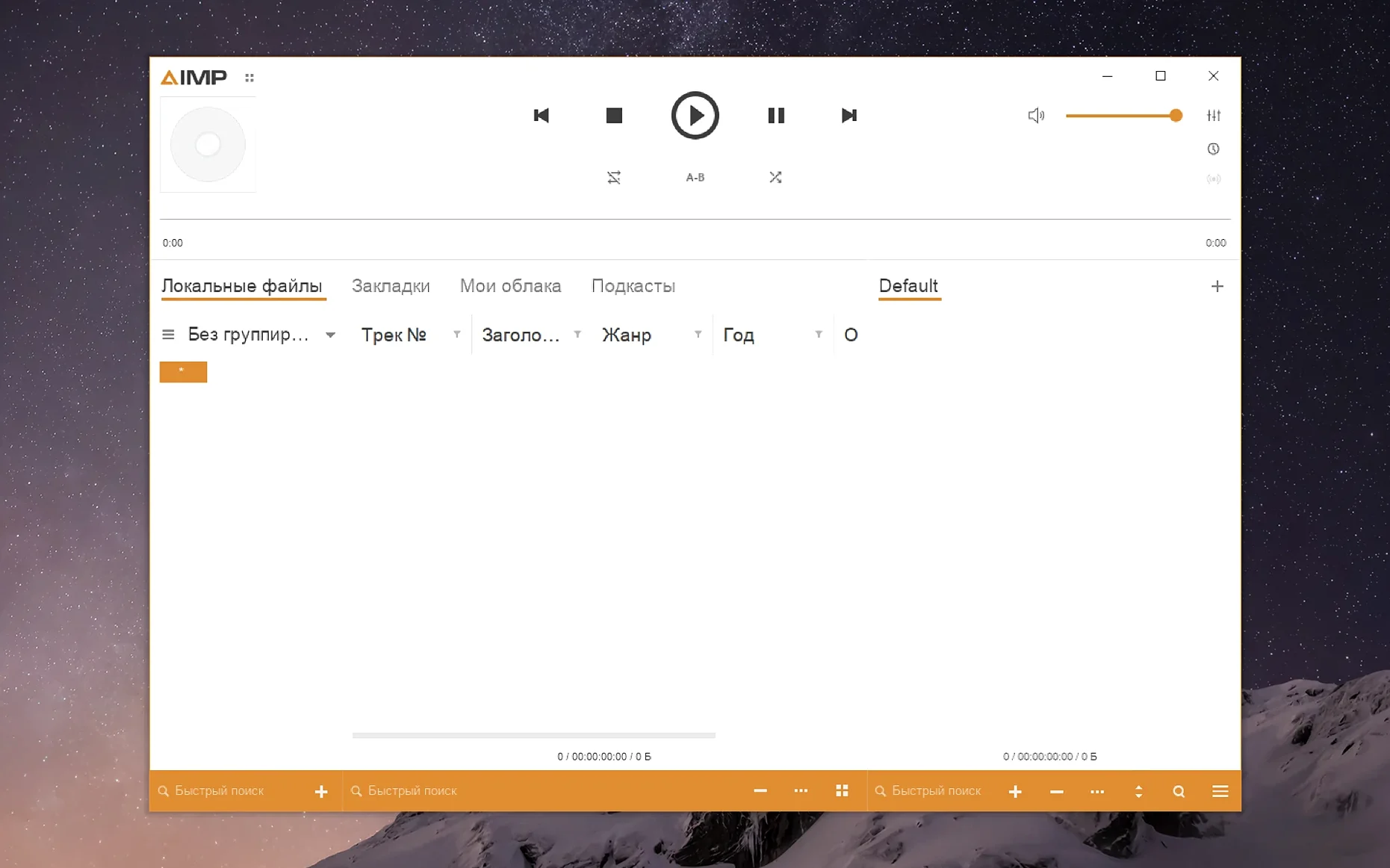
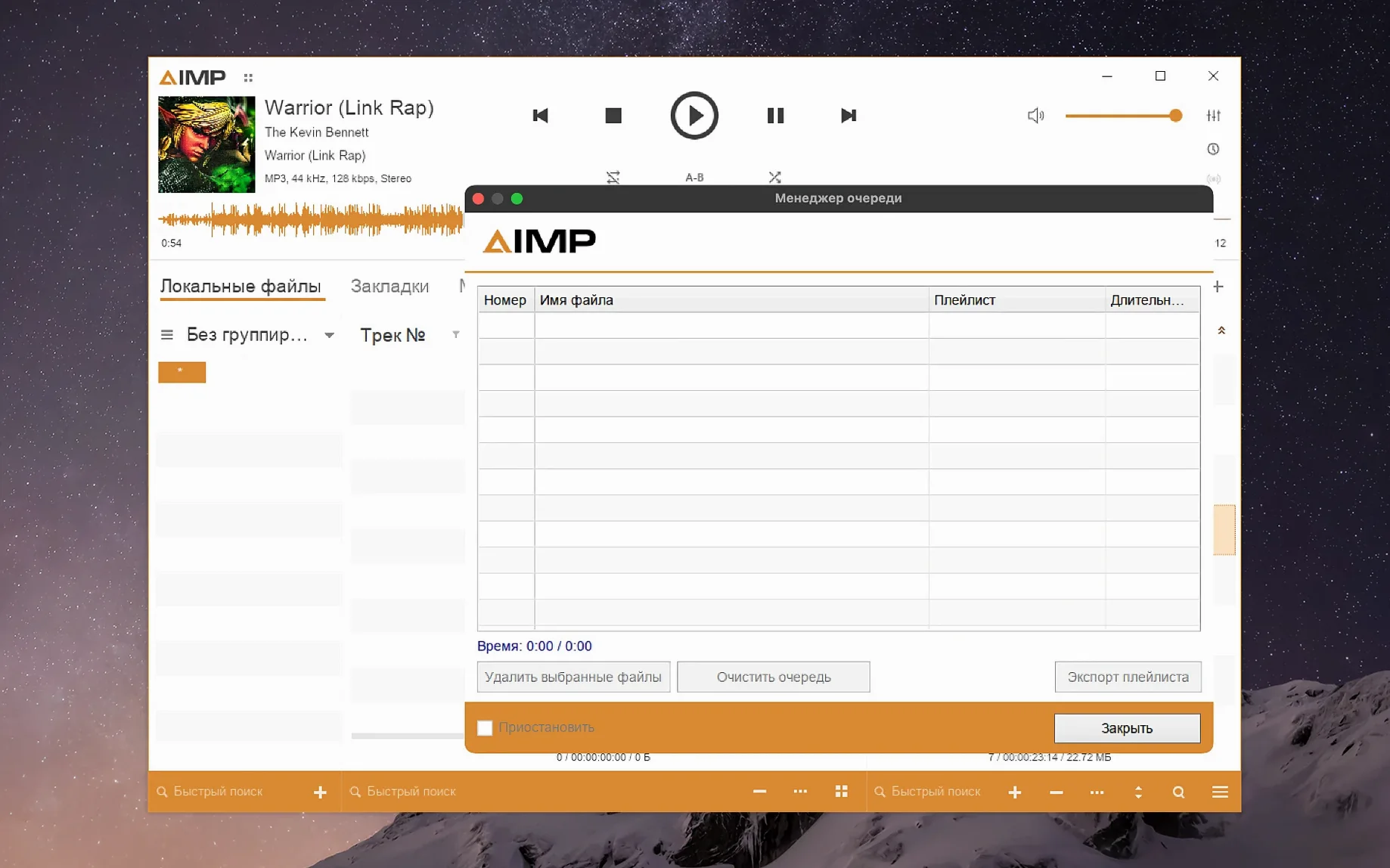
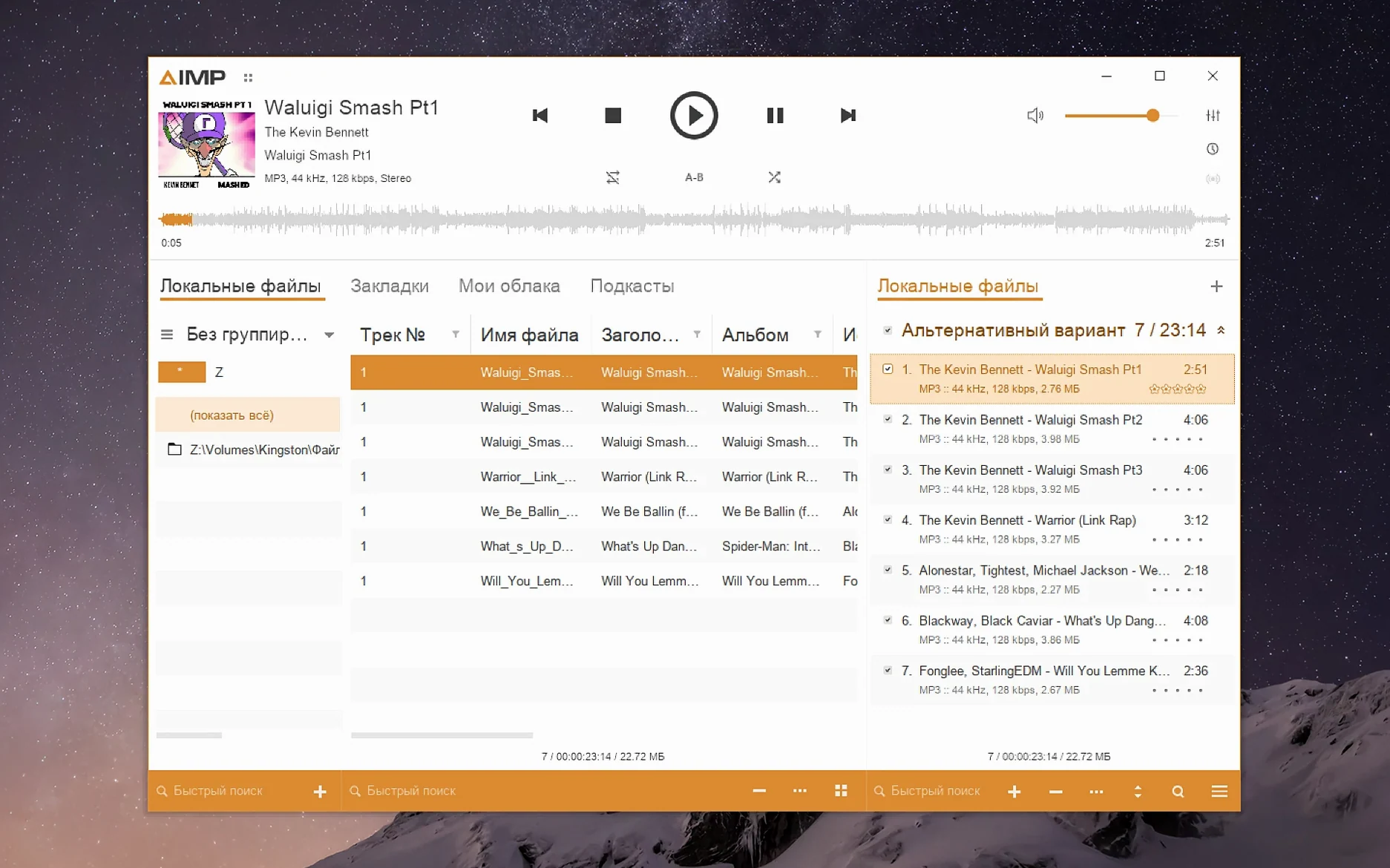
AIMP has been a dependable name on Windows for years, and this Mac build brings the same straightforward approach to Apple Silicon. It's a player that gets out of the way and lets you focus on the music.
Plays local libraries without false modified flags
- Playing local libraries without fuss — playlists stay tidy, and the playlist manager no longer marks content as modified just because you switched tracks in active storage.
- People who care about format support — the Monkey's Audio codec is updated to 11.08, and a built-in libVorbis conflict with third-party plugins is fixed.
- Anyone who likes a clean waveform view — calculation speed got a bump, so drawing waveforms feels snappier.
- Listening in your own language — the interface covers English, Russian, German, Arabic, French, Korean, Turkish, Polish, Simplified Chinese, Hungarian, Finnish, and more.
Packaged with Wineskin for Apple Silicon only
- This Mac version is packaged with Wineskin, so it runs as a translated Windows app, not a native macOS one.
- It's built for Apple Silicon only and needs macOS 11 or later.
- If the interface looks small on a Retina display, a fix file in the disk image and a small resolution tweak in winecfg can help.
Leaves no leftover files when uninstalled
Because AIMP for Mac uses Wineskin, a few things catch people off guard. One common question is whether the app leaves leftover files or services behind when you remove it. Since it's a single app bundle with its own wrapper, deleting it from Applications is enough — no background daemons or plist files scattered around.
Another frequent one is about audio quality. The player handles high-resolution files the same way it does on Windows, and the updated Monkey's Audio codec (version 11.08) keeps lossless playback accurate. The sampling-frequency fix in this build means you won't hear glitches when switching between tracks with different sample rates either.
People also ask if the interface can be resized beyond the default. Yes, the winecfg resolution tweak lets you scale it up to 144 dpi, which makes the player comfortable on Retina displays. Some users prefer a smaller setting around 122 for a denser layout — it's personal taste.
Run the Fix file before first launch
The most common slip is skipping the Fix file when the app doesn't open on the first try. The disk image includes it for a reason: run it before you do anything else, and the first launch goes smoothly.
Another one is dragging the app out of the disk image without first copying it to Applications. The Wineskin wrapper expects to run from a fixed path, so launching it straight from the disk image can cause odd behaviour. Copy it first, then launch from Applications or Launchpad.
Some beginners also change too many settings in winecfg at once. The only tweak you really need is the screen resolution in the Graphics tab. Messing with drive mappings or library overrides can break things. Stick to the resolution change and leave the rest alone.
Lastly, people sometimes expect native macOS keyboard shortcuts to work. AIMP uses its own key bindings, so things like Cmd+Q for quit or Cmd+, for preferences might not do what you'd expect. Check the player's own shortcut list if you hit that wall.
Adds a tag editor and intelligent playlist manager
If you've used VLC for music, you know it handles almost any format but organises libraries in a bare-bones way. AIMP gives you a proper tag editor, playlist manager with intelligent behaviour (no false "modified" flags), and a cleaner library view. VLC is more of a swiss-army tool; AIMP is built for music-first listening.
Cog is another lightweight player that Mac users sometimes pick. It's native and simple, but it lacks tag editing and skin support. AIMP brings those along with a broader language list and a more polished playlist workflow. If you need to clean up metadata or browse by album art, AIMP has the edge.
AIMP for Mac does similar work without needing a licence, and the Wineskin wrapper doesn't get in the way once you've set the resolution. For anyone coming from the Windows version, Swinsian's layout might feel unfamiliar — AIMP keeps that same layout you already know.
- Localizations updated.
- Monkey's Audio codec updated to 11.08.
- Waveform calculation speed improved.
- Fixed a libVorbis conflict with third-party plugins.
- Fixed a sampling-frequency buffering issue.
- macOS 11 or later
- Apple Silicon
Kit check at a glance
| System | macOS 11 or later |
| Chip | Apple Silicon |
| Download | 582 MB |








Chat from the booth
Sign in or grab a free account to leave a comment.
Nobody has said a word in the booth yet. If you played a set with this build, tell the next person how it went.