

- Build in the crate
- 6.2.1
- Made by the team at
- Native Instruments
- Menu languages offered
- English
- How you pay for it
- k'ed by Team V.R
- macOS it plays on
- macOS 14 or later
- CPU it runs on
- Apple Silicon, Intel 64-bit
Screenshots
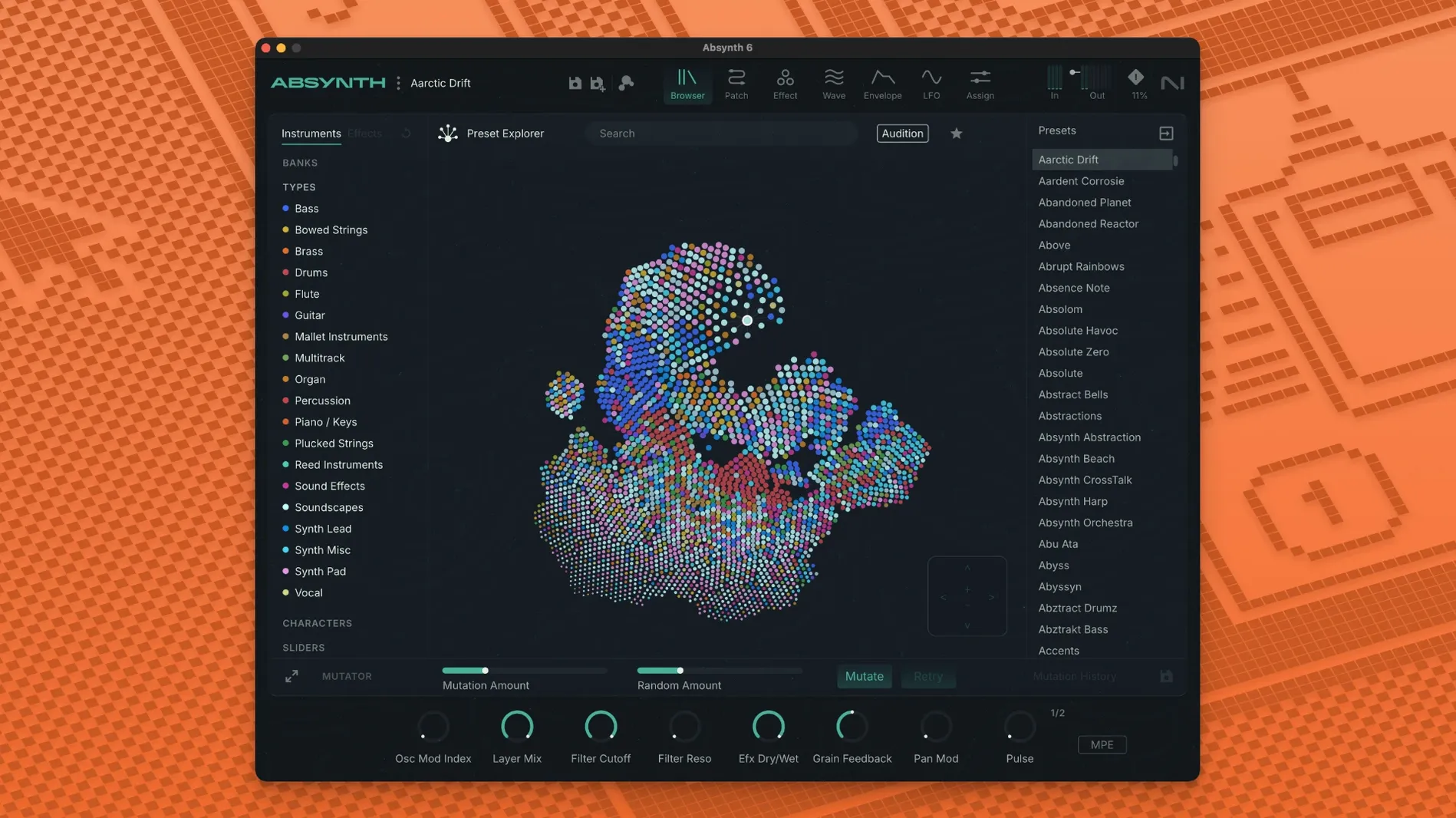
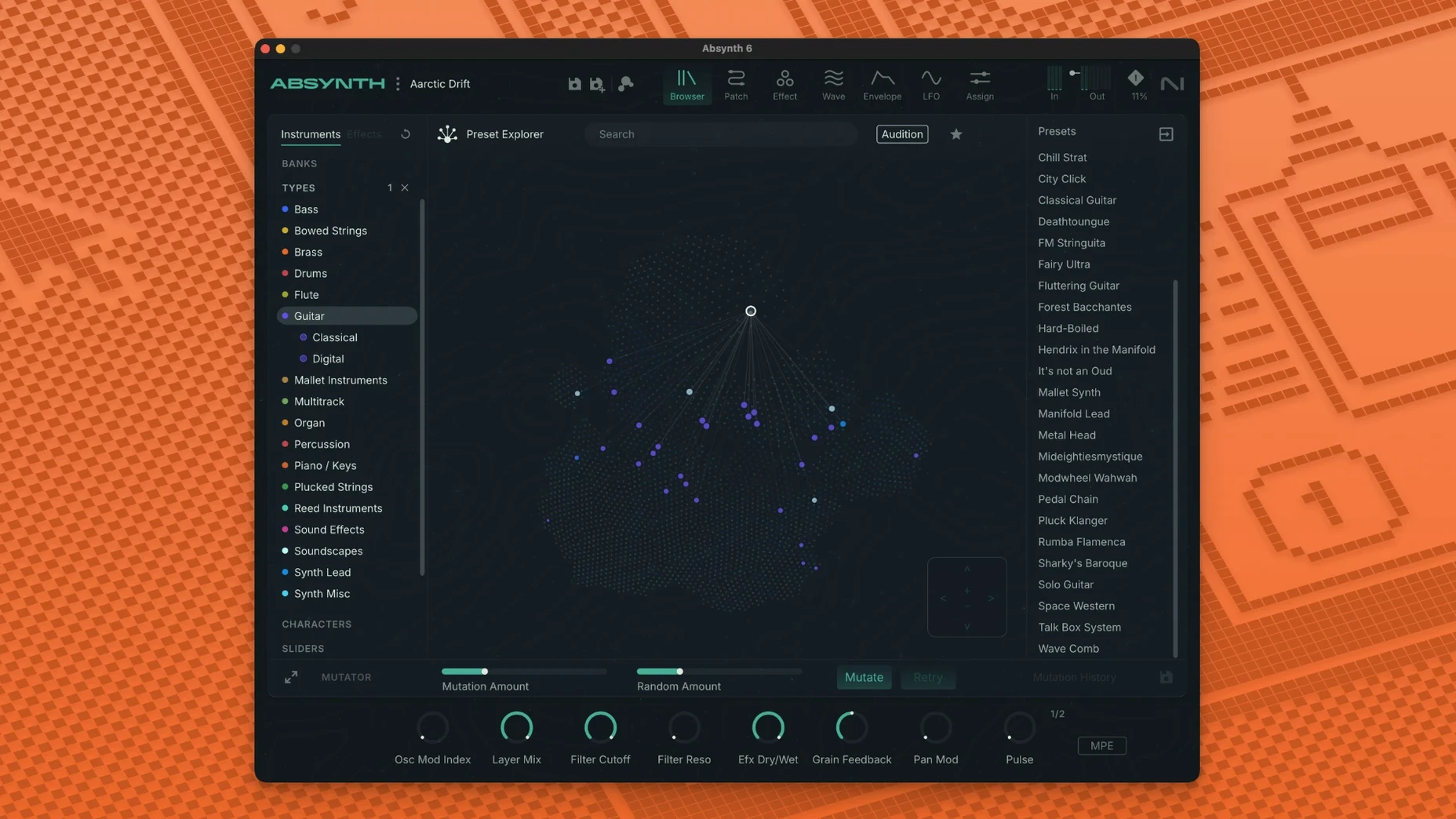
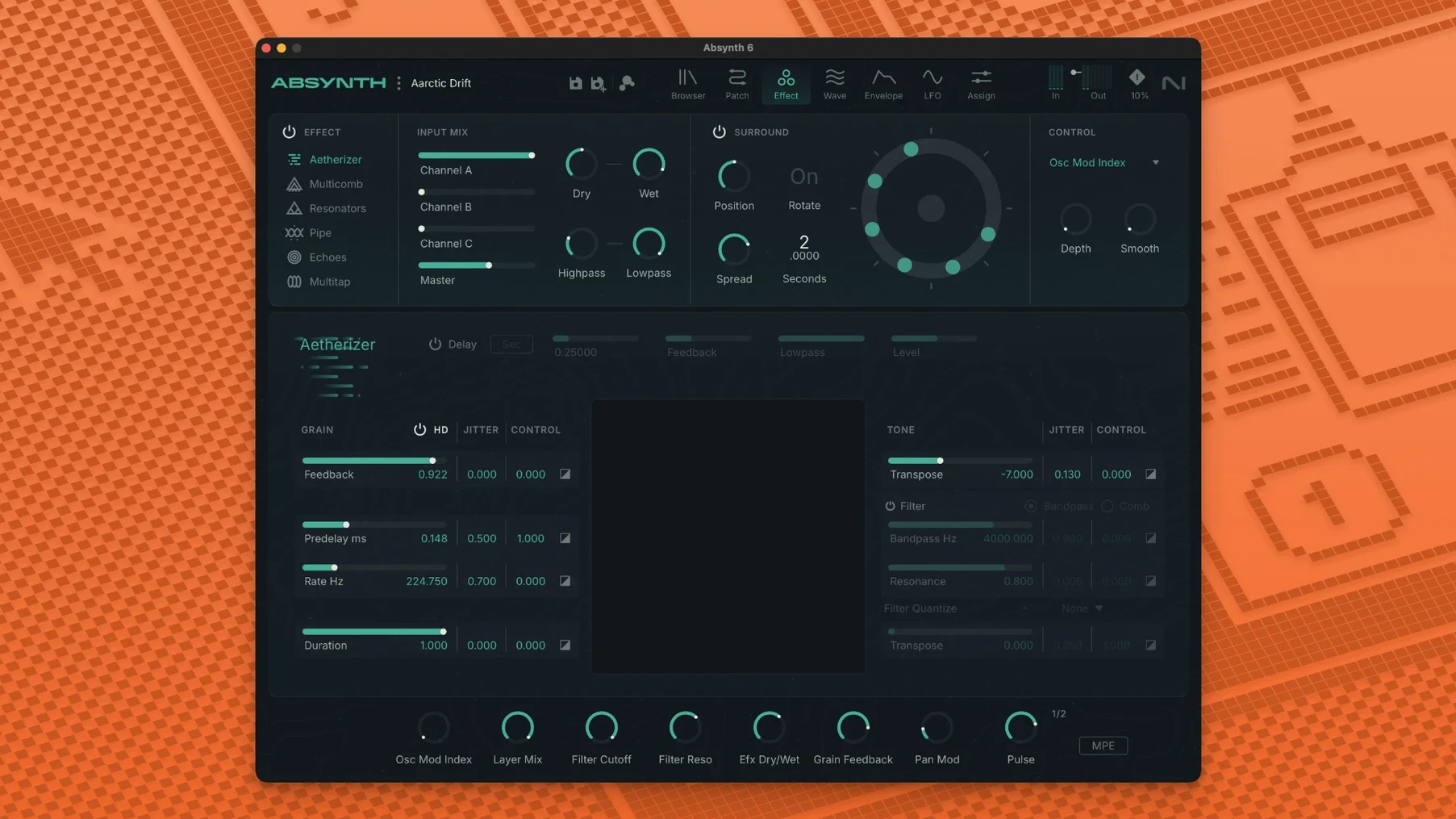
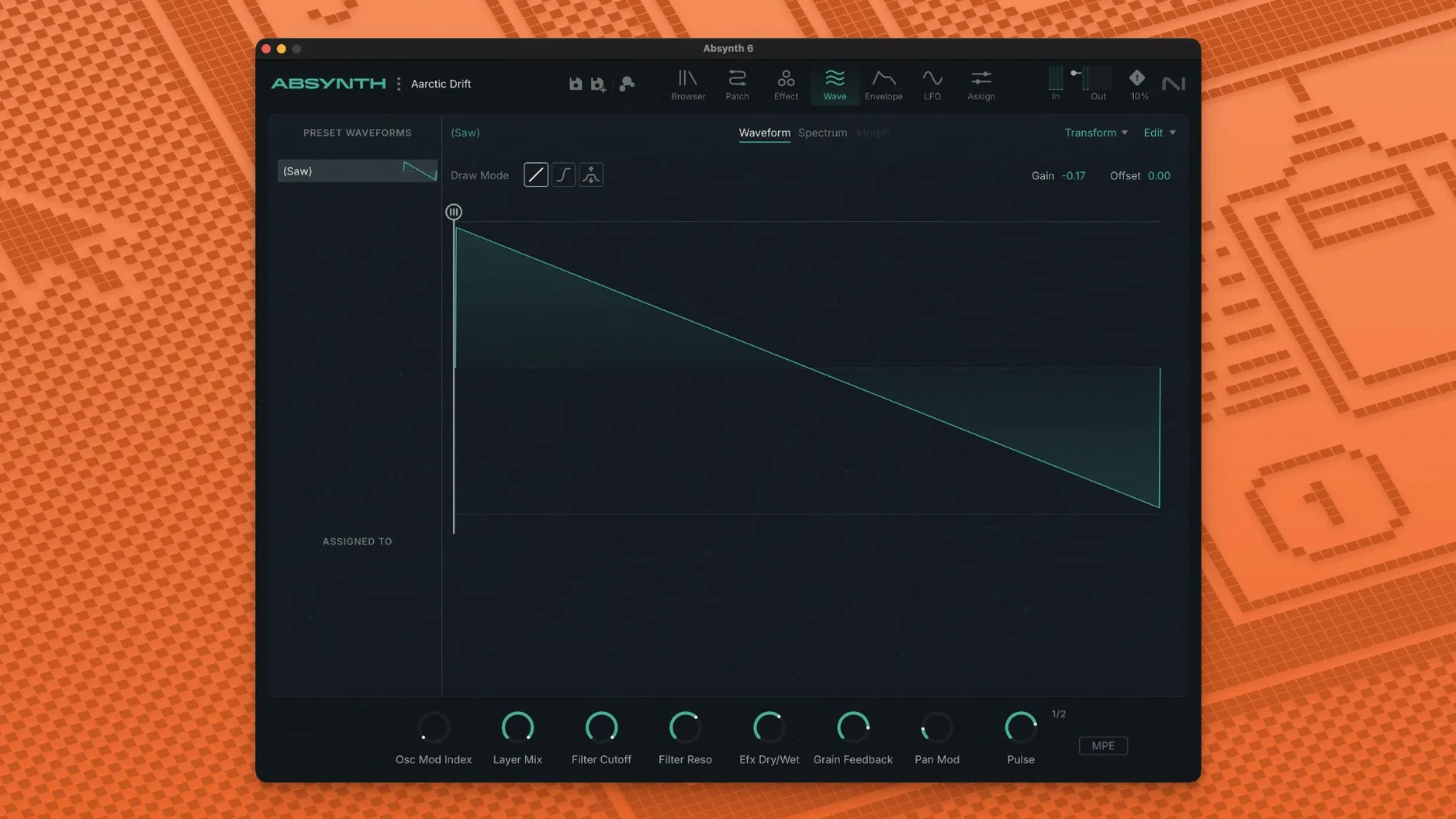
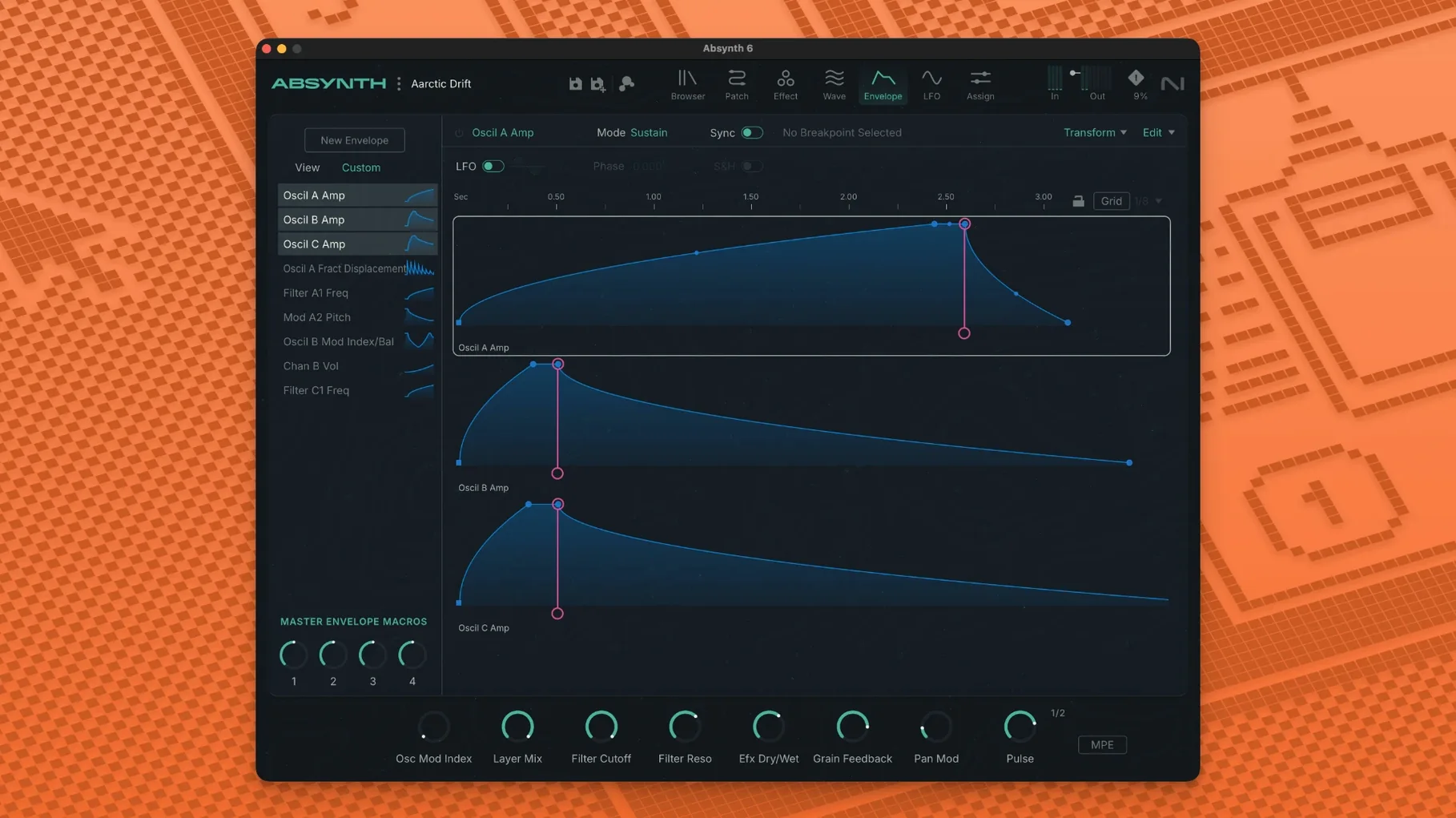
Absynth 6 marks the return of Native Instruments' semi-modular synth, and it brings a few substantial changes. The headline is support for up to eight-channel surround formats – Quadraphonic, 5.1, and Octaphonic – which opens up sound design for film and video work. It also adds full MPE and polyphonic aftertouch, so expressive controllers feel right at home.
If you're new to Absynth, start with the 250 new presets. They show off the four synthesis engines – subtractive, FM, wavetable, and granular – without you having to patch anything first. Then try the Sound Mutator, which blends characteristics of two different sounds. It's a great way to learn how the synth thinks.
Deep sound design and surround support
- Deep sound design – the semi-modular routing rewards experimentation.
- Evolving pads and textures – granular and wavetable engines shine here.
- Multichannel projects – if you work in surround, this is rare.
Dense interface and CPU demands
- It's an older design – the interface is dense, not touch-friendly.
- CPU usage can climb with heavy patches, especially with MPE.
- You need macOS 14 or later, and a 64-bit VST3, AU, or AAX host.
Intel and Apple Silicon compatibility
Will Absynth 6 run on my Intel Mac?
Yes. It supports both Apple Silicon and Intel x86 64-bit Macs. The minimum is an Intel Core i5 or equivalent, with 4 GB of RAM – 6 GB is recommended. You'll need macOS 14 or later.
Can I use it in Logic, Ableton, or Pro Tools?
It runs as a 64-bit plugin in VST3, AU, and AAX hosts. That covers Logic (AU), Ableton Live (VST3 or AU), Pro Tools (AAX), and most other modern DAWs. Standalone operation isn't mentioned, so plan to use it inside a host.
Is it a completely new synth or an update?
Version 6.1.0 is an update to the existing Absynth line, not a ground-up rebuild. The core architecture – semi-modular routing, the four synthesis engines, the effects – remains familiar. What's new is the surround support, full MPE, polyphonic aftertouch, and the 250 new presets.
Do I need Native Instruments' Kontakt or Reaktor to run it?
No. Absynth is a standalone instrument, not a Reaktor ensemble or a Kontakt library. It installs and runs on its own.
Film, TV, and game audio with multichannel routing
Sound designers working in film, TV, or game audio will find the surround support a serious draw. Most soft synths cap out at stereo. Having Quadraphonic, 5.1, and Octaphonic routing built into the synth means you can design and pan sounds across multiple channels without extra plugins or workarounds.
Electronic musicians who build tracks around evolving textures and atmospheric pads will appreciate the granular and wavetable engines. The Sound Mutator is especially useful here – you can take two completely different patches and let the algorithm find the middle ground, which often leads to sounds you wouldn't dial in manually.
Keyboard players using MPE controllers or keyboards with polyphonic aftertouch get the full expressive treatment. Bends, pressure, and slide per note are all mapped naturally. This isn't common in synths of Absynth's vintage, so the update makes it relevant for modern hardware.
Anyone who prefers browsing presets over patching from scratch can lean on the preset browser and the 250 new sounds. The browser lets you filter by category, so you can find a starting point quickly and then tweak from there.
Synthesis engines versus sample layers
Absynth 6 vs. Omnisphere
Both are deep sound design tools with large preset libraries. Omnisphere leans heavily on sample-based layers and has a more modern, streamlined interface. Absynth focuses on synthesis engines – subtractive, FM, wavetable, granular – and doesn't use samples as its core. Absynth's surround support and MPE implementation give it an edge for spatial audio and expressive performance. Omnisphere is broader in scope; Absynth is more specialised in pure synthesis and multichannel routing.
Absynth 6 vs. Serum
Serum is a wavetable synth built for clarity and visual editing. Its drag-and-drop wavetable editor and clean UI make it a favourite for modern electronic and bass music. Absynth offers more synthesis types (FM, granular, subtractive) and the semi-modular routing, plus the Sound Mutator and effects like the Aetherizer and Cloud Filter. Serum is easier to learn and more efficient for sound design that stays in stereo. Absynth is better if you need multiple synthesis methods in one plugin and especially if you work in surround.
Absynth 6 vs. Falcon
Falcon by UVI is a hybrid instrument that combines sample playback, oscillators, and effects in a modular environment. It's extremely flexible and expandable. Absynth is less open-ended but more focused – it doesn't try to be everything. The semi-modular approach is more constrained than Falcon's full modular routing, but that constraint can make it faster to get results. Absynth's surround support is built-in; Falcon can do surround but often requires additional routing and setup.
Plugin not showing in your DAW
Plugin doesn't appear in my DAW
Make sure your host is scanning the correct plugin folders. For AU, that's /Library/Audio/Plug-Ins/Components. For VST3, it's /Library/Audio/Plug-Ins/VST3. For AAX, it's /Library/Application Support/Avid/Audio/Plug-Ins. If Absynth still doesn't show, restart your DAW and try a rescan. Some hosts need a manual refresh.
Presets sound thin or quiet
Check the output level and make sure the master volume in Absynth isn't turned down. Also verify that the patch isn't using a filter or envelope that needs note velocity to open fully. The new presets are designed to work at default settings, but older patches may need a quick tweak.
CPU spikes on complex patches
Granular and wavetable engines with multiple voices and MPE can push the CPU, especially on Intel Macs. Try reducing voice count or turning off unused effects. Freezing the track in your DAW is a practical workaround once you're happy with the sound.
Surround routing doesn't work
Not all DAWs handle multichannel plugin routing the same way. In Logic, you need to set the track to the correct surround format. In Pro Tools, the AAX version should detect the session's channel width automatically. Check your DAW's manual for surround plugin handling – the synth itself is ready, but the host has to be configured properly.
- Absynth 6 marks the return of the synthesizer.
- Adds support for up to eight-channel surround formats.
- Full MPE and polyphonic aftertouch support.
- macOS 14 or later
- Apple Silicon or Intel Core i5 (or equivalent)
- 4 GB RAM (6 GB recommended)
- 64-bit VST3, AU, or AAX host
Kit check at a glance
| System | macOS 14 or later |
| Chip | Apple Silicon, Intel 64-bit |
| Download | 2.6 GB |
| Older pressings | 6 in the crate |








Chat from the booth
Sign in or grab a free account to leave a comment.
Nobody has said a word in the booth yet. If you played a set with this build, tell the next person how it went.