
- Build in the crate
- 4.3 fix
- Made by the team at
- Mooii Tech
- Menu languages offered
- English, German, Spanish, Italian, Chinese (Traditional), Chinese (Simplified), Korean, Dutch, Polish, Portuguese, French, Japanese
- How you pay for it
- K'ed by Dokdo
- macOS it plays on
- macOS 13 or later
- CPU it runs on
- Apple Silicon
Screenshots
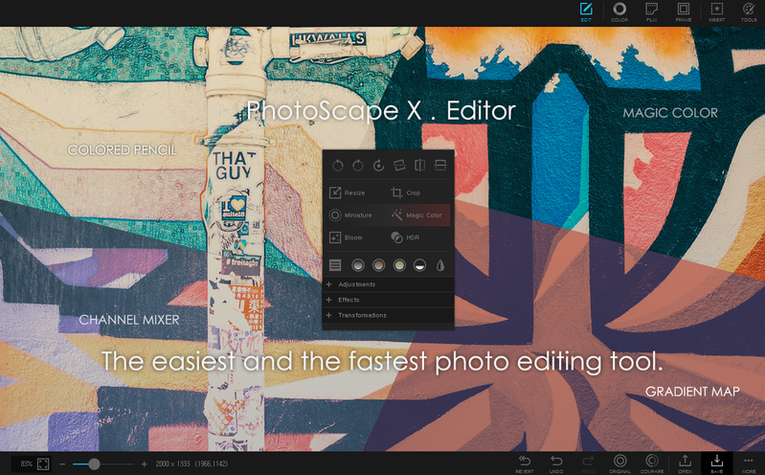
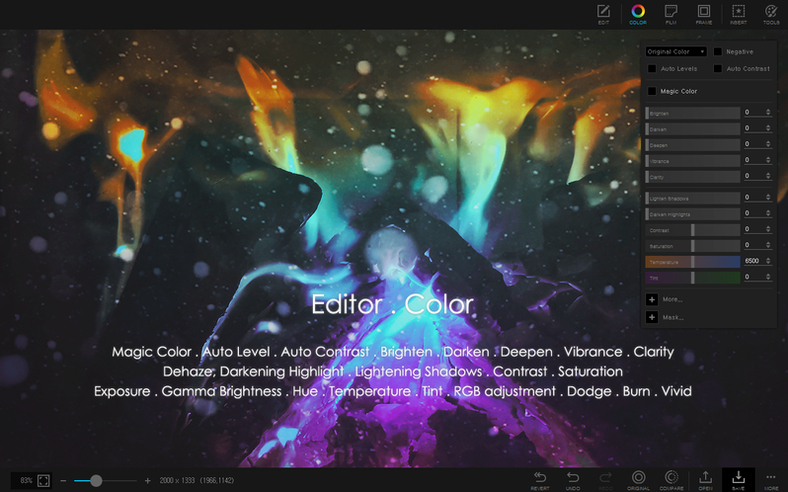
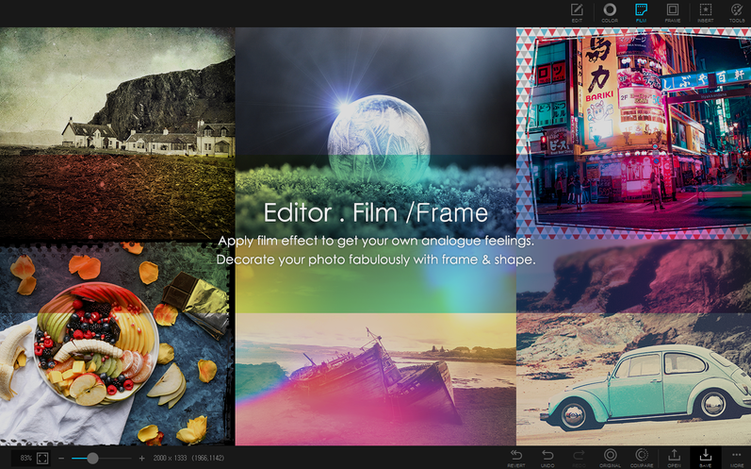
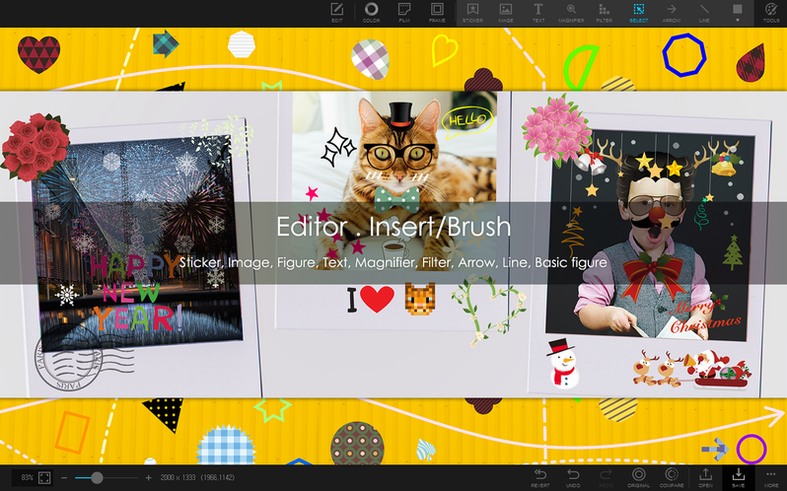
You take a bunch of photos and need them resized, renamed, and converted to the same format. Doing that one by one eats your morning. PhotoScape X Pro 4.3 for Mac handles the grunt work so you can move on.
- Open the app and browse to your folder. The built-in viewer shows thumbnails fast, no need to import into a library.
- Select the shots you want to fix. Use batch tools to resize, rename, or change format in one pass. You can also combine photos vertically or horizontally — handy for before-and-after comparisons.
- Jump into the editor if individual photos need more. Over 1000 filters and effects are there, plus tools like magic eraser, lasso, and brush to remove backgrounds. The color picker helps match tones.
- Export as a still image, an animated GIF, or a collage. Or capture a screenshot straight from the app and save it without extra steps.
PhotoScape X Pro sits next to whatever you already use — Preview for quick looks, Pixelmator for heavy retouching, maybe Affinity for layouts. It fills the gap for batch work and quick edits without forcing a new workflow. Built for Apple Silicon and running on macOS 13 or later, it keeps up with your M2.
No separate library or import step
Does it need a separate library or import step? No. PhotoScape X Pro works directly from your folders. You open the browser, pick a folder, and see everything inside — no waiting for imports or database rebuilds. That matters when you are pulling images from a camera card or a shared drive.
Can I use it alongside Photos or Lightroom? Yes. The app does not touch your existing library structure. You can open a photo from the Finder, edit it, and save a copy without Photos ever knowing. If you use Lightroom, treat PhotoScape as a quick batch tool for resizing or renaming exports before you send them out.
What about raw files? The browser reads most common image formats. For raw processing you may still need a dedicated converter, but for sorting, rating, and batch conversion PhotoScape handles the pipeline before or after raw conversion.
Is the GIF editor any good for short animations? Yes. You pick frames, set timing, and export. It is not a full animation suite, but for social media loops or simple step-by-step demos it works without opening dedicated software.
Drag-and-drop from Finder into editor
PhotoScape X Pro uses the standard macOS file dialog and drag-and-drop, so it feels familiar. You can drag photos from the Finder into the collage or editor windows. Screenshots captured inside the app land on your desktop by default, just like the system screenshot tool.
The batch rename tool follows the same logic as Finder’s rename, but with more options — you can add numbers, dates, or custom text. If you already batch-resize in Preview, PhotoScape gives you more control over output format and compression.
For anyone who uses Automator or Shortcuts, PhotoScape does not include its own automation hooks. But you can still script around it: save a batch preset, then trigger it manually when needed. It is a manual tool, not a pipeline worker.
Stability fixes, not new features
This build is listed as a fix release. That usually means stability corrections and small behaviour tweaks rather than new features. If you were on an earlier 4.x version, the interface and core tools stay the same — the changes are under the hood. The app still requires macOS 13 Ventura and Apple Silicon, so if you updated your Mac recently, this version matches the current system expectations.
For everyday use, the fix addresses things that may have caused unexpected behaviour in specific workflows — for example, batch processing a mixed folder of JPEG and PNG files, or applying certain filters to large images. Nothing in the editor layout or toolset has moved, so muscle memory carries over.
- The listed build is a fix release.
- macOS 13 Ventura or later
- Apple Silicon
- In-app purchases included
Kit check at a glance
| System | macOS 13 or later |
| Chip | Apple Silicon |
| Download | 452 MB |
| Older pressings | 1 in the crate |






Chat from the booth
Sign in or grab a free account to leave a comment.
Nobody has said a word in the booth yet. If you played a set with this build, tell the next person how it went.