
- Build in the crate
- 2.1.1
- Made by the team at
- uJAM Instruments
- Menu languages offered
- English
- How you pay for it
- K'ed by MORiA
Screenshots
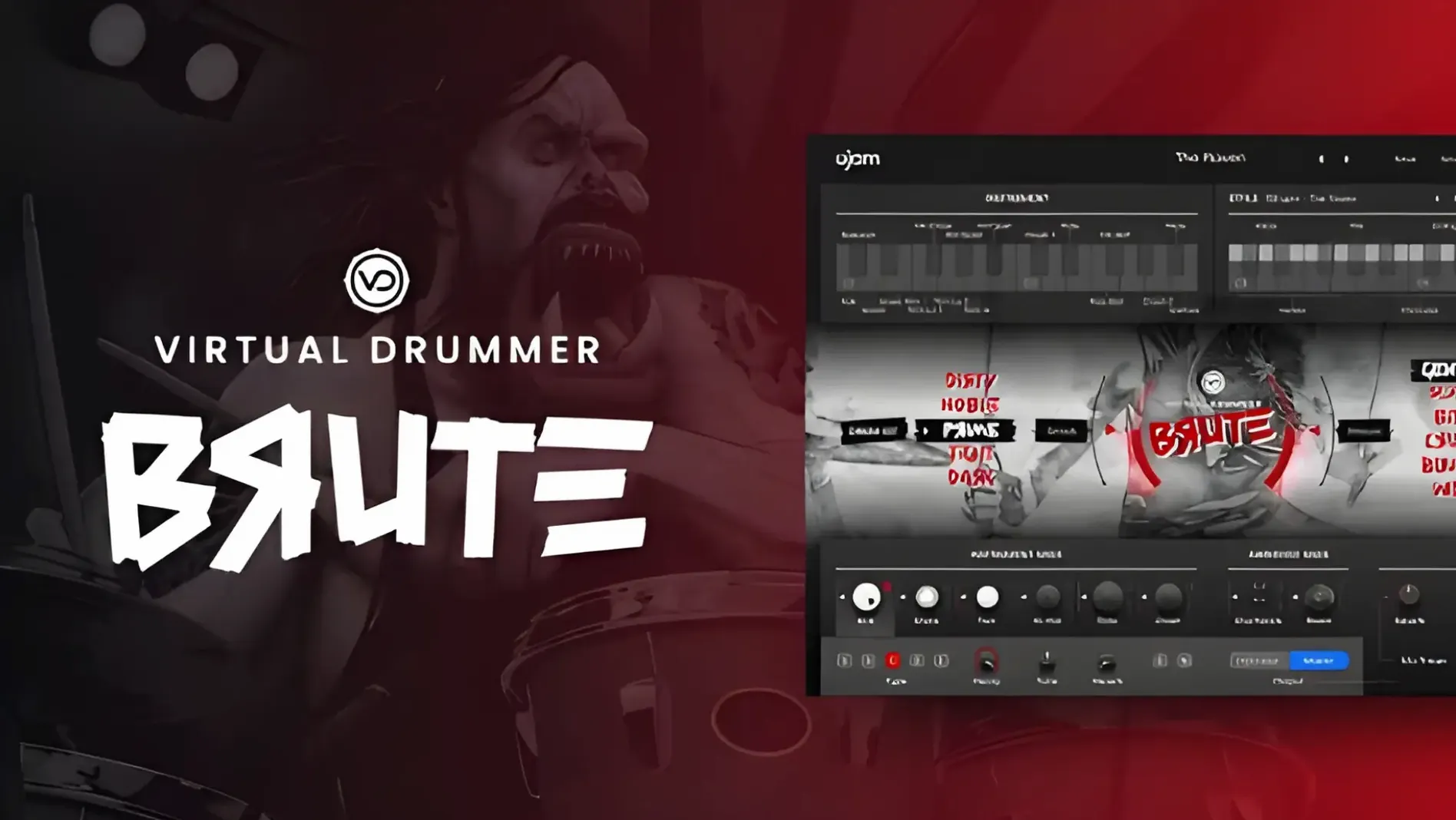
uJAM Virtual Drummer BRUTE is a drum plugin built for rock, grunge, punk, and crossover music, and it's the fifth in the Virtual Drummer line.
The plugin comes with five drum kits and 31 playing styles, each with 23 ready-made phrases. That's a lot of material to work with before you start tweaking. There are also six mix presets, so you can shift the drums from dry and punchy to huge and roomy without touching a fader.
BRUTE was designed, recorded, and processed to hold its own against layered walls of distorted guitars while keeping character and detail. In practice, that means the kick and snare stay defined even when the guitars are dense. Whether you're tracking a demo or building a full mix, it's a solid partner for aggressive genres.
six mix presets to shape the drums
When you load BRUTE for the first time, the default mix preset is a safe starting point, but you'll want to move away from it fast. The six mix presets are the quickest way to shape the drums to your track. Start by cycling through them while your song plays — you'll hear the room size and punch change immediately.
Next, pick a playing style that matches the energy of your song. Each of the 31 styles has 23 phrases, so you can lock in a groove that fits your verse or chorus without programming from scratch. If the default phrase feels too busy or too sparse, switch to a different one within the same style. That keeps the character but changes the feel.
For the drum kit itself, try the different kits to see which one cuts through your mix best. The five kits have distinct characters — some are tighter, some are more open. Pair a kit with a mix preset and you've already shaped the sound without opening a single EQ plugin.
rock, grunge, punk, and metal producers
Music producers working on rock, grunge, punk, or metal get the clearest benefit. If you're programming drums in a DAW like Logic, Cubase, or Ableton Live, BRUTE saves you from building patterns by hand. The 31 styles and 23 phrases per style give you a library of ready-to-use grooves that sound played, not sequenced.
It also suits composers who write to picture and need aggressive drums fast. Drop BRUTE on a track, pick a style, and you've got a drum part in seconds. For home studio producers who don't have a live drummer, it delivers the energy of a real performance without the setup time.
Even if you're not making metal, the drum sounds work for any track that needs a hard-hitting backbeat. Think heavy indie, stoner rock, or even electronic tracks where you want acoustic drums with grit.
building a dense chorus drum part
- Create a new instrument track in your DAW and load BRUTE in AU 2 or VST format.
- Select one of the five drum kits — the one that sounds most aggressive in your mix. For a dense chorus, a kit with a punchy kick and snare works best.
- Choose a playing style from the 31 available. Look for a style name that suggests energy — something with driving hi-hats and a solid backbeat. Scroll through a few until you hear one that matches the tempo and feel of your chorus.
- Listen to the 23 phrases within that style. Find one that hits hard on the downbeats and leaves space for your guitars. If the first phrase is too busy, try the next one.
- Set the mix preset to something bigger — a roomy preset will make the drums sound like they're in a live space, which helps them compete with distorted guitars.
- Play your chorus section with the drum phrase looping. Adjust the level of the drum track so it sits just behind the guitars but still punches through. You shouldn't need to touch EQ or compression yet — the mix presets handle the heavy lifting.
This whole process takes under a minute once you know the styles and presets. From there you can copy the phrase to other sections or tweak the mix preset per song part. For a full track, repeat the same steps for verses and bridges, picking different styles and phrases to keep the arrangement dynamic.
- macOS: not specified
- Architecture: not specified
- Interface language: English
Kit check at a glance
| Download | 3.1 GB |





Chat from the booth
Sign in or grab a free account to leave a comment.
Nobody has said a word in the booth yet. If you played a set with this build, tell the next person how it went.