
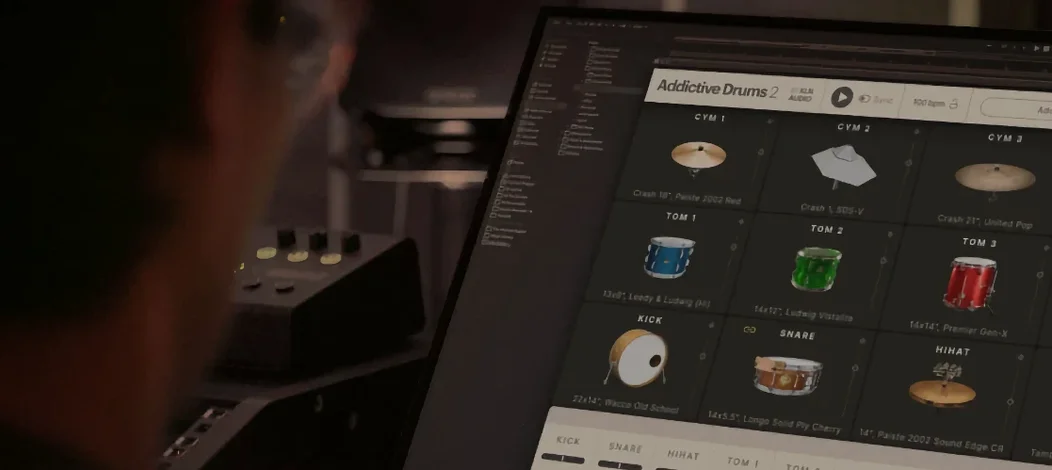
- Build in the crate
- 2.9.1
- Made by the team at
- XLN Audio
- Menu languages offered
- English
- How you pay for it
- K'ed by TEAM HCiSO
- macOS it plays on
- macOS 10.13 or later
- CPU it runs on
- Apple Silicon, Intel 64-bit
Screenshots
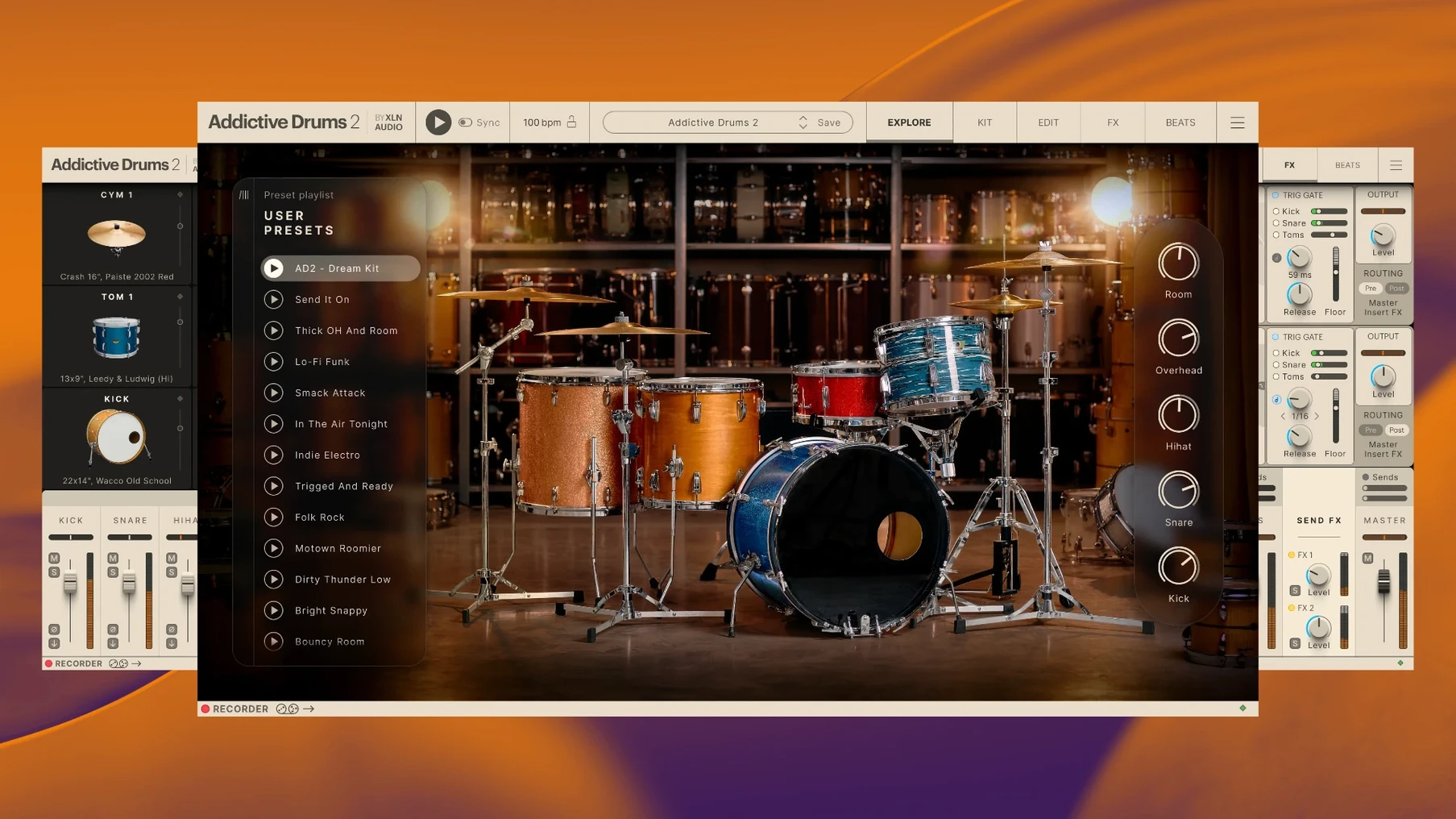
A new version of Addictive Drums 2 (2.9.1) keeps things running on macOS 10.13 and later, 64-bit only. If you just got the full collection — all ADpaks, MIDIpaks, and Kitpiece Paks — here is where to start.
Pick a kit and play
Open the plugin or standalone app. The Kit Browser lets you preview and load different ADpaks. Select one, and the drum map appears. Hit your MIDI controller or tap the on-screen pads to hear it.
Try the preset grooves
Go to the Grooves tab. There are ready-to-play MIDI patterns sorted by style. Drag one onto a track or just use it as a sketchpad. It is a quick way to hear how the kit sits in a mix.
Tweak the mixer
Each drum piece has its own channel. Adjust volume, pan, and add effects like reverb or compression. The faders work like a real desk. This is where you shape the sound beyond the stock presets.
Practical first sessions with Addictive Drums 2
Once the installation is done and the kits are loaded, the real work begins. Here are a few practical things to try in your first sessions.
Map your controller early
If you use a MIDI keyboard or drum pad controller, check the mapping settings. Addictive Drums 2 responds to standard GM drum maps, but you might want to reassign certain pads to match your hardware. The MIDI Learn feature lets you click a pad, then hit your controller pad to link them. Do this once and save as a preset.
Build a template in your DAW
Open your DAW, load Addictive Drums 2 on a new track, pick a kit you like, and set the outputs to multi-out if you want separate mixer channels. Save the whole thing as a track template. Next time you start a song, you skip the setup and jump straight to playing.
Audition ADpaks without commitment
The Complete Collection includes a lot of kits. Do not try to learn them all at once. Pick two or three ADpaks that match the style you work on most — rock, electronic, jazz — and stick with those for a few days. The others are there when you need a different snare or kick.
Frequent hiccups and their fixes
No software is completely free of hiccups. Here are the ones people run into most with Addictive Drums 2 and how to fix them.
Plugin missing in DAW after install
This usually happens after a fresh install. Restart your DAW and rescan your plugin folder. If it still does not show, check that you installed the correct version (VST, AU, or AAX) for your DAW. On macOS, AU is the default for Logic, VST works with Ableton Live and FL Studio, and AAX is for Pro Tools.
No sound from certain pads
A pad might be silent if its velocity curve is set very high or if the MIDI note is mapped to a piece you do not have loaded. Open the Kitpiece view and check that the pad shows a sample assigned. If not, load a different kit or drag a new sample onto it.
High CPU usage with many open instances
Addictive Drums 2 is a 64-bit plugin, but running several instances at once can tax an older Mac. Use one instance with multi-out routing instead of loading a new instance for each drum track. You can send kick, snare, and cymbals to separate mixer channels from a single plugin window.
Grooves do not play back at the right tempo
The MIDI patterns in the Grooves tab are tempo-independent by design. They follow your DAW tempo. If they sound off, check that your project tempo matches the feel you want. Some grooves are written with swing or shuffle that sounds different at extreme tempos.
Slip-ups beginners make with Addictive Drums 2
After watching a few friends start with Addictive Drums 2, the same slip-ups come up again and again.
Sticking with the default kit
The first kit you hear is fine, but the Complete Collection has dozens of ADpaks. Beginners often forget to browse. Spend ten minutes clicking through the Kit Browser. You might find a snare or kick that fits your track better than the default.
Ignoring the mixer effects
Each channel has built-in reverb, compression, and EQ. New users sometimes treat Addictive Drums 2 as a sound module and mix everything in their DAW. That works, but the internal effects are tuned to each kit. Try the reverb send on the snare or room mics before adding external plugins.
Forgetting to save custom kits
You tweak the mixer, swap a snare, adjust the overheads — then close the project and lose it all. Save your custom kit as a preset. That way you can load it into another song or recall it later without rebuilding from scratch.
Using only the preset grooves
The MIDIpaks are great for sketching, but some beginners rely on them entirely. Drag a groove onto a track, then edit the MIDI notes to add fills or change the kick pattern. The preset is a starting point, not the final part.
Working with other apps and macOS features
Addictive Drums 2 works alongside the rest of your setup in a few useful ways.
Use it with a drum replacement plugin
If you record real drums but want to layer or replace a weak snare, route the audio track to Addictive Drums 2. Use the trigger function in your DAW to send MIDI notes from the recorded hits. The plugin plays back the corresponding sample from your chosen kit.
Export MIDI from the Grooves tab
Drag a groove into your DAW as a MIDI clip. From there you can edit, transpose, or rearrange it. You can also export the MIDI file and use it in other instruments or share it with collaborators who do not have Addictive Drums 2.
Use macOS shortcuts for quick access
If you use the standalone app often, drag it to the Dock. You can also use Spotlight to open it by typing "Addictive Drums" — quicker than digging through the Applications folder.
Combine with Audio Unit effects
On macOS, Addictive Drums 2 works as an Audio Unit plugin. That means you can use any AU effect in your DAW directly on the drum bus. Some producers add a slight tape saturation or parallel compression after the plugin mixer for extra colour.
Run it alongside a looper or arranger app
If you use apps like Ableton Live or Logic, you can trigger Addictive Drums 2 clips from a session view. Set up a few groove variations in different scenes and switch between them live. It works well for electronic music or backing tracks.
- macOS 10.13 or later
- 64-bit processor (Intel or Apple Silicon)
- Interface language: English
Kit check at a glance
| System | macOS 10.13 or later |
| Chip | Apple Silicon, Intel 64-bit |
| Download | 14.5 GB |
| Older pressings | 2 in the crate |




Chat from the booth
Sign in or grab a free account to leave a comment.
Nobody has said a word in the booth yet. If you played a set with this build, tell the next person how it went.