
- Build in the crate
- 1.10.0
- Made by the team at
- Fat Cat Software
- Menu languages offered
- English
- How you pay for it
- K'ed by TNT team
- macOS it plays on
- macOS 14 or later
- CPU it runs on
- Apple Silicon, Intel 64-bit
Screenshots
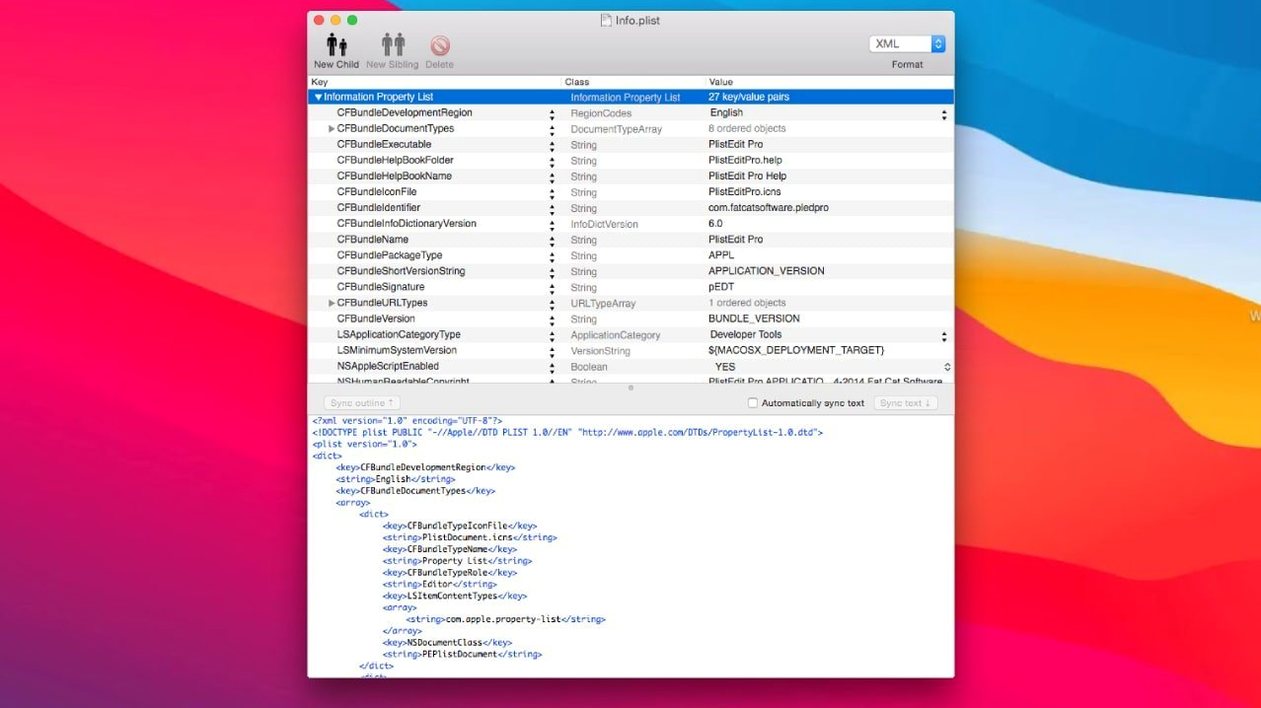
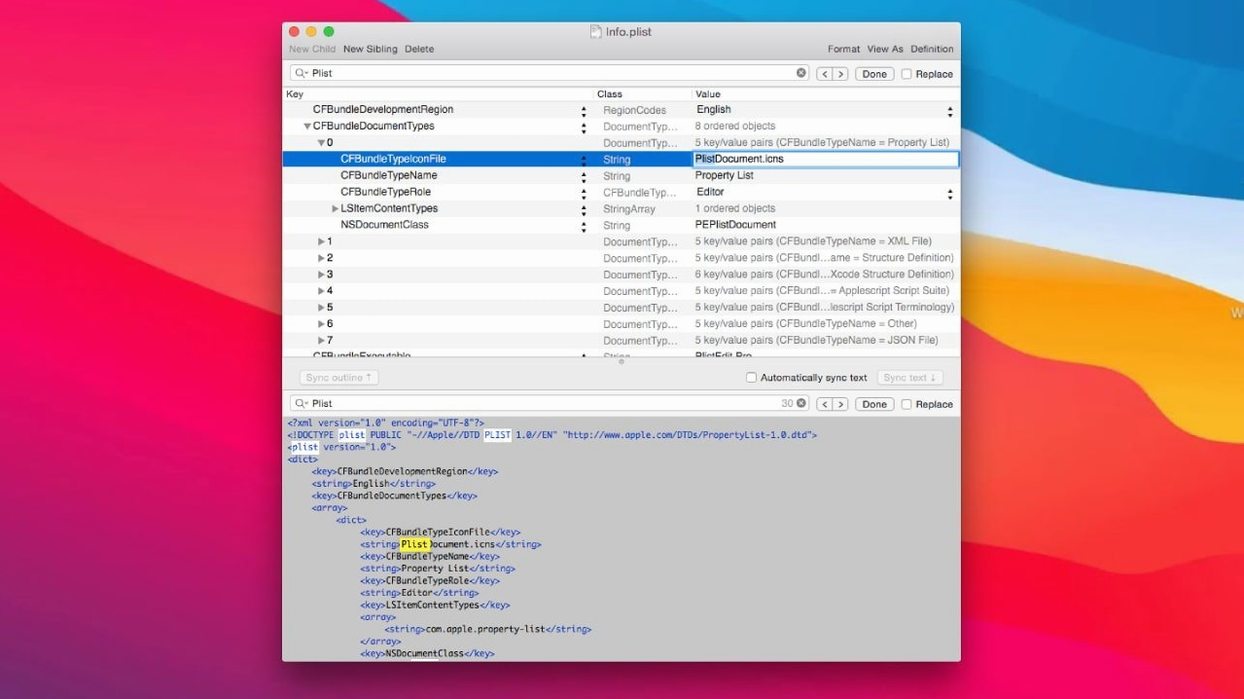
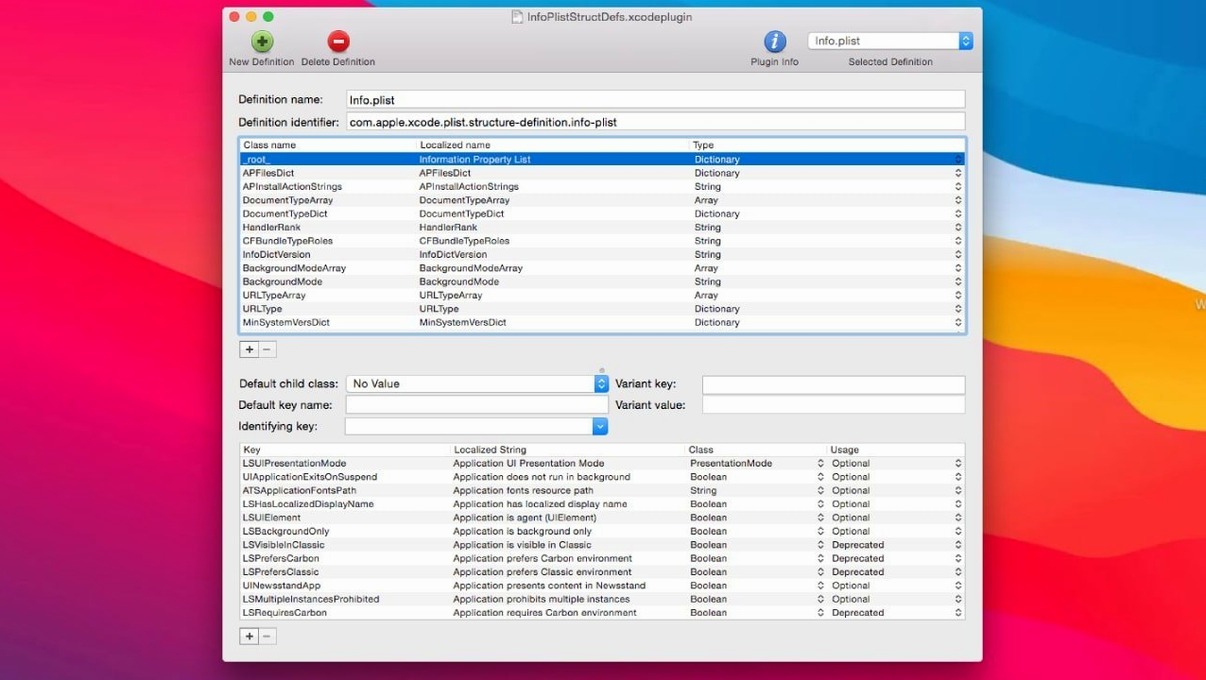
PlistEdit Pro is a macOS editor for property list and JSON files, aimed at developers who work with plists day in and day out.
Before you install it, a few questions usually come up. Does it handle both outline and plain text views? Yes. You can switch between a structured outline and raw text, whichever suits the task. Need to move data around? Copy and paste works for property list data, and so does drag-and-drop, so rearranging entries feels natural.
If you spend time tweaking macOS preferences, the built-in preferences browser is a real time-saver. It lets you view and edit preference plists without hunting through Library folders. Keyboard navigation is supported too, so you can keep your hands on the keys while inspecting nested dictionaries.
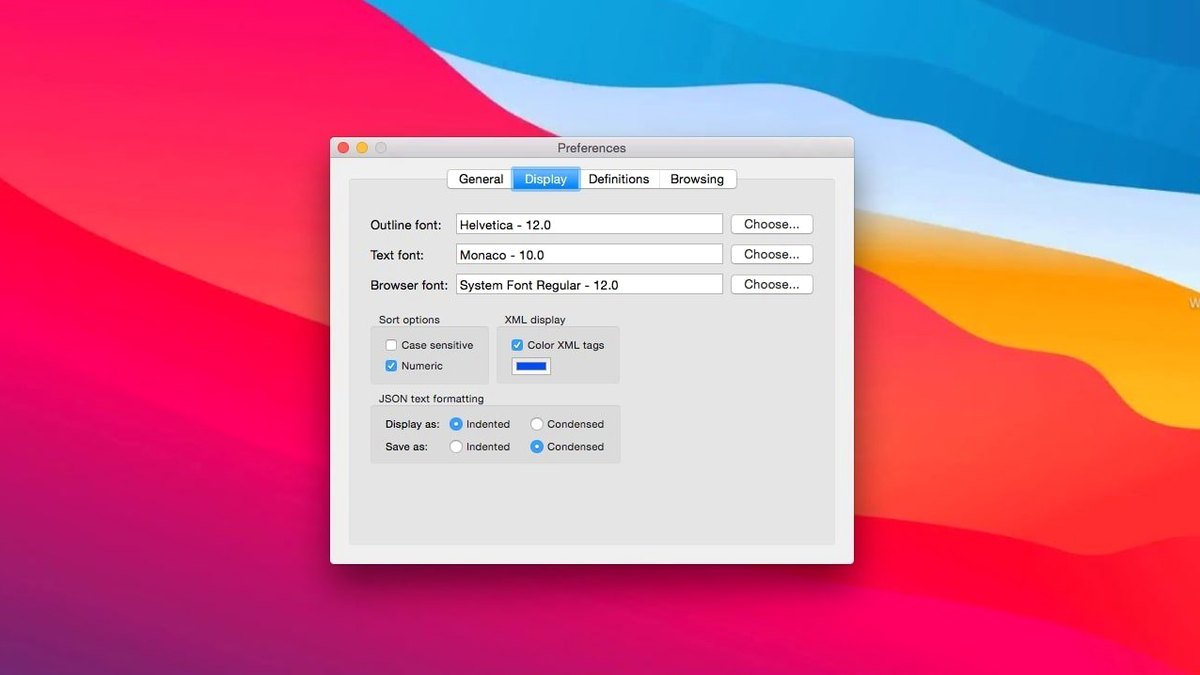
Font customisation is there for when you want a more readable text view. The app itself is lightweight and stays out of the way. For anyone who regularly edits plists on a Mac, PlistEdit Pro is a straightforward tool that gets the job done.
Editing a preference plist from start to finish
Let's walk through one typical task: tweaking a hidden macOS preference that isn't exposed in System Settings. You open PlistEdit Pro and use the preferences browser to locate the relevant domain — no need to remember the exact file path. The browser lists all the preference property lists on your system, so you pick the one you want.
Once it opens in outline view, you see the keys and values in a clean hierarchy. Add a new key by choosing the right type — string, boolean, array, dictionary — from the contextual menu. Set the value, save, and the change takes effect. If you're not sure about a key name, the find and replace functions let you search across the entire file. For larger jobs, the multi-level undo means you can backtrack step by step if something goes wrong.
First days with plistedit pro
After installing, here are a few things worth knowing straight away.
- Use the preferences browser early. Open it from the toolbar and browse a few domains just to see how the app organises them. It makes later tasks much faster.
- Try both views. Outline view is great for editing structure without breaking the XML. Plain text view shows the raw source, useful when you need to copy a snippet into version control or share with a colleague.
- Get comfortable with keyboard navigation. Arrow keys and tab moves you through the hierarchy. No need to reach for the mouse for every little edit.
- Test the pledit command-line tool. Open Terminal and type
pleditto see what it offers. For batch edits or scripting, it saves time over opening the GUI each time. - Set a custom font. If you stare at plists all day, a monospaced font at a comfortable size reduces eye strain.
Requires macOS 14 or later
PlistEdit Pro 1.10.0 requires macOS 14 or later. It runs on both Apple Silicon and Intel Macs — the architecture is universal, so no special setup is needed whichever machine you use. The app is written in English.
The installation is simple: mount the disk image, open Gatekeeper friendly, drag the app into Applications, and you are done. If Gatekeeper gives you trouble, a quick Terminal command bypasses it. No extra libraries or runtimes are required. The app itself is lightweight; it does not install background services or agents. It lives in your Applications folder and opens when you need it.
For developers who edit property list and JSON files regularly, plistedit pro mac is a focused tool that does not try to be anything else. It opens the file, lets you work, and gets out of the way.
- Requires macOS 14 or later.
- Updated interface elements for macOS Tahoe.
- Moved the prefs browser options checkboxes into a toolbar menu.
- Changed the 'Ask to revert when file changes on disk' option to a small popover.
- macOS 14 or later
- Intel or Apple Silicon
- English
Kit check at a glance
| System | macOS 14 or later |
| Chip | Apple Silicon, Intel 64-bit |
| Download | 11 MB |
| Older pressings | 3 in the crate |







Chat from the booth
Sign in or grab a free account to leave a comment.
Nobody has said a word in the booth yet. If you played a set with this build, tell the next person how it went.