

- Build in the crate
- 4.3
- Made by the team at
- Apple
- Menu languages offered
- Russian, English, German, Spanish, Italian, Chinese (Traditional), Chinese (Simplified), Korean, Portuguese, French, Japanese
- How you pay for it
- K'ed by Antibiotics x TEAM EDiSO
- macOS it plays on
- macOS 26 or later
- CPU it runs on
- Apple Silicon, Intel 64-bit
Screenshots
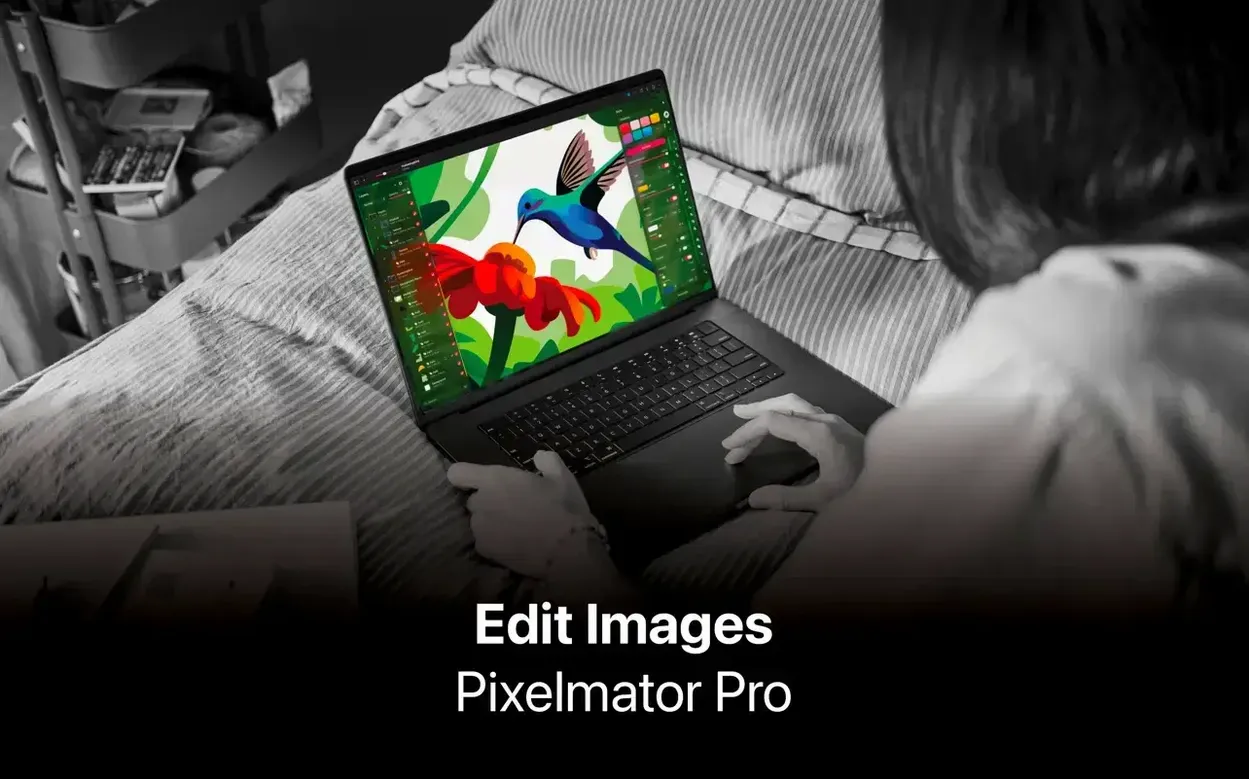
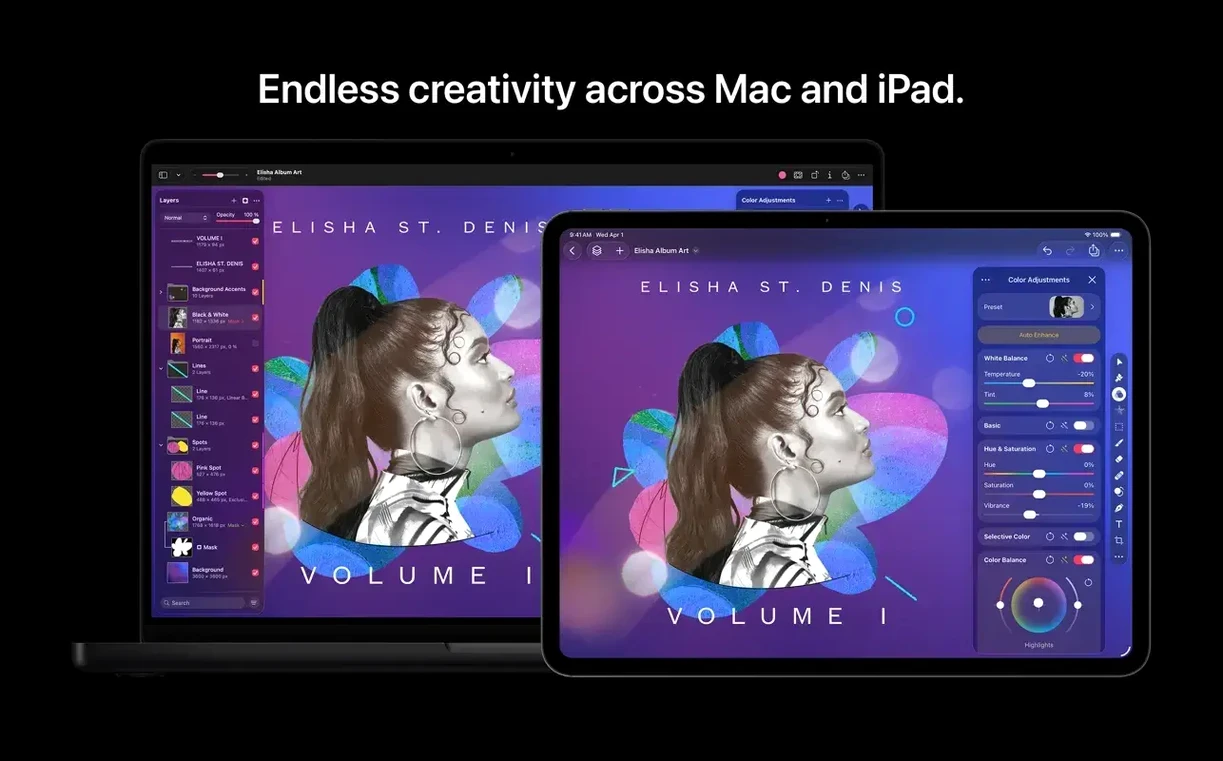
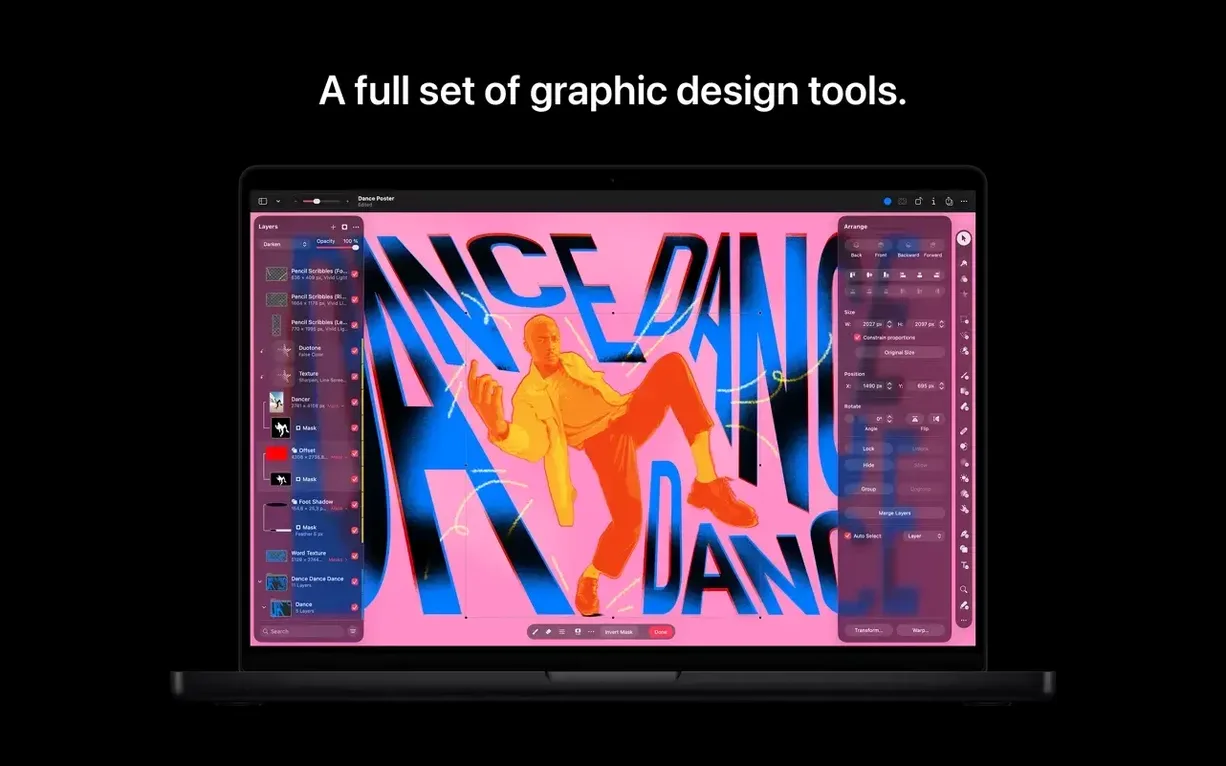
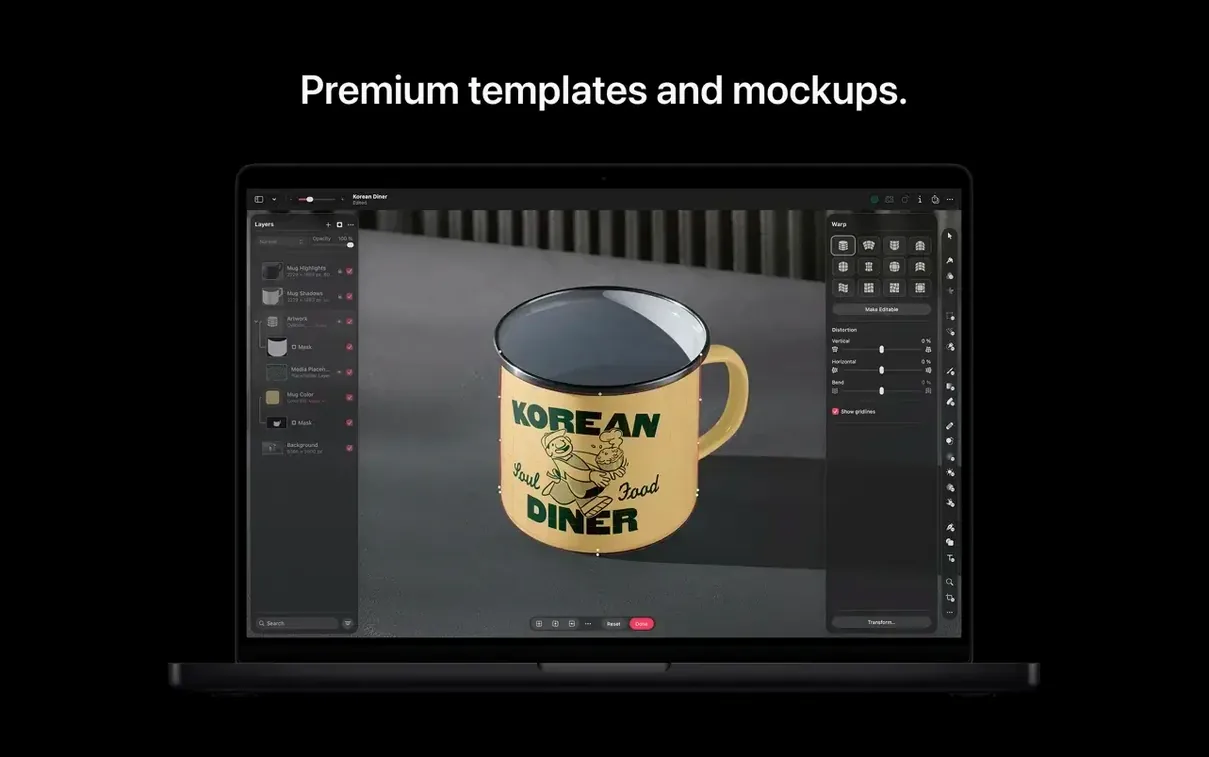
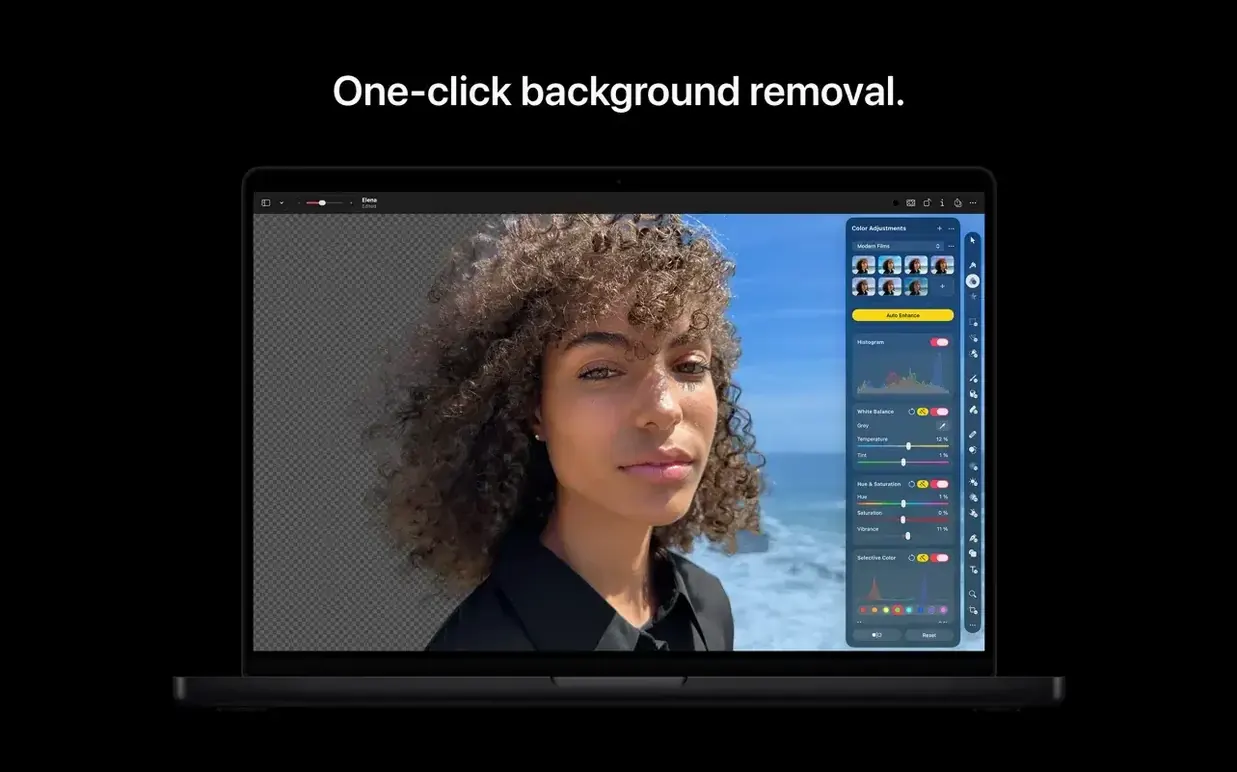
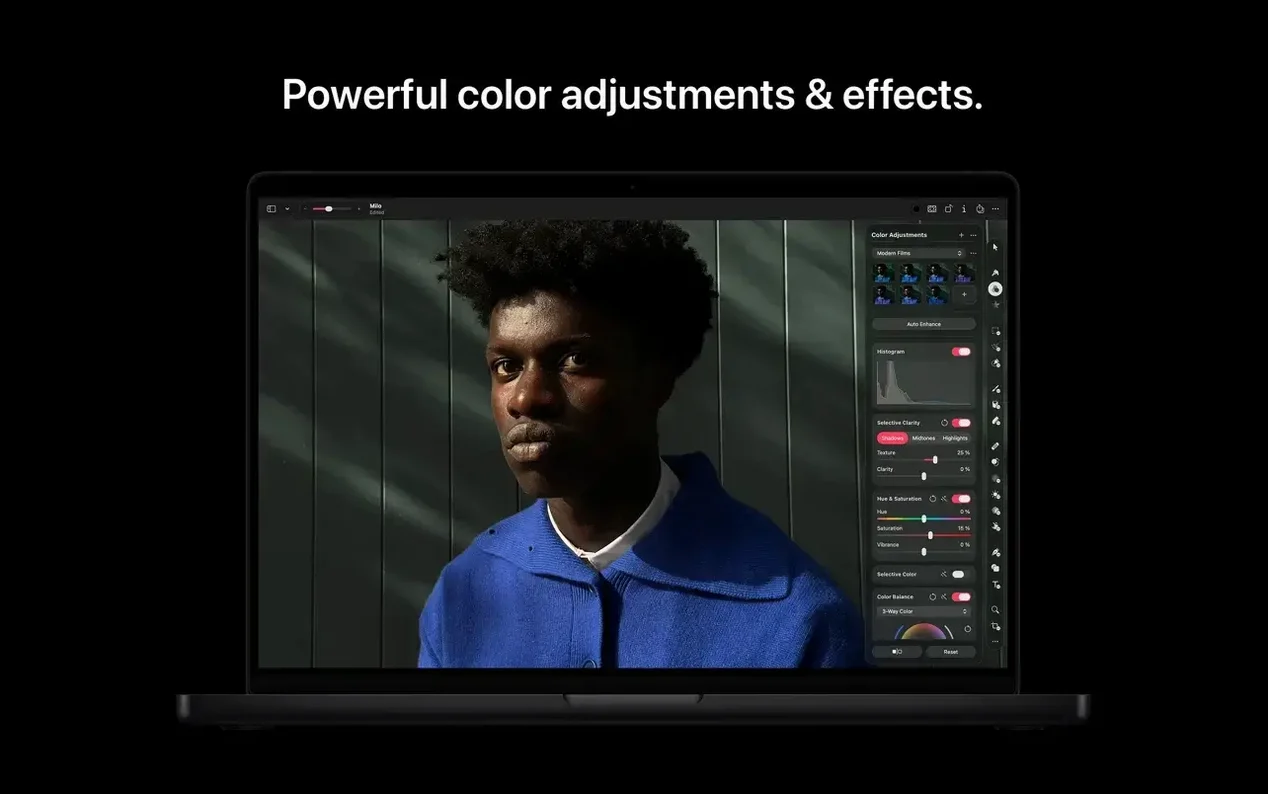
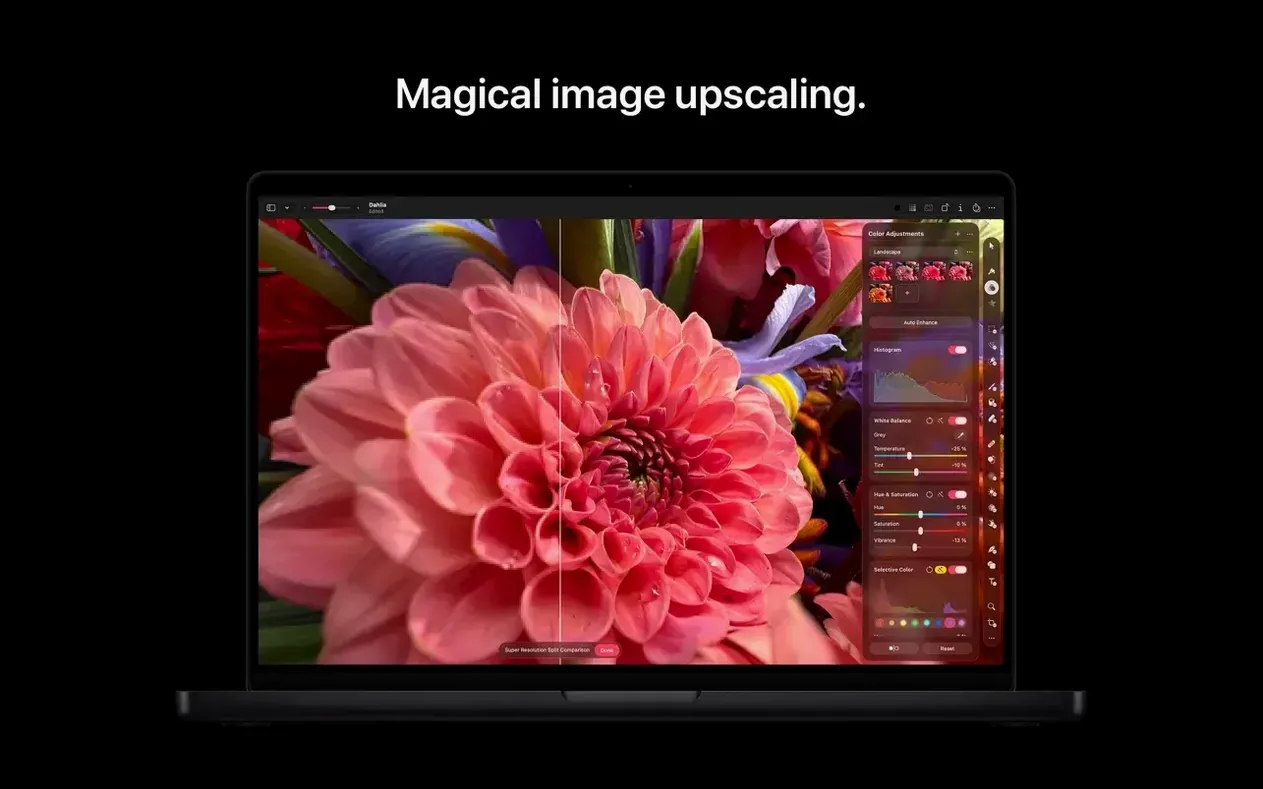
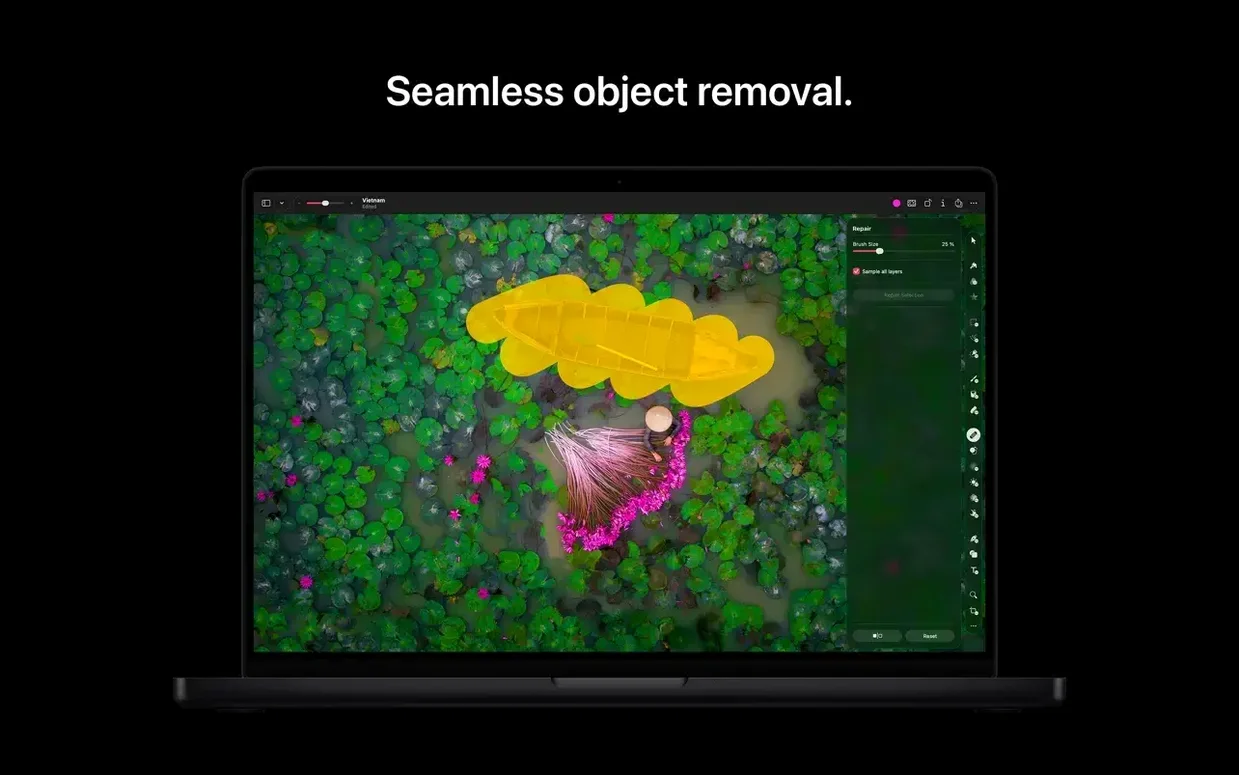
Pixelmator Pro handles JPEG, TIFF, PNG, PSD, HEIF, SVG, PDF, GIF, BMP, TGA, and JPEG 2000 out of the box — that is twelve formats without a single plugin. Version 4.3, released on 30 June 2026, keeps the single-window workflow but adds tools an experienced user will actually reach for.
What matters for serious work
- Core ML enhancement. One click, no sliders. The model adjusts exposure, colour and detail based on what it sees in the image.
- Batch processing. Automator actions let you resize, convert and rename a folder of files while you do something else.
- Photos app integration. Open from your library, edit in Pixelmator Pro, save back. No exporting, no duplicates.
- Full layer support for PSD. Open and save Photoshop files without flattening. Handy when you are working with someone who hasn’t switched.
Version 4.3 adds generation without leaving the canvas
Generate Image creates a new layer from a text description — type “orange crate on a wet street” and it builds the image. Generate from Image works on a selection: you describe a change, and the app redraws that area. The Content Hub sits in the sidebar with photos, shapes and vector graphics you can drag in. Custom vector shapes from text descriptions are new too. It is not a toy; it is a way to mock up ideas in seconds before you commit to manual work.
RAW editing in one window
Pixelmator Pro suits a few different Mac users, but it is not for everyone. Photographers who shoot RAW and want to edit without switching apps get the most from it — the RAW engine works inside the same window as every other tool, so you go from a flat raw file to a finished composite without ever exporting. Illustrators and digital painters will appreciate the brush engine and the single-window layout; you keep all your palettes visible without fighting a floating panel mess. Designers who do web mockups or social media graphics benefit from the vector and text tools, plus the new generation features that let them sketch a concept fast. The Content Hub is useful for anyone who needs stock-style graphics or photos without opening a browser — it is all inside the sidebar. On the other hand, if you work in a team that relies on Adobe ecosystem plugins or need CMYK separation for print, this is not the replacement for you. It is a self-contained Mac app, not a Photoshop clone.
Compositing travel photos from RAW files
Say it is Saturday afternoon and I have a set of travel photos I want to turn into a single composite for a poster. I open Pixelmator Pro and drag in three RAW files from a folder — the app reads them directly, no import step. The single-window interface shows the first image on the canvas. I hit the Core ML enhancement button on one photo, and the exposure and colour balance adjust in one go. For the second image I need to remove a tourist who walked into the frame. The retouching tool handles it: a few strokes and the app fills the area from the surrounding pixels. The repositioning tool lets me shift a building that was leaning to the right — I drag a handle and the structure straightens, while the background fills in plausibly. I layer the three images, add a mask, and use a soft brush to blend the edges. Then I add a text layer for the poster headline and a vector shape for a logo. At the end I save the layered PSD so I can open it later, and export a flat TIFF for the print shop. The whole session stays in one window, no hidden dialogs.
Workflow: edit a RAW portrait, generate a background, export for social
This is a specific task I do often. Start by opening a RAW portrait from a folder — the app shows the image with the RAW adjustments panel ready. Set white balance and exposure using the sliders, then apply the Core ML enhancement to pull out detail in the shadows without blowing the highlights. Use the retouching tool to clean up skin blemishes and the repositioning tool to subtly reshape the jawline if needed. Now the background is too busy. Instead of masking it out manually, select the subject roughly with the lasso tool, then open Generate from Image. Type “soft beige gradient background” and let the app replace the area outside the selection. It takes a couple of tries to get the tone right, but it saves ten minutes of cloning. Once the background is clean, add a text layer with your handle or a quote. Finally, use the share menu to send the image to Photos or AirDrop it to your phone. The entire task uses RAW handling, ML enhancement, retouching, generation, text, and export — all in one app.
Single-window app for Apple silicon and Intel Macs
Pixelmator Pro 4.3 runs on macOS 26 or later and works on both Apple silicon and Intel Macs. The app is a single download, no extra frameworks to install. The interface uses a single window, so it behaves like a modern Mac app — you can resize it, snap it to the side of the screen, or use full-screen mode. The Content Hub loads graphics from the cloud as you browse, so you need an internet connection for that part. The app opens standard file formats without conversion, including PSD and SVG, and it integrates with the Photos app so edits go back to the same library entry. Languages include English, German, Spanish, French, Italian, Portuguese, Russian, Japanese, Korean, and both simplified and traditional Chinese. The install process is simple: mount the disk image, drag the app into the Applications folder alias, and launch from Launchpad.
- macOS 10.13 High Sierra or later
- macOS 26 required for version 4.3
- Requires a Mac with Apple silicon
Kit check at a glance
| System | macOS 26 or later |
| Chip | Apple Silicon, Intel 64-bit |
| Download | 641 MB |
| Older pressings | 7 in the crate |





Chat from the booth
Sign in or grab a free account to leave a comment.
Nobody has said a word in the booth yet. If you played a set with this build, tell the next person how it went.