

- Build in the crate
- 26.0.3
- Made by the team at
- ACD Systems
- Menu languages offered
- English
- How you pay for it
- K'ed by TNT team
- macOS it plays on
- macOS 14 or later
- CPU it runs on
- Apple Silicon, Intel 64-bit
Screenshots
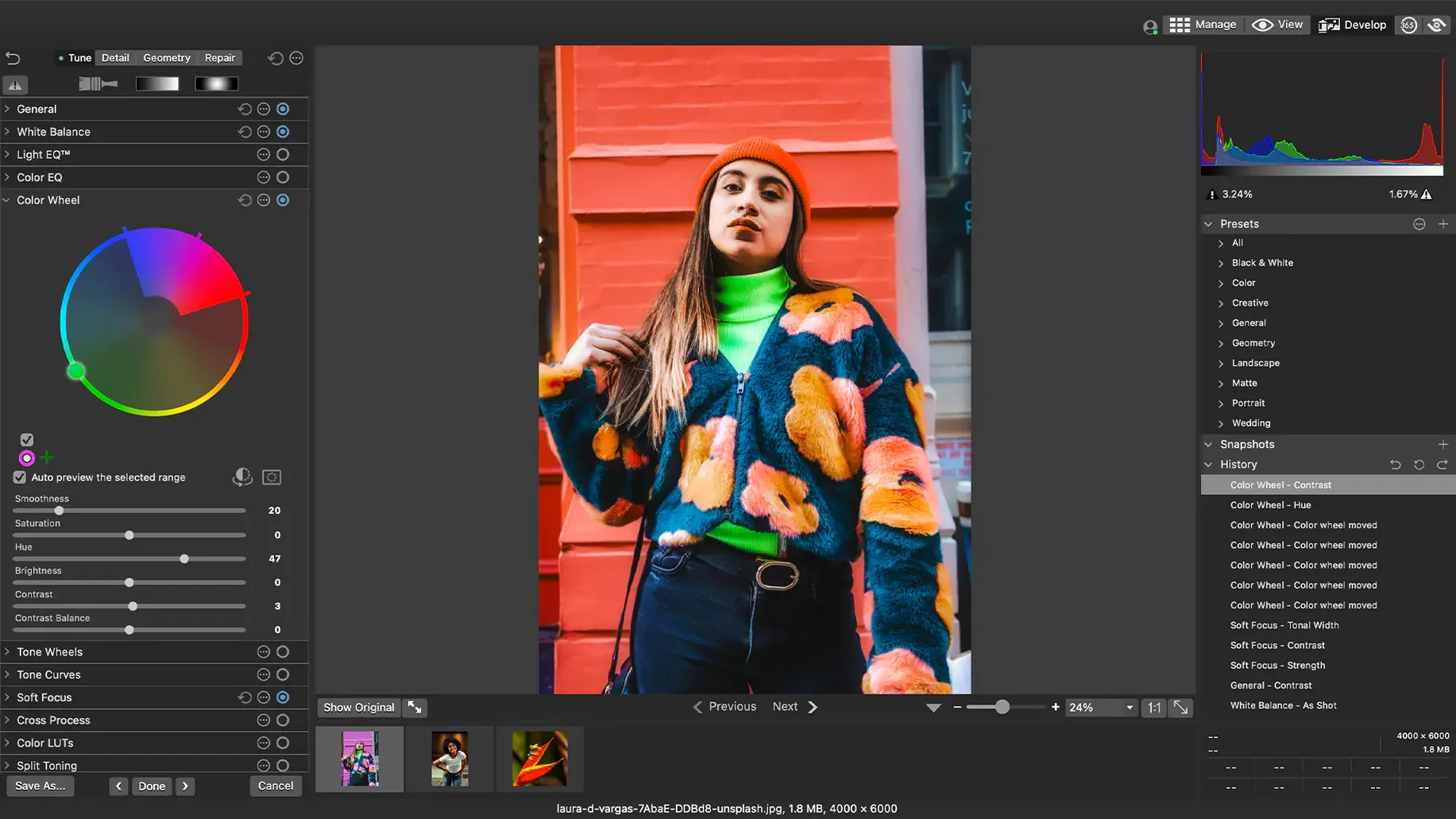
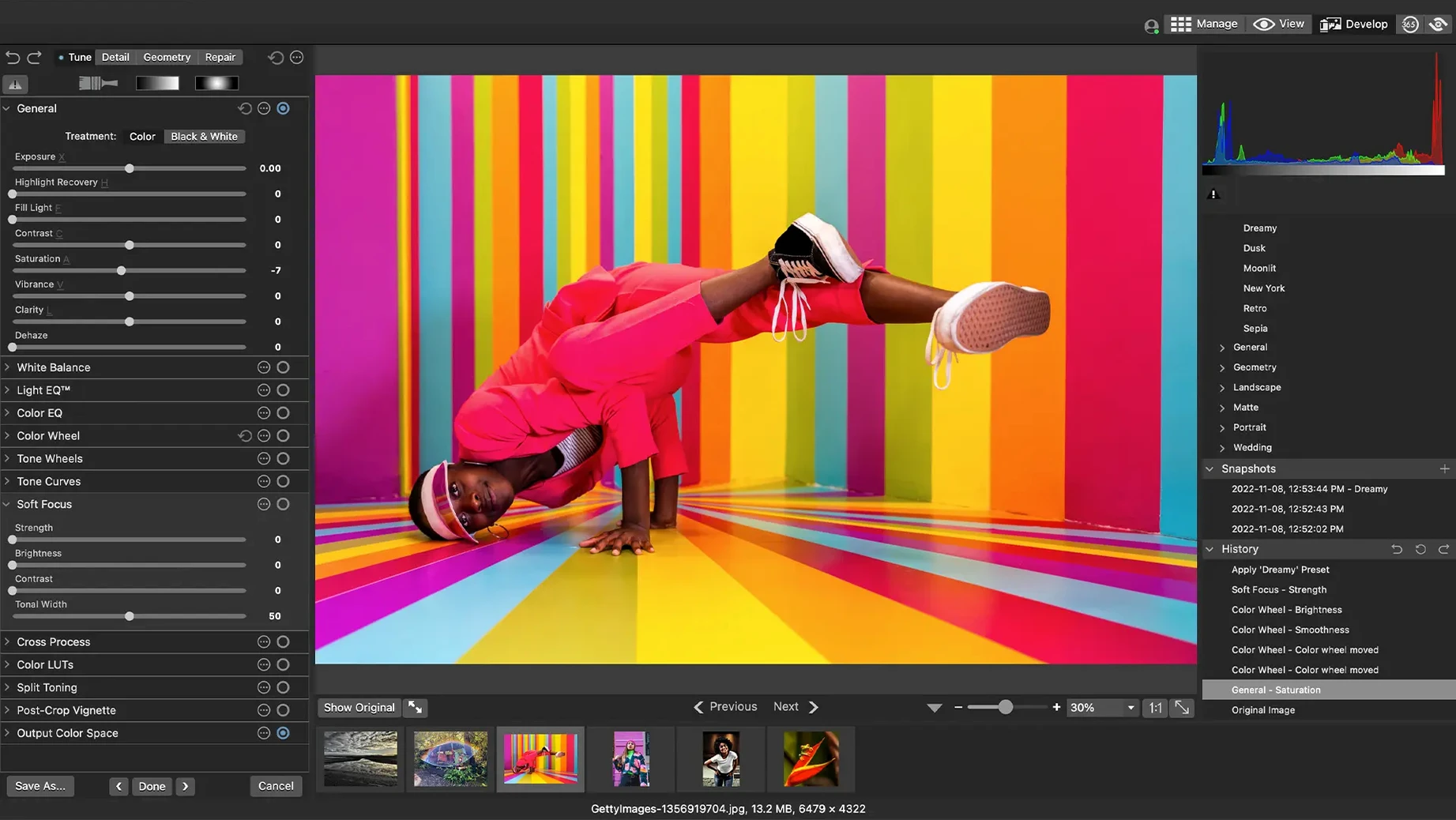
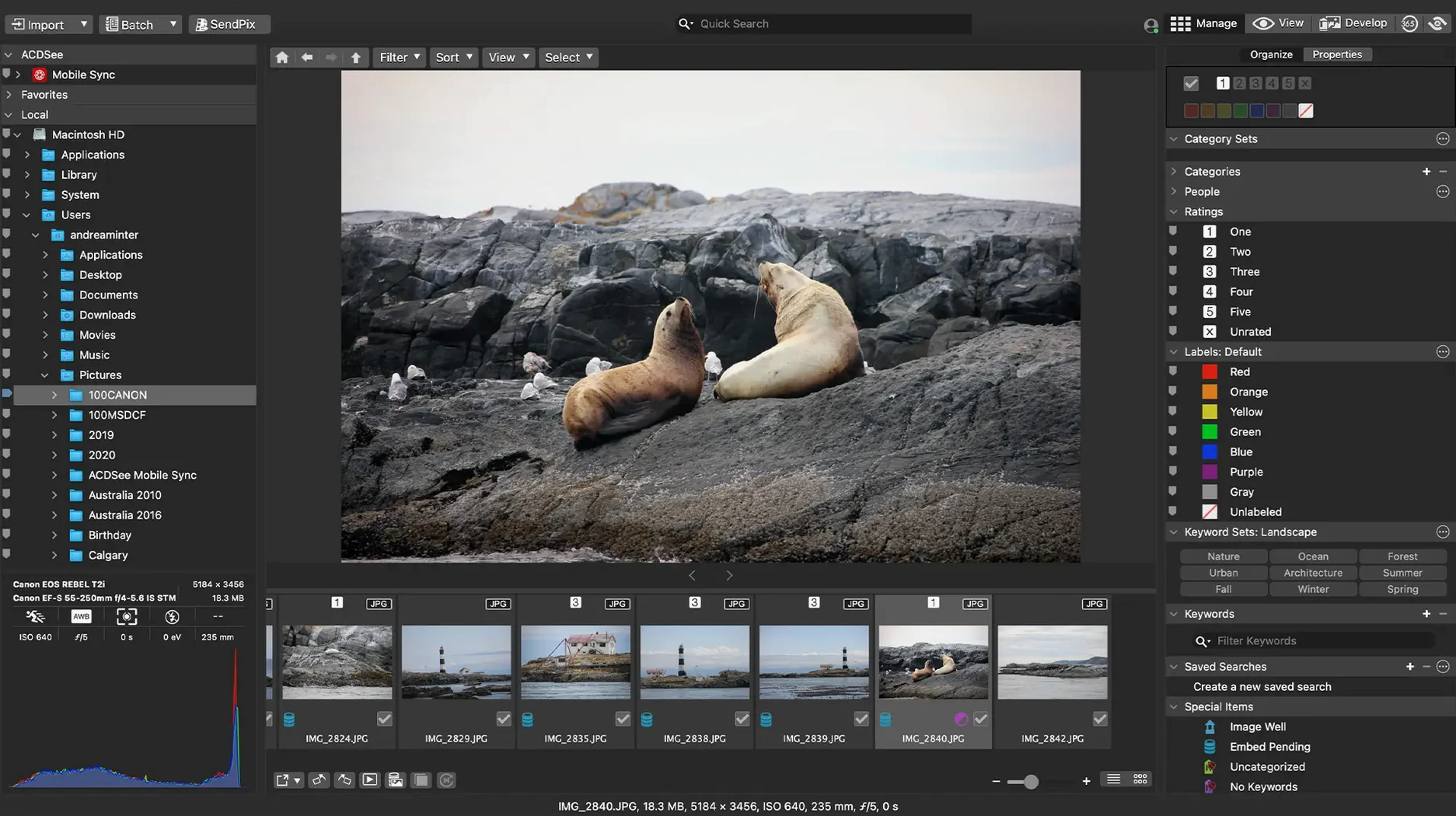
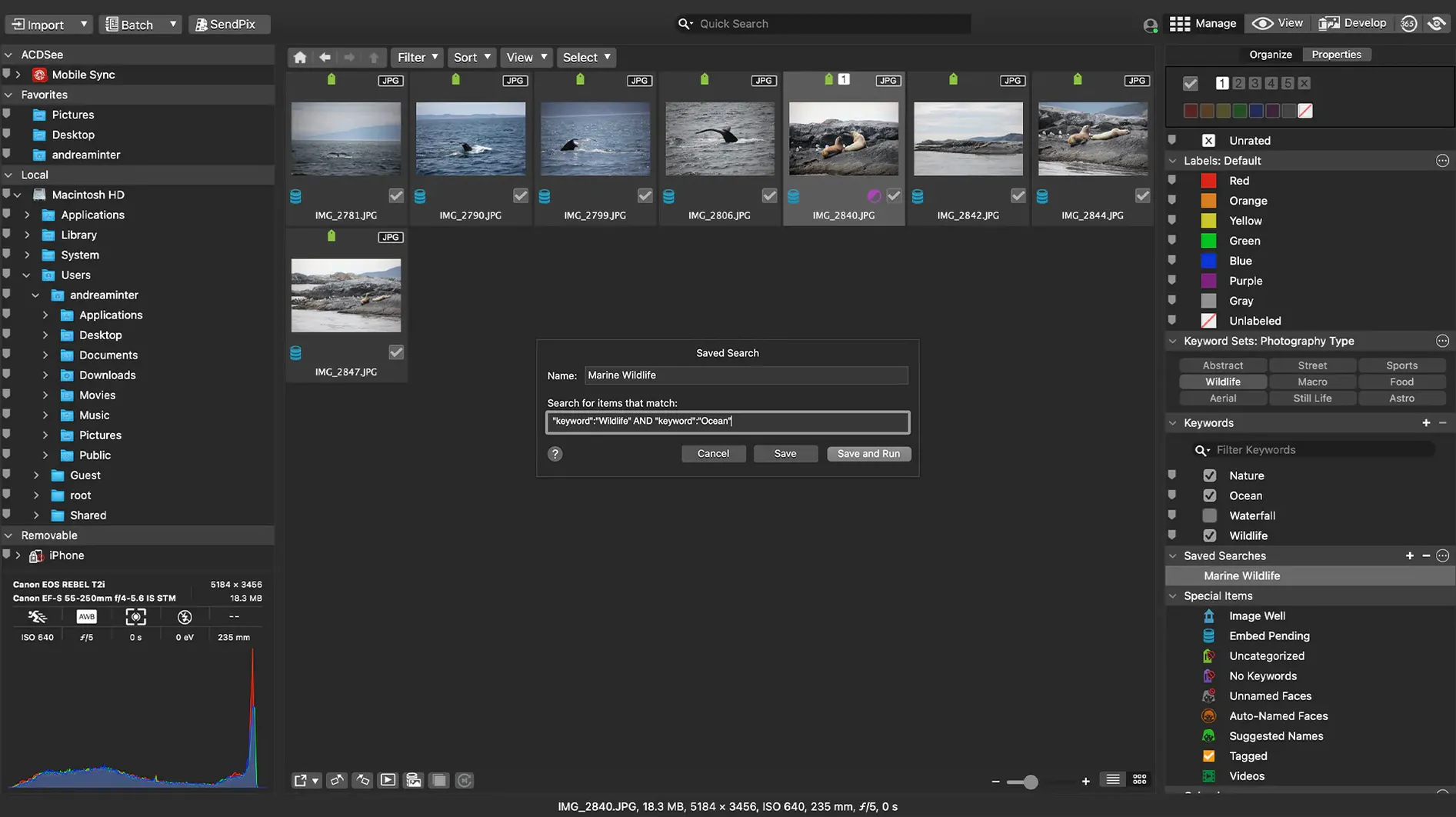
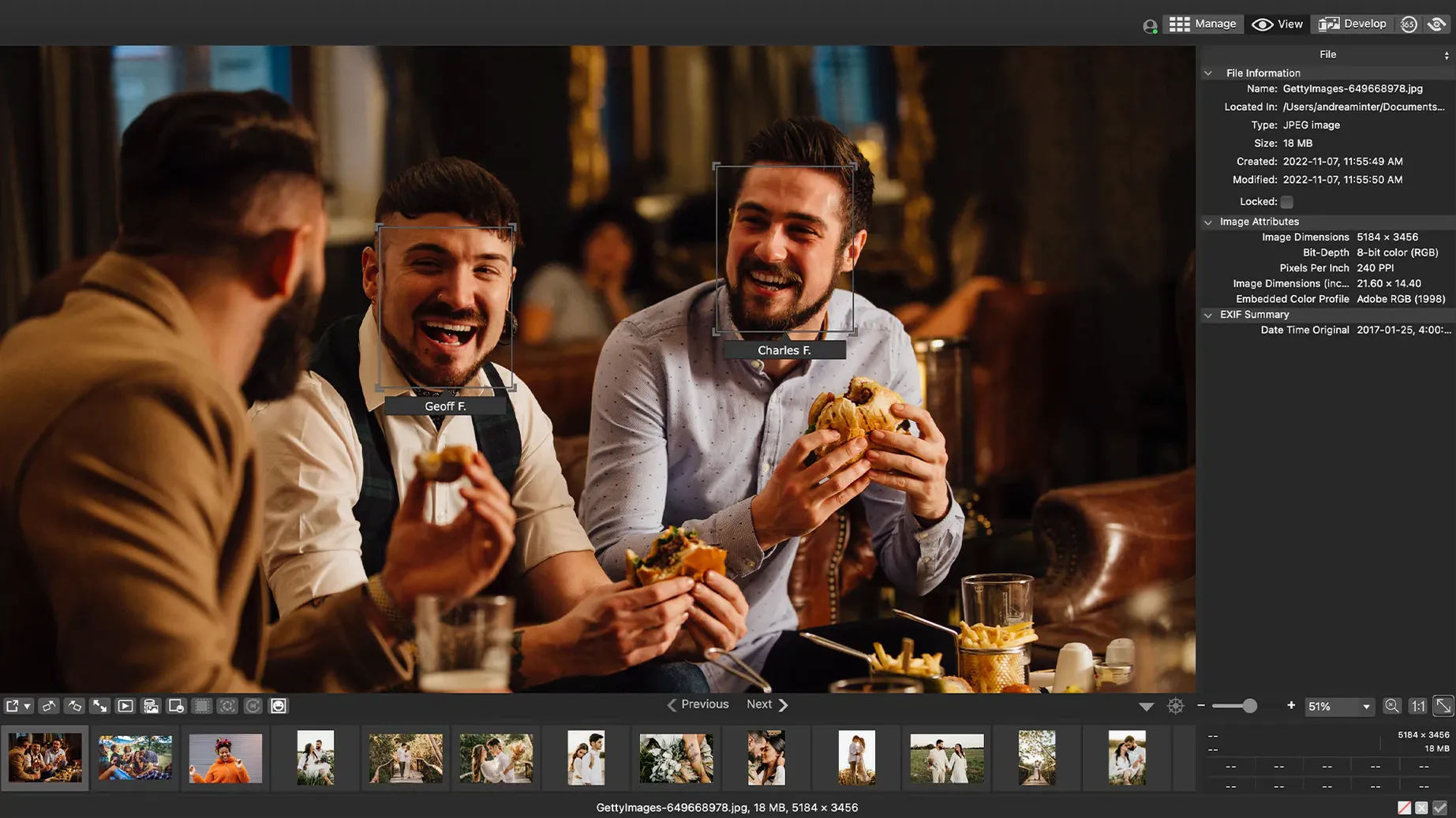
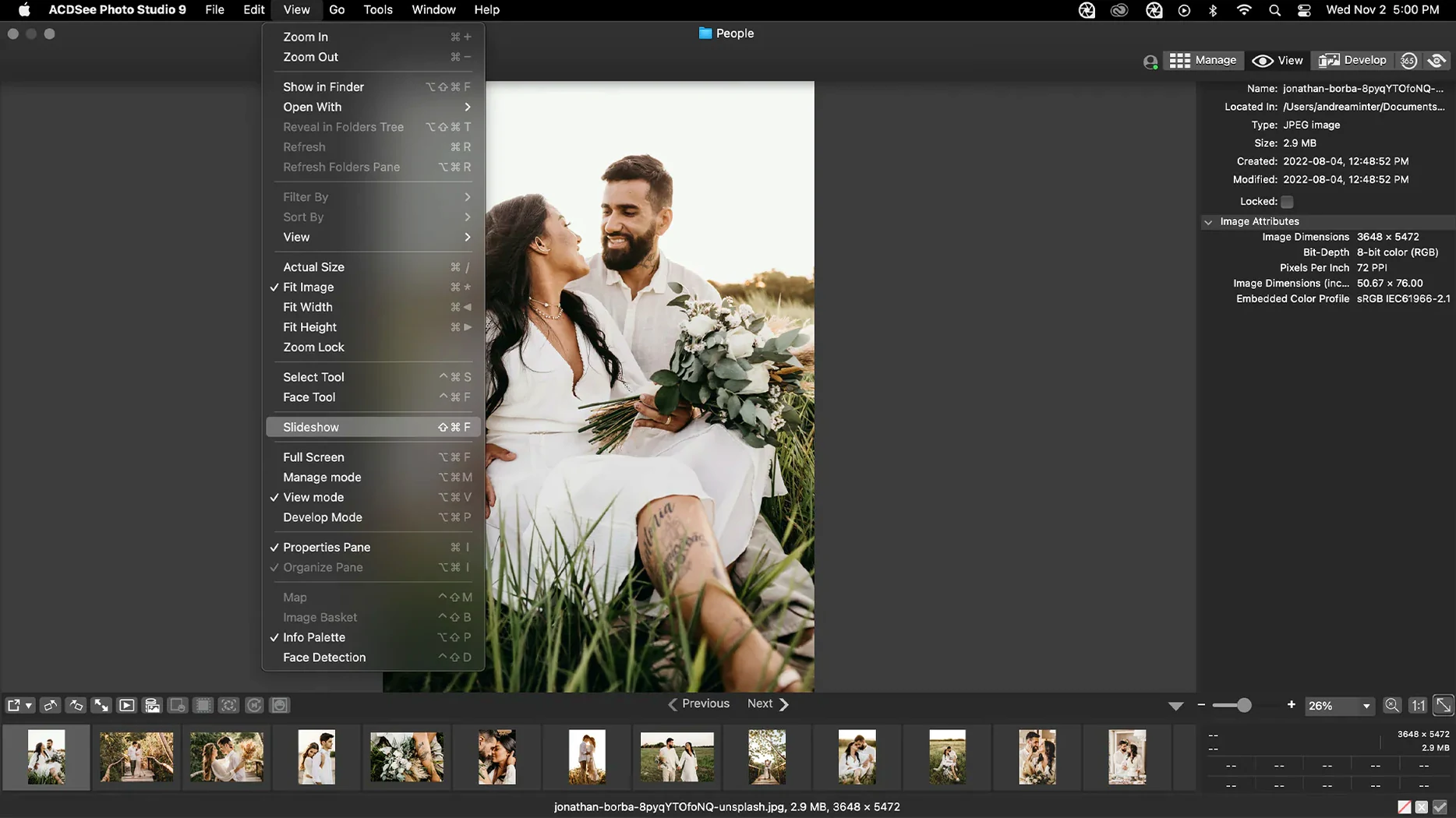
You come back from a weekend shoot with a few hundred RAW files. You need to sort them, find the sharp ones, and fix the exposure without ruining the originals. ACDSee Photo Studio for macOS does exactly that.
- Sort photos by date, assign categories and keywords, and find duplicate files so your library stays tidy.
- Adjust exposure, clarity, sharpness, lighting, colour, noise, and detail in RAW files, with non-destructive edits.
- RAW support for more than 450 camera models, so most modern cameras are covered.
- Drag-and-drop search makes finding a specific shot quick.
- Runs on both Apple Silicon and Intel Macs.
It's a solid middle ground between a pure file manager and a heavy editor. For a music student who also shoots, it keeps the photo side simple. Whether you're cataloguing a gig or tidying years of holiday shots, ACDSee Photo Studio gets the job done without a steep learning curve.
Drag-and-drop RAW import from a memory card
Say you've just unloaded a memory card from a friend's birthday party. You open ACDSee Photo Studio and see the folder structure on the left. Drag the whole folder in, and the app reads every RAW file instantly. The thumbnails appear fast enough that you can start rating right away.
First pass: flag the obvious keepers with a star rating. The ones that are blurry or poorly framed get one star. The good ones get three or four. You can filter by rating later, so only the usable shots stay visible. Second pass: assign keywords like "birthday" or "outdoor" to a batch of images at once. The custom batch presets let you apply the same keyword set to a whole folder in two clicks.
Now the edits. Pick a portrait that needs a bit more light. Open it in the develop mode. The non-destructive sliders for exposure and clarity are on the right. Bump the exposure a third of a stop, lift the shadows a touch, add a bit of sharpness. No permanent change — the original RAW file stays untouched. You can go back and reset any slider later.
Export the final selects as JPEGs for social media. ACDSee Photo Studio lets you define a batch preset for resizing and file format, so you apply it to all keepers at once. Done in a minute or two.
Custom keywords and duplicate finder Apple Photos lacks
Apple Photos comes free and handles basic organisation well. But its RAW editing is limited, and you cannot assign custom keywords as freely as in ACDSee Photo Studio. Apple Photos also lacks a proper duplicate finder, which is useful if your library has accumulated duplicates over the years.
Adobe Lightroom Classic is the heavyweight. It offers more advanced masking and colour grading, and its catalog system is powerful. ACDSee for Mac gives you the core photo workflow — import, rate, edit, export — without the monthly cost or the heavy catalog structure. For someone who shoots casually or semi-regularly, it covers the essentials without the overhead.
Capture One Pro is aimed at studio and tethered shooting. It's excellent for colour work, but its interface takes longer to learn. ACDSee Photo Studio feels more like a traditional file browser with editing built in, which suits people who want to organise by folders rather than by a database.
Pressing Return after typing to fix keyword saving
Keywords or categories not saving properly. An older version had a bug where clicking away from a new keyword stopped editing. That is fixed in version 26.0.3. If you still run into it, make sure you press Return after typing a keyword before clicking elsewhere.
RAW file ratings not showing up. The same update fixed inaccurate reading of ratings from certain RAW files. If you open a folder and ratings look wrong, check that you are on the latest version. Re-scan the folder by refreshing the view.
iCloud integration acting up. Another fix in 26.0.3 addresses iCloud sync issues. If your photos are stored in iCloud and ACDSee does not see them, restart the app and make sure iCloud Drive is fully synced before opening the folder.
Gatekeeper blocking the install. The app requires you to bypass Gatekeeper manually. Mount the disk image, press Enter in the Terminal window when prompted, then drag the app to Applications. It's a one-time step. After that, the app opens normally.
Accidentally applying edits to the wrong batch. Batch presets are powerful, but they apply to every selected file. Double-check your selection before running a preset. Use the rating filter to narrow down the set first.
- Fixed a crash when adding a new keyword or category in a certain scenario.
- Fixed an issue where clicking away from a new keyword or category did not stop editing.
- Fixed inaccurate reading of RAW file ratings in certain scenarios.
- Fixed an issue with iCloud integration.
- macOS 14 or later
- Apple Silicon or Intel Mac
Kit check at a glance
| System | macOS 14 or later |
| Chip | Apple Silicon, Intel 64-bit |
| Download | 441 MB |
| Older pressings | 7 in the crate |








Chat from the booth
Sign in or grab a free account to leave a comment.
Nobody has said a word in the booth yet. If you played a set with this build, tell the next person how it went.